Retail and products
Product video ideas for small business: twelve buyer questions to answer
Turn product listings and customer questions into twelve useful clips: fit, compatibility, accessories, care and bundle prices.
You have a dresser, a stroller or a games console you no longer need, and you want it gone this week without fielding the same five questions twenty times. This guide is for anyone listing a used item on Facebook Marketplace, from a one-off clear-out to a weekend reseller. It covers what to check before you publish, how to photograph and film the item, what to write so buyers can decide without messaging, how to reply and meet safely, and where a short promo clip fits.
Run through this with the item in front of you. Every line you skip turns into a message you'll have to answer later.
Natural daylight from a window beats a ceiling light. Clear the background so the item is the only thing in frame.
The first photo shows the entire item, straight on, at eye level with it. It is the thumbnail people scroll past, so make it plain and bright rather than artistic.
Back, sides, top, underneath, inside drawers or compartments, and the ports or controls. Buyers of furniture look for joints and drawer runners; buyers of electronics look for the model sticker.
A close photo of the scratch or chip, next to a coin or tape measure for scale. Showing it first is the difference between a buyer who arrives ready to pay and one who arrives ready to haggle.
Record one short phone video of the real item: the drawers sliding, the console booting, the stroller folding. A Marketplace listing takes one video, up to 60 seconds long (listing video), and a working demo answers the question photos can't.
Lay out the cables, manuals, spare parts or original box and take one photo of the set, so nobody asks whether the charger is included.
Put these answers in the description. A buyer who has their answer in the listing is more likely to message you with an offer than with a question.
| Buyer asks | Answer it in the listing with |
|---|---|
| Is this still available? | Keep the listing current: mark it pending or sold the moment that's true. |
| What size is it? | Measurements in the first two lines of the description, in the units your buyers use. |
| Any damage? | A plain list of flaws, matched to the close-up photos. |
| Can you go lower? | "Firm" or "Open to reasonable offers" next to the price. |
| Where are you? | A neighbourhood or landmark for pickup, never your full address in the listing. |
| When can I get it? | Two or three pickup windows, for example weekday evenings and Saturday morning. |
| Will it fit in my car? | Whether it comes apart, and whether you can help carry it. |
| Can you deliver or ship? | Yes with the cost, or a clear no. |
Your listing's video slot belongs to the real item. That honest phone clip is what a careful buyer wants to see before they drive across town.
A short promo clip does a different job: it gets the listing in front of people who aren't browsing Marketplace right now. Post it to your Story, to a local buy-and-sell group that allows it, or send it to friends who might know someone. A vertical clip with the item's name, the price and the pickup window is easy to read on a phone, and everything in it points back to the listing, where the photos do the convincing.
If you want to plan one, How to write a video brief walks through turning a vague idea into a few clear lines. Sellers with a car should start with the used car listing guide instead, because cars come with paperwork rules of their own.
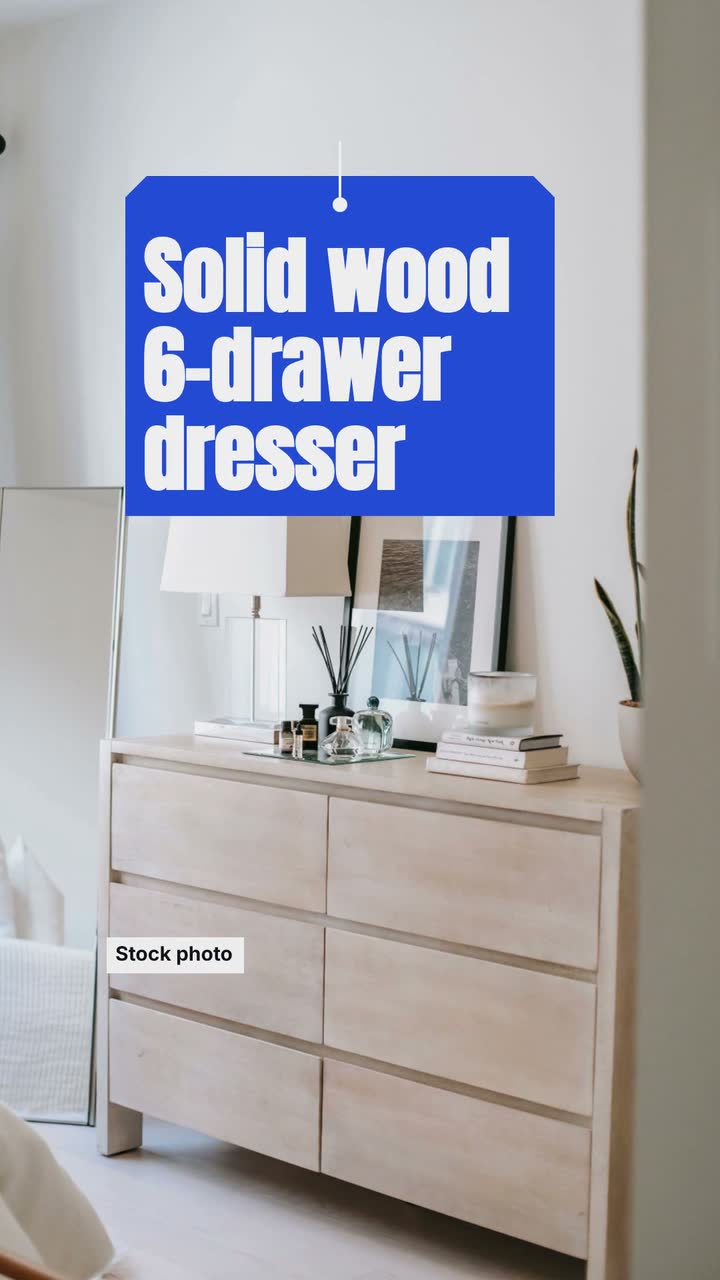
Dana and this dresser are invented. The example uses the Spotlight listing template (Weekend deal version): a sample brief and storyboard, not a product feature. The clip shows a labelled stock photo of a similar dresser, so Dana's own photos stay in the listing.
Make a 15 s, 9:16 vertical video for Dana's Marketplace listing, in the photo style, with colours #1d4ed8, #f59e0b and #f8fafc. No narration. Use a stock photo of a solid wood six-drawer dresser behind the words, and label it "Stock photo". Open with "Solid wood 6-drawer dresser". Then show "150 × 45 × 80 cm · all drawers slide smoothly". Make "$180" the largest text, with "Firm · cash or Marketplace checkout" right under it. Then "Small scratch on top · see photos". Close with "Pickup in Elm Park · Saturday 9–12 · See the listing on Marketplace".
| When | On screen | Why |
|---|---|---|
| 0–3 s | "Solid wood 6-drawer dresser" over a stock photo of a similar dresser, labelled "Stock photo". | Say what it is in the words a buyer types into search; the label tells viewers it isn't Dana's dresser. |
| 3–6 s | "150 × 45 × 80 cm · all drawers slide smoothly" as a size card. | Size is the first question for furniture. |
| 6–10 s | "$180" large, with "Firm · cash or Marketplace checkout" directly below. | Keep the price and its terms on screen together. |
| 10–12 s | "Small scratch on top · see photos". | Mention the flaw here so the buyer isn't surprised at pickup. |
| 12–15 s | "Pickup in Elm Park · Saturday 9–12" and "See the listing on Marketplace". | Send viewers to the listing, where the photos and the item video are. |
| Outro | The ProcVideos outro closes the video. | |
A brief is text only: Dana's real photos and phone video go in the listing itself, and the stock photo stays labelled so nobody mistakes it for the item for sale. Each generation differs, so check every number on screen against the listing and regenerate with feedback if anything reads wrong. Videos Creator is coming soon to Attain OS.
Try a brief like this one
Videos Creator is coming to Attain OS. You can create your Attain OS account today.
When someone commits to a pickup, mark the listing pending; once it's gone, mark it sold (edit a listing). Both stop the "still available?" messages.
A one-line note to the next people in line ("sold, thanks for asking") keeps your seller profile in good standing with your neighbours.
Keep the description as a pattern for the next item: measurements first, flaws listed, price terms clear, pickup windows named. For a shelf of similar things, the product video ideas guide has more angles to try.
Yes. Facebook lets you add one video per listing, up to 60 seconds long ([listing video](source:1)). Use it to show the actual item working or opening, not a promotional clip.
Either works if you say which. "Firm" saves you from haggling; "open to offers" invites buyers who like to negotiate. Price a little higher if you invite offers so you have room to come down.
Keep it out of the listing. Share a neighbourhood or landmark, give the exact place only to a confirmed buyer, and prefer a public meeting spot when the item is small enough to carry.
Marketplace follows Meta's Commerce Policies. Counterfeits, animals, medical products and recalled items are among the things that can't be sold there ([what can't be listed](source:3)). Check the current rules before you list.
You can, but the real item is a better use of that one slot. Keep the promo clip for sharing the listing elsewhere, and let the phone video in the listing show the condition.
Example templates
An example template is a sample brief and storyboard for one kind of video, in one style, format and length.
Rules and platform features change. Check the source before you rely on it.
Retail and products
Turn product listings and customer questions into twelve useful clips: fit, compatibility, accessories, care and bundle prices.
Retail and products
Plan the reveal, buying details and launch-day close, with a sample headphone brief and checks for pre-orders and creator samples.
Retail and products
Turn one linen shirt into a useful lookbook: a short storyboard, real fit evidence, six posting ideas and checks for fabric claims.
Retail and products
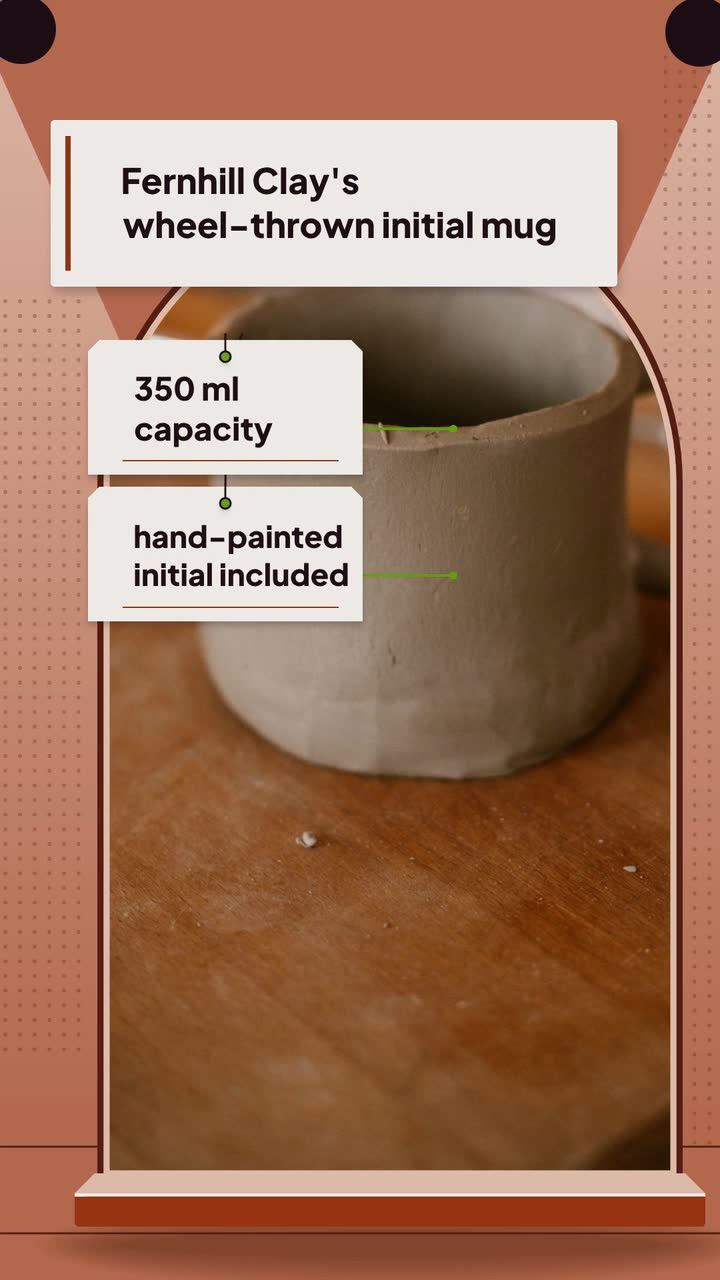
Turn one handmade piece into seven useful posts: show the process, explain size and care, and separate custom-order deadlines from shipping dates.
Tell the Attain OS team what you want to make.
Videos Creator is coming to Attain OS. You can create your Attain OS account today.