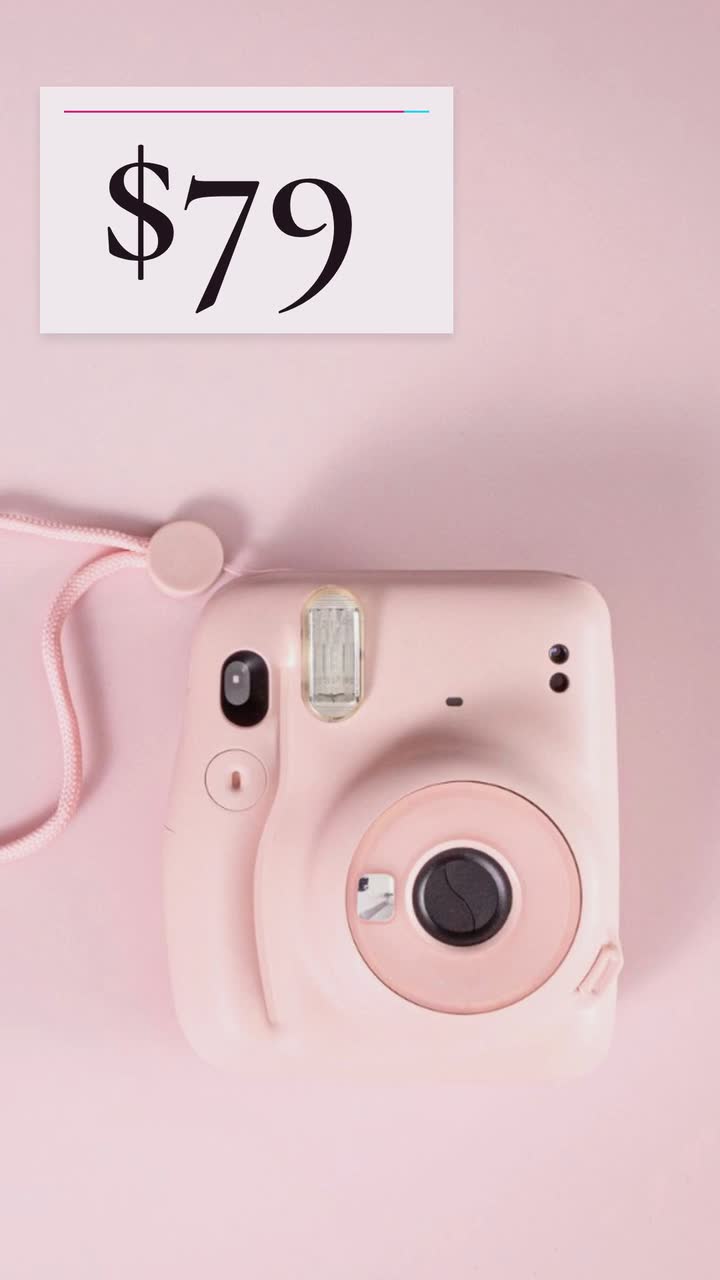
Retail and products
Product launch video: a countdown built around buyer questions
Plan the reveal, buying details and launch-day close, with a sample headphone brief and checks for pre-orders and creator samples.
For small online shops and independent product brands, the next video can start with a buyer question rather than a new campaign. Use these twelve product video ideas to explain a purchase before someone places the order: what fits, what comes in the box, which model to choose and what an offer includes. You will also get a checklist for publishing, source-backed checks for price claims and a sample brief for an invented speaker brand.
Pick the question your best seller leaves unanswered. Each item below gives you something to show, a line to write and a useful posting moment. The dimensions and prices in examples are illustrative: replace them with your own verified listing details.
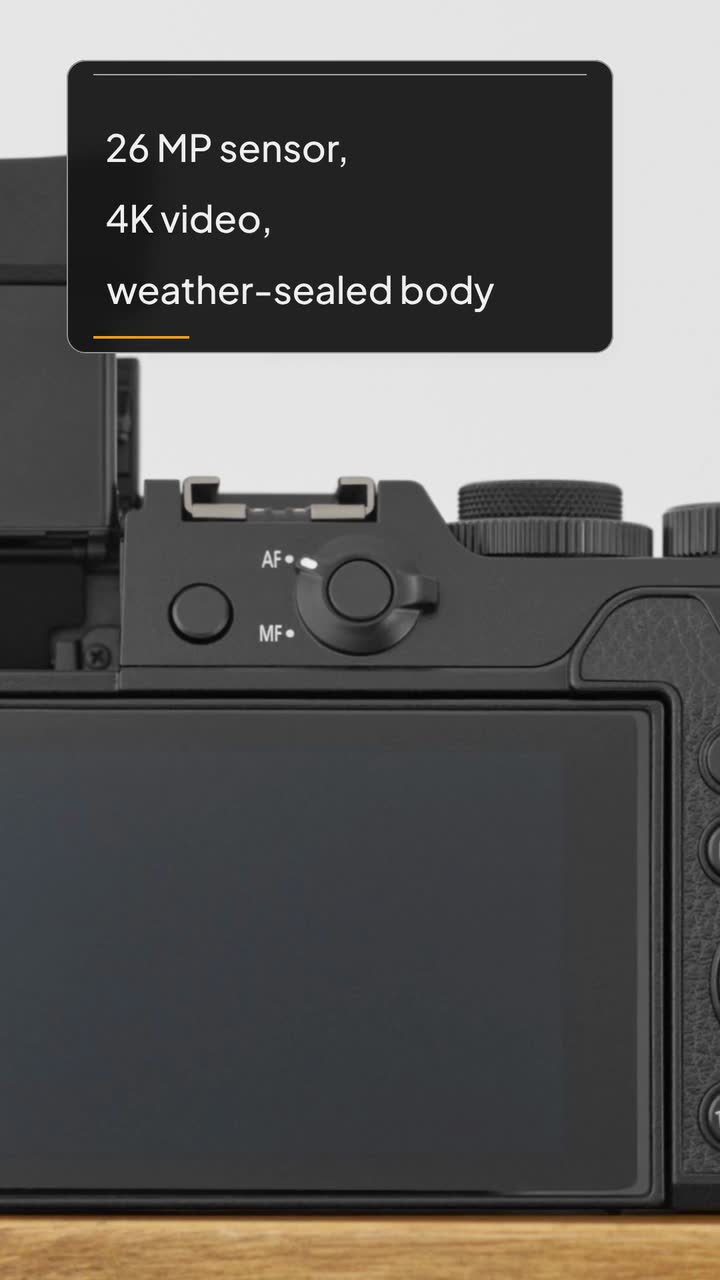
For a camera, show sensor size, body weight and lens compatibility beside an outline. For headphones, choose connection type and the manufacturer’s battery-test conditions. Select details from actual questions, not numbers that merely look impressive.
Try this: Use the Product hero template (Spec sheet version) when a model arrives. Close with “Check compatible lenses on the listing.”
Product hero · Spec sheet buildIf bags return because a laptop will not fit, show usable compartment measurements, not just capacity. Ask buyers to measure their device including its case. Use a diagram for dimensions and a separate real photo for the opening.
Try this: Publish beside the listing when fit questions repeat. Open with “Will my laptop fit?”
List the actual contents: speaker, strap and charging cable, for example. Place exclusions beside the relevant item. Distinguish a cable from a wall charger and a storage pouch from a protective case.
Try this: Post before promoting a bundle. Write “Charging cable included; wall charger sold separately” only if true.
Use comic panels for a picnic, music, a second speaker and the pair offer. Keep the speaker abstract. Avoid rain or a sunset unless you can substantiate the water resistance or battery performance those pictures imply.
Try this: Use the Product hero template (Comic panel version) to explain a use case, one feature and the offer.
Product hero · Comic panel toonFor a scarf, name its fibre; for a bag, its fastener or strap adjustment. Put real photos on the listing and explain one detail with a typographic card. Drawings cannot establish texture, finish or fit.
Try this: Use the Product hero template (Lookbook version) for a material option. Close with “See the finish in the listing photos.”
Product hero · Lookbook posterName the requested colour and size or capacity, then add the confirmed restock date, price and ordering destination. Do not present the whole range as available if only one version returned.
Try this: Use the Product hero template (Product drop version) after confirming stock. Write “The olive travel bag is back.”
Product hero · Product drop rushCompare your smaller and larger backpack with matching rows: usable dimensions, empty weight and compartments. State the trade-off between less weight and extra storage. Check the airline before describing either as suitable cabin baggage.
Try this: Post when buyers ask which to choose. Close with “Send us what you need to carry.”
Turn a specification into a question: “Can this watch go in the pool?” Read the manual for the limit. Do not turn water resistance into an underwater-use promise or a connector shape into universal compatibility.
Try this: Post when the specification causes confusion. Put its limit on the same card and link the manual.
Show single and pair prices together. Illustratively, two $59 items total $118; a $99 pair saves $19. State quantity and contents. U.S. FTC guidance addresses conditions for similar offers (pricing guides); check current local rules.
Try this: Publish while both items are available. Write “Two speakers for $99 total.”
Answer a support question about cleaning a bag lining, replacing a strap or requesting repair. Use the permitted action from your care instructions. For a warranty, show relevant coverage and an exclusion.
Try this: Post after recurring questions. Close with the care-guide or repair-contact destination; keep full terms beside the video.
Explain one policy question: the return window, who pays return shipping or which destinations you serve. If “free returns” applies only to certain orders, keep that condition visible beside the headline.
Try this: Place it beside your policy before a promotion. Review when the policy changes.
Show gift-wrap contents, gift-receipt availability and the destination covered by an order cutoff. Calculate the cutoff from actual fulfilment arrangements. Distinguish dispatch from estimated arrival.
Try this: Post when gift orders open; refresh near the cutoff. Link “Check the deadline for your destination” to current delivery information.
These Product hero versions are examples of a brief and storyboard. Choose the information the buyer needs first, then borrow a layout; the drawing is an illustration, not a product photograph.
| Buyer question | Example version | What to put on the card |
|---|---|---|
| Which specifications differ? | Product hero (Spec sheet) | Comparable units and the limit that matters |
| Which material or finish is available? | Product hero (Lookbook) | Verified material, colour name and a link to real photos |
| Which variant is back? | Product hero (Product drop) | Variant, confirmed stock date and current offer |
| How would I use the pair? | Product hero (Comic panel) | A simple use scene, pairing feature and pair price |
This is a limited summary of U.S. federal guidance, not legal advice. Check the current rules for your country and state before publishing an offer.
Bloom Sound is an invented audio brand. Its product details and prices below are fictional teaching examples, not researched specifications. The founder wants to explain the pair offer, using the Product hero template (Comic panel version).
Make a 15 s, 9:16 vertical product video for Bloom Sound, an invented brand. Bloom Go is a portable speaker with a carry strap and stereo pairing between two Bloom Go units. One costs $59; two cost $99 total. Use four playful comic panels with abstract speaker shapes and lettering, no people. Colours: #7c3aed, #facc15 and #faf5ff. Show the picnic use, then the pair connection and the single and pair prices. No narration. Finish with “Shop the pair · Bloom Sound”.
| When | On screen | Why |
|---|---|---|
| 0–3 s | Panel 1: a simple speaker shape on a drawn picnic blanket, a carry strap and “Bloom Go”. | Name the product immediately; the scene suggests a use, not a performance test. |
| 3–6 s | Panel 2: two matching speaker shapes connected by a dotted line; “Stereo pairing”. | Keep the claim to the invented product’s stated pairing feature. |
| 6–10 s | Panel 3: “One $59” beside “Two $99 total”, with both speaker shapes visible. | Give the viewer time to read the quantity and total price together. |
| 10–15 s | Panel 4 holds “Shop the pair · Bloom Sound”, with “Two $99 total” below. | The business’s own close gives one next step and repeats the offer. |
| Outro | The ProcVideos outro closes the video. | |
This is a text-only brief; the speaker is an illustration, not a likeness. Photos, logos and footage cannot be supplied as inputs. Review the quantity, prices and final card before using a result. Each generation differs because AI plans the video; request another take with specific feedback if needed. Videos Creator is coming soon to Attain OS.
Try a brief like this one
Videos Creator is coming to Attain OS. You can create your Attain OS account today.
Allow time to read the answer and its limit. Procedural clips use fixed lengths of 10, 15, 20 or 30 s ([how it works](page:howItWorks)). Try a shorter choice for one offer and a longer one for a comparison; these are suggestions, not platform limits.
A photographer is optional for this plan. Use clear images of the actual item, including openings, connectors or finishes buyers ask about. A drawn clip explains dimensions but cannot show the real surface. Photos remain separate from a text-only procedural brief.
Put the price in the video if it is central to the offer and you can keep published copies current. Otherwise, direct viewers to today’s price on the listing. Avoid a savings claim if you cannot maintain its comparison price and conditions alongside it.
Give a launch date or a way to hear when orders open, rather than imply immediate availability. Use the [product launch video playbook](guide:product-launch-video) for the sequence. When stock arrives, change the close to the purchase route.
Choose the question that delays an order or repeatedly reaches support. A useful first set might cover fit, box contents and a current offer for your best seller. Do not make one per product by default; add clips when a different question deserves an answer.
Example templates
An example template is a sample brief and storyboard for one kind of video, in one style, format and length.
Rules and platform features change. Check the source before you rely on it.
Retail and products
Plan the reveal, buying details and launch-day close, with a sample headphone brief and checks for pre-orders and creator samples.
Retail and products
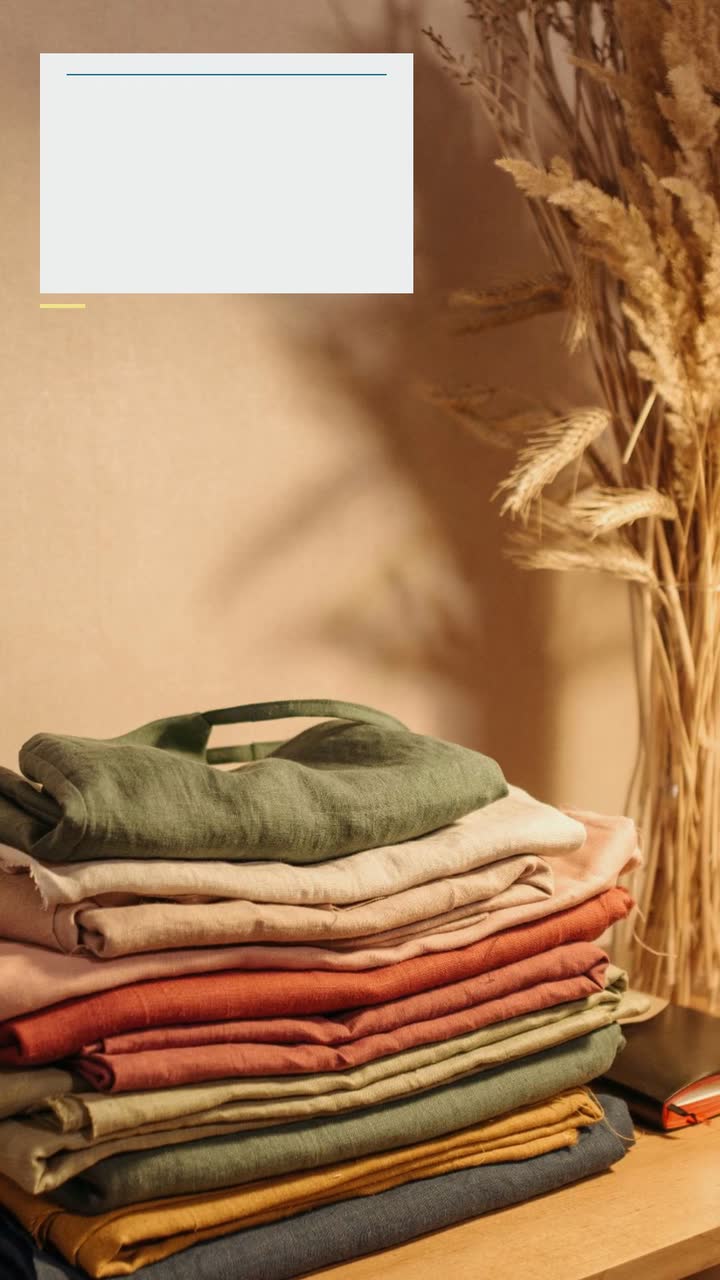
Turn one linen shirt into a useful lookbook: a short storyboard, real fit evidence, six posting ideas and checks for fabric claims.
Retail and products
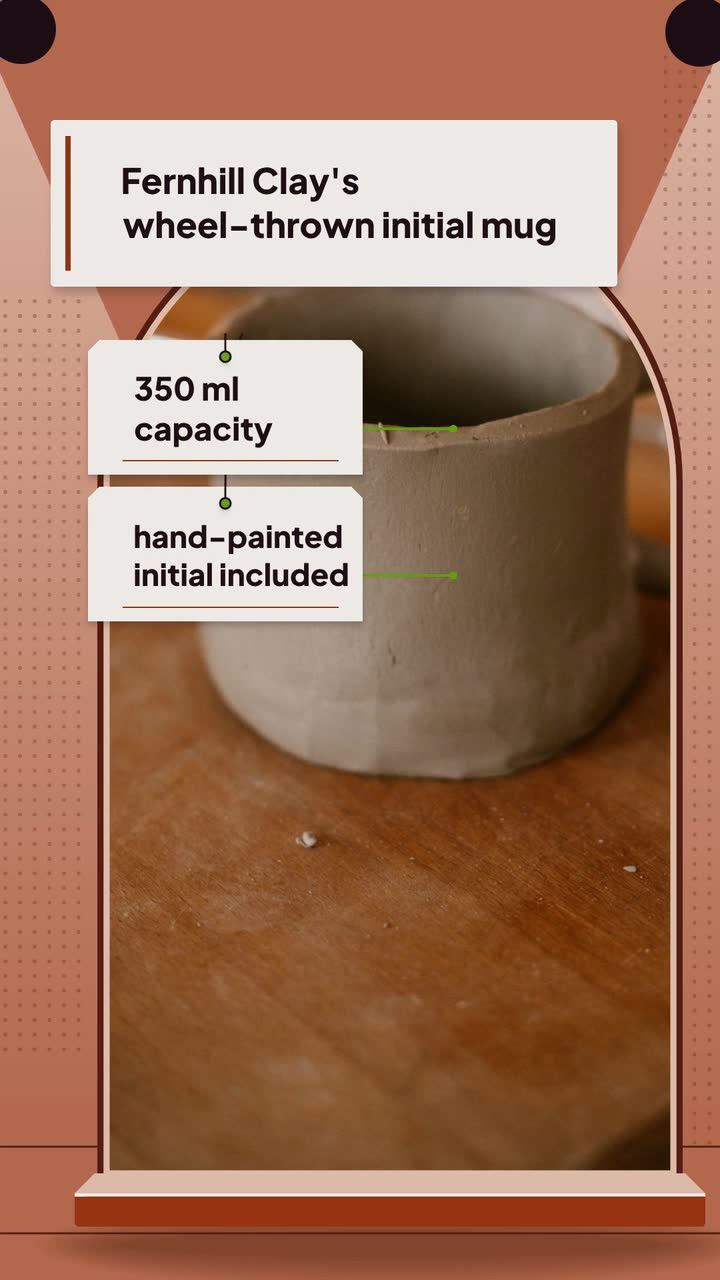
Turn one handmade piece into seven useful posts: show the process, explain size and care, and separate custom-order deadlines from shipping dates.
Retail and products
Texture demos, label questions and a serum storyboard for small skincare brands, with U.S. claim and creator-disclosure checks.
Tell the Attain OS team what you want to make.
Videos Creator is coming to Attain OS. You can create your Attain OS account today.