Retail and products
Product video ideas for small business: twelve buyer questions to answer
Turn product listings and customer questions into twelve useful clips: fit, compatibility, accessories, care and bundle prices.
For small retail brands, makers and creators launching a physical product, this guide turns buyer questions into a video sequence: what is it, who is it for, when can I order, and when will it ship? Use the suggested countdown, sales-status table and launch checks to prepare your clips. An invented headphone brand shows what belongs in a short video and what to leave on the product page.
Make a launch sheet: product name, sellable variants, price and currency, order-opening time, shipping promise and purchase destination. Assign someone to confirm each field. Before turning a supplier delivery estimate into a customer shipping promise, check your own packing and dispatch capacity.
Choose one action per clip: waitlist signup, clearly identified pre-order or purchase of available stock. Link to that destination rather than a homepage where the viewer must find the launch again. Open it on a phone and follow the action yourself.
List questions that could stop an order: how headphones fold, what is included or whether a colour ships at launch. Give each answer a clip or product-page section. Animation cannot demonstrate that your physical item exists or stock is ready. Provide real product evidence separately when appearance or performance needs proving.
These intervals are an editorial planning example, not a proven formula. For a modest restock, combine reveal and specification clips; for unconfirmed production, start with a waitlist instead of a paid-order countdown.
Introduce the name with abstract shapes and a use case: “Hush 2: headphones that fold for your bag.” Add the confirmed opening date, hour and time zone. Close with “Join the launch list.” Keep unconfirmed product details out.
For foldable headphones, show a drawn open-and-folded arrangement labelled “Illustration,” with “Folds for storage.” Provide real dimensions and product evidence on the linked page. A stylized drawing should not imply proof of how small they pack.
Choose price and currency, included accessories and a supported feature. Show one detail at a time. Try “US$199 · travel case included” only if both facts match the offer. Leave long specifications in the linked description.
Head the clip “Pre-orders open” or “Stock release.” Distinguish the order-opening time from dispatch and dispatch from arrival. List available destinations and return information on the product page. Simplify an offer whose conditions cannot be read clearly.
Post the opening hour, time zone and buying destination. Test the link from its intended caption or profile location. Have someone outside the team check which model and colour they would receive. Prepare a replacement reminder if the time changes.
After testing orders, post name, price and “Shop Hush 2” for available stock or “Pre-order Hush 2” for advance orders. Recheck availability before posting. If a variant is delayed, name the available one instead of announcing the whole range.
Turn unanswered messages into a clip such as “What comes in the box?” Include only confirmed contents. Announce restocks when stock is available. Replace expired launch messages; reuse specification videos only while their price, features and links remain accurate.
Approve the closing line against the sales status: announcement, advance orders or available stock. The buyer should not have to guess.
| Sales status | Suggested closing line | Check the destination |
|---|---|---|
| Waitlist only | “Join the Hush 2 launch list” | Signup works; the page explains what joining means and does not imply that a unit is reserved. |
| Advance orders accepted | “Pre-order Hush 2” | The selected variant is labelled as a pre-order, with the shipping promise and applicable terms visible before purchase. |
| Stock available to order | “Shop Hush 2” | The featured variant can be ordered at the shown price; the dispatch information matches your fulfillment plan. |
These legal points summarize U.S. federal guidance, not legal advice. Check current rules and applicability before orders or samples. For other markets, check local consumer and advertising requirements.
Hush Audio and Hush 2 are invented; the price and features are fictional. The Product hero template (Product drop version) is an example of a brief and storyboard, not a product-feature promise. The stock-release clip uses abstract shapes, not a headphone model.
A 10 s, 9:16 product launch video for Hush Audio’s Hush 2 wireless headphones. Price: US$199. Details: over-ear, foldable design; focus the on-screen message on “Folds for your bag.” Use abstract 3D shapes, no realistic product image. Show “Hush 2” first, the feature next, then “US$199.” End with “Hush Audio — Shop Hush 2.” Brand colours: #0f172a, #a78bfa, #f8fafc. Music and sound effects, no narration. The caption will link to the Hush 2 product page.
| When | On screen | Why |
|---|---|---|
| 0–2 s | Abstract violet blocks form a frame around “Hush 2.” | Introduce the model without pretending to show the physical headphones. |
| 2–5 s | The blocks fold inward; “Folds for your bag” holds in large type. | Give the single feature a readable beat; the shapes are decorative. |
| 5–7 s | “US$199” replaces the feature line on a plain background. | State the currency as well as the price. |
| 7–10 s | “Hush Audio” above “Shop Hush 2.” | Close with the business’s name and the action that matches its product page. |
| Outro | The ProcVideos outro closes the video. | |
The last beat is Hush Audio’s own close. AI plans each generation, so review the result against this text-only brief. Videos Creator is coming soon to Attain OS. See the brief-writing guide for structuring a request.
Try a brief like this one
Videos Creator is coming to Attain OS. You can create your Attain OS account today.
Choose the length after choosing the message. The worked example uses 10 s for one feature, a price and a close. A specification clip could use 15 s; a more detailed explanation could use 20 or 30 s. These are planning choices, not performance benchmarks. If offer conditions cannot be read comfortably, simplify the offer rather than shrinking the text.
No. This countdown is a sample work plan. If the launch date is close, combine the reveal with the feature explanation, then prepare a buying-details clip and an opening announcement. If the shipment date is uncertain, invite waitlist signups without promising when orders will ship.
Ask whether a buyer can make the pre-launch decision without it. A waitlist for an unfamiliar product may need price context; a variant reveal may need less. Put the confirmed price in a specification clip if it helps the buyer decide. Do not tease a bargain you have not finalized.
Update the buying destination and caption where possible, pause scheduled “available now” messages and direct viewers to restock updates if you offer them. Do not send people through checkout hoping they will discover the delay there. Replace an outdated clip before using it in another campaign.
For a U.S. video endorsement, the FTC says the disclosure belongs in the video, not just the description. Match the endorsement’s language and use clear wording identifying the free product and brand. Review visual and audio placement in the current guidance, and check applicable local rules for other markets ([FTC](source:3); [FTC FAQ](source:4)).
Example templates
An example template is a sample brief and storyboard for one kind of video, in one style, format and length.
Rules and platform features change. Check the source before you rely on it.
Retail and products
Turn product listings and customer questions into twelve useful clips: fit, compatibility, accessories, care and bundle prices.
Retail and products
Turn one linen shirt into a useful lookbook: a short storyboard, real fit evidence, six posting ideas and checks for fabric claims.
Retail and products
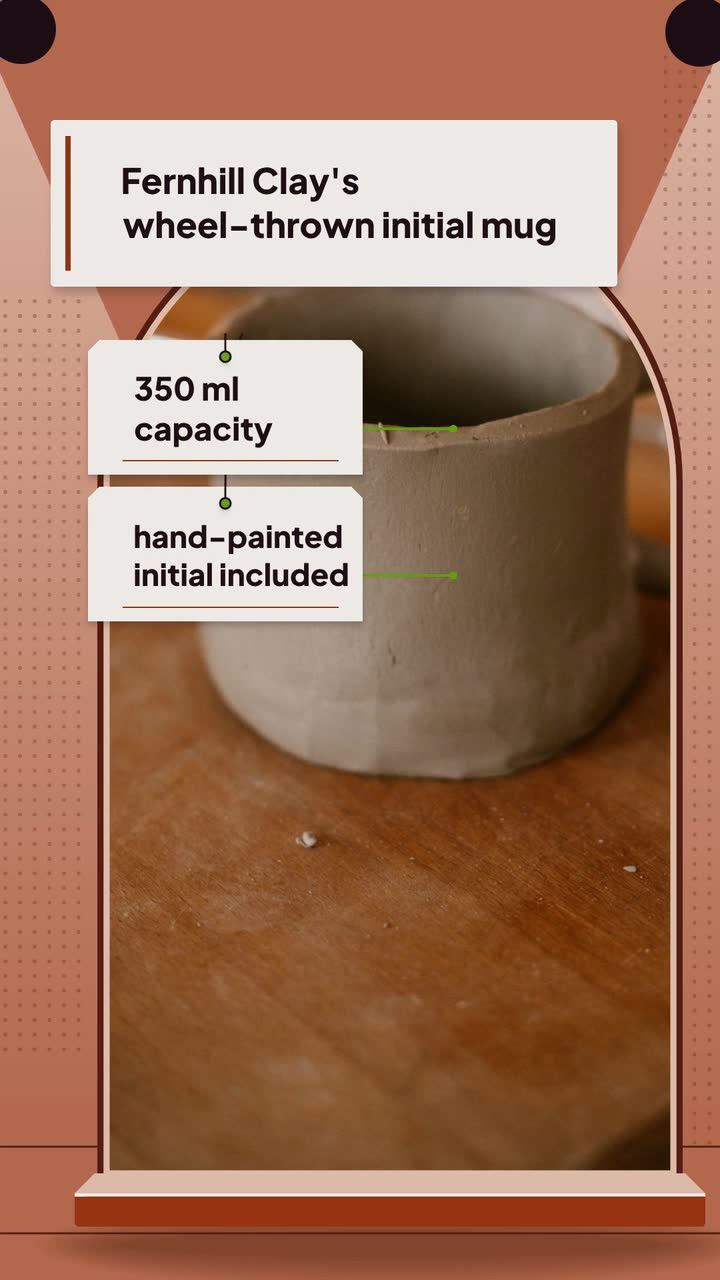
Turn one handmade piece into seven useful posts: show the process, explain size and care, and separate custom-order deadlines from shipping dates.
Retail and products
Texture demos, label questions and a serum storyboard for small skincare brands, with U.S. claim and creator-disclosure checks.
Tell the Attain OS team what you want to make.
Videos Creator is coming to Attain OS. You can create your Attain OS account today.