Basics for everyone
AI-generated video and customer trust: what to show and disclose
Decide what needs real evidence, what can be illustrated, and how to disclose AI visuals or narration before publishing.
If you run a small business or create client videos, this guide shows how to write a video brief someone else can follow. An invented bike shop goes from “make us a spring video” to a brief and timed storyboard. Define the audience, organise screen text and give useful revision notes. The method works with an editor; the example uses a text-only brief for Procedural Videos.
Spoke & Chain Cycles is an invented bike shop. Dana, its owner, starts with: “Spring video, fun, show we’re the best, mention tune-ups and new e-bikes and our hours.” That mixes buying decisions: someone needing a brake adjustment may not want an e-bike. Dana keeps the tune-up offer and briefs the e-bikes separately.
She targets riders with bikes stored over winter and asks them to book a tune-up. In this fictional offer, $59 covers brake and gear adjustments plus tyre checks and inflation; parts cost extra. Dana checks those inclusions and repeats them on the booking page so the offer stays consistent after a click.
Dana chooses the screen text: a question, service name, inclusions, price and booking action. Opening hours go in the post text unless they affect the offer. “Fun” becomes “calm motion, large type”; “best” disappears. Make the same split between background for the maker and words for the screen.
An invented offer using the Service offer template (Before and after version). This brief and proposed storyboard are examples, not a finished video or a fixed result.
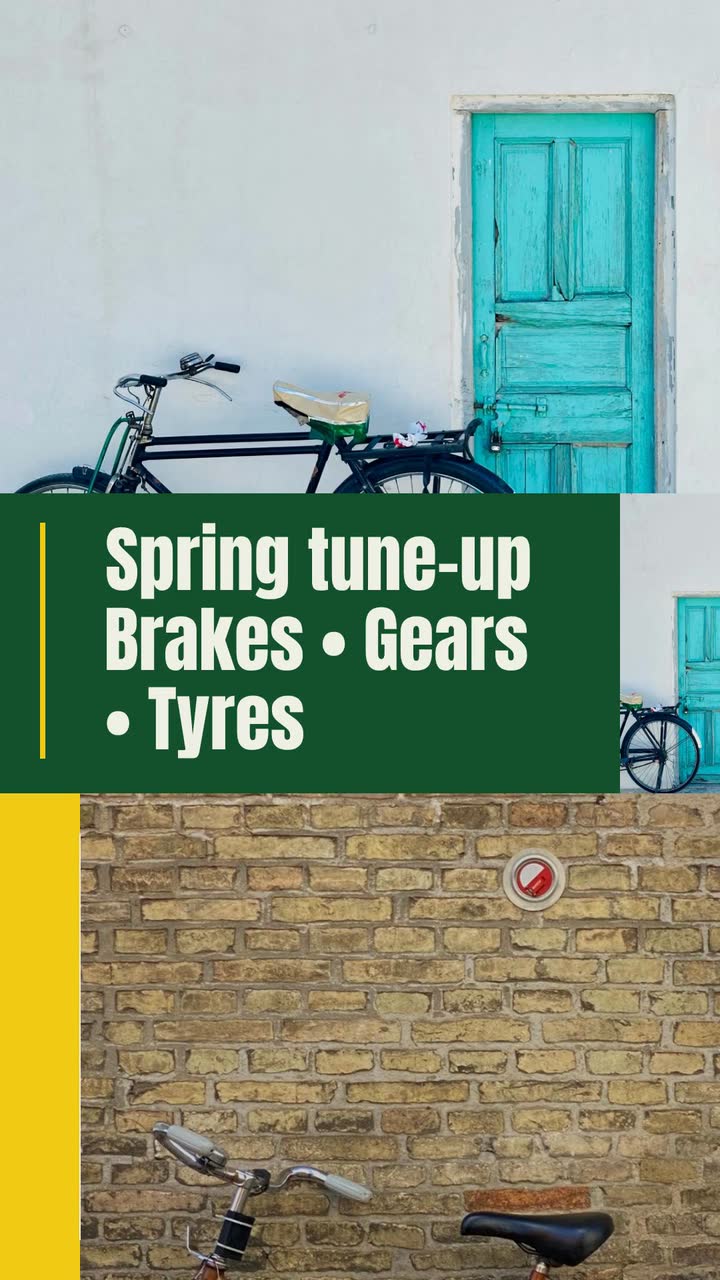
Spoke & Chain Cycles is a neighbourhood bike shop. Make a 15 s, 9:16 vertical promo for riders bringing bikes out of storage. Goal: book our spring tune-up online. Use the build style with a stock photo of a bike, calm movement and large type; no narration. Open with “Bike been in storage?” Show “Spring tune-up”, then “Brakes • Gears • Tyres”. The offer is $59 through April 30, 2027, for brake and gear adjustments plus tyre checks and inflation; replacement parts cost extra. Show “$59 through Apr 30” and “Parts extra” together. Close with “Spoke & Chain Cycles — Book online”. Colours: green #14532d, yellow #facc15, background #f7fee7. Leave out e-bikes and any suggestion that the service replaces damaged parts.
| When | On screen | Why |
|---|---|---|
| 0–2 s | A stock photo of a bike at rest behind “Bike been in storage?” | The opening identifies the rider’s situation without inventing a customer story. |
| 2–6 s | The photo brightens from muted tones. “Spring tune-up” appears with “Brakes • Gears • Tyres”. | Short labels carry the offer; the full service details remain in the brief and booking page. |
| 6–10 s | “$59 through Apr 30” with “Parts extra” on the same screen in readable type. | Keep the price and its important condition together; do not hide the condition in a later frame. |
| 10–15 s | “Spoke & Chain Cycles” and “Book online” hold together on a clean background. | The business’s own close has time to be read and points to the booking link in the post. |
| Outro | The ProcVideos outro closes the video. | |
The business, price and deadline are fictional; the storyboard is a proposal. Put the booking link and full offer date in the post text, then test the link. Use your own verified facts.
Try a brief like this one
Videos Creator is coming to Attain OS. You can create your Attain OS account today.
Name the business, then complete “This is for people who…”. Dana writes “riders getting stored bikes ready to use”, not “cycling fans”. For a channel, name the viewer’s task: “balcony gardeners choosing their first pots”.
Write the action before the mood: book the tune-up, reserve a table or watch the next lesson. Check the link: “Book online” needs a booking route, not just a homepage. Give an offer with a different audience or action another brief.
Separate screen facts from working notes: “Brakes • Gears • Tyres” is screen text; what each adjustment covers is background. The FTC says U.S. advertising must be truthful and claims need evidence. Check current rules in your jurisdiction, including price conditions; this guide is not legal advice.
Name the destination before choosing a canvas. Use 9:16 for this vertical promo or 16:9 for a landscape YouTube video. For standard channels, YouTube says square or vertical uploads from October 15, 2024, lasting no more than three minutes are Shorts; check its current guidance and channel exceptions. Procedural Videos offers 10, 15, 20 or 30 s. These are product choices, not universal platform limits.
Put screen phrases in quotation marks, with explanations outside them. Procedural Videos has optional narration in English or Spanish; narrated videos include an SRT caption file in that language. Read proposed lines aloud, then check the result rather than assuming a word count will fit. Music and sound effects are included even without narration.
Give hex values with roles: green #14532d for the main colour, yellow #facc15 for emphasis, #f7fee7 for background. Add “calm motion, large headings”. These are brand instructions; an accent may change for readability.
Name the unusable mistake: implying parts are included, showing the wrong offer or using an expired date. Rank revision priorities: offer accuracy, readable text, then decoration. A “leave out” line gives you a checkable constraint.
These are brief fragments, not complete briefs. Add your audience, format, duration and colours. Each uses a registry example template; all business names and offers here are invented.
| Template (version) | Focus and occasion | Instruction to adapt |
|---|---|---|
| Menu item (Plated dish) | A bistro’s weekend dish | “Elm Table: $24 braised short rib with mash and gremolata, Thursday–Sunday. Name the dish and sides; close with Reserve a table.” Verify serving days before posting. |
| Spotlight listing (New arrival) | A used-car lot’s new listing | “Cedar Motors: 2019 hatchback, $11,900. Show the year, price and documented service history; close with Book a test drive.” Check the vehicle record, not a salesperson’s memory. |
| Now open (Calm and clear) | A clinic opening its appointment book | “Juniper Physiotherapy: evening appointments, ground-floor entrance, parking behind the clinic. Close with Request an appointment.” Describe access and availability, not a promised recovery. |
| Service offer (Before and after) | A bike shop’s seasonal service | “Spoke & Chain: $59 tune-up through April 30; parts extra. Show brakes, gears and tyres; close with Book online.” Keep the condition next to the price. |
| Project showcase (Build timeline) | A builder’s completed deck | “Northbank Decks: footings, framing, cedar boards, railing. Label the stages as a drawn diagram; close with Ask about your deck.” Use a real photo separately if customers need to inspect the finish. |
| Product hero (Spec sheet) | A maker’s kitchen knife | “Oak Edge: 20 cm chef’s knife, $140, walnut handle. Show dimension labels and material; close with See the product details.” Check that the size matches the item linked. |
| Seasonal store (Christmas) | A gift shop’s wrapping offer | “Little Lantern: gift wrapping included through December 23. Show a drawn parcel and the deadline; close with Visit the shop.” State which purchases qualify before advertising it. |
| Channel intro (YouTube intro) | A gardening channel’s first lesson | “Small Plot Garden: growing food in pots. Open on a drawn balcony planter; close with Watch the pot-selection lesson.” Link to that lesson rather than a general channel page. |
These are planning sketches, not measured reading speeds or fixed beat counts. Test the actual video on a phone. If the price or condition is hard to read, shorten the message or choose a longer tier.
| Product duration | Possible sequence | Use it for | What to remove |
|---|---|---|---|
| 10 s | Question → one fact → close | A reminder with no complicated offer | The backstory and extra benefits |
| 15 s | Question → inclusions → price and condition → close | Dana’s tune-up offer | Long service descriptions; keep the important price condition |
| 20 s | Question → detail → detail → offer → close | A product whose size and material both matter | Repeated claims and a second action |
| 30 s | Goal → project stages → result → close | A drawn project explanation | Stages that do not explain the buyer’s decision |
Give a campaign planner the audience, goal, budget and channels separately. Keep this promo’s instructions together: offer, screen words, format, duration and action. A human maker can use longer internal notes; a text-only video tool needs all necessary instructions in the brief itself.
Use the space your decisions need, without a fixed sentence count. Each sentence should specify the viewer, message, presentation or exclusions. Do not delete a price condition to fit a paragraph: short screen phrases and longer background notes do different jobs.
Dana’s offer is planned without narration. If you want it, supply facts and flag wording to check in the result. Procedural Videos’ AI writes the narration script, so inspect the finished video instead of assuming it used a quoted line. With a human maker, agree on script approval separately.
A Procedural Videos brief is text only: names appear as type and products are drawn. Place real photos and the booking link alongside the video, or combine your materials in your editor. A drawing does not prove product condition; see [product video ideas](guide:product-video-ideas).
Name the screen, problem and change: “On the price screen, enlarge Parts extra and remove the decorative label.” Add missing requirements to the brief. Fix offer errors before mood changes. Each regeneration differs, so review the whole new video.
Example templates
An example template is a sample brief and storyboard for one kind of video, in one style, format and length.
Rules and platform features change. Check the source before you rely on it.
Basics for everyone
Decide what needs real evidence, what can be illustrated, and how to disclose AI visuals or narration before publishing.
Basics for everyone
A short routine for checking a clip you saw online, and what businesses can do so viewers believe the videos they post.
Real estate and rentals
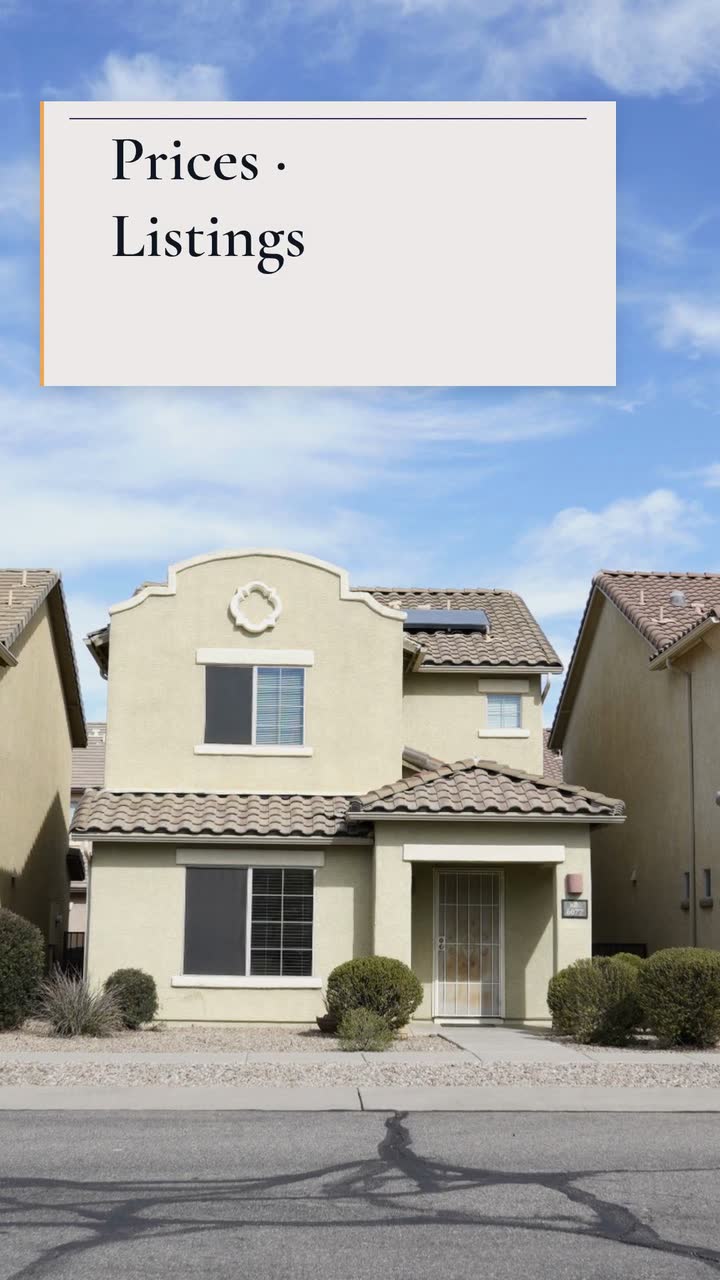
Plan twelve months of agent videos: explain local numbers, prepare open-house visitors and answer buyer questions without inventing a listing.
Beauty and fitness
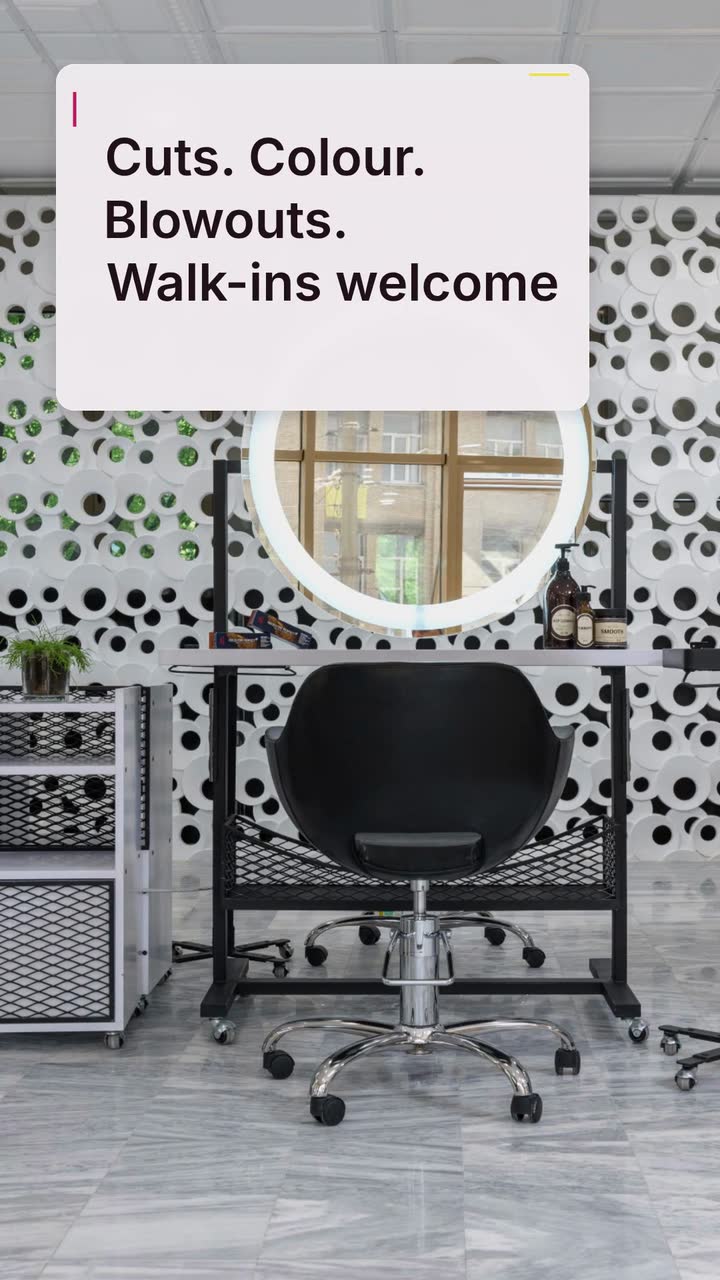
Twelve salon clips: explain colour prices, film honest transformations, announce open appointments and build a colour-menu storyboard.
Tell the Attain OS team what you want to make.
Videos Creator is coming to Attain OS. You can create your Attain OS account today.