Basics for everyone
AI-generated video and customer trust: what to show and disclose
Decide what needs real evidence, what can be illustrated, and how to disclose AI visuals or narration before publishing.
You saw a clip of a storm, a famous face or a product that looks too good, and you want to know whether it really happened. This guide gives you a routine for checking a video: what to look at when you pause it, which labels to look for and how to trace where it came from. Then it turns to businesses that want viewers to believe what they post, and to which parts of a Procedural Videos video are AI. No single check proves a clip real or fake.
Sometimes, but less often than most people expect. A generated clip can hold up for a few seconds, and a short loop on a phone hides many flaws, while genuine footage can look odd after compression, filters or low light. So ask three questions: what on screen couldn't happen, what the platform and the file say about how it was made, and who posted it first.
Pause, step through a few frames and look at these places. The last rows are about change over time, which only a video can show.
| Where to look | What to watch for | Why it isn't proof by itself |
|---|---|---|
| Hands and bodies | Extra, missing or merged fingers and unlikely proportions, anatomical clues in a Northwestern guide to spotting AI images. | The guide says these flaws don't always appear, and an odd hand alone proves nothing. |
| Faces | Skin too smooth for the hair and eyes, too little or too much blinking, a mouth that moves unnaturally: cues from the MIT Media Lab's Detect Fakes project. | Filters and video calls smooth skin in genuine clips too. |
| Signs and screens | Letters that spell nothing, misspellings, text that melts as the camera moves (Kamali and colleagues). | Motion blur can make a real sign unreadable for a frame. |
| Light and shadow | Shadows falling the wrong way, or glare on glasses that stays put when the head turns (MIT Media Lab). | Mixed indoor lighting casts odd shadows in real rooms. |
| Objects over time | A cup that changes colour, a sign that rearranges its letters, a person who vanishes behind a passing bus. | Jump cuts can also make things disappear. |
| Movement and sound | Feet sliding on the ground, cloth passing through an arm, a voice that never breathes or a mouth out of step with the words. | Slow motion, dubbing and added music change real clips too. |
Screenshot moments with a face, a sign or a landmark; an edit can join footage from different places.
Search with the image on Google: Lens can list websites with the same or a similar image. An older post with another caption, date or place tells you a lot.
Check the player, the caption and the expanded description. The table below shows where each platform puts it.
These signed records describe how a file was made and edited, but the C2PA FAQ notes they can be separated from the file, so their absence proves nothing.
Look for the original account and whether a news outlet or the person shown confirmed it. Still unsure? Share it as “unverified”, or wait.
Labels depend on creators disclosing and on platforms reading signals in the file. These rules change, so check the linked page.
| Platform | What a viewer may see | What adds it |
|---|---|---|
| YouTube | A label in the expanded description; for lifelike AI content, a label can also appear on the player itself (YouTube Help). | The creator's “AI use” setting at upload, C2PA metadata in the file, YouTube's own AI tools or its internal detection. |
| TikTok | “Creator labeled as AI-generated”, or an automatic “AI-generated” label (TikTok Help Center). | The creator's setting, TikTok's AI effects, or Content Credentials attached to the upload. |
| Facebook, Instagram and Threads | An “AI content” label when Meta's systems detect signals that AI created the post (Meta Help Center). | Industry-standard signals in the file, Meta's own AI tools, or the creator's disclosure, which Meta may require for lifelike video and realistic-sounding audio. |
No. YouTube asks creators to disclose AI content that seems realistic, and its help page says non-realistic or minor edits don't need it. Meta draws a similar line: a cartoon-style landscape video needs no label, while a reel narrated by a lifelike AI voiceover does. Automatic labels lean on metadata, and that metadata can be separated from the file.
So an unlabelled clip is simply unknown. Weigh the picture, its history and who vouches for it, and take most care with clips that make you angry or afraid.
Because a buyer reads your video as a statement about your business. A warped product or a storefront that doesn't exist casts doubt on your prices and your offer. The guide to AI video and customer trust covers the research on AI labels in ads and a review to run before you post.
The rules are firming up too. In the EU, Article 50 of the AI Act requires anyone using AI to make a deep fake (content resembling real people, places or events that would falsely appear authentic) to disclose it, with a lighter duty for clearly artistic or fictional work; it has applied since 2 August 2026. Check the current rules where you sell; this is not legal advice.
With Procedural Videos, you describe the video in a text brief, AI plans it and writes it as code, and the engine draws every frame: motion graphics, with no AI-generated footage. Here is what you can tell viewers.
| Part of the video | How it's made | What to tell viewers |
|---|---|---|
| The plan and the script | An AI model plans the scenes from your brief and writes the on-screen words and any narration script. Each generation differs. | Read every claim in the script before posting: the AI drafts it, you approve it. |
| Pictures and motion | Drawn by code: shapes, type and animated diagrams, computed frame by frame, so motion is continuous and stable, with no morphing or flicker. | Nothing on screen is AI-generated footage. Don't present a drawn product as a photo of the real one. |
| Words on screen | Exact and legible, in your brand colours from the hex values in the brief. | Check prices, dates and terms against your own records. |
| Narration (optional) | An AI voice reading the script word for word, in English or Spanish, with captions as an SRT file in the same language. | Follow each platform's rules on labelling AI content; Meta's examples include a reel narrated by a lifelike AI voice. |
| Photos | A brief is text only, so your own photos and logo can't go in. Some example films on this site add a stock photo behind the words, and say so. | Say it's a stock photo: it isn't your product or your premises. |
Northgate Phone Repair is an invented shop. The brief uses the Service offer template (Checklist version), an example of a brief and storyboard, not a product feature. The idea: plain terms a customer can hold the shop to.
Make a 15 s, 9:16 vertical video for Northgate Phone Repair, a neighbourhood repair counter. Sell cracked-screen repair. Show three checklist lines: “Free written quote”, “You approve the price before we start” and “90-day warranty on the new screen”. Use #0b3b5c, #f59e0b and #f8fafc. Calm English narration: “Cracked screen? Here's how it works at Northgate.” Close with “Northgate Phone Repair — Ask for a quote at the counter.”
| When | On screen | Why |
|---|---|---|
| 0–3 s | “Cracked screen?” in large type, over a drawn phone outline with a crack line across it. | Names the viewer's problem with a shape, not a picture of someone's real phone. |
| 3–7 s | The first checklist line ticks in: “Free written quote”. | Leads with the promise the shop can show on paper. |
| 7–11 s | Lines two and three tick in. | Concrete terms a customer can check, instead of a vague “best service in town”. |
| 11–15 s | “Northgate Phone Repair — Ask for a quote at the counter.” | The shop's own close. |
| Outro | The ProcVideos outro closes the video. | |
The narration is an AI voice, so use the platform's AI disclosure where its rules call for one, and match the warranty wording to the shop's written terms. At about 1 credit per second, a 15 s video costs about 15 credits (pricing); Videos Creator is coming soon to Attain OS. More in how to write a video brief.
Try a brief like this one
Videos Creator is coming to Attain OS. You can create your Attain OS account today.
It depends on the platform and the content. [YouTube](source:4) and [TikTok](source:5) require disclosure when AI content looks realistic and can penalise or remove posts that skip it, and in the EU, [Article 50 of the AI Act](source:10) adds a disclosure duty for deep fakes. Check the current rules where you post and sell; this is not legal advice.
You can ask, but read the answer narrowly. [Gemini's checker](source:8) looks for Google's SynthID watermark and for Content Credentials: it can confirm that Google's AI was involved, but a clean result doesn't show that no AI was used.
No. It doesn't generate footage: the engine draws shapes, type and diagrams from a text brief, and a brief can't carry anyone's photo or footage. Narration, when you choose it, is an AI voice in English or Spanish, so label it where a platform's rules ask.
Report it on the platform, post a short correction on your own channels saying what is true, and keep copies and links with dates. If it uses your name to sell something, tell customers where your real offers are published.
Example templates
An example template is a sample brief and storyboard for one kind of video, in one style, format and length.
Rules and platform features change. Check the source before you rely on it.
Basics for everyone
Decide what needs real evidence, what can be illustrated, and how to disclose AI visuals or narration before publishing.
Basics for everyone
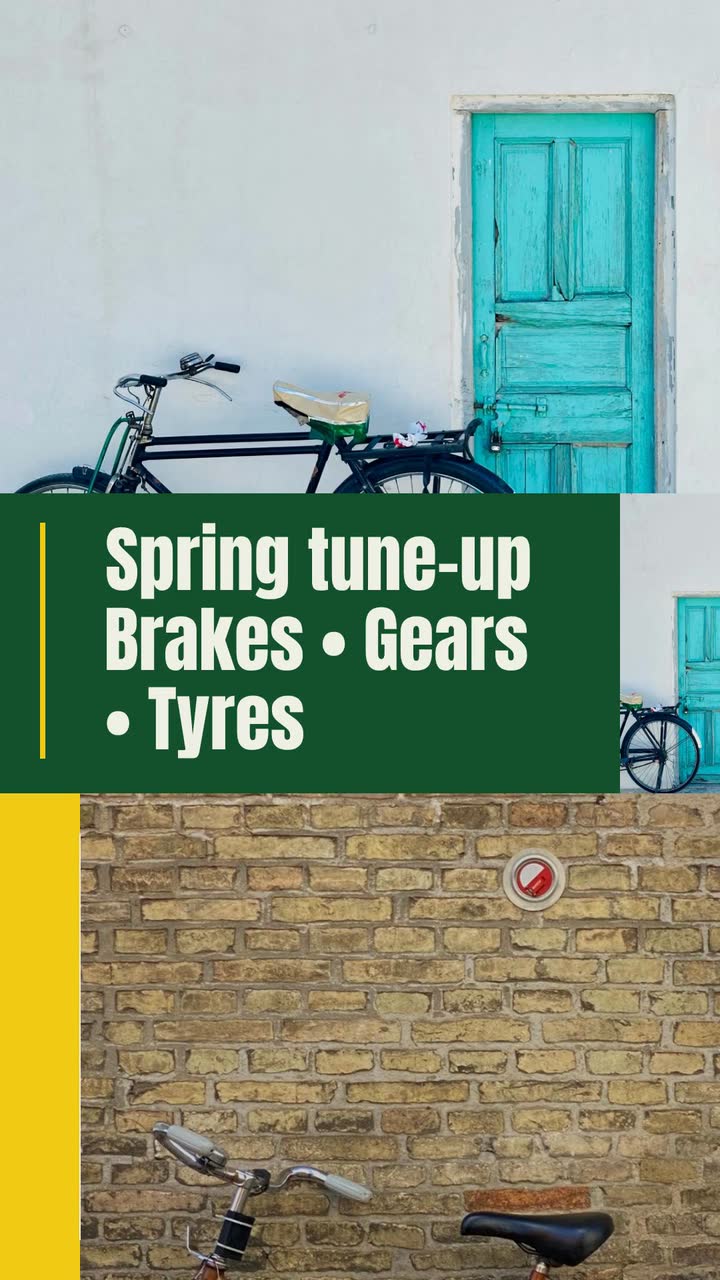
Turn a vague request into a usable video brief: follow a bike shop, plan the screen text and adapt eight examples to your business.
Health care
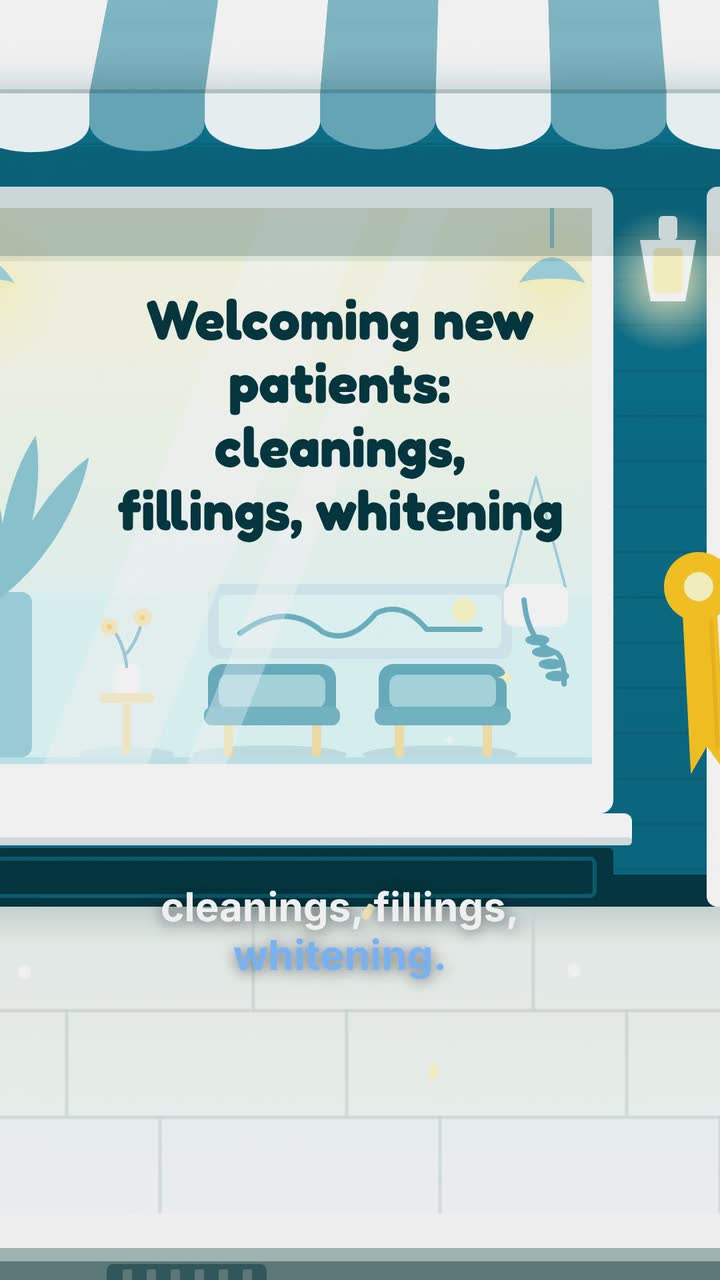
Turn front-desk questions into dental videos: explain insurance, visit costs and booking without exposing patients or promising treatment results.
Health care
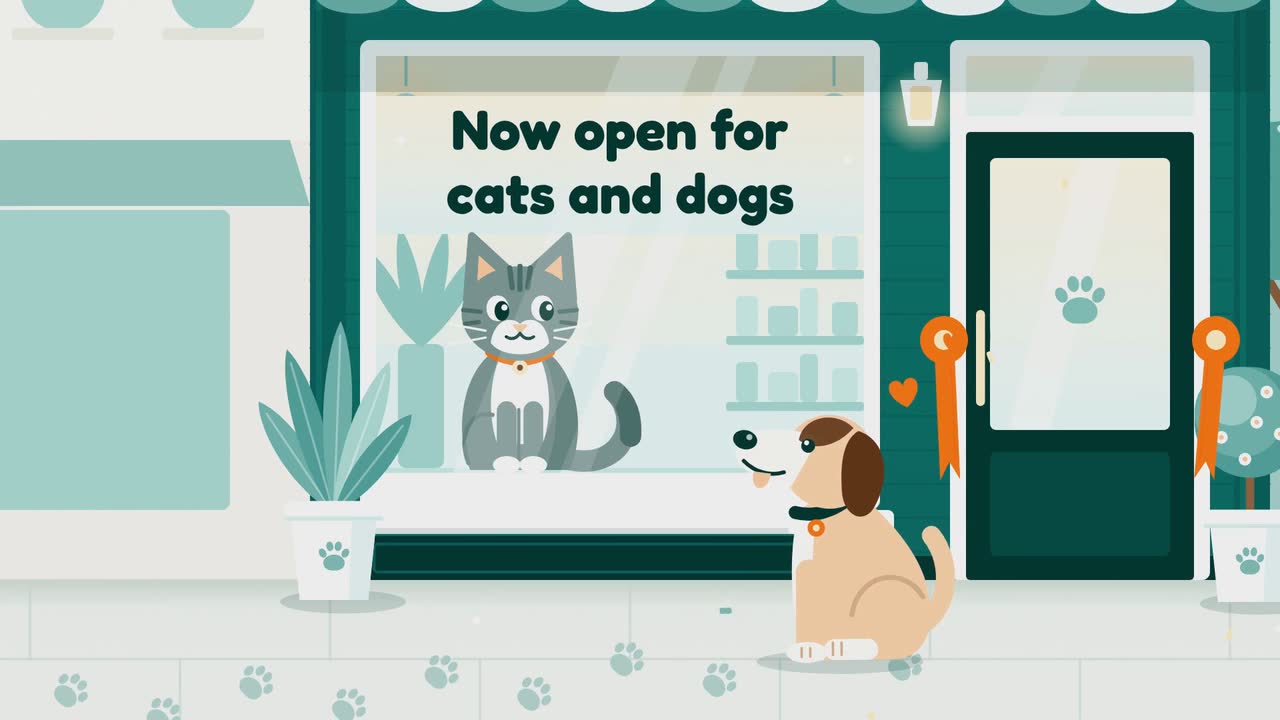
Thirteen clinic video ideas built around reception questions, with consent checks, a posting plan and a focused microchip scan example.
Tell the Attain OS team what you want to make.
Videos Creator is coming to Attain OS. You can create your Attain OS account today.