
Health care
Dental practice marketing videos: answer the questions before booking
Turn front-desk questions into dental videos: explain insurance, visit costs and booking without exposing patients or promising treatment results.
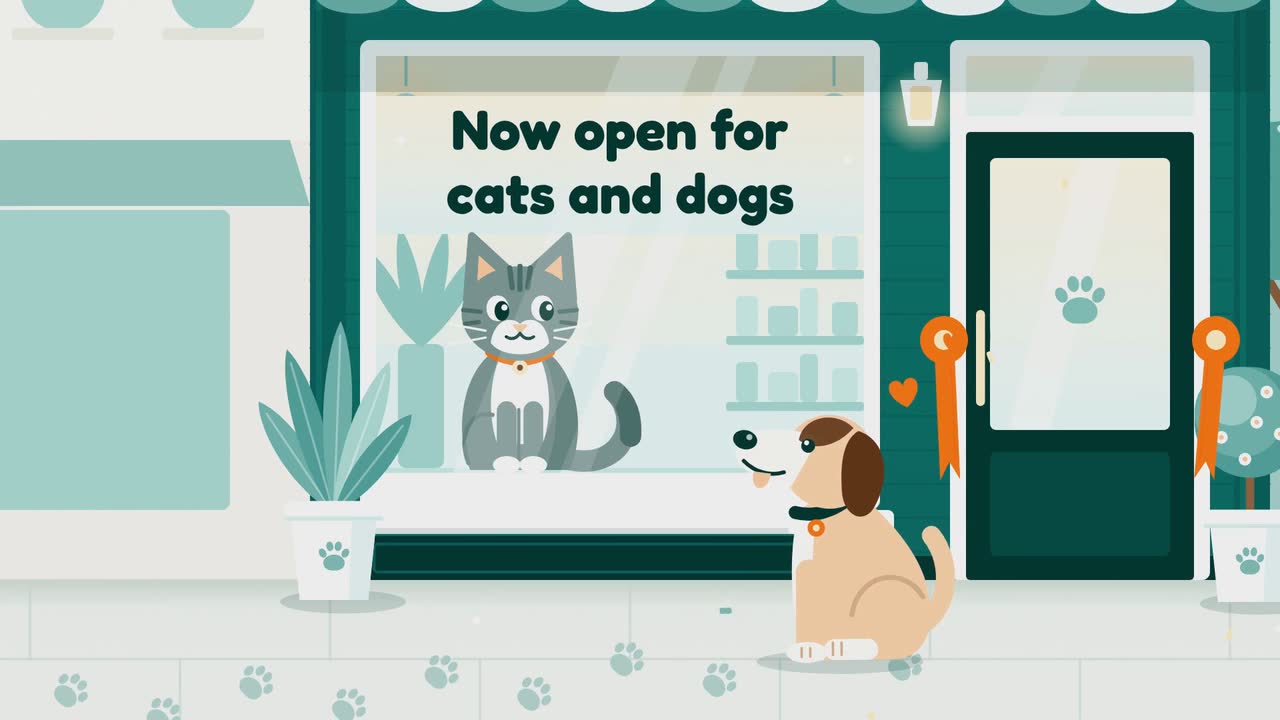
For veterinary practice owners, managers and the team member handling social media, this guide turns reception questions into videos you can make this week. Choose from thirteen topics, from first-visit paperwork to dental estimates and after-hours calls. You also get a publishing checklist, an event-based posting plan and a sample brief for an invented clinic. Start with your own services and procedures: a helpful post should tell an owner what to prepare, whom to contact or how to book.
Choose a preparation video, a service explanation and a booking reminder from reception’s recurring questions. These timings are editorial suggestions, not a proven formula. Film your team yourself; use text and simple graphics for checklists.
Show cards for previous medical records, current medication details and questions for the vet. Confirm what your clinic requests. Mention a stool sample only if your booking instructions ask for one; send collection instructions separately.
Try this: Send the checklist with new-patient confirmations. Try “First visit booked? Here’s what to bring.”
Film the empty entrance and waiting-area route. Explain how to tell reception a pet is anxious and whether quieter arrival arrangements are available. Show only what your team provides; mention handling certifications only if current.
Try this: Use “Worried about the waiting room? Call us before you arrive.” Avoid promising a stress-free visit.
Invite owners to discuss noise concerns with their veterinarian before a local event. Check appointment capacity. Keep medication instructions out: the video invites a consultation rather than treating fear through a post.
Try this: Try posting a few weeks before a local fireworks event, then refresh the reminder if appointments remain.
Service offer · Seasonal offer posterShow a scanner, chip-number card and registry-contact card. AAHA’s lookup identifies registries; updates happen through the registry, not the scan (AAHA). Confirm which registry route your clinic uses in your country.
Try this: Offer a scan appointment with a take-home instruction sheet. Ask “Changed your phone number? Check the registry too.”
Explain how to find a vaccination record and ask your clinic to review it. Use a blank reminder card. Get veterinary approval and clarify that the post does not replace an individual recommendation.
Try this: Try “Bring the record you have; ask us what is due.” Share it with appointment reminders.
Invite a prevention-plan review. CAPC recommends year-round parasite control tailored to local prevalence and the pet’s lifestyle (CAPC). Seasonal posts should not tell owners to stop for winter or restart without veterinary guidance.
Try this: Ask your vet to approve “Is your pet’s prevention plan current?” Use clinic observations only after checking them.
Ask your veterinarian to choose one holiday hazard and approve the warning and contact instructions. Draw the item instead of showing a distressed patient. Avoid home-treatment recipes or unsupported lists of dangerous foods.
Try this: Put the clinic’s urgent contact route in the accompanying text. Check the receiving hospital’s details before posting.
Show your hours, whether you receive emergencies and your referral hospital’s current contact details. Do not reassure owners through a symptom checklist. Direct urgent concerns to veterinary professionals, rather than social messages.
Try this: Test the numbers and update the card when arrangements change. Say “Our comments are not monitored for emergencies.”
Use a blank estimate to explain anesthesia, monitoring and dental X-rays. AAHA notes that the full plan and costs depend on the anesthetized examination and radiographs (AAHA). Explain your procedure for authorizing additional treatment.
Try this: Try “What is included, and when will we contact you?” Promise a call only if your clinic’s protocol supports it.
Introduce a consenting team member through one task: checking records, explaining estimates or arranging follow-ups. Film an empty desk with screens and paperwork out of view. Give owners a practical reason to recognize the person.
Try this: Try “Questions about your booking? Here’s who will help.” Use the person’s accurate job title.
Ask “What has changed since the last visit?” Invite observations and questions rather than labelling changes normal aging. Have your clinician choose the prompts; a social video cannot decide whether a change needs care.
Try this: Use “Write down what you’ve noticed and discuss it with us.” Pair it with the clinic’s booking route.
With permission, share a pet’s name and favorite toy. Agree on image and wording beforehand. Omit treatment details unless separately agreed and reviewed; do not imply that one patient’s recovery predicts another’s outcome.
Try this: Ask “Would you like us to share this photo and this sentence?” Leave the appointment experience unchanged if they decline.
Show actual Saturday hours and booking conditions. Distinguish routine appointments from emergency care; do not imply walk-ins if bookings are required. Replace the video when holiday hours change.
Try this: For a new schedule, use the Now open template (Friendly neighbour version) as a brief-and-storyboard example.
Now open · Friendly neighbour toonThis is an editorial checklist, not legal advice. Check the current advertising, confidentiality and consent rules with the regulator where you practise. The FTC sources below are U.S. guidance; the RCVS example applies to the UK. Neither establishes the rules for every clinic.
Paws & Co. Veterinary is an invented cats-and-dogs clinic. This adapts the Service offer template (Seasonal offer version), a brief-and-storyboard example. Promote one free scan appointment; explain the registry instructions in the post caption.
Create a 10 s, 9:16 vertical video in the poster style for Paws & Co. Veterinary. Promote free microchip scan appointments from 20 June to 3 July. Use three text cards: “Free chip scan”, “20 June–3 July”, then “Paws & Co. Veterinary · Book your scan”. Use simple scanner and calendar shapes, with #0f766e, #f97316 and #f0fdfa. Music and sound effects, without narration. The clinic’s name and booking invitation are the final beat.
| When | On screen | Why |
|---|---|---|
| 0–3 s | A simple scanner shape beside “Free chip scan”. | Name one service without promising a reunion. |
| 3–6 s | A calendar shape and “20 June–3 July”. | Hold the dates for reading. |
| 6–10 s | “Paws & Co. Veterinary” above “Book your scan”. | The clinic’s own close, with one booking action. |
| Outro | The ProcVideos outro closes the video. | |
Business, offer and dates are invented. Explain in the caption that scanning retrieves the chip number; owners check contact details with the registry (AAHA). Add your booking link there. Videos Creator is coming soon to Attain OS. Each generation differs; review it and request another take with feedback if needed.
Try a brief like this one
Videos Creator is coming to Attain OS. You can create your Attain OS account today.
| Posting trigger | Video to prepare | What to confirm first |
|---|---|---|
| New-patient bookings | Puppy or kitten packing list | Your requested documents and any sample instructions |
| Before a local fireworks event | Consultation reminder and chip scan offer | Appointment capacity, dates and registry instructions |
| Before owners arrange boarding or travel | Vaccination-record review reminder | Ask owners to check destination or boarding requirements; make no universal deadline claim |
| Before a holiday closure | After-hours card and a vet-reviewed safety topic | Closure dates and the receiving hospital’s current contact route |
| When promoting preventive care | Parasite-plan review | Keep year-round prevention wording; tailor it with your vet (CAPC) |
| When hours or staff change | Saturday bookings or a team introduction | Available services, booking conditions and staff permission |
Try one useful video a week, then adjust the workload. Assign each check to someone on the team.
Film an empty arrival route, introduce a consenting team member or draw a first-visit checklist. Explain records to bring or booking conditions without patient images. Never stage treatment or invent a recovery.
Do not assume it does. Agree on the image, wording and use, record permission, and check current local rules. UK RCVS guidance addresses identifiable patient posts ([RCVS](source:9)); other countries have their own requirements. This is not legal advice.
Explain included services and authorization for additional treatment. The anesthetized examination and dental X-rays inform the full plan and costs ([AAHA](source:8)). Describe your clinic’s actual procedure.
Use a vet-approved response directing them to call your clinic or designated emergency service. Explain that comments are not monitored for emergencies. Do not offer diagnoses or discuss patient records publicly.
Start with one question video a week as a suggested workload, not a benchmark. Assign someone to maintain hours and emergency contacts. Increase frequency when approvals and comment handling fit around patient care.
Example templates
An example template is a sample brief and storyboard for one kind of video, in one style, format and length.
Rules and platform features change. Check the source before you rely on it.
Health care
Turn front-desk questions into dental videos: explain insurance, visit costs and booking without exposing patients or promising treatment results.
Health care
Make first-visit, referral and rehab-process videos with clear boundaries. A clinic checklist, five patient-specific ideas and a concise sample brief.
Health care
Follow an invented family clinic from opening brief to launch posts, with checks for insurance wording, patient privacy and booking.
Health care
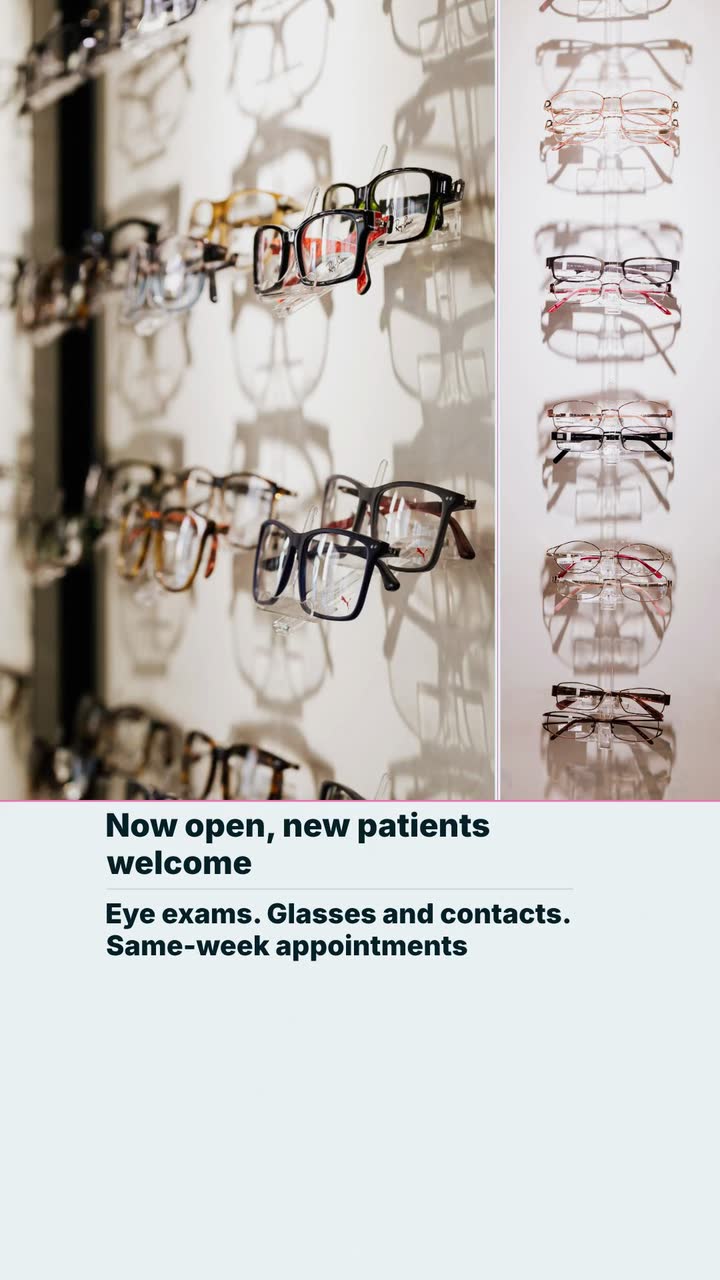
Six useful clips for an eye-care practice: explain visits, separate frame prices from lens costs, and plan reminders around actual school and benefit dates.
Tell the Attain OS team what you want to make.
Videos Creator is coming to Attain OS. You can create your Attain OS account today.