Health care
Dental practice marketing videos: answer the questions before booking
Turn front-desk questions into dental videos: explain insurance, visit costs and booking without exposing patients or promising treatment results.
Opening a medical, dental or therapy practice? This walkthrough helps owner-clinicians and practice managers plan a new clinic grand opening video that answers where you are, who you see and how to book. Follow the invented Northgate Family Health through a sample brief, an eight-week preparation schedule and the checks before posting. The schedule is a planning example, not a proven route to a full appointment book.
Northgate Family Health is an invented primary care clinic planning to open on September 7. Its manager wants enquiries that the reception team can turn into appointments, rather than a post full of congratulations from friends. Before writing, the manager checks which clinicians have bookable sessions, which ages they see and whether the clinic can actually confirm a new-patient appointment through its website.
Start with a blank booking page, not a slogan. Northgate puts its address, opening date, patient age range, staffed hours and contact route there. The manager asks someone outside the team to try booking on a phone and explain where they would park. If the person cannot find the entrance or tell whether an appointment is confirmed, fix the page before sending traffic to it.
Keep a shared claim sheet: the wording proposed for each post, who verified it, the date checked and when it needs updating. Assign insurance wording to the billing lead, appointment availability to reception and clinical service descriptions to a clinician. This is an editorial workflow, not a substitute for checking current advertising and privacy rules with a qualified local adviser.
Northgate is fictional, and this is a proposed brief, not a record of a published campaign. It adapts the Now open template (Calm and clear version), an example brief and storyboard. The manager moves insurance and evening hours into separate posts so the opening card stays readable.
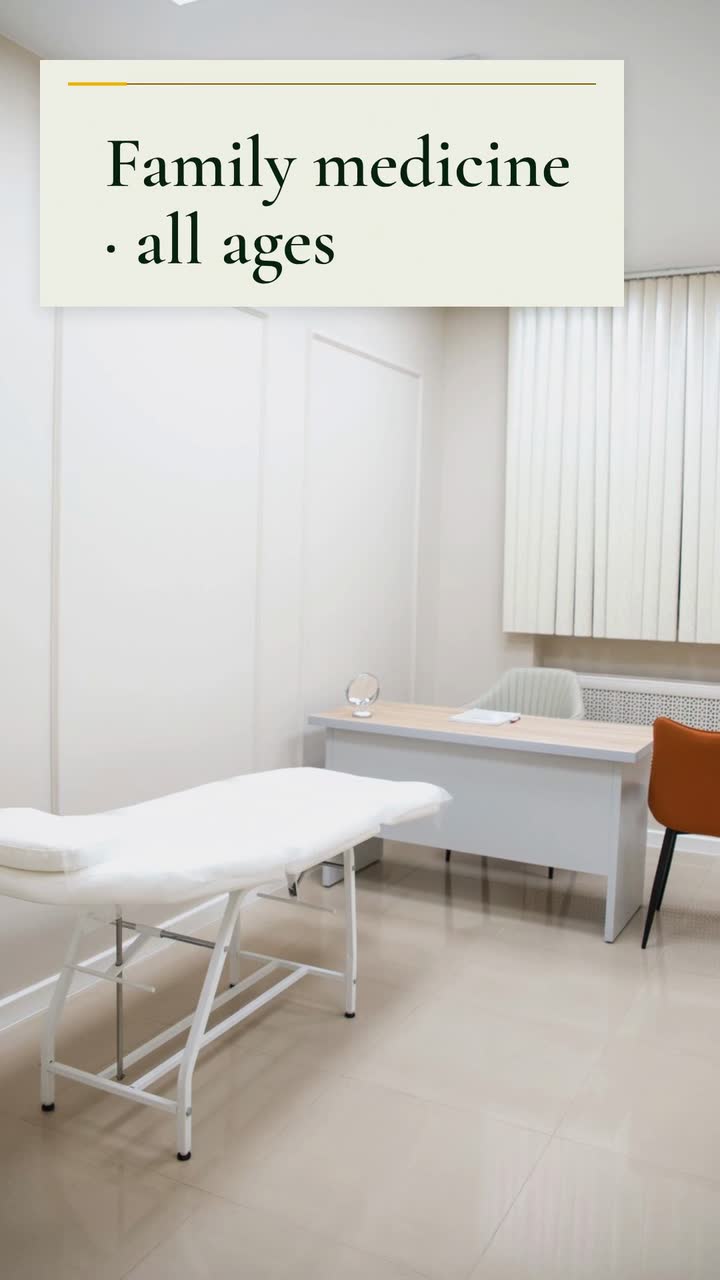
Create a 15 s opening announcement for Northgate Family Health, an invented family medicine clinic. Format 9:16. Use #14532d, #eab308 and #f7fbf3. Show only these messages, in order: “Now open · Northgate Family Health”; “Family medicine · all ages”; “214 Northgate Avenue”; “Book on our website”. Use a stock photo of a bright, modern clinic interior behind large text. No narration. Finish with our clinic name and booking message.
| When | On screen | Why |
|---|---|---|
| 0–3 s | The clinic photo appears behind “Now open · Northgate Family Health”. | Establish the clinic name and the opening news before adding details. |
| 3–6 s | “Family medicine · all ages”, with the clinic name kept small beneath. | State the service and patient group without promising a medical outcome. |
| 6–10 s | A location pin beside “214 Northgate Avenue”. | Give the address its own reading time; this is not a map of the premises. |
| 10–15 s | “Northgate Family Health · Book on our website” holds as the clinic’s close. | The surrounding post supplies the working booking link; the words inside a video are not a clickable button. |
| Outro | The ProcVideos outro closes the video. | |
The business, address and service details are invented; replace them with verified facts. This is a text-only brief. Music and sound effects accompany the video; this version requests no narration, so it has no narration captions. Review the result muted on a phone and regenerate with feedback if a line needs more reading time. AI plans each generation, so takes differ. Videos Creator is coming soon to Attain OS.
Try a brief like this one
Videos Creator is coming to Attain OS. You can create your Attain OS account today.
Use this eight-week schedule as a planning example. Each post answers a different reception question; delay any item whose facts are not ready.
Gather the clinic name, address, opening date and a booking page that distinguishes a request from a confirmed appointment. Once your Google Business Profile is verified, update posts can carry video and an action button to that page; Google also supports scheduling (post guidance). Check the displayed post status rather than assuming it is public.
Make a 10 s card in 16:9 for the website and Facebook: clinic name, planned opening date and the date appointment requests begin. Use “opening soon” until the doors are open. If the opening depends on unfinished work, hold the announcement rather than publishing a firm date you may need to retract.
Film a separate phone introduction: name, role, ages seen and the booking route. Ask the clinician to approve the wording and agree to the recording and its publication. Choose an empty room, remove records and keep screens out of frame. This phone recording is separate from the text-only procedural brief.
Draft a separate card saying “Check your plan before booking”. Link to a dated plan list reviewed by billing, with the specific plan names, relevant clinicians and effective dates. Replace “most major insurance” with information staff can confirm. Invite callers to contact billing privately; do not ask them to put policy numbers or medical details in comments.
Post the sample opening video with the clinic address and booking route. Record a separate entrance clip before patients arrive: show the street sign, correct door and parking route. Watch both muted on a phone. Check the booking link from the actual post, and change “now open” if opening is delayed.
Build a card with the clinic’s own preparation list: forms to complete, where to check in and what reception asks patients to bring. Use blank forms with fictional entries, not patient paperwork. Ask reception which question keeps interrupting booking calls, then make that the next video; do not turn a suggested arrival time into a promise about visit length.
The registered Now open examples below use invented clinics. Read their briefs as prompts to edit, not evidence that a real clinic gained bookings. Check each line against your own services.
| Clinic (example) | Worth copying | Worth tightening |
|---|---|---|
| Brightside Dental | Names evening appointments and Maple Street in the close | Replace “friendly, gentle care” with a staffed evening schedule; leave it out until that schedule is confirmed. |
| Motion Physio | Names sports injuries and back and neck pain as service areas | Replace “no referral needed” with “Ask us about referral requirements before booking”; confirm the patient’s situation rather than guessing how many can book directly. |
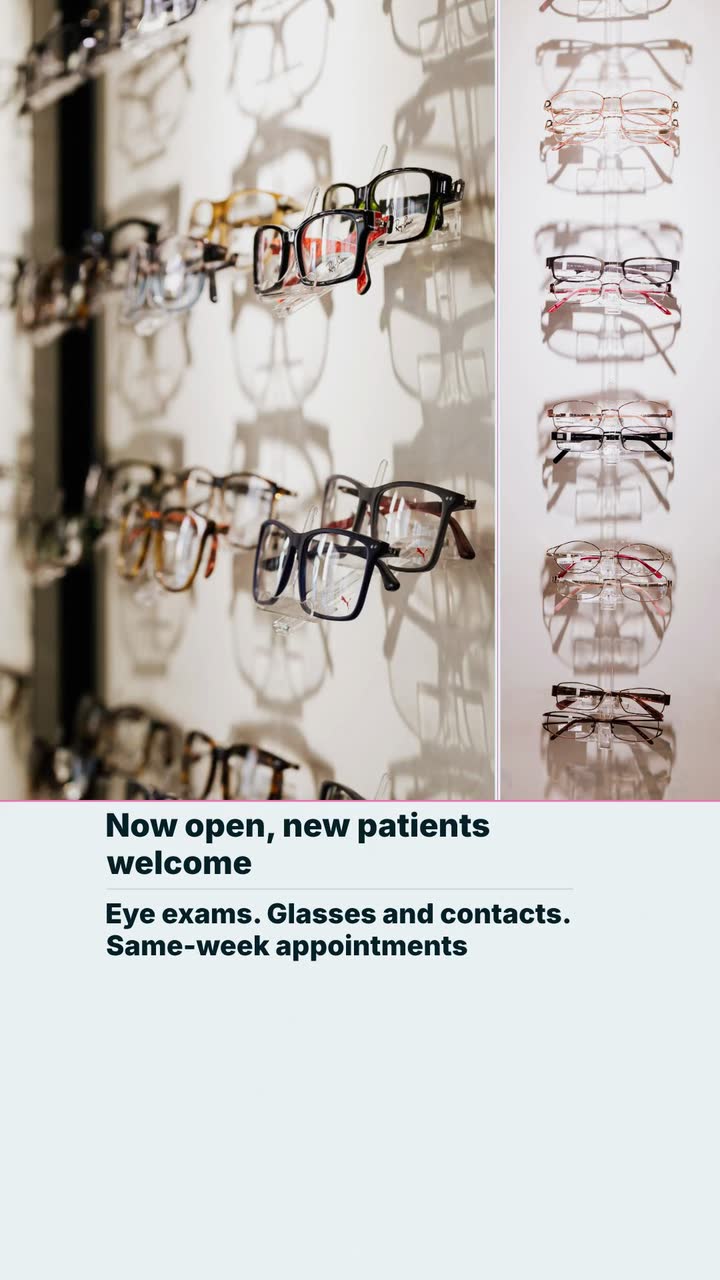
| ClearView Eye Care | Pairs eye exams with glasses and contacts, so the service is clear | Replace “same-week appointments” with a link to current availability. Remove old availability posts when those slots are filled. |
General information, not legal advice. The legal sources here are U.S. guidance, not rules for every country. Check current advertising, privacy and patient-incentive rules with your local regulator or qualified adviser before publishing.
Use the eight-week schedule as a preparation plan, not a performance benchmark. Draft the clinician introduction and directions while the date is uncertain. Publish a firm date only after the team responsible for opening confirms it; if it changes, update the booking page and visible announcement together.
Give name, service, location and booking their own beats, as in the 15 s example. Put detailed insurance and opening hours in separate posts or the booking page. Read each card muted on a phone; if you rush to finish a line, shorten it. Do not solve crowding by making type smaller.
You can plan a non-clinical tour separately from appointment booking. Explain whether visitors will only meet the team or can request an appointment. Schedule it away from patient care, and check current local privacy, advertising and gift rules with your adviser. Do not make attendance depend on posting a review.
Record real clinician introductions separately, with their agreement to filming and publication. The sample procedural brief uses text and a stock photo, so it does not include their recorded images. If a clinician endorses the practice, make their role clear in the post ([FTC](source:4)) and check current disclosure rules.
Publish the practical evidence you can check now: entrance, staffed hours, clinicians’ roles and how booking works. For later Google reviews, its policy prohibits incentives and selectively asking only for positive reviews; staff conflicts of interest are also covered ([Google Maps policy](source:6)). Check current platform and local rules before starting a review request process.
Example templates
An example template is a sample brief and storyboard for one kind of video, in one style, format and length.
Rules and platform features change. Check the source before you rely on it.
Health care
Turn front-desk questions into dental videos: explain insurance, visit costs and booking without exposing patients or promising treatment results.
Health care
Thirteen clinic video ideas built around reception questions, with consent checks, a posting plan and a focused microchip scan example.
Health care
Make first-visit, referral and rehab-process videos with clear boundaries. A clinic checklist, five patient-specific ideas and a concise sample brief.
Health care
Six useful clips for an eye-care practice: explain visits, separate frame prices from lens costs, and plan reminders around actual school and benefit dates.
Tell the Attain OS team what you want to make.
Videos Creator is coming to Attain OS. You can create your Attain OS account today.