
Health care
Dental practice marketing videos: answer the questions before booking
Turn front-desk questions into dental videos: explain insurance, visit costs and booking without exposing patients or promising treatment results.
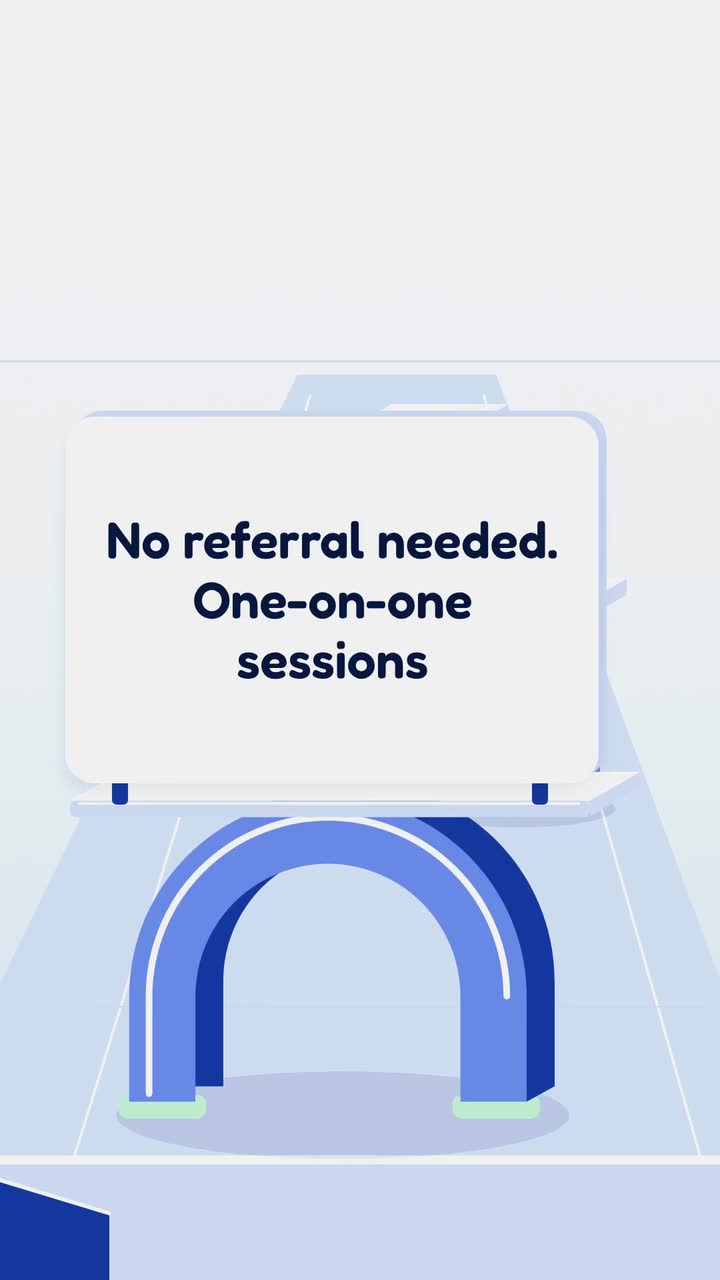
For physical therapists and clinic owners, this guide turns front-desk questions into useful marketing videos: what to bring, how to ask about referrals, and what an assessment involves. Start by checking your own booking information, then use the four-week plan and five patient-specific ideas. You will also get a realistic opening-video brief and a review process that keeps patient details and unsupported recovery promises out of your posts.
Gather these from reception, billing and the treating clinician. Keep a dated answer sheet naming who approves each item. Use your clinic’s policy rather than copying another practice.
Before approving a caption, ask what a viewer would think you are promising. A timer beside a painful knee can suggest a recovery deadline even if the narration never says one. Prefer a claim you can check: “Your first appointment starts with a discussion of your goals,” if that is your actual process. Show a blank goal card and explain the next step.
The US FTC’s health-claims guidance covers express and implied claims, evidence and social-media advertising. It is general guidance, not a physical-therapy advertising code. Check current professional advertising rules with your regulator and a qualified adviser; this guide is not legal advice. Keep a source and clinician approval for each clinical claim.
A patient’s recovery quote can also imply an expected result. The FTC says generic variability disclaimers do not resolve that implication (endorsement guidance); check current rules. For an authorized testimonial, consider a genuine comment about explanations or scheduling instead. Do not write a quote for a patient to adopt, and review its full context.
Use runners’ knee discomfort as a topic, not a diagnosis of viewers. This suggested schedule is not a treatment timeline. Get clinical approval for each script; replace unsourced medical explanations with descriptions of your process.
Show a blank card: “When did it start?”, “What activities bother you?” and “What do you want to return to?” Invite viewers to bring their answers to a visit, rather than posting symptoms publicly. Publish with your verified first-visit checklist and close with “Help us understand your concern.”
Film an empty assessment area or use cards for your actual sequence: discuss the concern, assess movement, agree next steps. Identify who conducts the assessment. Let staff choose whether to appear. Close with the booking contact; do not stage a patient’s painful movement for drama.
Have a therapist explain exercise selection after assessment without prescribing repetitions to viewers. Show a fictional plan with “goal”, “exercise” and “review” headings. Close with “What should I ask about my plan?” Get clinical approval before posting; avoid describing any movement as universally safe.
Show a blank training diary and your clinic’s questions about activity and goals. Avoid a falling pain score or race-day countdown. Invite patients to discuss changes with their treating clinician. After posting, ask reception which booking questions remain and use them for the next series.
Treat this as an editorial check, not approval to publish a clinical instruction. Have a licensed clinician decide whether a demonstration belongs in public education. Review current local professional and privacy rules with the appropriate adviser; this is not medical or legal advice.
Motion Physio is invented, adapted from the physio example. The Now open template (Calm and clear version) is an example of a brief and storyboard, not a product-feature claim. This revision drops the example’s broad referral promise.
Create a 15 s, 9:16 vertical welcome video for Motion Physio, an invented physical therapy clinic now taking new patients. Show the business name, then “Sports injuries”, then “Back and neck pain”, and close with “Book your assessment online” beside “Motion Physio”. Use drawn doorway and calendar shapes with large text, in the build style. Brand colours: #1d4ed8, #22c55e and #eff6ff. Calm English narration: “Motion Physio welcomes new patients. Sports injuries. Back and neck pain. Book your assessment online.” Do not add recovery claims or referral promises.
| When | On screen | Why |
|---|---|---|
| 0–3 s | A simple drawn doorway and “Motion Physio · New patients welcome”. | Introduce the clinic and the news. |
| 3–7 s | “Sports injuries” on one clear text card. | Allow reading time; avoid a simulated injury. |
| 7–11 s | “Back and neck pain” on a second card, using the same visual treatment. | Describe the service without implying pain disappears. |
| 11–15 s | A drawn calendar, “Book your assessment online” and “Motion Physio”. | The clinic’s own close comes last; put the booking address in the caption. |
| Outro | The ProcVideos outro closes the video. | |
The brief is text only, without patient images, clinic photos or logos. Optional English or Spanish narration comes with an SRT caption file when narrated. Review words, pacing and claims; regenerate with feedback for another take. Each generation differs. Videos Creator is coming soon to Attain OS.
Try a brief like this one
Videos Creator is coming to Attain OS. You can create your Attain OS account today.
Choose services you provide. These are editorial ideas, not clinical recommendations. Each row gives a visual, a message and a posting occasion; put detailed answers in the caption or clinic information page.
| The patient question | What to show and say | When to publish and how to close |
|---|---|---|
| “Will I have to stop running?” | Show a blank “Your activity goals” card. Say “Tell us what you want to return to; we will discuss it at your assessment.” Avoid return dates or advice to keep running. | Before a relevant local running event. Close with “Ask about a running assessment,” using your actual service name. |
| “What should I bring after surgery?” | Show a fictional list of documents your intake team requests from the surgical team. Explain your approved private route for sending them. | When reception receives these questions. Close with “Request our first-visit checklist”; avoid public requests for discharge summaries. |
| “Is my desk chair causing this?” | Show a question card, not a diagnosis or posture correction. Say “Bring notes about when discomfort appears and what your workday involves.” Get clinical approval. | When this question recurs. Close with “Ask what our assessment covers,” rather than a universal desk stretch. |
| “Can I get into the clinic comfortably?” | Film the actual entrance yourself without patients present. Describe verified parking, steps, lifts and seating. Label a route diagram as an illustration. | When access information changes. Close with a private number for discussing access needs. |
| “What happens on my first visit?” | Show cards for your actual visit sequence and clothing advice. Explain whether it is an assessment and who the patient meets. | Keep with welcome information; replace when the process changes. Close with “Read our first-visit information before booking.” |
Verify the wording for your actual location and patients. US direct access and insurance payment are separate questions ([APTA](source:5)); check current rules and plan terms. Until verified, say “Contact reception about booking requirements.” Date the approved answer and name the staff member responsible.
Use a first-visit checklist, an empty-room walkthrough or a staff explanation of assessment. Reserve the room and clear paperwork and screens. A welcome graphic needs only the clinic name, verified services and booking step. None of these ideas requires patient participation.
Only if your clinical lead can review the educational purpose, audience and limitations. Avoid a generic routine for everyone with the same symptom. If the necessary context will not fit, explain exercise selection after assessment instead. This guide does not approve any particular exercise.
State the verified fee, appointment type, inclusions and how to ask about extra charges. Get billing approval and date it. Do not present it as an insured patient’s final bill. Link current clinic information so an old video is not the only price source.
Choose a question before posting; ask reception whether callers still need that answer. Track aggregate topic enquiries and incorrect expectations without identifiable patient details in marketing notes. Views alone do not establish whether viewers understood booking requirements or assessment.
Example templates
An example template is a sample brief and storyboard for one kind of video, in one style, format and length.
Rules and platform features change. Check the source before you rely on it.
Health care
Turn front-desk questions into dental videos: explain insurance, visit costs and booking without exposing patients or promising treatment results.

Health care
Thirteen clinic video ideas built around reception questions, with consent checks, a posting plan and a focused microchip scan example.
Health care
Follow an invented family clinic from opening brief to launch posts, with checks for insurance wording, patient privacy and booking.
Health care
Six useful clips for an eye-care practice: explain visits, separate frame prices from lens costs, and plan reminders around actual school and benefit dates.
Tell the Attain OS team what you want to make.
Videos Creator is coming to Attain OS. You can create your Attain OS account today.