Health care
Veterinary clinic social media ideas: 13 videos for pet-owner questions
Thirteen clinic video ideas built around reception questions, with consent checks, a posting plan and a focused microchip scan example.
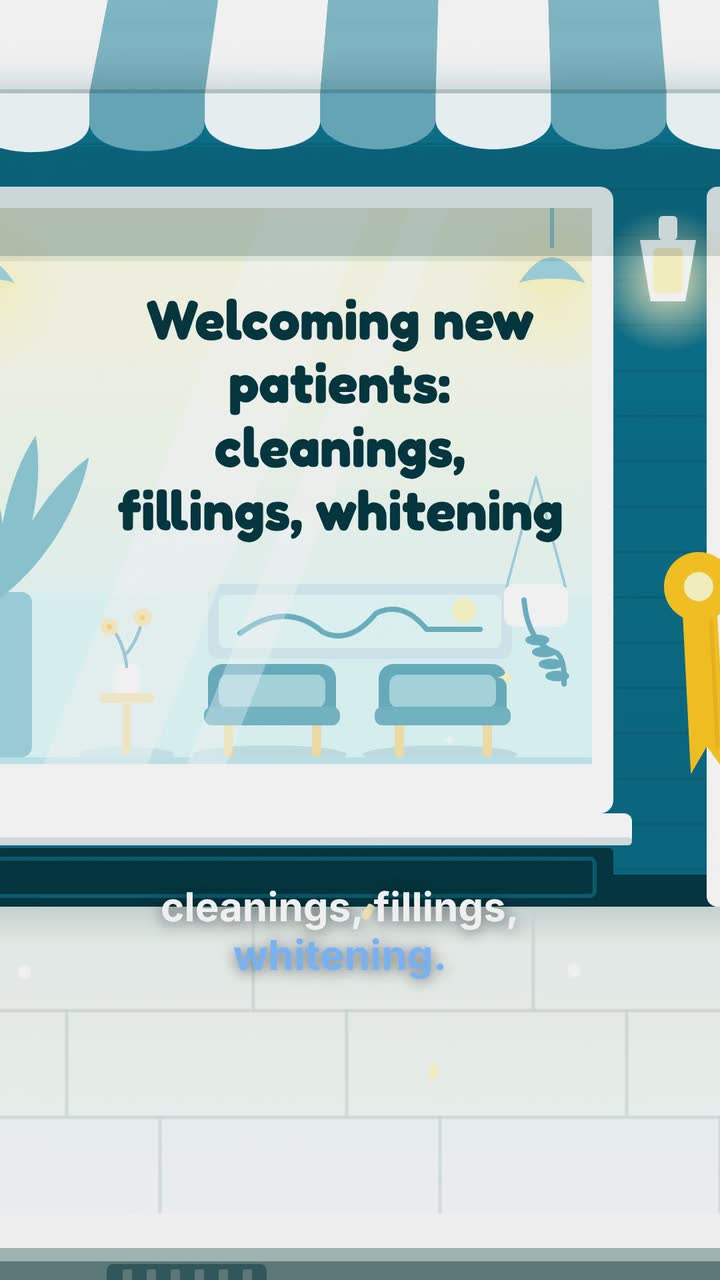
For dentists, practice managers and reception teams, these dental practice marketing videos start with the questions you answer on the phone. Use the question-to-video table to choose a topic, the release plan to keep details current, and the checklist to catch misleading offers or patient information. A worked example shows how an invented practice explains a first-visit fee without implying that every patient needs the same treatment.
Tally your own calls for a week: insurance, self-pay cost, first visit, nervousness, urgent appointments, children and evening hours. Record categories only, without identifying callers. Ask reception which answers need repeated explanation and choose those topics first.
Open in the caller’s words: “Can I book without dental insurance?” Answer with what your practice offers and one booking action. Separate payment information from clinical decisions; a booking video cannot confirm someone’s coverage or treatment needs.
Assign approval: billing checks plan wording, the dentist checks care descriptions, and reception checks hours and booking links. Keep published text with the file to spot obsolete offers. Use a small-business video calendar for local seasonal planning.
Adapt these prompts to services you offer. Placements are suggestions, not predictions of views or bookings.
| Caller’s question | What to put on screen | Where to try it |
|---|---|---|
| “Do you take my insurance?” | List billing-approved plans. Distinguish in-network participation from help submitting claims. Close with “Call to check your plan”, without promising individual coverage. | Website insurance page; social post when participation changes |
| “What if I pay myself?” | Show a verified first-visit fee, inclusions and exclusions. Explain any membership payment schedule and coverage in a separate clip. | Fees page; Facebook post linking to full terms |
| “What happens at my first visit?” | Sequence reception, discussion, examination and next steps. Have the dentist approve it; do not imply everyone receives a cleaning that day. | New-patient or booking page; Instagram |
| “Can I ask you to stop?” | If your team uses a hand signal, explain it with text and a pause symbol. Avoid pain-free promises. | First-visit page; Instagram or TikTok |
| “Can you see me today?” | Give the urgent-call route and staffed hours. Say availability needs confirmation. Use approved after-hours instructions; do not diagnose. | Contact page; Google Business Profile, subject to its requirements |
| “Do you see children?” | State accepted ages, whether a parent stays and what to bring. Avoid drawings suggesting treatment results. | Children’s appointment page; parent groups with administrator permission |
| “Can I come after work?” | Show actual evening days, exceptions and how to book, without advertising unconfirmed empty slots. | Hours page; channels you already maintain |
General information, not legal advice. The cited federal guidance is from the United States. HIPAA covers qualifying providers, including dentists who transmit information electronically for an HHS-standard transaction (HHS). Check current privacy and advertising rules with your regulator or adviser wherever you practise before using patient material, fee promotions or specialty titles.
Harbor Lane Dental and this US-dollar offer are invented. The Service offer template (Checklist version) is an example brief and storyboard. This assessment excludes cleaning and treatment.
Create a 30 s vertical 9:16 video for Harbor Lane Dental. Use calm kinetic typography, simple checklist symbols and colours #0f4c5c, #f4a259 and #f1faf8. Open with “No dental insurance?” Explain our first-visit assessment: dentist examination, X-rays selected by the dentist, and a written treatment plan. Show “$129 USD · new patients without insurance · ends Dec 31, 2026”. Clearly show “Cleaning and treatment not included”. Keep the fee and conditions readable together through the close. End with “Call to book your assessment · Harbor Lane Dental”. Use calm English narration, captions, music and sound effects. No patient images or clinical before-and-after scenes.
| When | On screen | Why |
|---|---|---|
| 0–4 s | “No dental insurance?” on the pale background, then “First-visit assessment”. | Identify the question without suggesting a diagnosis or completed treatment. |
| 4–12 s | Checklist: “Dentist examination”, “X-rays selected by dentist”, “Written treatment plan”. | Explain what the assessment includes; do not imply every patient needs identical imaging. |
| 12–23 s | “$129 USD” with “New patients without insurance”, “Ends Dec 31, 2026” and “Cleaning and treatment not included”, all in readable type. | Allow a sustained hold for the conditions, rather than shrinking them into fine print. |
| 23–30 s | “Call to book your assessment · Harbor Lane Dental”; keep the price and conditions visible. | Finish with the practice’s own booking action. Keep the main message readable with sound off. |
| Outro | The ProcVideos outro closes the video. | |
The brief is text only, with invented details. Its storyboard ends with the practice’s close; the page separately notes the ProcVideos outro. AI plans and writes the video as code, then renders it; each generation differs. Review terms and narration and regenerate with feedback if needed. Videos Creator is coming soon to Attain OS. See how to write a video brief.
Try a brief like this one
Videos Creator is coming to Attain OS. You can create your Attain OS account today.
Describe your real process: welcoming a nervous visitor, explaining the examination and requesting a break. A drawn checklist needs no patient identity. Do not reuse a recognizable incident with only the name removed or pass off an invented quotation as a testimonial.
For identifiable patient material, have your privacy adviser review permission and proposed placements. HHS distinguishes ordinary consent from valid authorization, which has specific content and retention requirements (HHS). Check current rules; a verbal agreement or generic filming release is not a substitute.
Make participation optional as practice policy, without testimonial discounts. Keep requests separate from treatment decisions. If permission is withdrawn, pause further use and consult your adviser; do not promise to recover others’ shared copies.
Review the thumbnail, caption, quotation and promotion together. Check for implied treatment outcomes and invented patient statements.
Try this first-month schedule, then use the change triggers to keep it useful. The weeks are an editorial plan, not a claim about the best posting frequency.
| Planned release | Prepare with the team | Replace when |
|---|---|---|
| Week 1: insurance or self-pay | Choose the question reception counted most. Check the exact plan or offer wording with billing. | Participation, fees, inclusions or eligibility change |
| Week 2: the first visit | Have the dentist approve the sequence; link to your new-patient information. | Your intake process or appointment instructions change |
| Week 3: nervous visitors or children | Explain one real accommodation or what a parent should bring. | The relevant service, age policy or team process changes |
| Week 4: access to appointments | Check evening hours and the urgent-call route with reception. | Opening hours, booking links or after-hours arrangements change |
| Before a benefits reminder | Check the renewal dates relevant to the plans you actually handle. Invite patients to verify their remaining coverage; do not encourage unnecessary treatment. | The deadline passes or the plan information is no longer accurate |
Treat it as a separate privacy and advertising review, not a routine content idea. Ask your adviser to check permission, the implied treatment claim and current local rules. Avoid misleading crops or lighting changes. A drawn transformation should not be presented as a real clinical result.
For a defined assessment offer, show the price and full eligibility and exclusions together. If treatment depends on an examination, explain when the practice provides an estimate rather than implying the displayed fee covers all care. Remove the video when the offer expires.
Try a 10 s or 15 s clip for a simple hours card, and a 20 s or 30 s clip for a visit sequence or an offer with conditions. These are editing suggestions, not performance benchmarks. Use fewer words if the terms cannot be read comfortably on a phone.
Procedural Videos uses a text-only brief to make motion graphics, so this example cannot include a recording of your hygienist. For a separate staff filming project, arrange permission through your practice and identify the person’s actual role. Keep patients and records out of the background.
Explain one real choice: a way to request a break, an opportunity to ask questions, or who discusses the next step. Have the clinician approve the wording. Do not promise that nobody will feel pain or invite viewers to describe symptoms in public comments.
Example templates
An example template is a sample brief and storyboard for one kind of video, in one style, format and length.
Rules and platform features change. Check the source before you rely on it.
Health care
Thirteen clinic video ideas built around reception questions, with consent checks, a posting plan and a focused microchip scan example.
Health care
Make first-visit, referral and rehab-process videos with clear boundaries. A clinic checklist, five patient-specific ideas and a concise sample brief.
Health care
Follow an invented family clinic from opening brief to launch posts, with checks for insurance wording, patient privacy and booking.
Health care
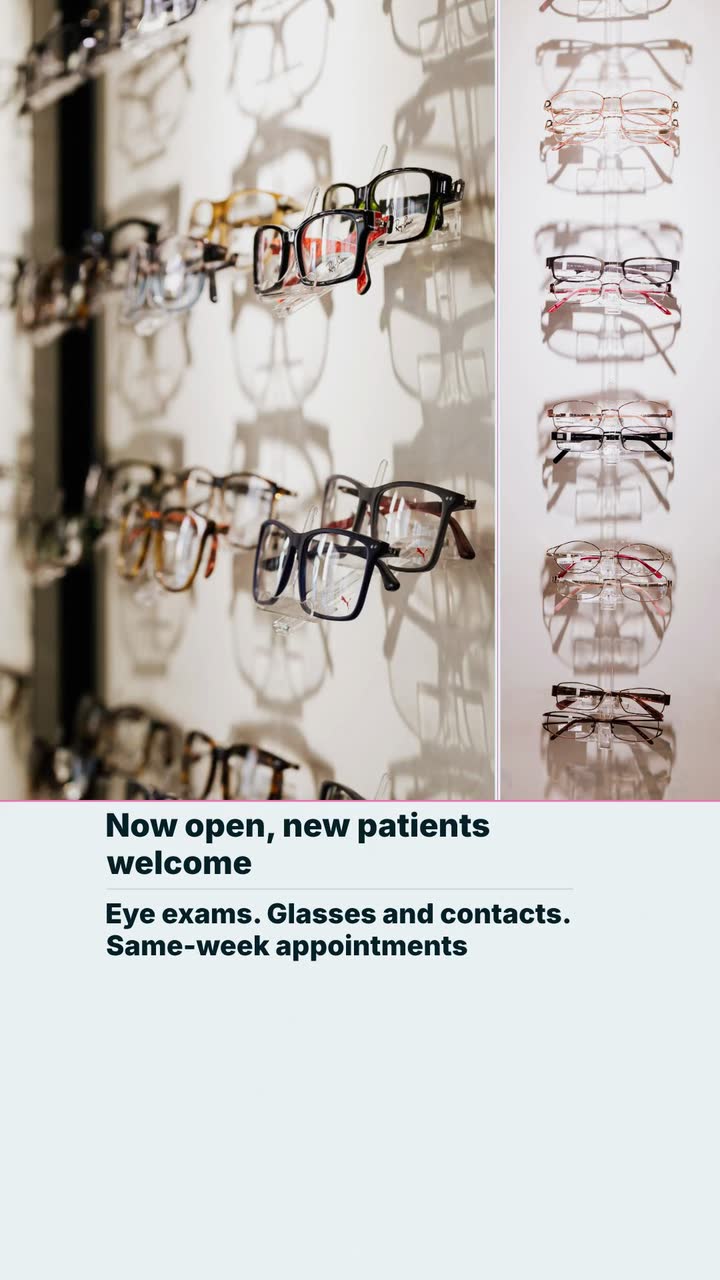
Six useful clips for an eye-care practice: explain visits, separate frame prices from lens costs, and plan reminders around actual school and benefit dates.
Tell the Attain OS team what you want to make.
Videos Creator is coming to Attain OS. You can create your Attain OS account today.