Seasonal campaigns
Holiday promo video ideas: gifts, shipping deadlines and store pickup
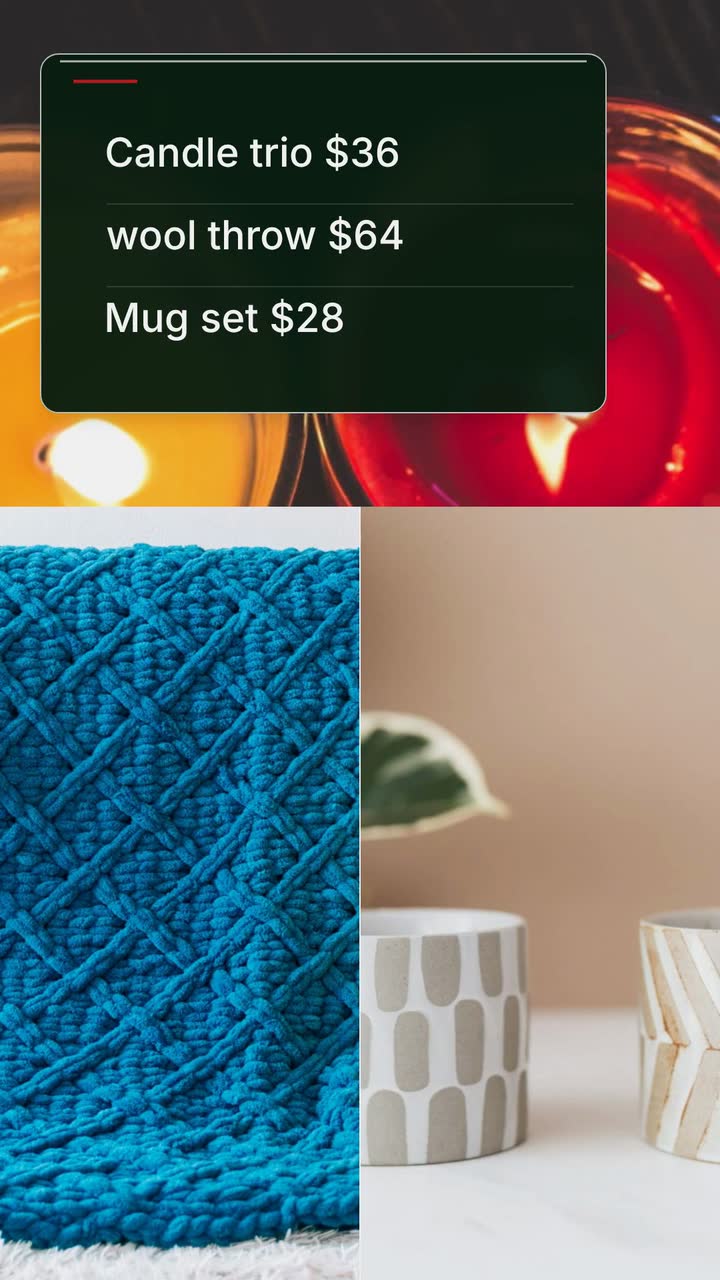
Plan gift videos around stock, wrapping capacity and order deadlines, with a shipping worksheet and a Christmas brief for an invented shop.

For shop, salon and service-business owners managing their own marketing, this small business video calendar gives monthly subjects, posting windows and a bookshop brief for October 2026–September 2027. Adapt the US dates to your customers and work backward from your actual order deadlines.
Adapt this US retail example to your trade. Check the 2026 and 2027 calendars; replace gift campaigns with service availability where appropriate.
Show a seasonal item with its price and collection instructions. Halloween is Saturday, October 31 (calendar).
A bakery could announce its cookie-order cutoff; a salon could show appointment availability. State changed hours separately.
Announce one reason to visit on Small Business Saturday: a book bundle, repair demonstration or genuine offer.
Thanksgiving is Thursday, November 26 (calendar). Try November 7 for your announcement; adjust for your preparation needs.
For Small Business Saturday, show today’s hours, the offer and your address.
Check stock before posting. Replace sold-out announcements with current availability.
Make a deadline card for engraved gifts, alterations or custom orders. Say whether the date means ordering, dispatch or collection.
Calculate the cutoff from your supplier and workload. Distinguish dispatch from delivery.
Show the dates you are closed and the first day you reopen, with a contact or booking instruction.
Repost confirmed hours before each closure. Check that your website, door notice and video give the same reopening date.
If bookings are quiet, answer a purchasing question: does a repair quote include parts, or what should a salon client bring?
If January is busy, announce your next available appointment instead.
Valentine’s Day is Sunday, February 14 (calendar). Show gift contents or a reservation option if it fits your business.
Give the final date for custom work or reservations. If the occasion has no connection to your service, use a customer-question video.
If your local spring booking season starts here, show a lawn-service slot, portrait appointment or bicycle tune-up.
Use actual availability, such as “Appointments from April 12”. State what is included and how to reserve.
Use local graduation and event dates to plan catering orders, alterations or group bookings.
Choose one package per video. Add the minimum order, collection arrangements and your own cutoff to the accompanying post.
US Father’s Day is Sunday, June 20 (calendar). A hardware shop could explain a gift kit’s contents.
Keep ordering information in the gift post. Put changed summer hours in a separate card.
Show a confirmed new arrival or your next service opening. Choose a summer theme only where it fits local weather and demand.
July 4 falls on Sunday in the US, with the holiday observed Monday, July 5 (calendar). Announce your own hours; do not imply all shops close.
If local schools reopen soon, show a haircut booking, uniform alteration deadline or school-supply list.
Check the school’s calendar. Try a reminder two weeks before; move it earlier for your booking cutoff.
US Labor Day is Monday, September 6 (calendar). Confirm any changed hours, then draft your next autumn campaign.
Review recorded enquiries or orders from earlier posts. Reuse the subject that helped customers act, with updated prices and dates.
Start with the counter: sell a prepared bundle, fill a booking slot or clarify collection. Choose a holiday video when the date explains that action. An opening-hours update belongs in the calendar without a promotion.
Try a monthly campaign with a customer-answer video in reserve. Add updates when stock, availability or hours change. Reduce the workload if preparing posts competes with serving customers; there is no universal posting frequency.
For a campaign you can support, draft an announcement, a reminder with a useful new detail and a final notice before the real cutoff. A custom-gift shop’s final notice may need to precede the holiday. If bookings fill sooner, replace the reminder with the next opening.
Keep a simple planning sheet: customer occasion, offer, order cutoff, publication date, person checking the details and result. After posting, record enquiries that mention the video or ask customers how they heard about the offer. Use that evidence to choose the next subject; views alone do not tell you what sold.
These are suggested posting windows, not research on shopper behaviour. Your capacity and cutoff take priority. Dates follow the calendars above and the SBA.
| Campaign | Suggested first post | Final reminder | What to check first |
|---|---|---|---|
| Halloween | Early October | Before your order cutoff | For party treats or alterations, decide how much work you can accept. |
| Small Business Saturday | Early November | November 28 only for offers still available | Confirm opening hours, shelf stock and the terms staff will honour. |
| December gifts | Mid-November | Before your final order date | Separate dispatch estimates from collection deadlines. |
| Valentine’s Day | Early February, or earlier for custom work | Before your reservation or order deadline | Confirm capacity before inviting more bookings. |
| Mother’s or Father’s Day | Try three weeks before the local date | Before engraving, preparation or booking closes | Select the local occasion before setting the reminder. |
| School reopening | Try two weeks before the local start date | Before your last available appointment | Read the local school calendar and check your diary. |
Prepare a draft when you have spare capacity. Note which facts expire, such as price, stock or hours, and check them before reuse.
A repair shop can show separate cards for diagnosis, labour and parts, using its actual quoting process. End with how to request an estimate.
Try this: Ask the counter team which cost question they keep explaining, then answer that one.
Show the appointment type, any preparation your service needs and the check-in instruction. For parking, use written directions to a real entrance rather than an invented view of the street.
Try this: Use the same arrival instructions as your confirmation message, and remove anything unnecessary.
Name the key types you actually handle, when the service is available and where to ask. Avoid claiming you can copy every key.
Try this: Ask staff to verify the wording before you publish; include any exclusions that affect the visit.
A bookshop can announce a new title, its current price and whether customers can reserve it. A drawn title card explains the news; actual footage of the item would be a separate post.
Try this: Count available copies first, and withdraw the availability message if they sell out.
A bakery can show the collection date, window and entrance instruction. Write the date out instead of “tomorrow” so an old post is less confusing.
Try this: Keep collection hours separate from general shop hours if they differ.
Larkspur Books is an invented US bookshop. The Seasonal store template (Fall version) is an example brief and storyboard. This announcement pairs two gifts, with no narration and a readable close.
Create a 15 s, 9:16 vertical seasonal announcement for Larkspur Books. Small Business Saturday, November 28, 2026. Use drawn book shapes, autumn leaves and shelf tags in #7c2d12, #ca8a04 and #fefce8. Show two gift choices together: “Book bundle $40” and “Kids’ book box $15”. Then show “Gift pair $55”, meaning one of each. Finish with “Visit Larkspur Books · Nov 28 · 9 am–7 pm · 214 Elm St”. No narration. Do not depict an actual shopfront or book cover.
| When | On screen | Why |
|---|---|---|
| 0–3 s | Drawn leaves frame “Small Business Saturday · Nov 28”. | Establish the occasion before introducing the gift choices. |
| 3–8 s | Two shelf tags stay visible together: “Book bundle $40” and “Kids’ book box $15”, beside simple book shapes. | Keep the product labels short; inspect the result on a phone. |
| 8–11 s | “Gift pair $55” joins the two tags. | The pair contains one of each; the total makes no discount claim. |
| 11–15 s | “Visit Larkspur Books · Nov 28 · 9 am–7 pm · 214 Elm St”, with the date, hours and address on separate lines. | The business’s own close stays on screen for the final beat. |
| Outro | The ProcVideos outro closes the video. | |
The business, address, products and prices are invented. The brief is text only, with products as shapes and type. Each AI plan differs: review dates, prices and reading pace, then request another take with specific feedback if needed. Videos Creator is coming soon to Attain OS. See how to write a video brief.
Try a brief like this one
Videos Creator is coming to Attain OS. You can create your Attain OS account today.
Run this check before each campaign, then review the next season while your supplier dates and appointment diary are open.
Start by pencilling in the next campaign and its order deadline. Keep a rough list of the following occasions, then confirm each one as stock and appointment availability become clear. Leave room for a sold-out update or an unexpected closure.
November 28, 2026 ([SBA](source:1)). Try an early-November announcement, then a reminder before your own offer cutoff. A post on the day only makes sense if customers can still act on it.
Use a holiday only when it explains something useful about your offer or hours. A plumber could post an outdoor-tap preparation reminder before local cold weather instead of a gift promotion. Put irrelevant holidays aside.
If the offer has ended, cancel the scheduled post and update any booking link. Publish a customer-answer video or your next opening instead. Record why you missed the deadline so the next campaign starts from a workable cutoff.
Example templates
An example template is a sample brief and storyboard for one kind of video, in one style, format and length.
Rules and platform features change. Check the source before you rely on it.
Seasonal campaigns
Plan gift videos around stock, wrapping capacity and order deadlines, with a shipping worksheet and a Christmas brief for an invented shop.
Seasonal campaigns
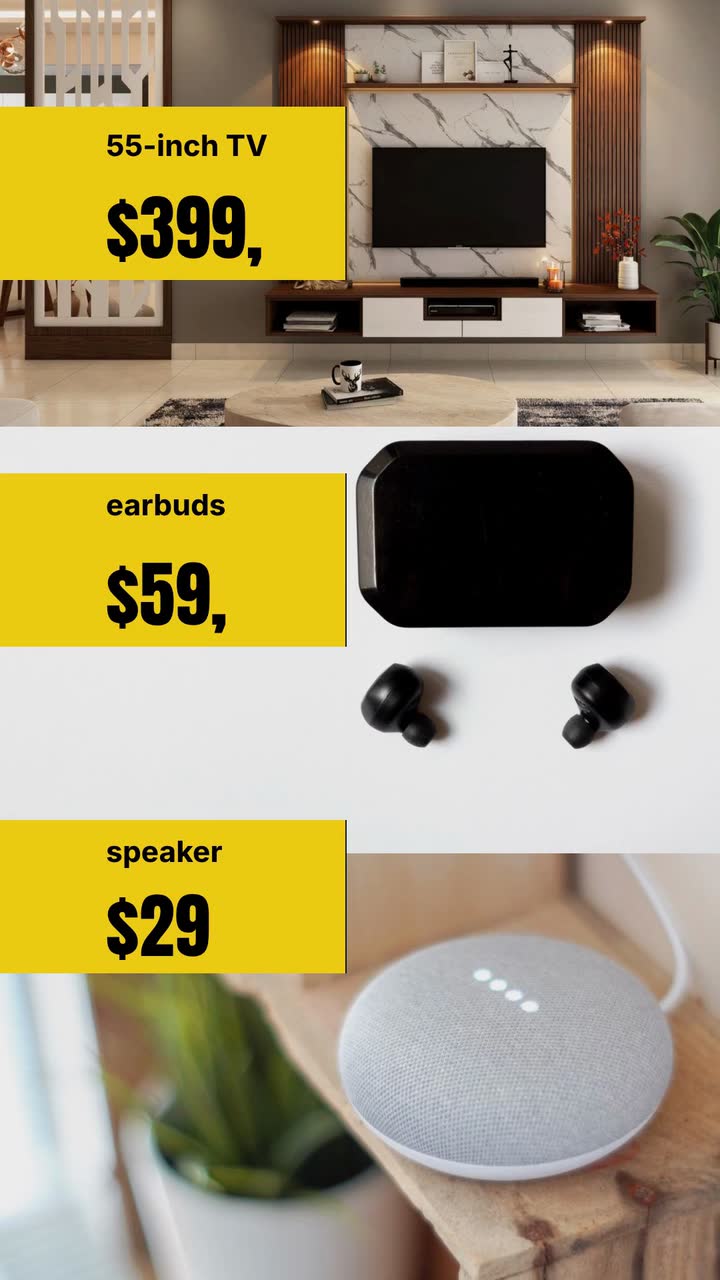
Check prices, stock and sale dates, choose a retail ad concept, and work through a one-product brief for an invented electronics shop.
Seasonal campaigns
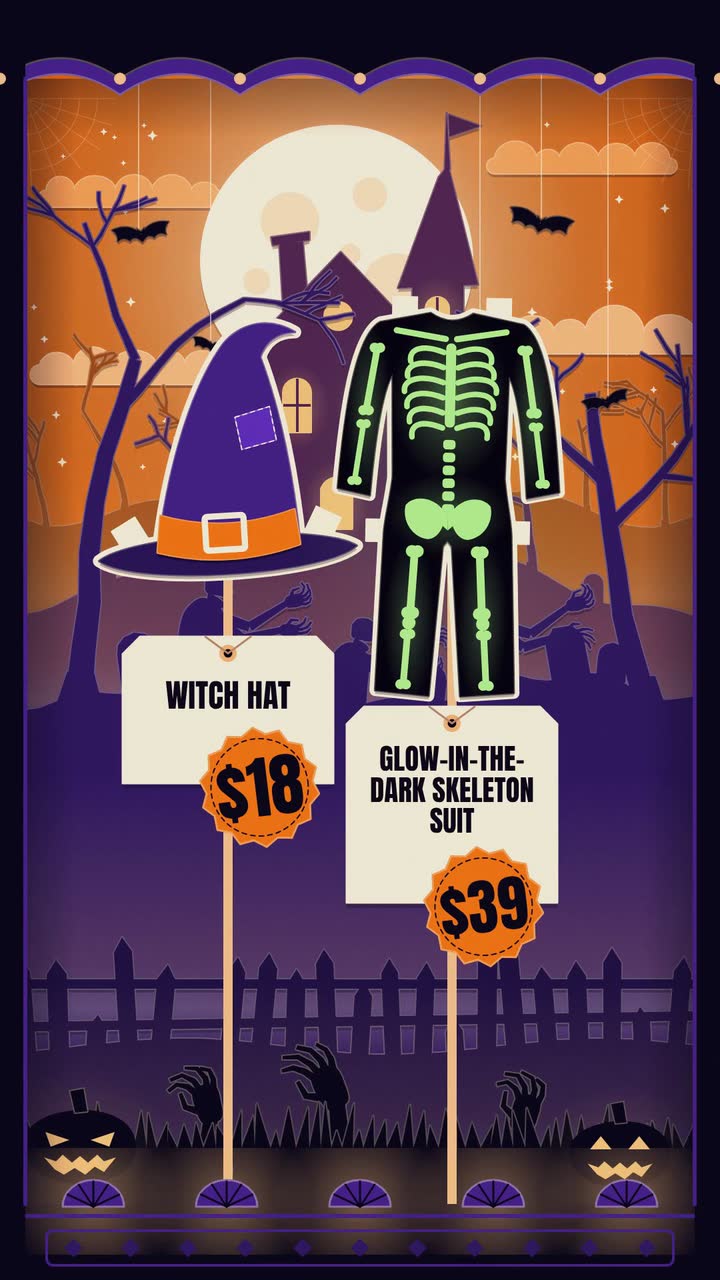
Costume prices, makeup bookings, doorstep treats: twelve Halloween posts, an October plan and a worked brief for an invented shop.

Seasonal campaigns
Plan Valentine's gift and booking videos around what you can fulfil: contents, prices, order deadlines and a clear pickup close.
Tell the Attain OS team what you want to make.
Videos Creator is coming to Attain OS. You can create your Attain OS account today.