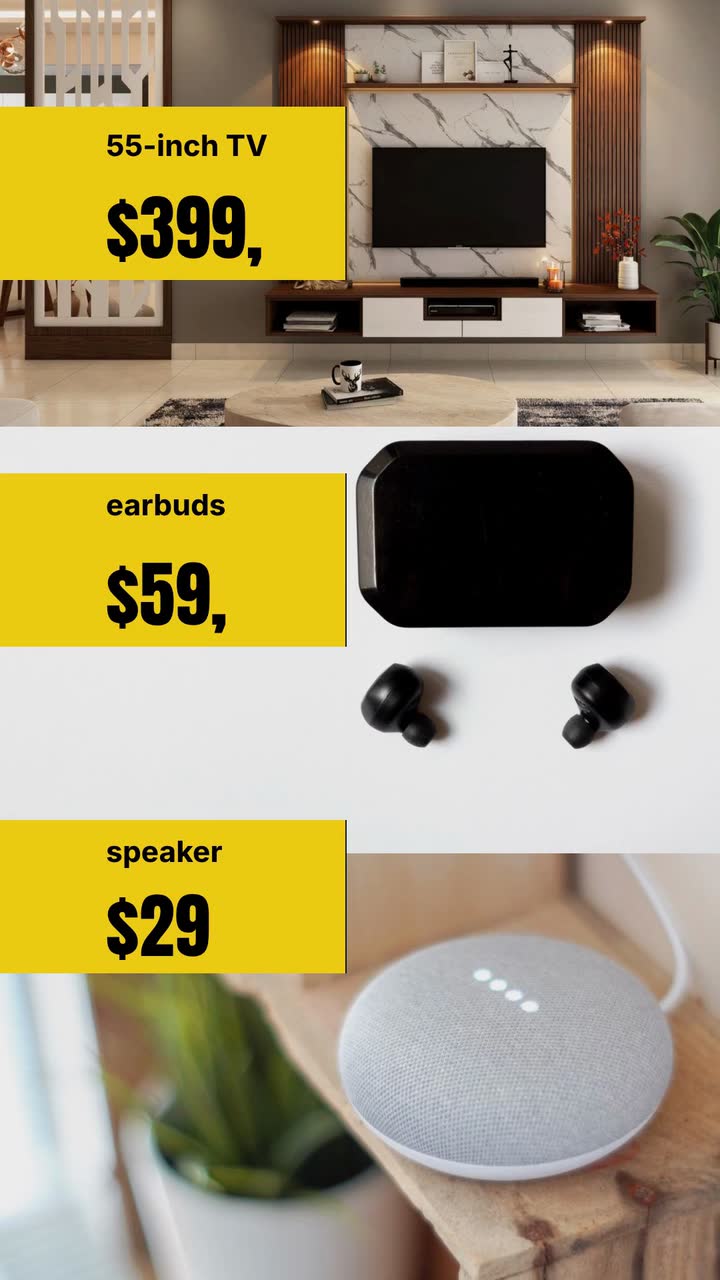
Seasonal campaigns
Black Friday video ad checklist: prices shoppers can check
Check prices, stock and sale dates, choose a retail ad concept, and work through a one-product brief for an invented electronics shop.
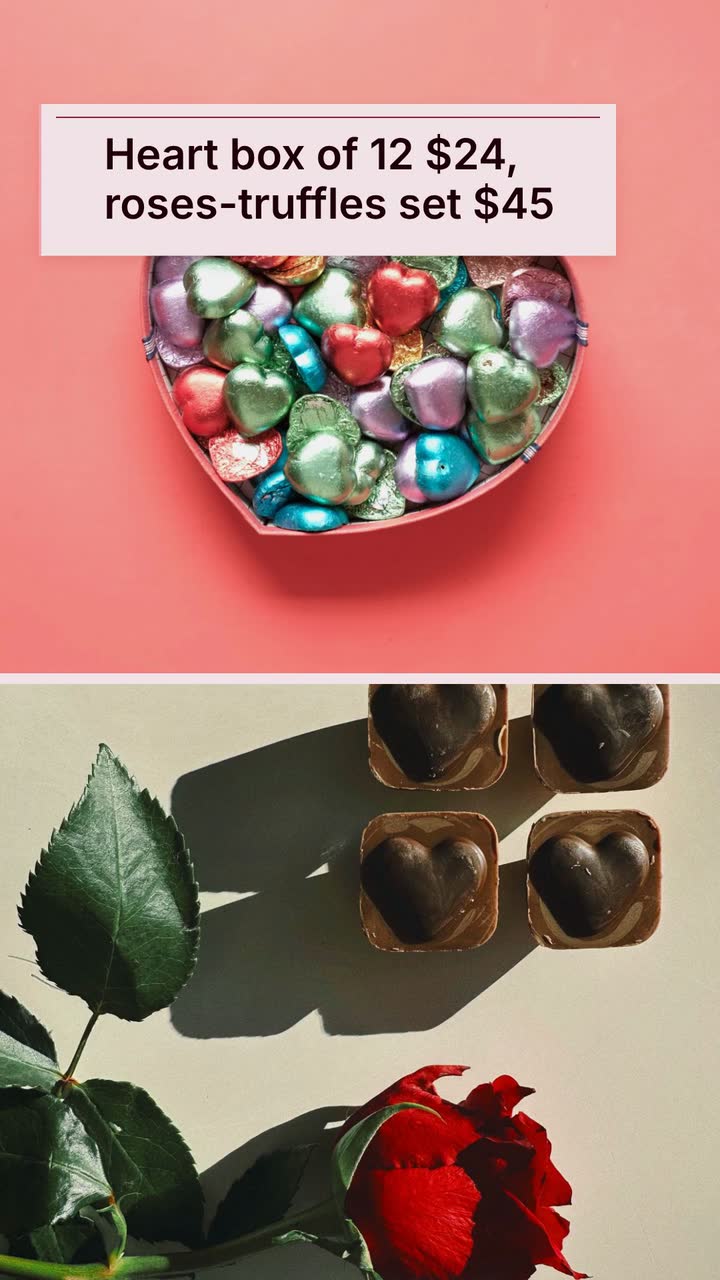
For florists, chocolate shops, bakeries, restaurants and gift retailers, Valentine's Day promo videos should explain what is included, when buyers can get it and how to order. Use this checklist, six video ideas and a worked chocolate-shop brief to answer those questions. The six-week schedule is a planning option, not a proven best posting window: shorten it if your range or bookings open later.
Complete this before announcing an offer. Use the suggested six-week plan only if you already know what you will sell.
Treat these as suggested stages. Bring deadline posts forward when production or shipping needs more lead time; skip unavailable offers.
If the range is ready, introduce your gifts with contents and prices. A florist could compare a wrapped bouquet with a vase arrangement, stating whether the vase is included. Use unanswered customer questions for later posts instead of repeating the gift guide.
Give one gift its own video. For chocolates, state the piece count and where to check flavours and ingredients; for a salon voucher, name the service covered. The bakery filming and pre-order guide has a fuller food-business checklist.
NRF's 2026 US survey reported planned gifts for friends (33%) and pets (35%) (survey release). Treat that as a reason to consider another recipient, not a forecast for your shop. Outside the US, use your own enquiries to choose the angle.
Put “Order by…” and “Collect on…” together. Shipping and pickup may need different posts. For restaurants, show the actual seating time and booking route instead of announcing an arbitrary booking deadline.
Check what is packed and ready before saying “Available today”. Give the pickup location and closing time in the caption. If a scheduled post no longer matches stock, replace it rather than sending customers to an unavailable offer.
Note whether people asked about allergens, delivery areas, vase sizes or booking deposits. Add those answers to next year's offer page. If seasonal stock remains, describe its contents and current price without manufacturing a previous price.
Choose the row closest to your business. These are prompts for your own offer, not claims about what customers will buy.
| Business | What to show or write | What to confirm before posting |
|---|---|---|
| Florist | Bouquet size, stem count, vase inclusion and total price | Delivery area, delivery fee and whether substitutions are possible |
| Chocolate shop or bakery | Piece count, flavours, box size and gift packaging | Ingredient information, collection window and production capacity |
| Restaurant | Menu inclusions, price basis and seating time | Booking route, deposit conditions and any dietary requests you can accommodate |
| Salon or spa | The named service or voucher value | Appointment availability and voucher conditions |
| Boutique or gift retailer | A gift option at each budget, with wrapping shown separately | Actual stock, wrapping charge and shipping deadline |
| Pet retailer or groomer | A named accessory or grooming appointment | Available sizes or appointment slots; keep pet offers separate from human food |
Film real goods yourself when appearance matters. For a drawn offer video, use labelled shapes and text; keep your phone recording as a separate post.
Use a panel per gift: name, contents and price. Let the gift count or vase inclusion do the comparing, rather than decorative hearts covering the information.
Try this: When your range opens, post “Which box fits your budget?” and end with the order route. The Product hero template (Comic panel version) is a brief-and-storyboard example for this approach.
Product hero · Comic panel toonShow the piece count and flavours rather than promising how many people a box feeds. State whether buyers can split the contents into separate gifts and whether extra packaging costs more.
Try this: Post before the packing deadline. Try “One box to share; individual bags available” only if you provide those bags, then invite customers to reserve.
Show the actual ready-packed stock in your own recording, or use a text notice with a product name and current price. Include the collection window and how customers confirm a reservation.
Try this: Post after the day's stock check: “Heart boxes ready for collection today”. Remove or update the notice when the boxes are gone.
A single pastry, small bouquet or solo appointment can be an offer in its own right. Name the service or item; avoid suggesting that customers need a partner or deserve a consolation purchase.
Try this: During the gift-selection stage, try “A little something for you” with the price. Close with the purchase or appointment route.
Offer named bags or a shared box only if packing capacity allows. Show the total quantity, total price and any separate packing charge; use a real customer order process for spelling names.
Try this: Post before personalised packing closes. Say “Send your list by…” and specify where the list goes. For the brief itself, use the video-brief checklist.
Record your own team preparing actual orders without exposing customer names or addresses. Packed orders show the process; they do not establish how much unreserved stock remains.
Try this: Near collection day, post “Your collection window is in your confirmation”. Pair this separately filmed update with a drawn offer notice only while that offer is still available.
For US price comparisons, the guidance concerns genuine prices regularly offered, not necessarily completed sales (16 CFR 233.1). Check current rules in your jurisdiction before advertising a reduction; this checklist is not legal advice.
Cocoa Room is an invented chocolate shop from the site's seasonal example. This brief and storyboard use the Seasonal store template (Valentine's Day version), adapted to 15 s to separate the gifts from the collection close.
Create a 15 s, 9:16 vertical Valentine's Day offer for Cocoa Room, an invented chocolate shop. Use toon style, comic lettering, drawn hearts and gift-shaped panels. Show “12-chocolate heart box · $24” then “Roses + truffles · $45”. Next show “Handwritten card included”. Close with “Order by Feb 12 · Collect Feb 13” and “Cocoa Room”. These are our chosen 2027 store dates; this offer is for store pickup only. Use #be123c, #fda4af and #fff1f2. Use text and simple shapes, without narration.
| When | On screen | Why |
|---|---|---|
| 0–2 s | Drawn hearts frame “Valentine's gifts”. | Identify the occasion without using a simulated photograph of the chocolates. |
| 2–5 s | A gift-shaped panel carries “12-chocolate heart box · $24”. | Make the count and price readable together; keep the box drawing illustrative. |
| 5–8 s | The next panel reads “Roses + truffles · $45”. | Give the second gift its own reading time instead of showing competing prices. |
| 8–10 s | “Handwritten card included” appears without extra offer text. | Use an inclusion the invented shop can fulfil, rather than a fabricated discount. |
| 10–15 s | “Order by Feb 12 · Collect Feb 13” above “Cocoa Room”; the hearts settle. | The shop's own close separates the order deadline from the pickup day. |
| Outro | The ProcVideos outro closes the video. | |
Keep the collection address, hours, set contents, ingredients and order link in the caption and offer page. Review the rendered text before posting; regenerate with feedback if needed, since each generation differs. The proposed storyboard is an example, not a promise of the generated result. Videos Creator is coming soon to Attain OS.
Try a brief like this one
Videos Creator is coming to Attain OS. You can create your Attain OS account today.
Use early January if prices, contents and fulfilment dates are confirmed. Otherwise, prepare a draft and publish when ready. Six weeks is a suggested workflow, not evidence of a best posting time.
Replace the shipping message with an explicitly local offer: product, pickup date and order route. Check availability first. Stop promoting old videos that still promise delivery.
Try 10 s or 15 s for a simple offer, or 20 s or 30 s for menu inclusions or booking conditions. These are fixed product lengths. Move extra detail to the offer page and check the rendered words on your phone.
Compare the card cost, writing time and box margin. Include it only if it will not delay collection; this guide has no evidence that extras outsell discounts. For previous-price advertising, check current local rules and the [US guidance where applicable](source:2).
Use it as inspiration, not local market evidence. Ask which occasion and recipients your customers buy for. Keep the February calendar only for a February promotion.
Example templates
An example template is a sample brief and storyboard for one kind of video, in one style, format and length.
Rules and platform features change. Check the source before you rely on it.
Seasonal campaigns
Check prices, stock and sale dates, choose a retail ad concept, and work through a one-product brief for an invented electronics shop.
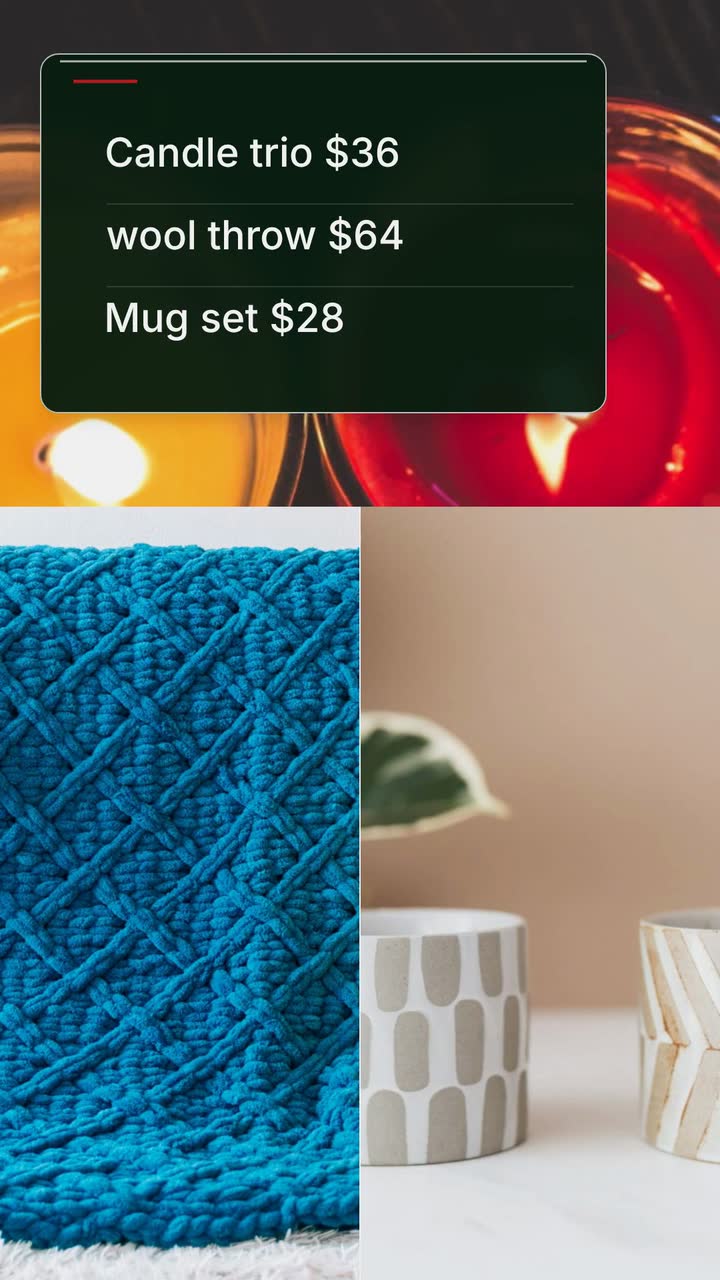
Seasonal campaigns
Plan gift videos around stock, wrapping capacity and order deadlines, with a shipping worksheet and a Christmas brief for an invented shop.
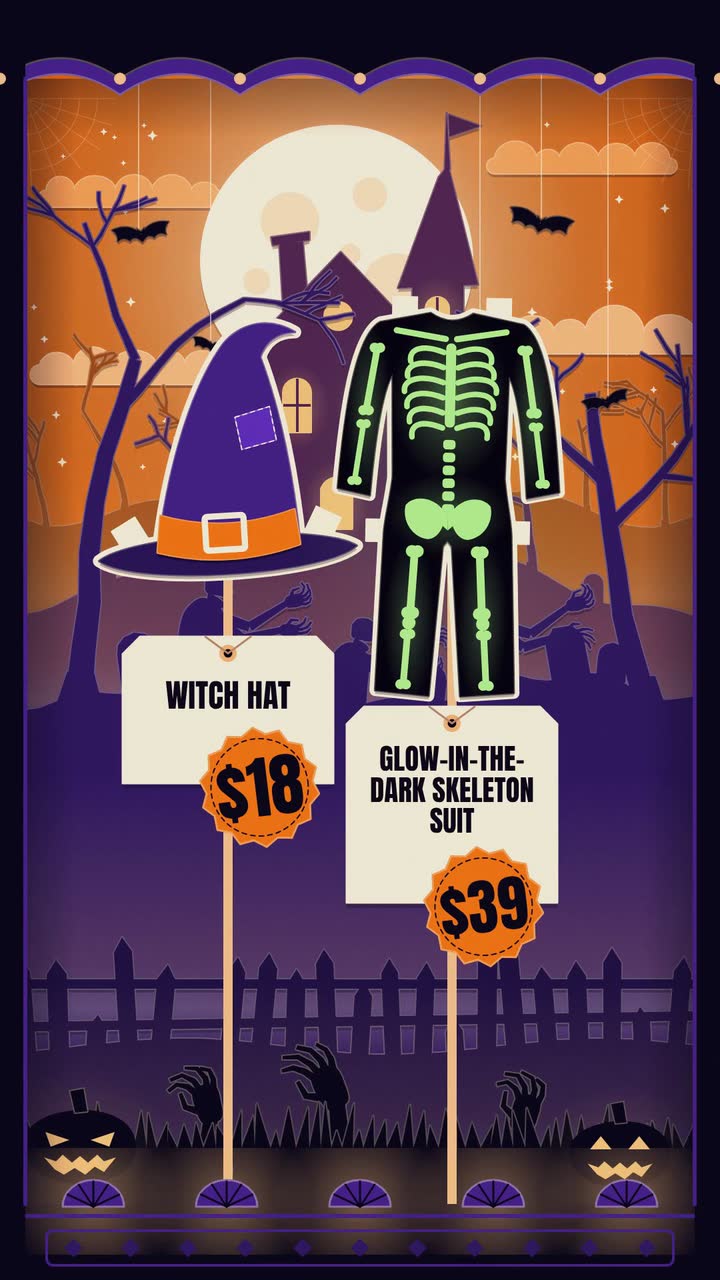
Seasonal campaigns
Costume prices, makeup bookings, doorstep treats: twelve Halloween posts, an October plan and a worked brief for an invented shop.
Seasonal campaigns
A video calendar for October 2026–September 2027: booking deadlines, shop hours, posts between holidays and a bookshop brief.
Tell the Attain OS team what you want to make.
Videos Creator is coming to Attain OS. You can create your Attain OS account today.