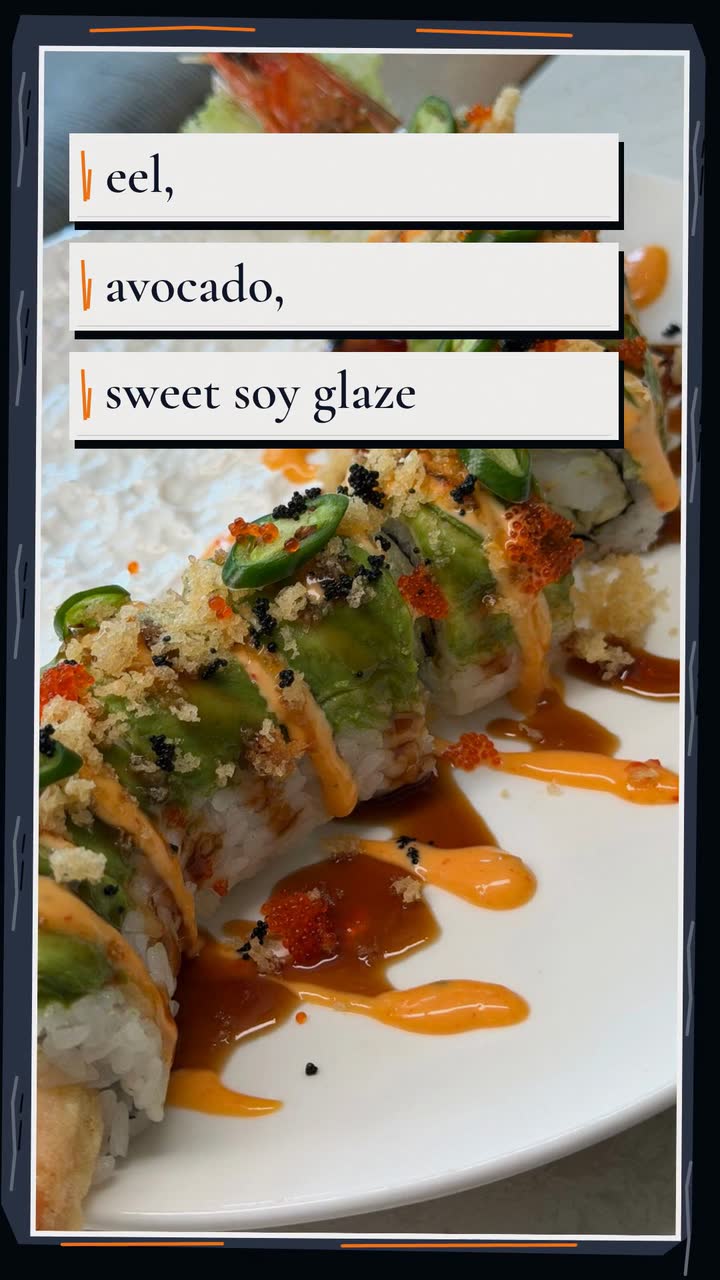
Food and drink
Restaurant video marketing ideas: twelve clips for your next service
Twelve restaurant videos built around service: sell a special, explain last orders, promote a group menu and keep each offer accurate.
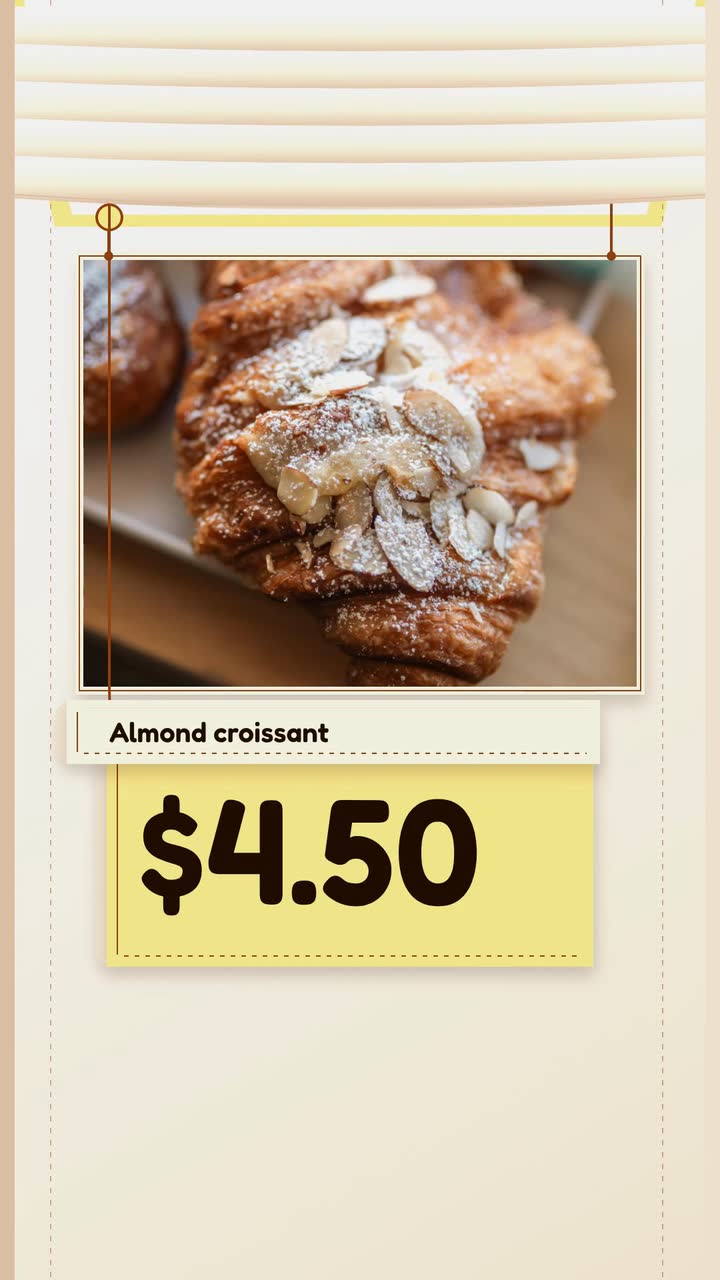
If you run a neighborhood bakery, your videos need to answer counter questions: what is ready, what it costs and whether someone can reserve it. Use this checklist and weekly plan to choose shots during normal prep, update sold-out posts and explain holiday pickup without interrupting the bake. The worked croissant brief shows how to turn one offer into a short illustrated menu video.
Keep this beside the bake schedule. Fill it from your recipes, counter notes and order book rather than guessing while a tray cools.
Treat these as a menu of posts, not a daily quota. Start with the ones your customers need most and move them to match your opening days.
Film the bread shelf, then name the loaves available this week. Separate walk-in stock from reservation-only batches. Try “Rye on Thursday; reserve by Wednesday at noon” if those are your actual dates. Put the order route beside the deadline.
Record scoring before baking and cut a cooled loaf afterward. Let customers see the crumb instead of describing it as “perfect”. Add one factual line about your recipe or process, such as the flour used. Save this clip for questions about texture.
Show a filled pastry cut open, with its name and price per piece. Name the filling rather than listing every selling point. Try “Apricot filling; $4 each; ready at 8 am”. An illustrated menu card can carry the same offer without pretending to show the real pastry.
Lay out the actual contents before packing them. State the piece count, whether substitutions are possible and the last time to reserve. Close with the pickup window. For broader food-post planning, see restaurant video ideas.
Film the item you bake only on the weekend and add the day and ready time. If it needs cooling or finishing, use the time it reaches the counter, not the time it leaves the oven. Offer reservations only if you actually take them.
When croissants are gone, post “Almond croissants sold out today” with the date. Add a confirmed next batch or a different item still available. Update earlier offers where possible; do not leave “Come get one” as the latest information.
Show the size of a celebration cake or a bread box next to its packaging. Answer a recurring question about portions, contents or pickup. Use a real product for scale and only give portion guidance you use when taking orders.
These are planning prompts, not recommended lead times for every bakery. Choose celebrations your customers observe, confirm local dates and set the order deadline from your oven, storage and pickup capacity.
| Order occasion | Opening post | Reminder before orders close |
|---|---|---|
| Three Kings Day bread | Show available sizes and what each includes. | Repeat the order deadline and pickup date; distinguish filled from unfilled versions. |
| Valentine’s cookie boxes | Show the piece count, designs offered and price per box. | Say whether customers can choose the designs and when boxes can be collected. |
| Easter breads | Show the breads you actually plan to bake and their sizes. | State the final reservation date and which days each bread will be ready. |
| Mother’s Day breakfast boxes | Lay out the contents and explain what comes packaged separately. | Repeat pickup windows and any choices that must be settled when ordering. |
| Day of the Dead bread | Show the versions your bakery sells and the price per piece or box. | Name the baking and pickup dates rather than promising ongoing availability. |
| Thanksgiving pies, if relevant to your customers | Show flavours, pie size and the price for each. | Give the closing date and collection window; stop taking orders when capacity is filled. |
| Christmas gifts | Show cookie boxes or seasonal breads with contents and prices. | State the last pickup day and how to confirm a reservation. |
A recipe description, a food label and an advertising claim are different jobs. The sources here describe US FDA rules; check current rules for your location and product with the relevant authority. This is editorial guidance, not legal advice.
Maison Levain is an invented bakery. The Menu item template (Daily special version) provides this example brief and storyboard. This version drops the long ingredient list so the price and opening hour have room to read.
Make a 10 s, 9:16 vertical menu video for Maison Levain in the build style. Feature our almond croissant at $4.50 each: butter pastry with toasted almonds, baked each morning. Draw a simple croissant illustration with almond shapes. Use brown #92400e text on cream #fffbeb, with pale gold #fde68a accents. Keep the visible copy to “Almond croissant”, “Baked each morning”, “$4.50 each” and the closing card “Visit from 7 am · Maison Levain”. Music and sound effects; no narration.
| When | On screen | Why |
|---|---|---|
| 0–2 s | “Almond croissant” in large brown type on cream; “Maison Levain” smaller above. | Name the product before adding supporting details. |
| 2–5 s | A simple drawn croissant builds in layers with almond shapes. “Baked each morning” stays beside it. | One short detail leaves room to read; the drawing is an illustration, not evidence of the real crumb. |
| 5–7 s | “$4.50 each” in brown on a pale gold price card. | The unit and contrasting text make the offer clear. |
| 7–10 s | “Visit from 7 am · Maison Levain”, with the croissant behind it. | The bakery’s own invitation closes the offer; hold it rather than adding another message. |
| Outro | The ProcVideos outro closes the video. | |
This is a proposed storyboard; each generation differs. Review the text and timing, then regenerate with feedback if a line is hard to read. The brief accepts text only; record real tray footage separately with your phone. Videos Creator is coming soon to Attain OS.
Try a brief like this one
Videos Creator is coming to Attain OS. You can create your Attain OS account today.
Choose one tray and one job. Film a pastry opened to show its filling, then add the price per piece in the post text. Avoid sweeping across the whole case if labels cannot be read. Move to a clear prep spot rather than blocking the queue.
Match the post to the promise. A ready-time announcement can go out before opening; a “ready now” post should wait until the bread reaches the counter. Test posting times against your own enquiries and reservations. Sales by hour alone cannot show which post caused a visit.
Check availability before the post is due and pause it if you can. If it is already published, update the offer text where possible and add a dated notice with a confirmed next batch or an available alternative. Give the counter team the same wording.
Describe your actual method instead of defining the category for everyone. Say which flour you use, whether your recipe includes baker’s yeast and how you ferment it, if you can verify those details. Check current local naming and advertising rules with the relevant authority; this is not legal advice.
No: FDA’s US definition includes ingredient conditions and a gluten limit, not just the absence of wheat in a recipe ([FDA](source:2)). Check current rules where you sell, including how you substantiate the claim and manage cross-contact. Get qualified guidance before advertising; this is not legal advice.
Example templates
An example template is a sample brief and storyboard for one kind of video, in one style, format and length.
Rules and platform features change. Check the source before you rely on it.
Food and drink
Twelve restaurant videos built around service: sell a special, explain last orders, promote a group menu and keep each offer accurate.
Food and drink
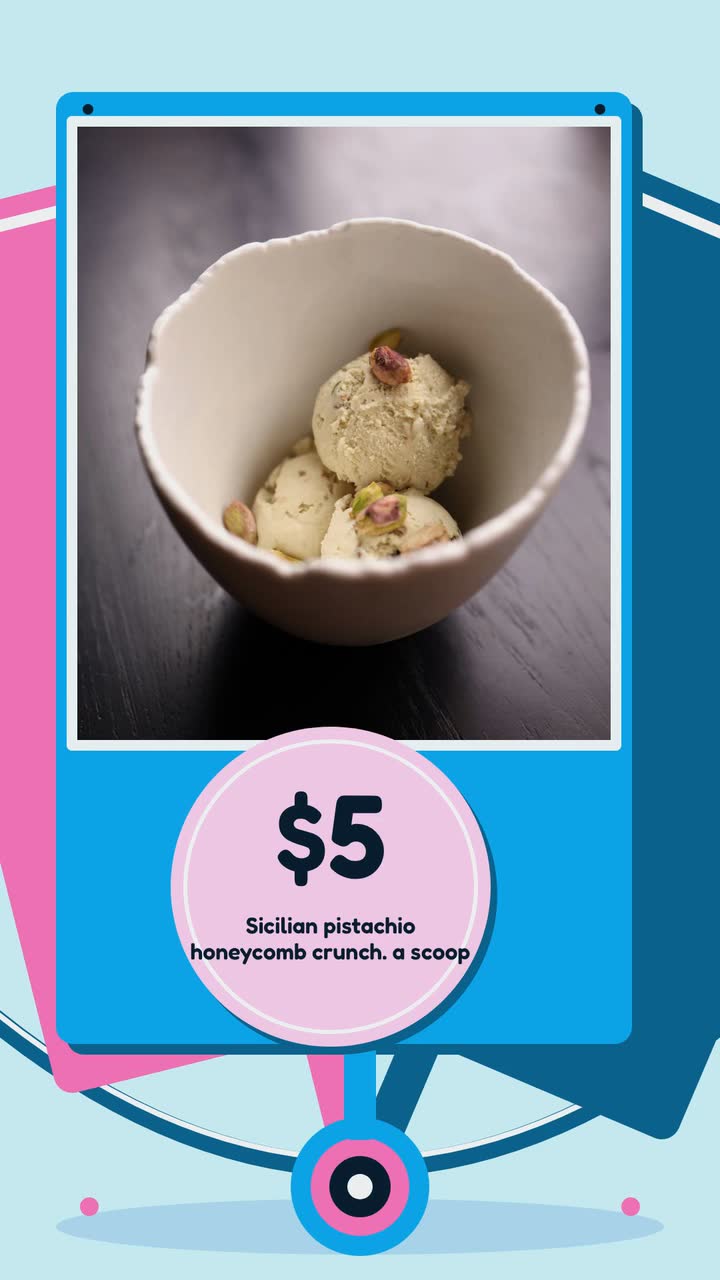
A seasonal posting plan for scoop shops, with flavour launches, take-home orders and careful wording about ingredients and allergens.
Food and drink
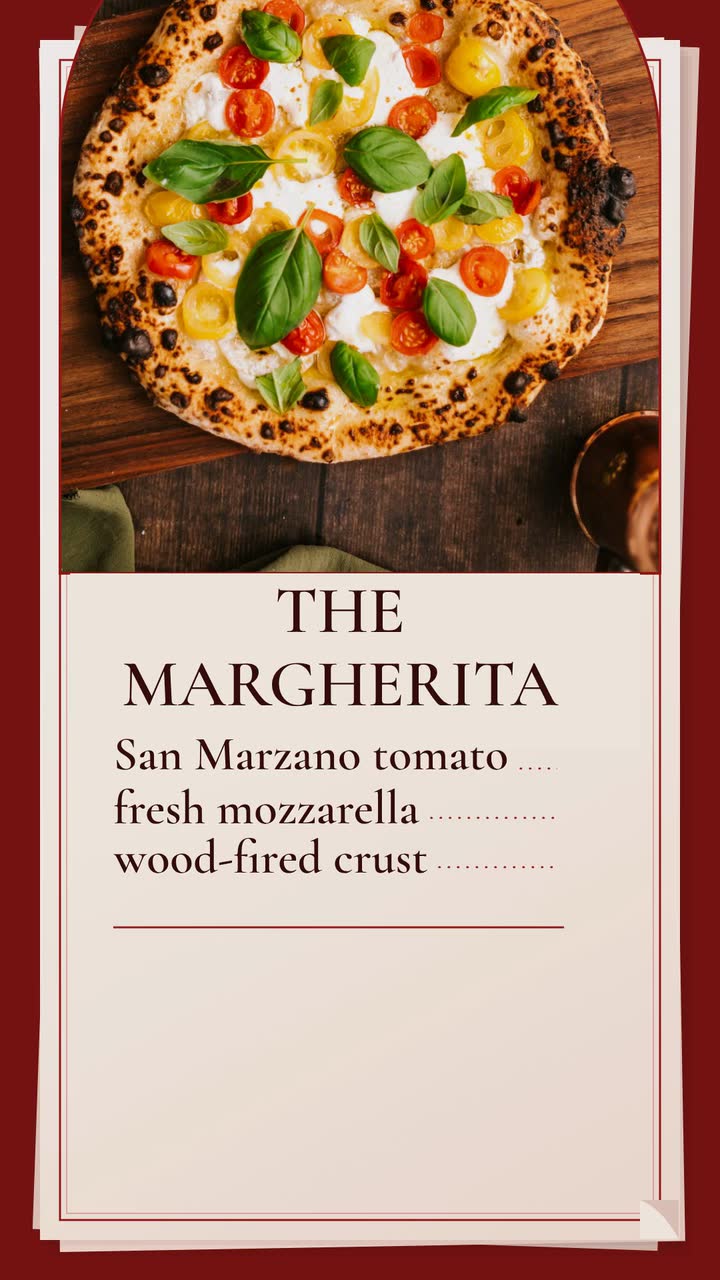
Build a late-night Margherita promo for an invented pizzeria, then adapt it to lunch slices, pickup orders or catering.
Food and drink
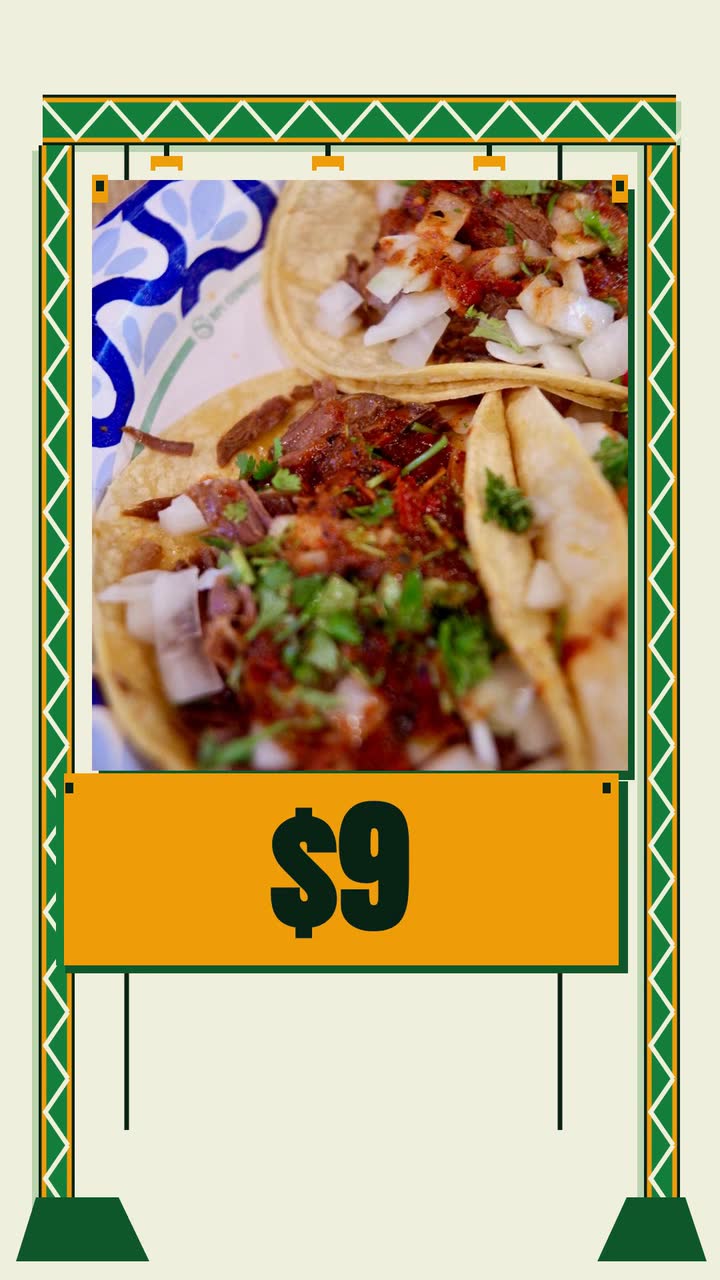
Plan food truck videos around confirmed stops, specials and catering inquiries, with a monthly calendar and a taco-menu brief.
Tell the Attain OS team what you want to make.
Videos Creator is coming to Attain OS. You can create your Attain OS account today.