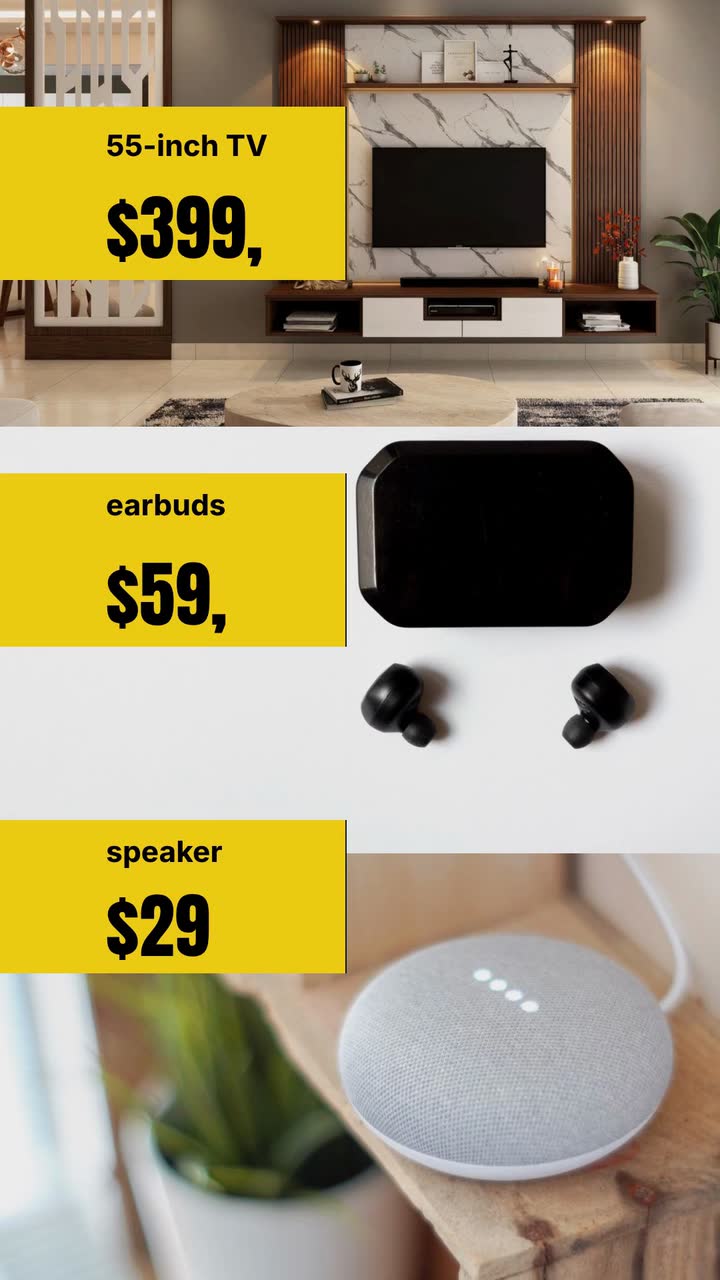
Seasonal campaigns
Black Friday video ad checklist: prices shoppers can check
Check prices, stock and sale dates, choose a retail ad concept, and work through a one-product brief for an invented electronics shop.
For gift-shop owners, makers and online retailers, these holiday promo video ideas turn seasonal stock into an October-to-January posting plan. You get gift-guide angles, a cutoff worksheet, a posting checklist and a Christmas brief. Start with what you can pack and hand over. Adapt the planning dates to your customers, celebrations and local climate.
Use these date ranges as editable planning slots for 2026, not official order deadlines. Move reminders earlier when custom work or destinations require it. Skip services you do not offer.
Preparation: select gifts you can replenish and list the price, available quantity and packing needs of each.
Set aside fragile, oversized and personalised items for separate messages. Keep an unpublished deadline field until you confirm the shipping plan.
Preview one gift pairing: a mug and tea for a host, with the actual combined price.
Give the gift-guide release date only after you schedule it. Keep the Halloween campaign separate.
Publish a budget guide: choose a ceiling your real stock fits, such as gifts under $30.
Name two or three items with individual prices. Identify whether wrapping is included; do not show an unavailable colour just to fill the frame.
Explain personalised orders: what the buyer supplies, when you stop accepting them and how collection works.
Show an example name and the final order date together. Base that date on your production queue, not the deadline for ready-to-pack gifts.
If you run a Black Friday offer, give it its own price card and closing message.
List eligible products and the end time with its time zone. Work through the Black Friday ad checklist before publishing.
Demonstrate the wrapping option on one ordinary parcel, filmed by you.
Show what the buyer actually receives: paper, ribbon and whether a personal message is available. Time a practice parcel before offering wrap on every order.
Build an occasion guide for the celebrations your customers actually ask about.
Offer a decoration-free version for host gifts or workplace exchanges. Ask staff to record requests rather than guessing from a customer’s language.
Make a small-gift card: a notebook and pen for a colleague, each with its price.
Specify whether items are sold separately or as a bundle. If the price ceiling excludes delivery, make that distinction visible.
Replace the general gift guide with a checked shipping-cutoff message.
Show the customer’s last order date, time zone, service and delivery area. Recheck the packing queue before publishing it.
Switch to pickup or gift cards only where you can still fulfil them.
For pickup, show the address, collection window and how buyers receive confirmation. Test a gift-card purchase before claiming same-day email delivery.
Post today’s collection hours and the next opening date.
Publish before opening and repeat the street address. Replace yesterday’s shipping message wherever you placed it.
Explain gift exchanges: where to bring the item and what proof of purchase your policy accepts.
Show your published policy, subject to current local rules. Do not invent a seasonal return window just for the video.
Thank customers with a specific shop moment and confirm reopening or exchange hours.
If your audience buys for another January celebration, make a separate gift guide with its own stock and deadlines.
The mainland dates below are USPS recommendations for 2026, not arrival promises. The order dates are invented packing examples.
| Service | Carrier send-by date | Illustrative order cutoff |
|---|---|---|
| USPS Ground Advantage | December 17 | December 15: allow two working days to pack. |
| Priority Mail | December 18 | December 16: confirm the handover slot. |
| Priority Mail Express | December 19 | December 17: confirm acceptance and show the extra fee. |
Start with the carrier handover time. Work backwards through payment approval, picking, wrapping, labelling and collection. If packing takes two working days, an order after your daily cutoff may enter the next day’s queue. State the time zone and close orders when capacity is full, even before the advertised date.
A personalised ornament, fragile mug set and stocked notebook may need different preparation. Make separate messages when deadlines differ; avoid tiny-text exceptions. For international orders, confirm customs and route information separately instead of applying the mainland table.
Prepare a replacement: “Shipping orders for Christmas are closed; confirmed pickup orders can still be collected.” Add the collection window and address. Change the video, caption and ordering page together so visitors from older posts find consistent instructions.
This is not legal advice. Check current national and local rules. The following US guidance does not set the law for other countries.
Film real products yourself when texture or finish matters. For animated price cards, describe names and prices as text. Your filmed clips are separate from the text-only Procedural Videos brief.
Pair a candle with a box of matches, show the combined price and explain the packaging. Say whether the buyer can add a message. Use a real parcel for a filmed demo, or a labelled gift tag for an animation.
Try this: Post with the first gift guide; open with “For the host”, then show what is included.
Choose two items that meet the stated budget without a discount code. Show each price and any delivery charge separately. Avoid calling the whole basket “under $20” when the included wrapping pushes it above that ceiling.
Try this: Ask viewers to choose between the notebook and mug; link to the same available items.
Give engraving or embroidery its own video. Show the spelling-confirmation step and explain whether the buyer collects or receives a shipped order. Keep ready-made items out of this card so their later cutoff does not confuse the message.
Try this: Post while custom-order capacity remains; replace the card when the queue closes.
Film your hands wrapping one parcel on a clear table. Show the optional card and the finished package, then state the price or eligibility. Do not offer wrapping for an oversized item unless your materials and staff can handle it.
Try this: Open with “Need it ready to give?” and show the actual wrap, rather than a decorative room.
Film the shop entrance and collection counter, without customer details. Explain where to order, how confirmation arrives and when the parcel can be collected. Leave delivery language out of this version.
Try this: Use “Collect at our shop” as the opening line, with the address visible at the close.
Use one product group, its current price and the offer’s closing time. If you show a former price, check the applicable pricing rules and your sales records first. Keep this campaign separate from the recipient-led Christmas guide.
Try this: Use the Seasonal store template (Black Friday version) as a brief-and-storyboard example, with your actual offer terms.
Seasonal store · Black Friday typeHearth & Pine is an invented gift shop. This November example uses the Seasonal store template (Christmas version) as a sample brief and storyboard. Pickup gives the campaign a short closing message. Prices and collection arrangements are fictional.
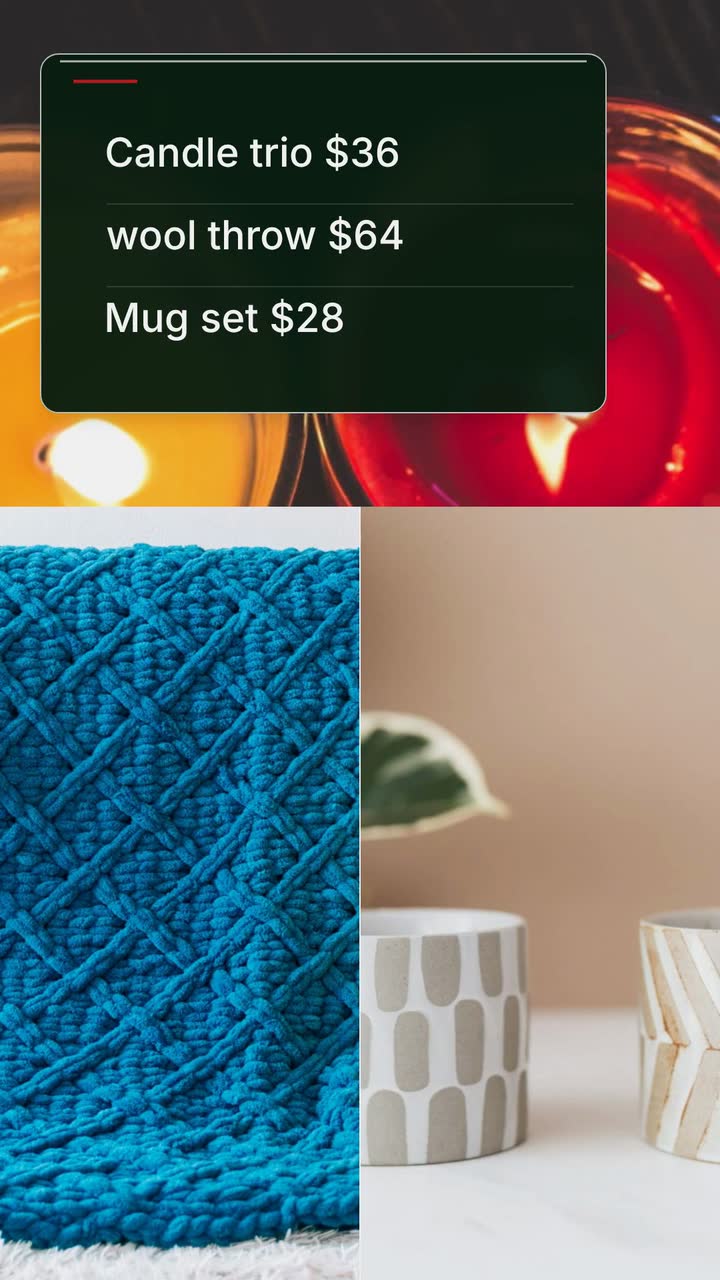
Make a 15 s Christmas gift-guide video for Hearth & Pine in 9:16, build style. Show drawn gift tags, not product photographs: candle trio $36, wool throw $64, mug set $28, one at a time. Gift wrap included with these gifts. Close with “Shop gifts for pickup · Hearth & Pine”. Use #b91c1c, #15803d and #fef2f2, a simple garland and gentle snowfall. No narration.
| When | On screen | Why |
|---|---|---|
| 0–2 s | A simple garland frames “Christmas gifts”. | A short heading leaves room for readable prices. |
| 2–8 s | Gift tags appear one at a time: candle trio $36, wool throw $64, mug set $28. | Allow two seconds per tag; use names and prices rather than a simulated product appearance. |
| 8–11 s | “Gift wrap included with these gifts”. | The inclusion applies to the products just shown; do not imply every item in the shop qualifies. |
| 11–15 s | “Shop gifts for pickup · Hearth & Pine”. | The business’s own close gets four seconds. Put real ordering and collection details in the accompanying post. |
| Outro | The ProcVideos outro closes the video. | |
The brief is text only. Read the rendered names and prices before posting; regenerate with feedback if they need correction. Each generation differs. Videos Creator is coming soon to Attain OS. Add your ordering instructions, collection address and hours to the accompanying post.
Try a brief like this one
Videos Creator is coming to Attain OS. You can create your Attain OS account today.
Use early November as a planning starting point, not a proven best date. Introduce stocked gifts in a recipient-led guide before a separate discount campaign. If customers ask about personalised orders in October, publish that deadline earlier. Check previous enquiries and orders rather than assuming one shopping calendar.
A pickup message with the address and collection window, or a gift-card message if you actually offer that service. Test the purchase and delivery steps first. Remove conflicting shipping claims from older captions and adverts as well as the current video.
Time a practice parcel and add the cost of paper, ribbon, cards and staff time. Compare that with the margin on the gifts you want to promote. If wrap is only available on selected items, list them with the offer. A complicated eligibility list may be better handled by narrowing the promotion.
Use gift tags, ribbons and a recipient-led heading such as “For your host”. Choose decoration that suits your customers and local climate. Keep the same useful information: what is included, the price and how to order. Ask about the occasion rather than inferring it from the language a shopper speaks.
Example templates
An example template is a sample brief and storyboard for one kind of video, in one style, format and length.
Rules and platform features change. Check the source before you rely on it.
Seasonal campaigns
Check prices, stock and sale dates, choose a retail ad concept, and work through a one-product brief for an invented electronics shop.
Seasonal campaigns
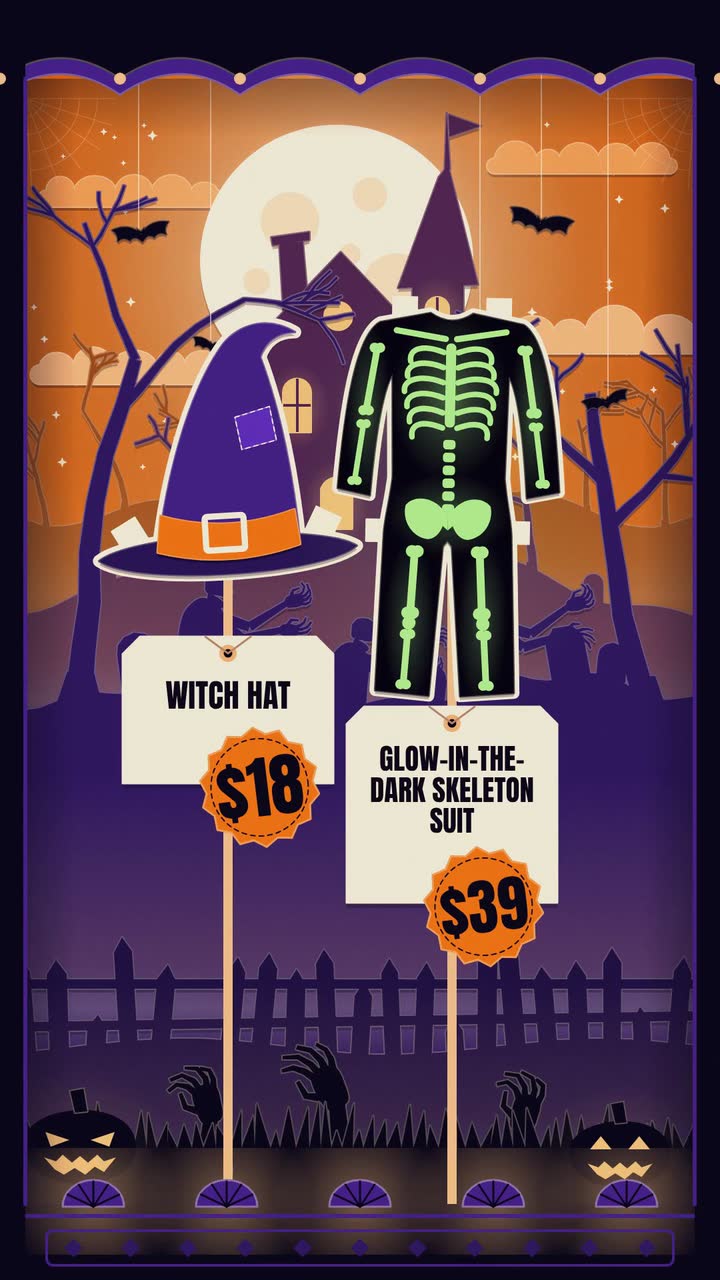
Costume prices, makeup bookings, doorstep treats: twelve Halloween posts, an October plan and a worked brief for an invented shop.
Seasonal campaigns
A video calendar for October 2026–September 2027: booking deadlines, shop hours, posts between holidays and a bookshop brief.
Seasonal campaigns
Plan Valentine's gift and booking videos around what you can fulfil: contents, prices, order deadlines and a clear pickup close.
Tell the Attain OS team what you want to make.
Videos Creator is coming to Attain OS. You can create your Attain OS account today.