
Seasonal campaigns
Valentine's Day promo video ideas for gifts, bookings and pickup
Plan Valentine's gift and booking videos around what you can fulfil: contents, prices, order deadlines and a clear pickup close.
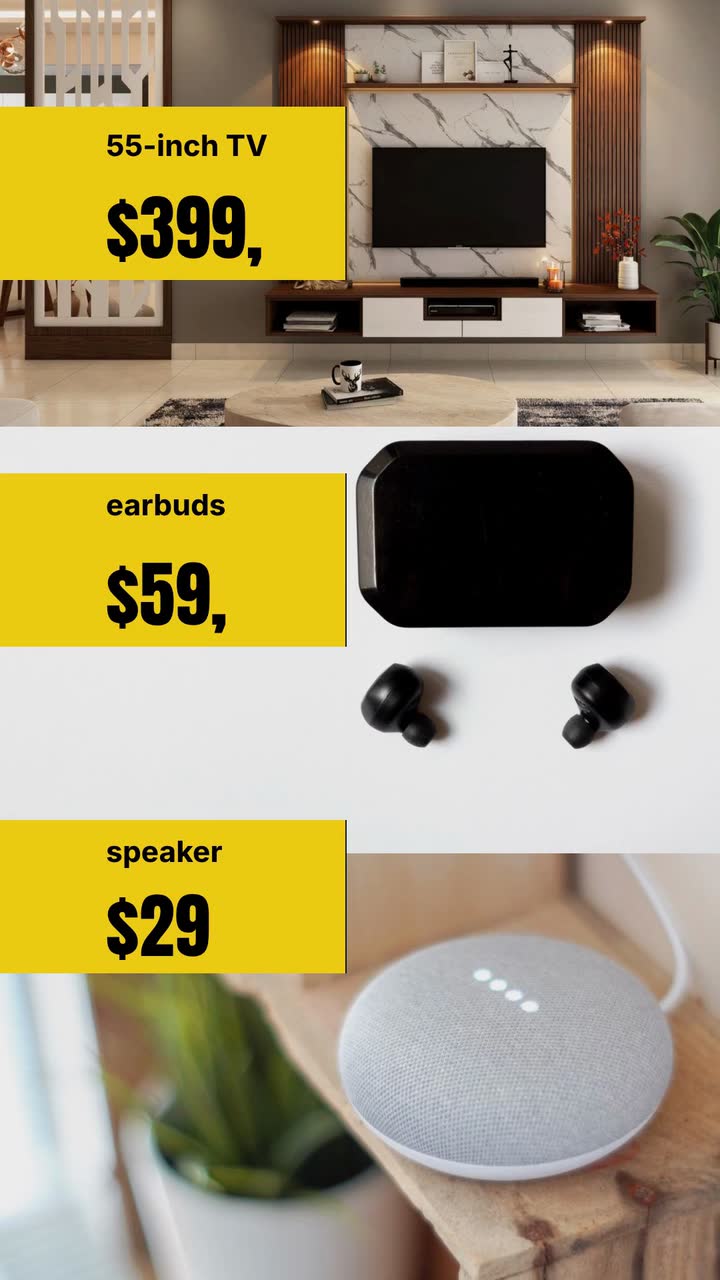
For independent shop owners and small retail brands, this Black Friday video ad guide starts with the checks that connect an offer to your stock, checkout and opening hours. Then choose from five specific ad concepts, follow a weekend posting plan and adapt a brief for an invented electronics shop. In 2026, Black Friday is November 27 and Cyber Monday is November 30. The legal references below are US guidance; check current rules wherever you sell.
Play the finished ad on a phone without sound. These are editing checks, not a compliance certificate. For legal questions, check current national and local rules; this guide is not legal advice.
Choose the concept that matches what you can actually sell. The prices below are illustrative US-dollar examples, not market benchmarks. Each concept needs its own dates and conditions.
For an electronics shop, show the model name and a single price change: wireless earbuds, formerly $89, now $59. Keep both figures together rather than making the viewer remember the first. Use type and simple shapes for the ad; let the linked product page show the actual item and its specifications.
Try this: Post when the offer starts. Close with “Shop the earbuds offer” and link to that model, not the homepage.
For a bath or candle shop, list the contents of a weekend set beside its total price: a candle, a small soap and a gift box. Make the packaging inclusion clear. If you cannot support a comparison with separately sold items, show just the set price rather than inventing a saving.
Try this: Use a teaser before the weekend, then an offer version at launch. Ask viewers to “Choose your gift set”; label whether the offer is online, in store or both.
For a clothing boutique, choose one discounted garment and identify the available sizes or colours. Avoid a broad “everything reduced” headline if full-price arrivals sit beside the sale rail. Separate the offer from the rest of the collection so a shopper can find it without asking which items qualify.
Try this: Post at the start of the sale. Use “Selected jackets” with the price and available sizes, then replace the version when those sizes sell out.
For a gift shop, make pickup the subject: the offer, the pickup address and the collection window. Confirm how orders are reserved before using a “ready to collect” line. Keep shipping and pickup versions separate if their deadlines differ; do not make a collection promise that staff cannot fulfill.
Try this: Post before your ordering cutoff. Say “Order for Saturday pickup” only when that service and window are confirmed.
For a store with an online checkout, build a Cyber Monday version around an item still available after the weekend. Replace the Friday heading and recheck the sale price, stock and code. Link directly to the remaining offer rather than sending people to a page full of expired deals.
Try this: Post on Monday after checking inventory. Say “Cyber Monday: [item] at [price]” with the real closing time and time zone.
Subtract product cost, packaging, payment fees and any delivery subsidy from the sale price. Treat that as an estimate, not profit. Compare it with the stock available for the promotion. A gift set may suit your shop better than a deep cut on an already tight-margin item.
Record the item identifier, sale price, comparison-price evidence, allocated stock, dates and conditions. Add the destination page and who can pause distribution. If online and store offers differ, make separate records and ad versions. Update the caption whenever you change the price.
Start with one product. Write the name, price, dates and buying action before decorative words. Read the screens at playback speed; if you must pause, remove copy or choose a longer version. Keep the price visible while dates appear. Give eligibility conditions enough reading time.
The Seasonal store template (Black Friday version) is an example brief and storyboard for a type-led sale ad. The Product hero template (Product drop version) is another launch example. These are planning references, not a selectable-feature promise. Describe your offer in text; ask for abstract shapes rather than a faithful product likeness.
Check digits, spelling, dates and conditions in the finished video. Test the destination on a phone, including the code and pickup option. Preview the ad placement for obscured text. Save the caption and schedule the replacement alongside the launch version, before Saturday gets busy.
These are summaries of US guidance, not legal advice. Check current federal, state and local rules before using a price comparison or a free offer.
| Wording | What to check before using it |
|---|---|
| “Was $89, now $59” | Use a genuine former asking price (FTC §233.1). |
| “Previously sold at $89” | This adds a claim about actual sales, not just offers (FTC §233.1). |
| “MSRP $89, our price $59” | A suggested price is a different comparison; check §233.3 (FTC guidance). |
| “Buy one, get one free” | Check regular-price evidence and disclose the conditions clearly (FTC §251.1). |
| “Up to” a large discount | Check the overall impression and exclusions; there is no safe item-share formula in the cited guidance (FTC advertising FAQ). |
| “Free shipping” | Show the minimum spend, eligible region and other conditions beside the offer (FTC §251.1(c)). |
Use these as copy-editing checks. For legal requirements, check current rules in the places where the ad runs.
Volt Street Electronics is invented. This adapts the earbuds offer from the electronics showcase into a simpler one-product storyboard. All prices and price history are hypothetical. The Seasonal store template (Black Friday version) is an example brief and storyboard, not a product-feature claim.
Make a 10 s, 9:16 Black Friday video for Volt Street Electronics in the type style. Advertise wireless earbuds at US$59, formerly US$89. For this fictional example, assume the store has documented that former asking price. The offer runs November 27–30, 2026, in store and online. Use #111827, #facc15 and #030712, bold readable type and abstract shapes. No narration. Start with “BLACK FRIDAY · EARBUDS”, then show “US$89 → US$59”. Keep the price visible as the dates appear. End with “Volt Street Electronics · Shop the earbuds offer”.
| When | On screen | Why |
|---|---|---|
| 0–2 s | “BLACK FRIDAY · EARBUDS” in yellow type on a dark background. | Names the sale and the item together. |
| 2–5 s | “US$89 → US$59”; the former price is struck through. | One comparison has its own reading time. |
| 5–7.5 s | Keep “US$59”; add “Nov 27–30, 2026 · In store + online”. | Pairs the price with its sale window and channels. |
| 7.5–10 s | “Volt Street Electronics · Shop the earbuds offer”; retain the price and dates. | The business closes with a buying action. The post links to its offer page. |
| Outro | The ProcVideos outro closes the video. | |
This is a requested storyboard, not an existing finished clip. AI plans each generation, so results differ; review the finished video and regenerate with feedback if needed. The brief is text only. Videos Creator is coming soon to Attain OS. For brief-writing help, see write a video brief.
Try a brief like this one
Videos Creator is coming to Attain OS. You can create your Attain OS account today.
Thursday: test the launch post’s link. If you publish a preview before the sale, write “Starts Friday” and confirm the checkout will change at the advertised time. Schedule around your opening hours; Thursday evening is one option, not a proven best time.
Friday and Saturday: check stock before extending paid distribution. If staff keep answering the same question, such as whether pickup qualifies, answer it in the ad or caption. Sunday: choose an available item for Monday’s version and verify its price.
Monday: switch to the online offer if that is your promotion. Recheck its code, stock, deadline and fulfillment plan. Tuesday: stop expired distribution and remove or mark outdated posts. Shared clips may outlast the campaign; put dates inside the video.
Try one first. Three names, price comparisons, dates and conditions can crowd a short ad. Watch without pausing; if any line gets missed, split the offer into separate clips or allow more reading time. Videos Creator’s length tiers are 10, 15, 20 or 30 s.
Do not treat it as a shortcut. Ask whether the shown items and exclusions support the headline’s overall impression; check current rules. The [FTC advertising FAQ](source:4) does not supply a universal share of items that makes an “up to” offer acceptable. Named items with named prices are easier to audit.
Keep the comparison explicit. Your former price and a manufacturer’s suggested price are different claims ([FTC pricing guidance](source:1)). If your own price history does not support “was”, remove it. Check current rules before making a separate MSRP comparison; do not relabel MSRP as your selling history.
Work out the remaining margin before choosing a headline. Consider a modest cut on a specific item, a clearly priced gift set or a pickup-focused offer. You can also skip the promotion. Avoid a gift-with-purchase claim unless its cost and conditions work for your shop.
Example templates
An example template is a sample brief and storyboard for one kind of video, in one style, format and length.
Rules and platform features change. Check the source before you rely on it.
Seasonal campaigns
Plan Valentine's gift and booking videos around what you can fulfil: contents, prices, order deadlines and a clear pickup close.
Seasonal campaigns
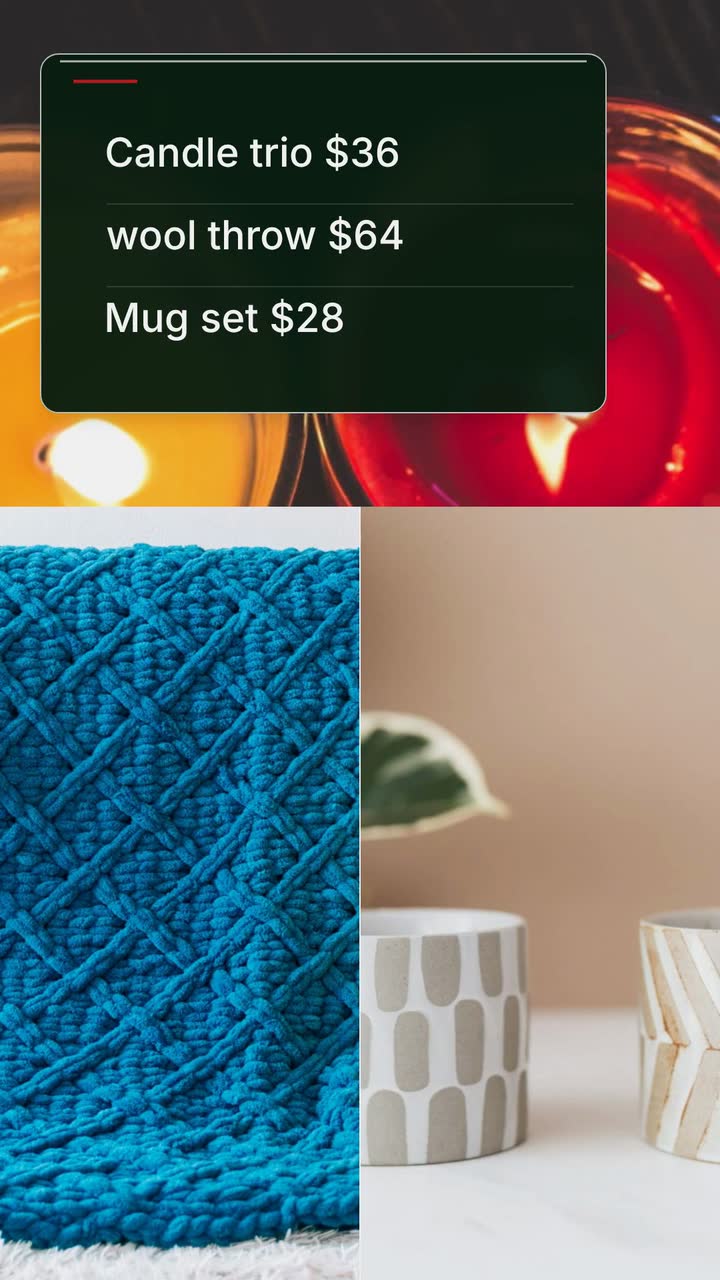
Plan gift videos around stock, wrapping capacity and order deadlines, with a shipping worksheet and a Christmas brief for an invented shop.
Seasonal campaigns
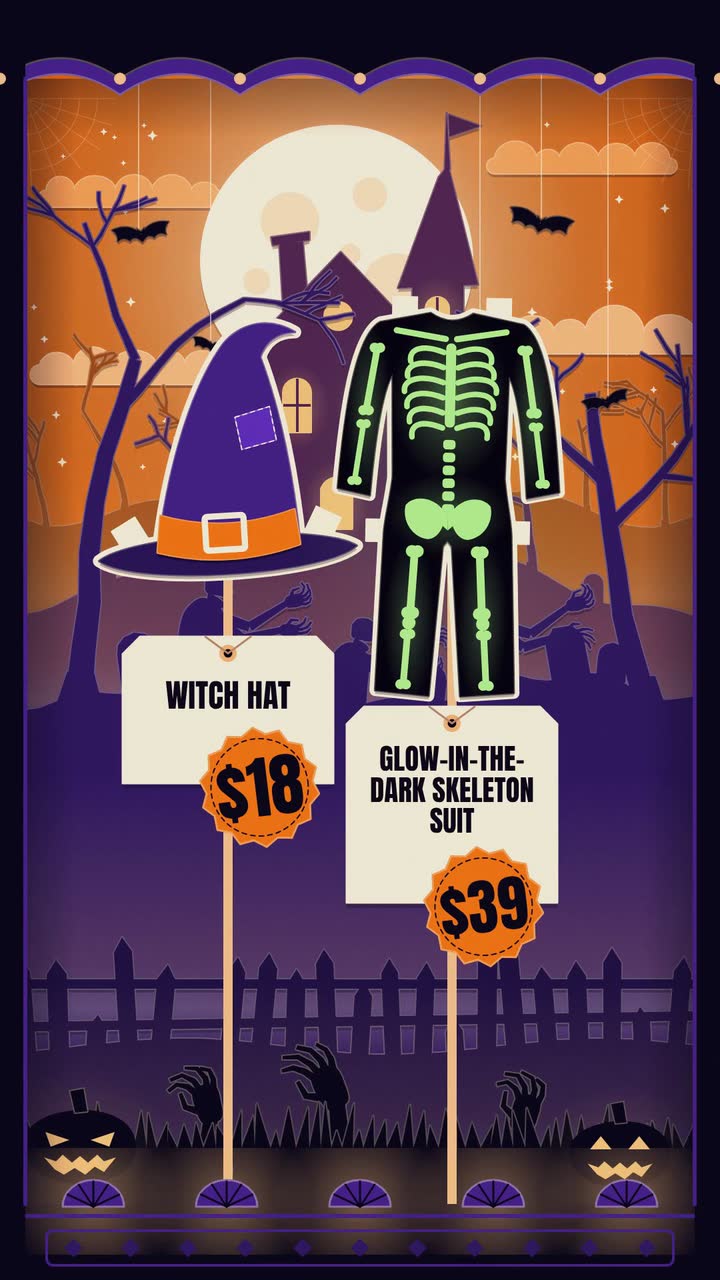
Costume prices, makeup bookings, doorstep treats: twelve Halloween posts, an October plan and a worked brief for an invented shop.
Seasonal campaigns
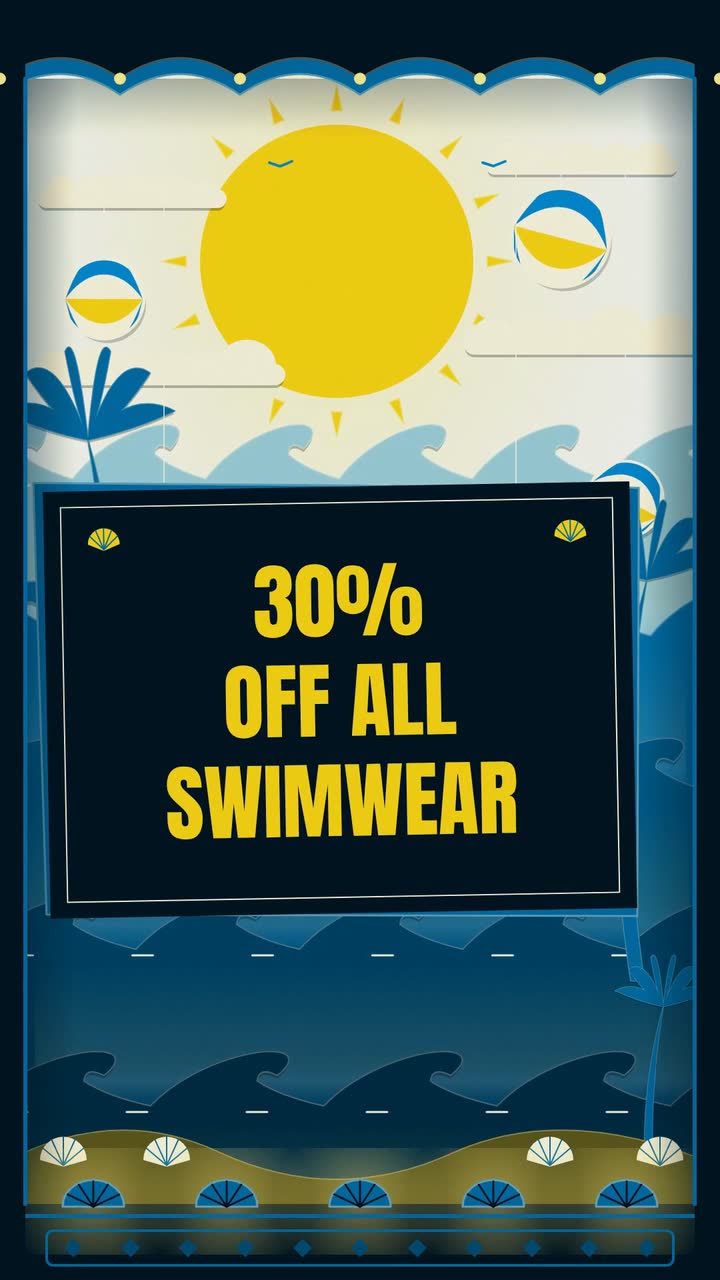
A video calendar for October 2026–September 2027: booking deadlines, shop hours, posts between holidays and a bookshop brief.
Tell the Attain OS team what you want to make.
Videos Creator is coming to Attain OS. You can create your Attain OS account today.