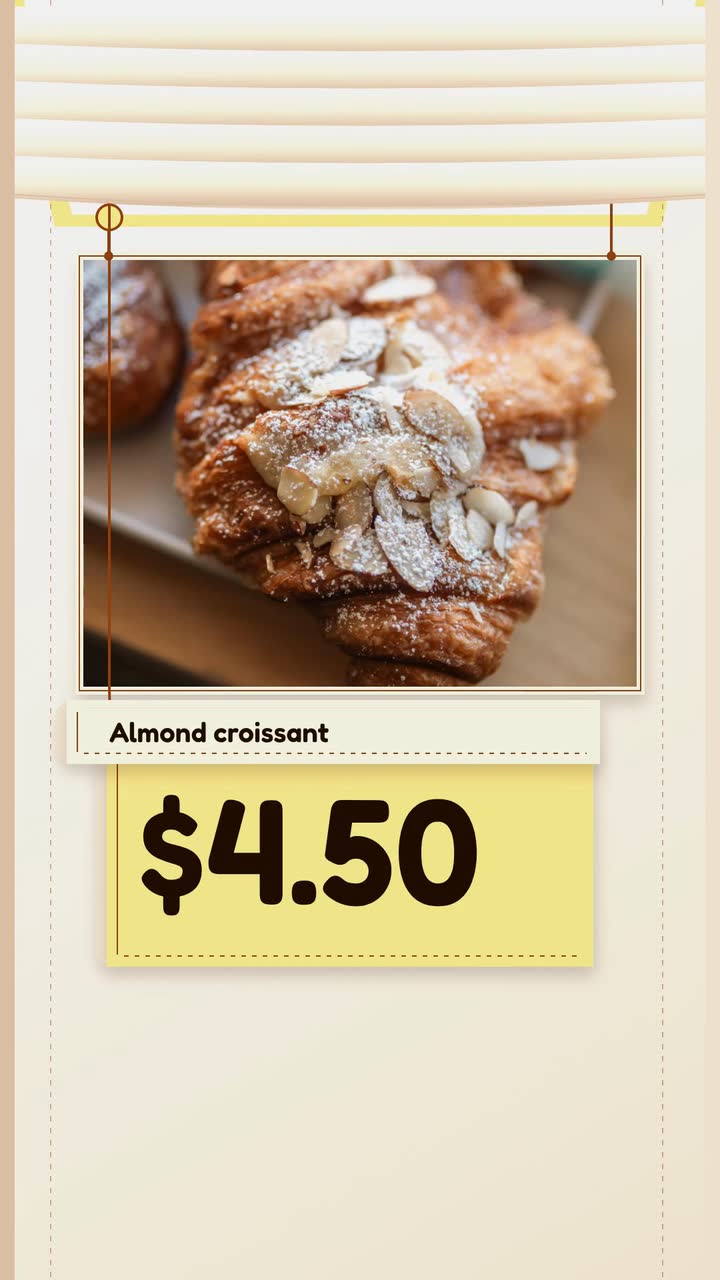
Food and drink
Bakery video ideas for the morning tray and holiday pickup
Plan posts around fresh trays, honest sell-out updates and holiday pickups, with a filming checklist and a worked croissant brief.
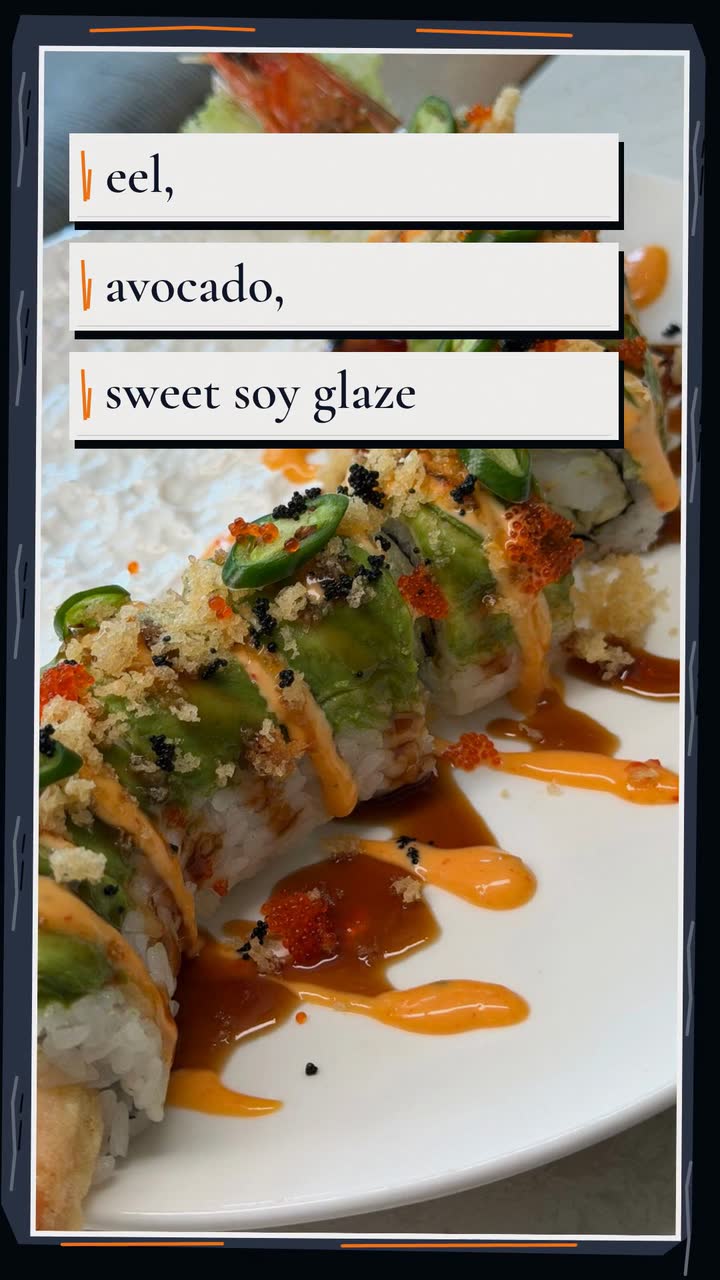
For independent restaurant owners and social media managers, these restaurant video marketing ideas turn service details into useful posts. Each includes a subject, a posting moment and a first task. You get a weekly workflow, menu-claim checks and a sample brief for an invented steakhouse.
Choose three ideas for a trial over two weeks. The filming suggestions use your own camera; the drawn menu cards can start from a text brief. Neither approach needs to cover the whole menu. Agree on the details before service, then film away from the working pass.
Ask servers which dish guests photograph or ask about most. Film a normal serving: the whole plate, then its defining ingredient. Add the menu name and current price. Leave out decorative extras unless they come with the order.
Try this: Post before the next service offering that dish. Ask the cook to check that the filmed portion matches what a guest receives.
Menu item · Plated dish posterWait for the chef to confirm the dish, price and available portions. Make a card naming the main ingredient, accompaniment and service date. Reserve “tonight only” for a genuine one-night special; add an availability note for a limited batch.
Try this: Post before your dinner booking window. Assign someone to remove or update it if the special sells out.
Menu item · Daily special buildChoose an offer the kitchen can serve on a quiet night without disrupting regular orders. Show the weekday, hours, dishes included and total price together. Put dine-in-only or reservation conditions beside the offer.
Try this: Post while guests can still plan for Tuesday. Ask the host to record bookings that mention the set menu.
Film the cook answering a guest’s question: why this cut is rested, what gives the sauce its smoky flavour or which side to choose. Show the dish beside the answer. Get the cook’s agreement; record before service, away from customer conversations.
Try this: Choose one question from the servers’ notes. Publish before that dish next appears on the menu.
Film an ingredient arriving, being prepared and reaching the plate. Verify its source before naming it; ask a supplier before featuring them. Keep the final portion visible to help someone decide what to order.
Try this: Post when the ingredient arrives and the dish is available. Check the supplier name against that delivery, not last month’s invoice.
Choose the dish that best explains the change; name two other additions in the post text. Show the dish, price and launch date on a seasonal card. Use your restaurant’s colours rather than assuming autumn needs leaves and pumpkins.
Try this: Use the Seasonal store template (Fall version) as a brief-and-storyboard example. Post ahead of your own menu launch; seasons differ by hemisphere.
Seasonal store · Fall posterAsk the host which question repeats: whether the patio is bookable, how groups reserve or whether walk-ins are welcome. Answer with your actual policy and booking route. Use your own footage to show an entrance or patio.
Try this: Publish before the service when the question comes up most. Have the host test the booking route from a phone.
Film the room in the arrangement you offer, without identifiable guests. State its seated capacity, group-menu inclusions and enquiry route. Put minimum-spend and deposit terms in the booking information so a planner can compare the full offer.
Try this: Post ahead of your own busiest group-booking period. Use last year’s enquiry dates to set the lead time, rather than a universal holiday schedule.
Show a dish with a drink you serve: a tart non-alcoholic drink beside a rich main, for example. State whether the drink is included or separately priced. For alcohol discounts, check current local rules first.
Try this: Post before the relevant menu service. Ask the server to read the card and explain what a customer would pay.
With permission, quote a genuine review naming a dish you still serve. Preserve its meaning, attribute it as agreed and show your own footage of the dish. Do not turn a personal opinion into an award or general consensus.
Try this: Post while that dish is available. Save the original review and permission with your publishing notes; check the review rules below.
Distinguish last orders from the dining room’s closing time for guests leaving a show or late shift. Film the entrance, then state which nights the hours apply and whether the full menu remains available.
Try this: Post before a nearby evening event you expect to serve. Check the hours with the shift manager instead of adding “open late” to every clip.
For a break or changed service days, show the last service, reopening date and how reservations work while you are away. Use a simple calendar card, with a thank-you after the practical information.
Try this: Post before guests make plans, then check your website and profile hours for the same dates. Replace the notice when you reopen.
| If the problem is… | Make this | Post it here first |
|---|---|---|
| Quiet Tuesdays | The Tuesday set menu, including its terms | Your usual local audience on Instagram or Google |
| Guests overlook a signature dish | The plate as it leaves the pass | Instagram Reels or TikTok, if your guests use them |
| Specials go unsold | Tonight’s confirmed special, dated clearly | Your usual service updates |
| Group planners lack details | The private room and booking outline | Your website and Facebook audience |
| The menu changed | One new dish and the launch date | Your active social channels |
| Calls repeat one question | The reservation answer | Your website and Google Business Profile |
This is a publishing check, not legal advice. Check current local rules for regulated claims and offers; ask a qualified adviser about unclear requirements. The cited examples are from the US.
Ember Grill is an invented steakhouse with quiet Tuesday and Wednesday dinners. The Menu item template (Plated dish version) is a brief-and-storyboard example. This text-only brief asks for a drawn offer card.
Create a 20 s, 16:9 menu video for Ember Grill. Ribeye dinner for two: $68 before tax and tip, Tue–Wed, 5–8 pm. Includes one 450 g ribeye to share, crispy potatoes and grilled vegetables. Draw a stylised steak and side bowls. Show the dish name, inclusions, then price and service window. Close: “Ember Grill · Reserve on our website”. Colours: #7f1d1d, #d97706, #1c1917. No narration; music and sound effects.
| When | On screen | Why |
|---|---|---|
| 0–3 s | “Ribeye dinner for two” on the dark background, with “Ember Grill” above. | Name the meal first. |
| 3–9 s | A stylised steak and side bowls; “450 g ribeye to share”, “crispy potatoes” and “grilled vegetables” appear in sequence. | Explain the shared portion and sides. |
| 9–15 s | “$68 for two”, “before tax and tip” and “Tue–Wed · 5–8 pm” on a clear offer card. | Keep price and conditions together. |
| 15–20 s | “Ember Grill · Reserve on our website”, with the price card still visible. | Give one booking action. |
| Outro | The ProcVideos outro closes the video. | |
Review the rendered price, dates and wording. Each generation differs; request another take with feedback if needed. Videos Creator is coming soon to Attain OS.
Try a brief like this one
Videos Creator is coming to Attain OS. You can create your Attain OS account today.
Before planning, have the kitchen confirm specials and stock, and the host confirm hours and booking conditions. Choose a time when both can answer. Keep a shared list of dish names, portions, prices, service dates and links so posts do not draw on an old menu.
Assign two roles: one person gathers details and footage; the other checks the offer and publishes. Try a special, a signature dish and one host-stand question over two weeks. Record the channel, service promoted and guest mentions. Views alone do not show whether guests understood the offer.
Before the next service, check for sell-outs, changed prices and expired dates. Stop outdated repeats and test the booking link. Compare enquiries and bookings with service notes; one busy evening does not prove the video caused it. For longer planning, see the small business video calendar; for clearer offers, how to write a video brief.
Start with 10 or 15 s for a dish and price, or 20 or 30 s for a set menu and conditions: the fixed lengths for the drawn-video example. Check the text on a phone. Move secondary details to the post if needed.
Post a regular-menu dish or a booking answer instead. Do not advertise an uncertain price, ingredient or date just to fill a slot. Once confirmed, check whether guests still have time to act.
Put “per person”, “for two” or “per platter” beside the amount. Name inclusions and separately priced drinks. Explain group deposits and minimum spends in the booking information. Check current local pricing rules; update changed offers.
A card explains ingredients, prices and dates; it cannot document actual portions or texture. Use your own photo or footage of a normal order for that. Keep drawings visibly illustrative and link to the current menu.
Ask permission and agree on attribution. FTC guidance covers gifts and other benefits received for endorsements ([FTC disclosure guidance](source:6)). Check current local rules and platform requirements; permission and credit do not replace disclosure.
Example templates
An example template is a sample brief and storyboard for one kind of video, in one style, format and length.
Rules and platform features change. Check the source before you rely on it.
Food and drink
Plan posts around fresh trays, honest sell-out updates and holiday pickups, with a filming checklist and a worked croissant brief.
Food and drink
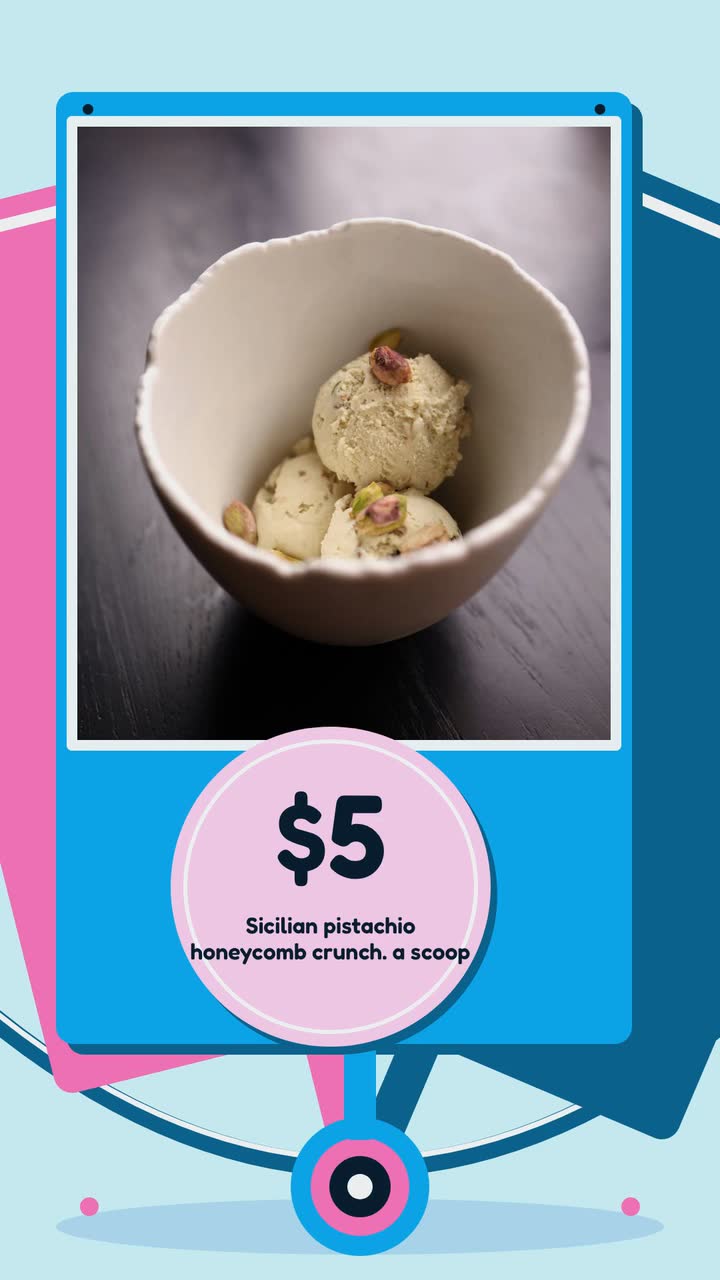
A seasonal posting plan for scoop shops, with flavour launches, take-home orders and careful wording about ingredients and allergens.
Food and drink
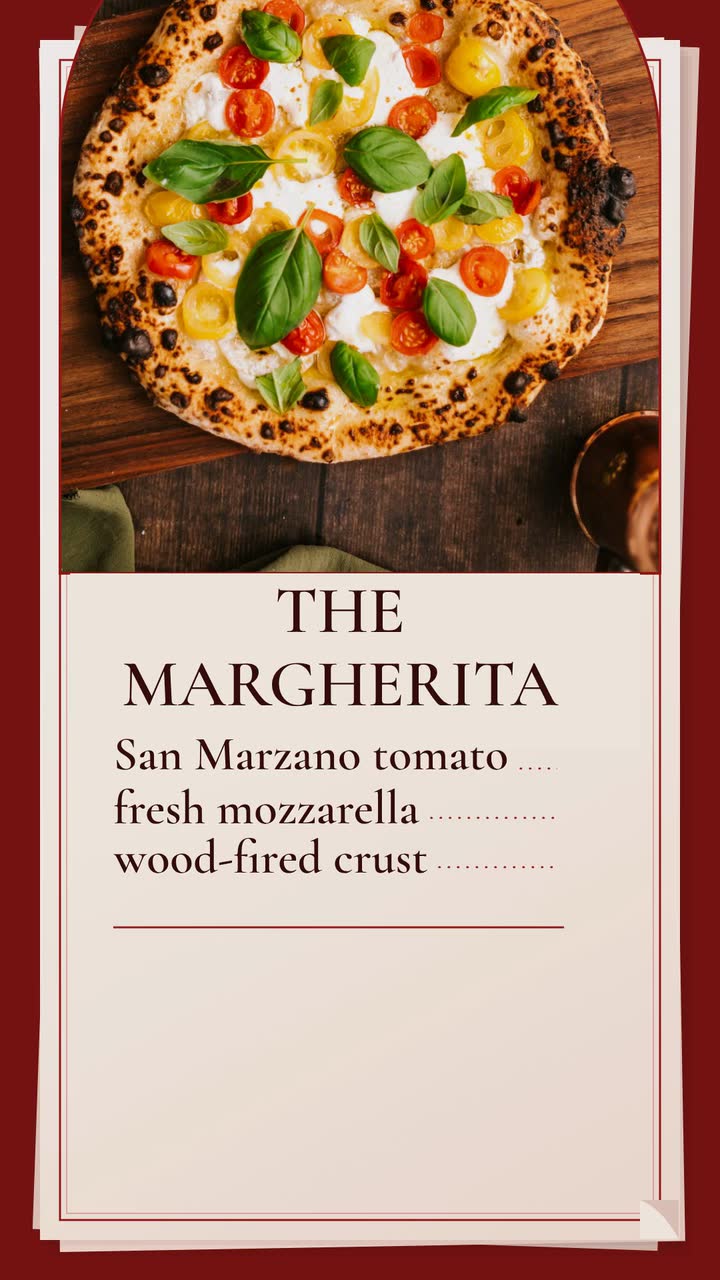
Build a late-night Margherita promo for an invented pizzeria, then adapt it to lunch slices, pickup orders or catering.
Food and drink
Plan food truck videos around confirmed stops, specials and catering inquiries, with a monthly calendar and a taco-menu brief.
Tell the Attain OS team what you want to make.
Videos Creator is coming to Attain OS. You can create your Attain OS account today.