Food and drink
Restaurant video marketing ideas: twelve clips for your next service
Twelve restaurant videos built around service: sell a special, explain last orders, promote a group menu and keep each offer accurate.
For food truck owners, these social media video ideas help customers find the serving window, choose a dish or request a booking. Use the monthly calendar, eight clip ideas and stop checklist. Keep menu promotion separate from changing locations so an old video cannot send someone to yesterday’s curb. The calendar uses northern-hemisphere seasons; adapt it to your local weather, school terms and confirmed events.
Use these planning prompts, not forecasts of demand or festival deadlines. Replace ideas that do not fit your route. Confirm event dates, access and serving hours with the host before announcing them.
If cold weather reduces your route, show the stops you kept and their date range.
Say “indoors” only if customers order indoors; a covered truck is not an indoor dining room.
If you sell party trays, film a packed order and explain pickup or delivery.
Show the order cutoff and what the price includes. Offer delivery only if you provide it.
If you reopen seasonally, film the serving window opening and announce the confirmed return date.
Keep tentative festivals in your notes until the organiser confirms your place.
For a market stop, show the entrance and the route from it to your truck.
Include the event date and any ticket or admission requirement; ask the host for the correct wording.
Explain a private-event package: menu, service format and how to request a quote.
Ask for date, venue and guest count; disclose a booking minimum rather than hiding it behind a per-person price.
Announce an evening stop with the serving hours and the entrance customers should use.
Check whether food is available to everyone or only venue guests before inviting the whole neighbourhood.
Choose a drink or dish you can actually keep available during your local hot season.
Show the serving size and price together. Keep a replacement message ready if that item sells out.
If an office or campus stop resumes, announce its first confirmed service date.
Verify with the host whether access is public, employee-only or student-only.
Present a group order for a local match or fair that fits your calendar.
State portions, included items and collection point; do not imply event admission is included.
Promote a seasonal special at a confirmed stop; adapt autumn to your region’s season.
For year-end bookings, show available dates instead of an unsupported “almost fully booked”.
If your public route winds down, explain which stops remain and whether you still take private bookings.
Give the last public serving date separately from the last date to request catering.
Announce holiday closures and the return date; mention gift cards only if you sell them.
Remove expired route notices. If your return is undecided, say when you will update customers.
Film real food and stops yourself. Use a separate animation for menu words and drawn dishes. Procedural Videos takes a text-only brief, not your photos, logo or filmed clips.
Film the approach from a recognisable entrance to the serving window. Add the full date and hours so a later share is still understandable.
Try this: Try “Thursday [date] · behind the library · enter from Oak Street.” Confirm the entrance before posting.
List confirmed stops in day order under a date range. Mark private bookings as closed to the public.
Try this: Keep the current route prominent on your website and chosen social accounts; replace it when the week ends.
Give one item a clip: name, portion and price. Clarify if drinks or sides cost extra; the illustration should not imply a combo.
Try this: The Menu item template (Daily special version) is an example brief and storyboard for this, not a photo of your food.
Menu item · Daily special buildSay what is gone, what remains and whether the window is open. Remove the unavailable special from current promotions.
Try this: Use “[date] update: al pastor sold out; bean tacos still available until close.” Update the original caption too.
Show the entrance and ordering point. State any admission, reservation or membership condition.
Try this: Ask the host to share the dated announcement and check the access wording before it goes out.
Film a real tray or service setup. Explain portions, sides, pickup versus on-site service and the details needed for a quote.
Try this: For an animated menu summary, adapt the Menu item template (Plated dish version), an example brief and storyboard. Keep the actual tray footage separate.
Menu item · Plated dish posterFilm a real order being packed and handed over. Focus on food and hands rather than identifiable customers; show the portion being sold.
Try this: Choose a moment that does not interrupt service. Do not stage a queue or imply a filmed handoff predicts the wait.
Correct a cancellation wherever you announced the stop. Lead with the affected date and place, then a confirmed replacement.
Try this: Try “[date]: library stop cancelled. Next confirmed stop: [place and date].” Do not guess a reopening time.
Test this workflow; it does not establish a best posting hour. Start with the location notice and add updates when needed. Assign someone to corrections so the cook can keep serving.
| Service moment | What to publish | What it resolves |
|---|---|---|
| After the next stop is confirmed | Date, location, serving hours and access | Gives customers the details before they travel; no guessed opening time. |
| Before you start serving | Check the route notice; add the available special | Makes the advertised menu match what is actually ready. |
| When the window opens | An optional real clip of the truck at that stop | Confirms arrival. Film only when you can do it without delaying orders. |
| At a sell-out, move or early close | A dated correction on every account carrying the original notice | Tells a customer whether there is still a reason to visit. |
| After service | Remove expired prominent notices and review repeated questions | If people kept asking which gate to use, make that clearer in the next post. |
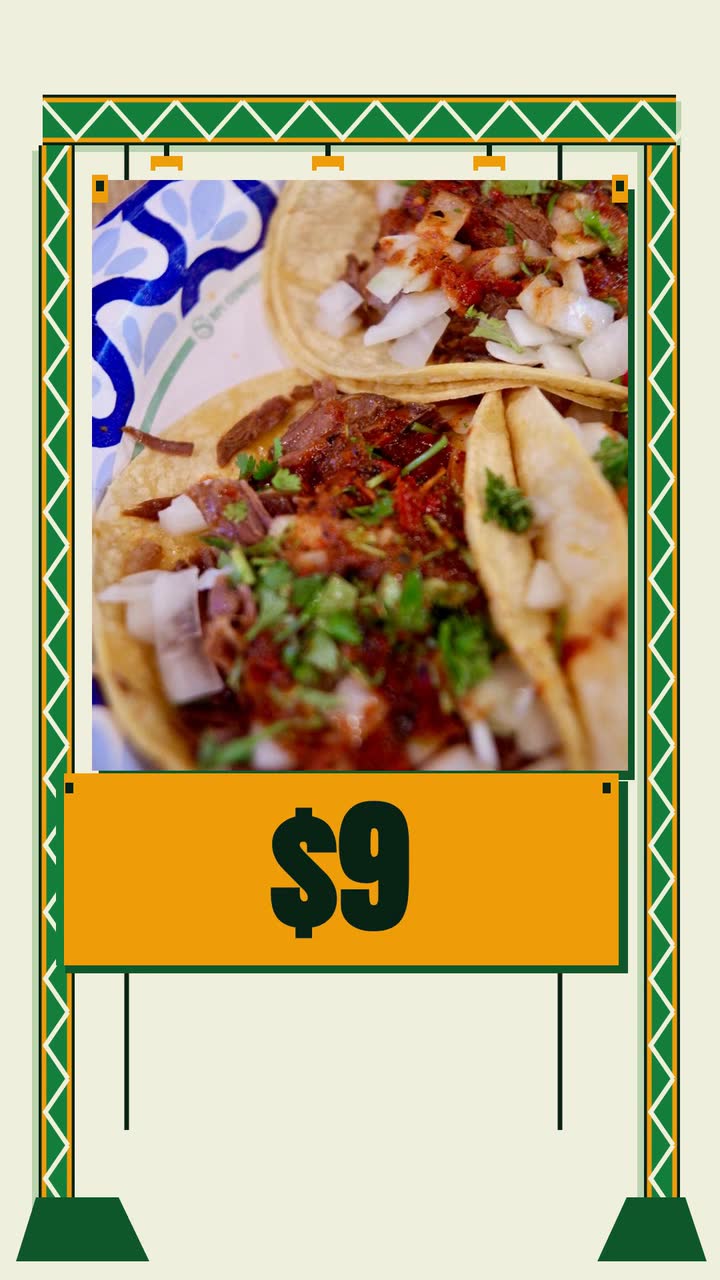
La Esquina Tacos is invented. This adapts the Menu item template (Daily special version), an example brief and storyboard, to a 10 s vertical animation. Publish changing stops separately.
Make a 10 s vertical 9:16 menu video for La Esquina Tacos, build style. Three al pastor tacos for $9, roasted pineapple and fresh cilantro. Simple drawn food and short text. Colours: #15803d, #f59e0b, #fefce8. Show “3 al pastor tacos”, then a taco with pineapple and cilantro beside “Roasted pineapple”, then “3 tacos · $9”. Close with “La Esquina Tacos” and “See today’s stop in the caption”. No narration.
| When | On screen | Why |
|---|---|---|
| 0–2 s | “3 al pastor tacos” on the pale yellow background. | Start with the dish and portion; leave the ingredients for the next beat. |
| 2–5 s | A simple taco assembles with pineapple and cilantro; only “Roasted pineapple” appears beside it. | One ingredient label leaves room to read while the food shapes move. |
| 5–7 s | “3 tacos · $9” holds beside the taco. | Connect the price to the portion rather than showing a price on its own. |
| 7–10 s | “La Esquina Tacos” and “See today’s stop in the caption”. | The business’s own close points to current route information without embedding an address that may change. |
| Outro | The ProcVideos outro closes the video. | |
Check price, portion and closing text before posting. The taco is an illustration; show your real serving separately. AI plans and writes the animation as code, then it is rendered. Each generation differs; ask for a concrete change for another take. Videos Creator is coming soon to Attain OS.
Try a brief like this one
Videos Creator is coming to Attain OS. You can create your Attain OS account today.
Check current legal and permit rules with the relevant authority; this is not legal advice. The FTC guidance is U.S. guidance, not a rule for every country.
Date location posts and replace expired prominent notices. Keep changing addresses out of reusable menu videos. When a stop moves, correct the original caption and announce the confirmed replacement; do not rely on a comment under the old post.
Do not assume so. Google describes service-area businesses as visiting or delivering to customers ([service areas](source:1)). In-person contact is an eligibility requirement, not a ruling on your truck ([eligibility](source:2)). Check current guidance for your operation; keep your dated route on your website and social accounts.
A dated location notice with the serving entrance, confirmed hours and access conditions. Correct it if the stop changes or a promoted dish sells out. A new menu video is optional; keeping people from travelling to a closed window is the priority.
Date, venue, guest count and pickup, delivery or on-site service, whichever you offer. Disclose any booking minimum and direct inquiries to a channel you check. Those details prepare a quote; they do not confirm availability.
An explicit statement such as “La Esquina Tacos gave me this meal”. For video endorsements, U.S. FTC guidance puts disclosure in the video, not just its description ([FTC](source:4)). Check current rules, including those outside the U.S.; do not demand a positive review.
Example templates
An example template is a sample brief and storyboard for one kind of video, in one style, format and length.
Rules and platform features change. Check the source before you rely on it.
Food and drink
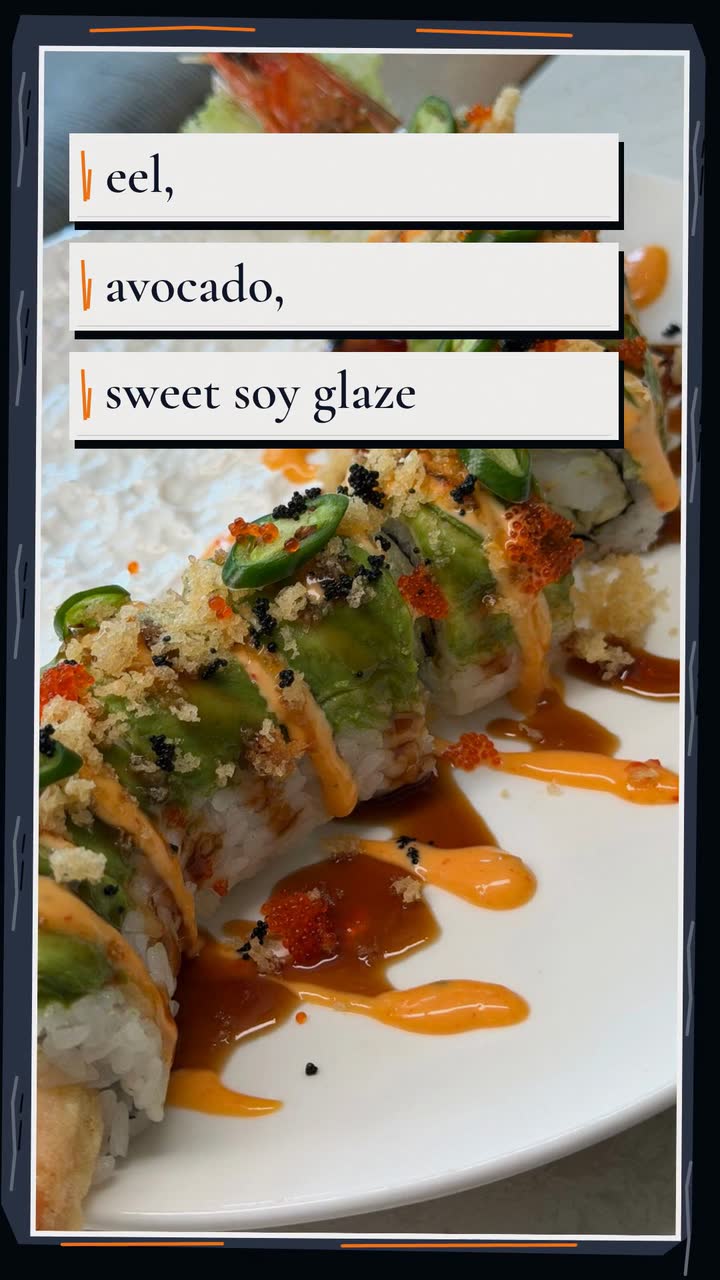
Twelve restaurant videos built around service: sell a special, explain last orders, promote a group menu and keep each offer accurate.
Food and drink
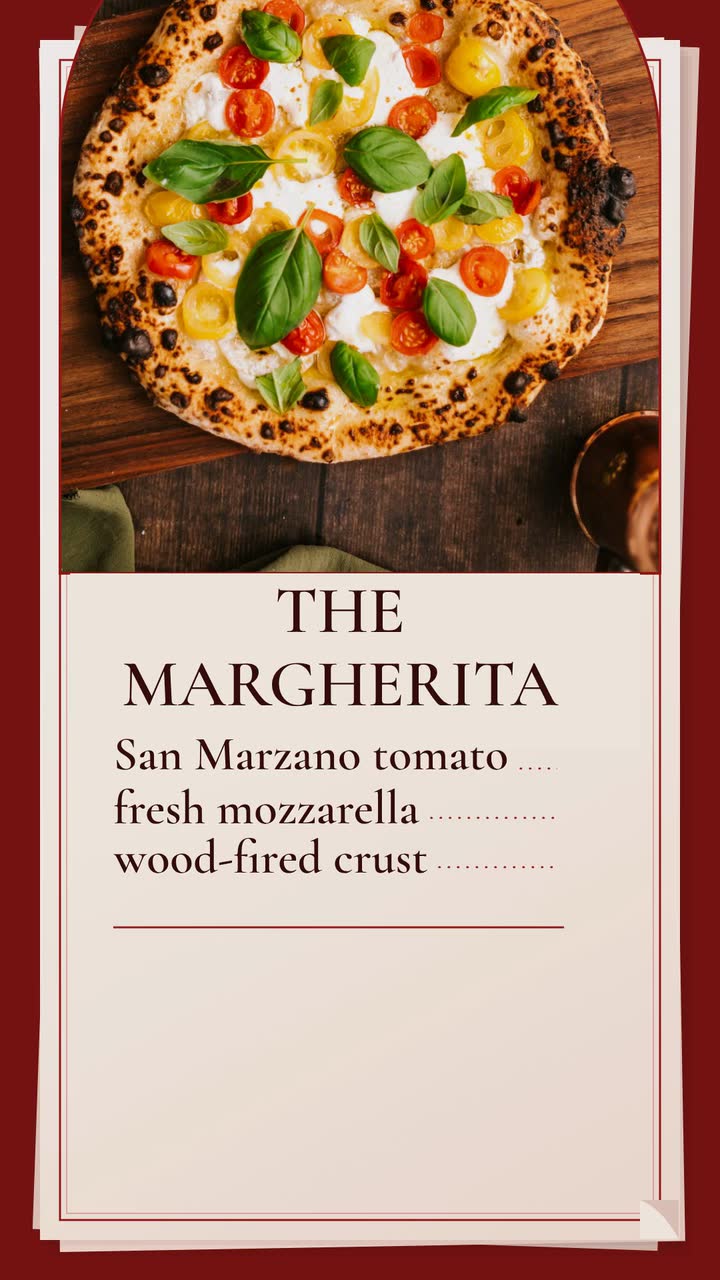
Build a late-night Margherita promo for an invented pizzeria, then adapt it to lunch slices, pickup orders or catering.
Food and drink
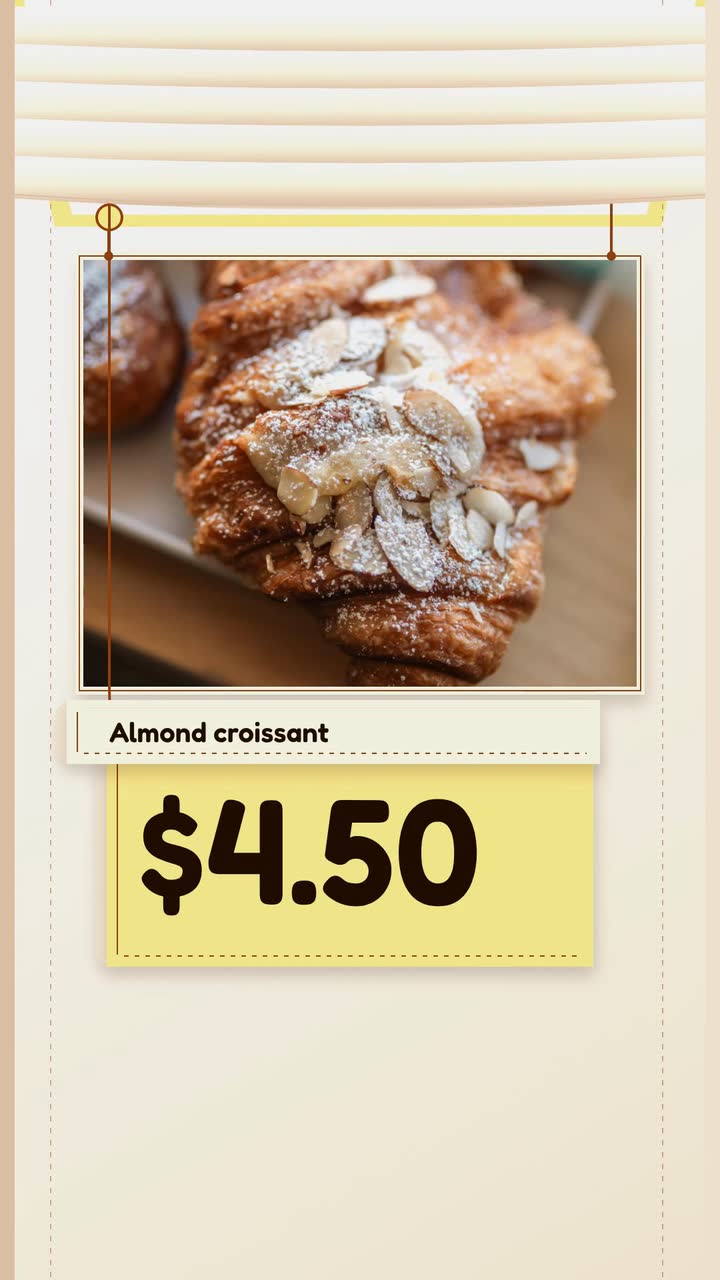
Plan posts around fresh trays, honest sell-out updates and holiday pickups, with a filming checklist and a worked croissant brief.
Food and drink
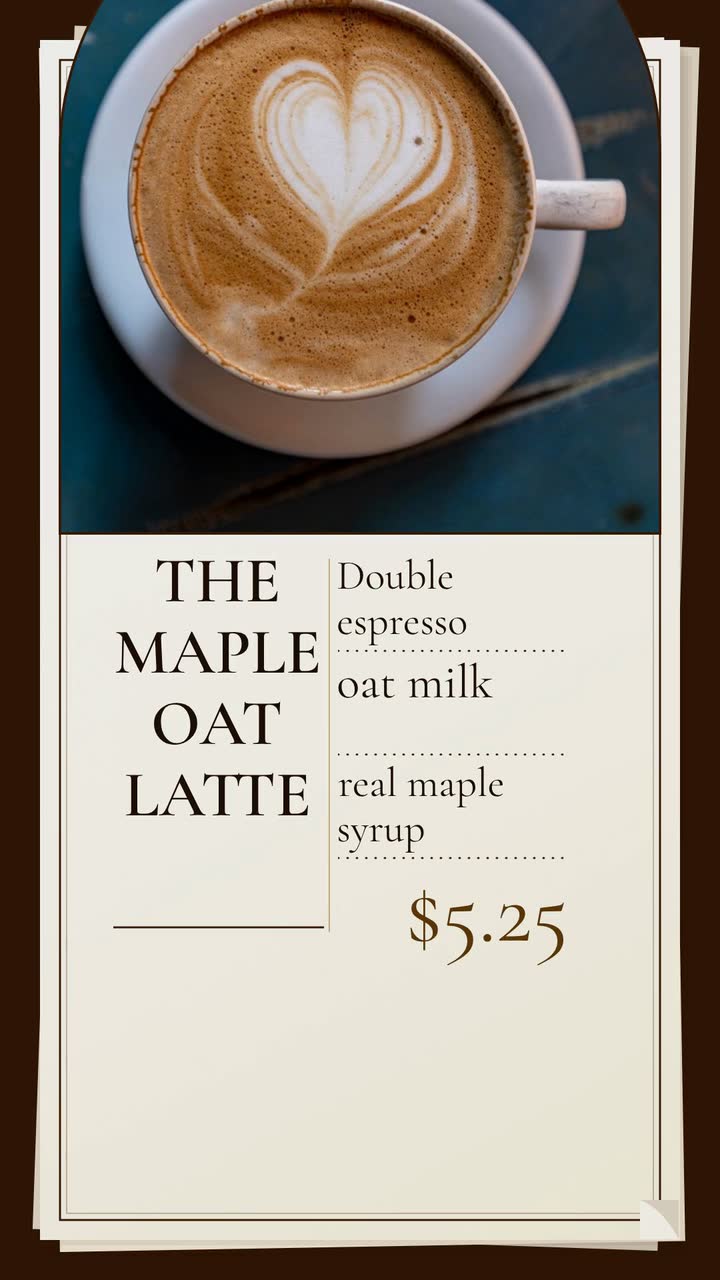
Turn drink questions, fresh beans and quieter hours into useful café posts. Includes a weekly plan and a text-only latte brief.
Tell the Attain OS team what you want to make.
Videos Creator is coming to Attain OS. You can create your Attain OS account today.