Food and drink
Restaurant video marketing ideas: twelve clips for your next service
Twelve restaurant videos built around service: sell a special, explain last orders, promote a group menu and keep each offer accurate.
If you run an independent café, coffee shop marketing videos can answer the questions customers ask at your counter: what is in that latte, what does it cost, and can I pick it up before work? Use this guide to choose a drink worth featuring, plan an ordinary week of posts and write a short menu video for an invented café. Start with the orders you want to support, rather than filming every pour.
Start a note beside the register for questions staff answer repeatedly. “Is that sweet?”, “Can I get it iced?” and “Which milk comes in it?” each gives you a specific post. Feature the default recipe first, then mention a swap only if you offer it. Say whether that swap changes the price; do not squeeze your whole milk list into a moving caption.
For a newcomer, film the approach from the sidewalk, the entrance and the pickup point on your phone. Add the street address and actual opening time. Show tables with your current Wi-Fi or laptop policy. Identify when you filmed rather than promising a quiet seat.
Use your own recordings for the room, the barista and the drink you actually serve. A separate animated menu card can explain the name, ingredients and price with type and shapes. In Procedural Videos the brief is text only, so these recordings stay separate. Check the recipe and portion before posting.
Pick one row whose stock and staffing you can support. These are posting suggestions, not claims about the best time for an algorithm.
| Order to feature | What to show and say | When to use it |
|---|---|---|
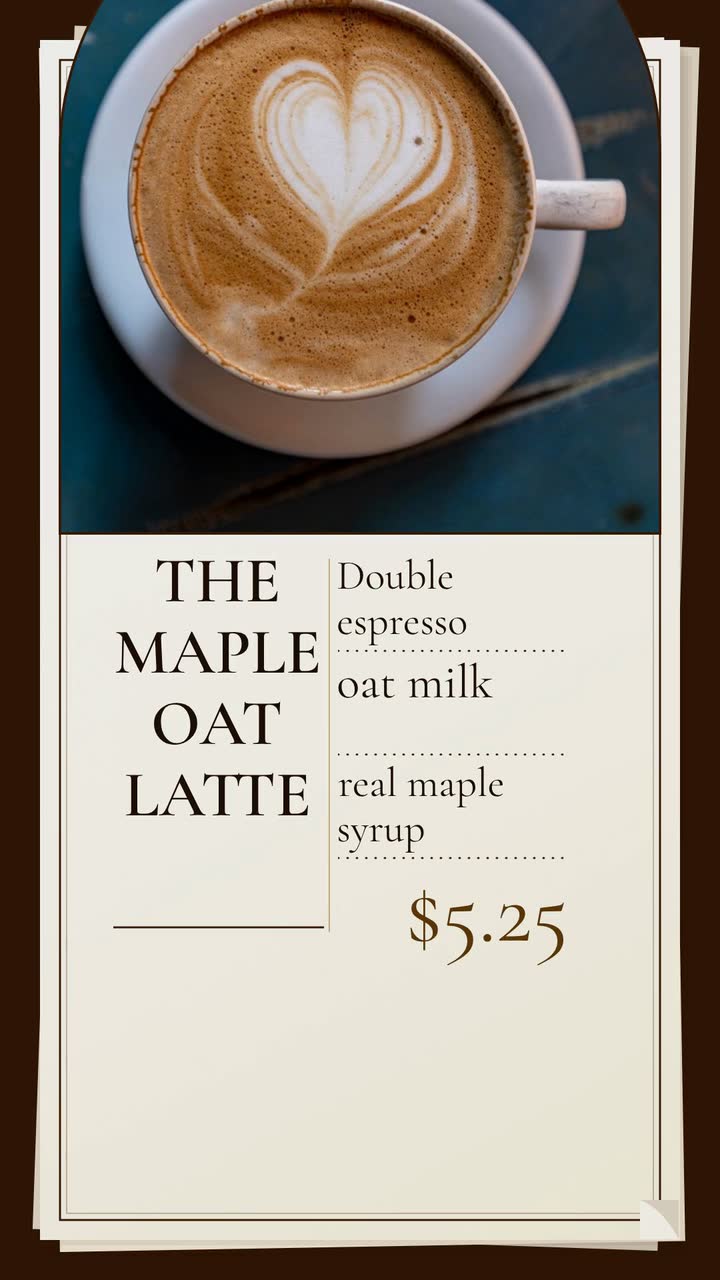
| Your house latte | Film the actual cup. Name the syrup, default milk, cup size and price: “Maple oat latte · served hot”. | Before the morning you want to promote; confirm ingredients at opening. |
| A seasonal special | Show its distinguishing ingredient and put the launch date beside the name. Use a last-day message only when that date is real. | Before launch, on its first day and near a confirmed end date. |
| Cold brew or an iced drink | Show the takeaway size and state whether the posted price includes milk. Use your real drink, not a larger display cup. | Ahead of a warm day when you have enough prepared. |
| A non-coffee order | Show a tea or chocolate drink you serve and list its main ingredients. Describe it as non-coffee; avoid assuming that means caffeine-free. | When promoting a visit with someone who wants a different order. |
| A pastry-and-drink pairing | Put the pastry and drink together. State the included drink size, combined price and any substitution charge. | Before the serving window, after checking the pastry delivery or bake. |
| A single-origin brew | Film the bag label and cup; repeat the origin and tasting notes the roaster supplies. Say whether it is your filter coffee or an espresso option. | When that bag goes into service, while the featured beans remain available. |
Plan separate messages. Before launch, give the drink name, start date and one defining ingredient. On launch day, show the actual serving size, price and pickup hours. Near a confirmed end date, remind people when it leaves. Skip that final reminder if you intend to keep selling it.
Distinguish a daily batch limit from the end of a season. “Today’s syrup batch has sold out” is useful when true; “last chance” is misleading if the same special returns tomorrow. Assign someone to check scheduled posts against the stock list and pause them when an ingredient is unavailable.
Use your local weather and calendar; seasons differ by hemisphere. Try a 10 s menu card for one drink or 15 s for a pairing. These are editing suggestions, not platform rules. Read the card on a phone to check that the details fit.
Choose a week with no launch. Fill in the actual days, products and serving windows before scheduling anything.
These US examples are a starting point, not legal advice. Check current rules in your location and confirm certification wording before advertising.
Second Shift Coffee is an invented café near a hospital. This uses the Menu item template (Drinks and treats version), an example brief and storyboard, with the type style. The morning pickup window is fictional.
Make a 10 s, 9:16 vertical menu video for Second Shift Coffee. Feature our hot 12 oz maple oat latte for $5.25, with a double espresso, oat milk and real maple syrup. Use rounded lettering, a simple cup shape and only these short lines: “Maple oat latte”, “Oat milk · real maple”, “12 oz · $5.25”, then “Morning pickup 6–9 am” with “Second Shift Coffee”. Use #422006 for lettering, #f59e0b for accents and #fef3c7 for the background. Music and sound effects, no narration.
| When | On screen | Why |
|---|---|---|
| 0–2 s | “Maple oat latte” beside a simple cup shape; the café name is small above. | The order gets the first readable headline. |
| 2–5 s | “Oat milk · real maple” appears beneath the drink name. | Keep the ingredient line short; the accompanying post can explain the espresso. |
| 5–7 s | “12 oz · $5.25” holds in dark brown on cream. | Show the size with its price, without introducing a second offer. |
| 7–10 s | “Morning pickup 6–9 am” and “Second Shift Coffee” remain on screen. | The café’s own close tells the morning customer when to come. |
| Outro | The ProcVideos outro closes the video. | |
Text only: this example calls for shapes and lettering. Add the street address to the accompanying post. Check that the size, price and pickup hours fit your own operation before adapting it. Each generation differs; give feedback if a line needs more reading time.
Try a brief like this one
Videos Creator is coming to Attain OS. You can create your Attain OS account today.
Give the creator a factual sheet: drink recipe, size, price, filming window and offer conditions. Let them choose their opinion and wording. Do not ask for a positive review in exchange for a drink. Agree on whether staff or customers will appear and get their permission before recording.
In the US, FTC guidance calls for clear disclosure of material connections, including free or discounted products. A video endorsement needs a disclosure in the video, not just hidden in the description. Check current rules where you and the creator operate; this is not legal advice (FTC). Agree on the disclosure before the visit, even when no cash changes hands.
Ask permission before reposting, and agree on attribution and any reuse in paid ads separately. Keep the creator’s own recording separate from your animated menu card. For a more detailed collaboration checklist, use sponsored video content for creators.
Add a simple question at the counter: “Did you see the maple latte post?” Note mentions alongside orders and sold-outs. Compare similar days cautiously: weather, events and price changes also affect orders. A busy morning alone does not prove the video caused it.
Show the size and price of the default recipe. Put a short swap-charge note beside the offer if it changes what customers pay; use the accompanying text for a longer list. Check the published card whenever you change the menu, and remove or replace an obsolete offer.
Choose something you can serve then: tea with a pastry, an iced chocolate or a seating view with your actual laptop policy. Name the afternoon serving hours. If you cannot reliably offer seats or pastries, feature the takeaway drink instead of promising either.
Yes, as a separate phone recording of the cup your barista actually poured. Place the drink name and size beside it in the post. Avoid filming identifiable customers without permission, and do not let repeated takes disrupt the queue.
Keep a clean version without platform stickers, then check the current posting requirements in each app. Preview the text so interface buttons do not cover the size or price. Use the same factual offer, but adapt the accompanying text to the questions people ask on each account.
Example templates
An example template is a sample brief and storyboard for one kind of video, in one style, format and length.
Rules and platform features change. Check the source before you rely on it.
Food and drink
Twelve restaurant videos built around service: sell a special, explain last orders, promote a group menu and keep each offer accurate.
Food and drink
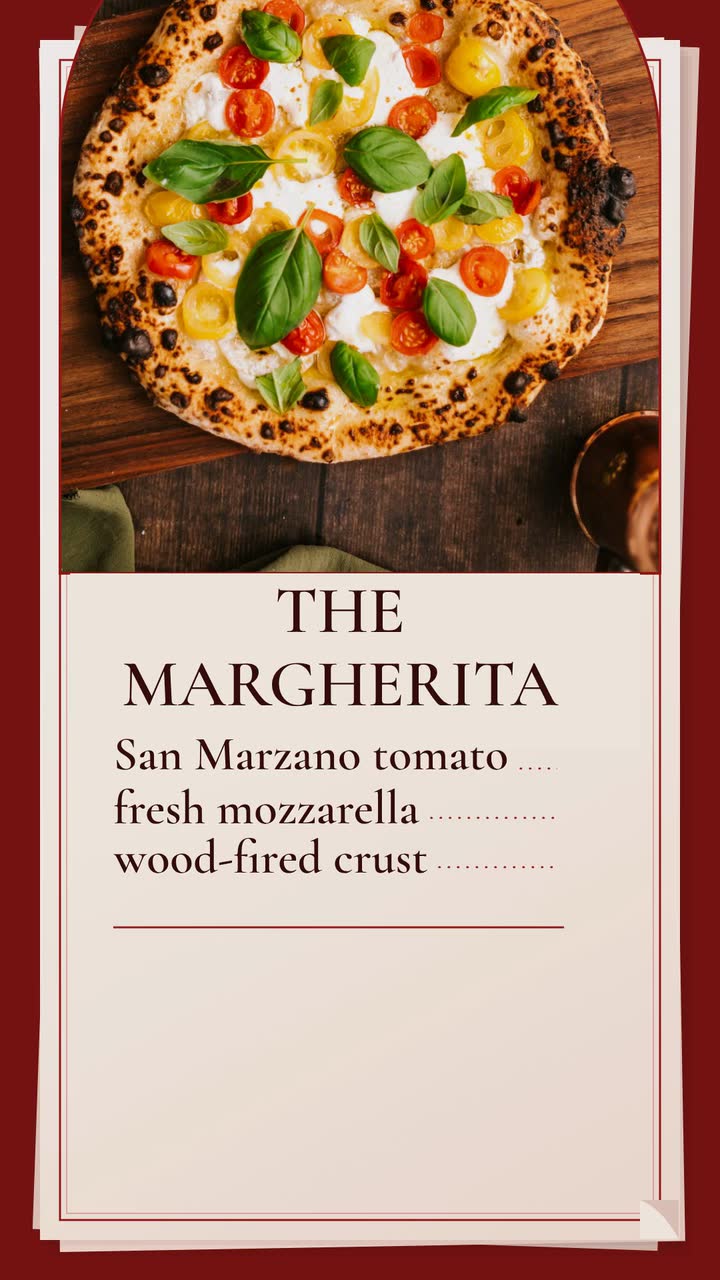
Build a late-night Margherita promo for an invented pizzeria, then adapt it to lunch slices, pickup orders or catering.
Food and drink
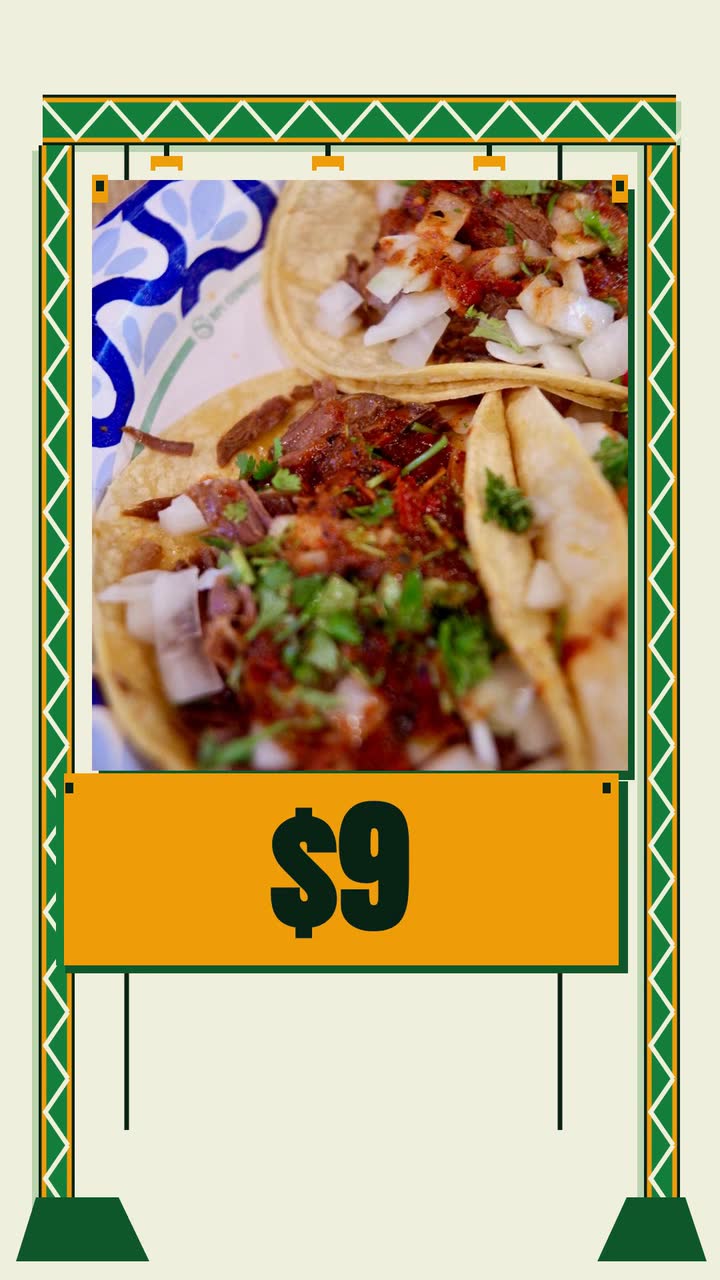
Plan food truck videos around confirmed stops, specials and catering inquiries, with a monthly calendar and a taco-menu brief.
Food and drink
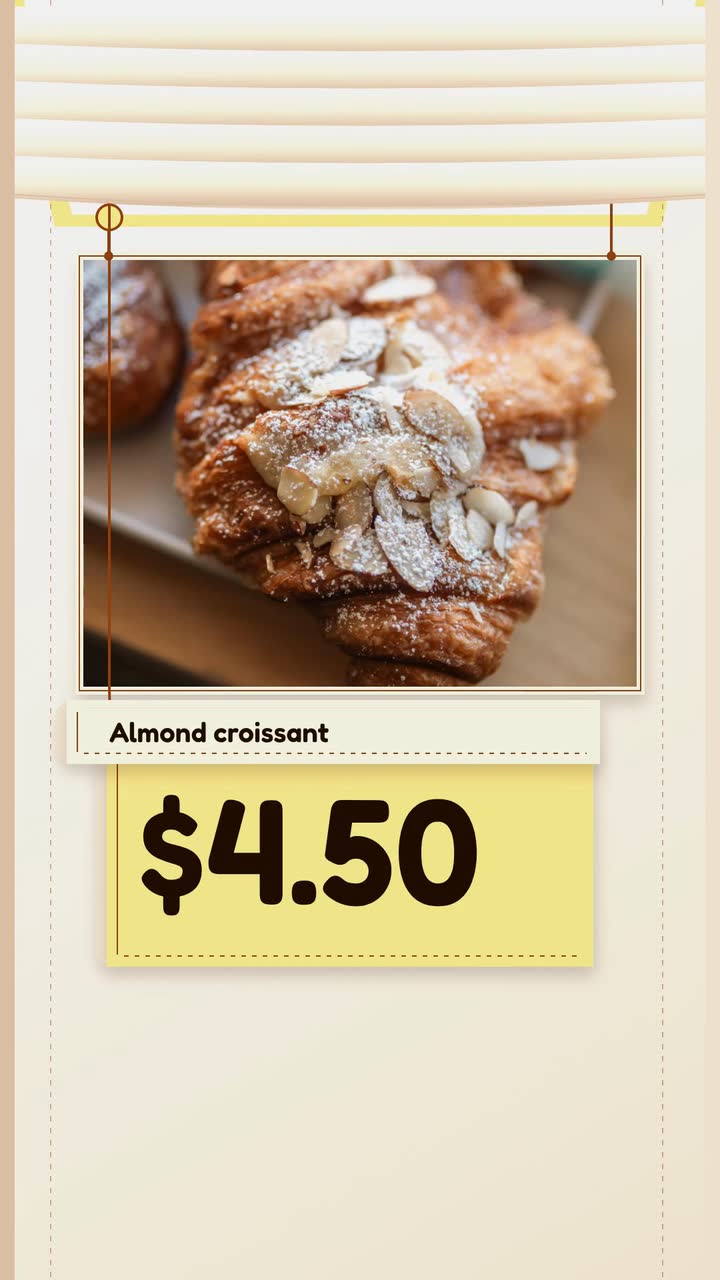
Plan posts around fresh trays, honest sell-out updates and holiday pickups, with a filming checklist and a worked croissant brief.
Tell the Attain OS team what you want to make.
Videos Creator is coming to Attain OS. You can create your Attain OS account today.