Retail and products
Product video ideas for small business: twelve buyer questions to answer
Turn product listings and customer questions into twelve useful clips: fit, compatibility, accessories, care and bundle prices.
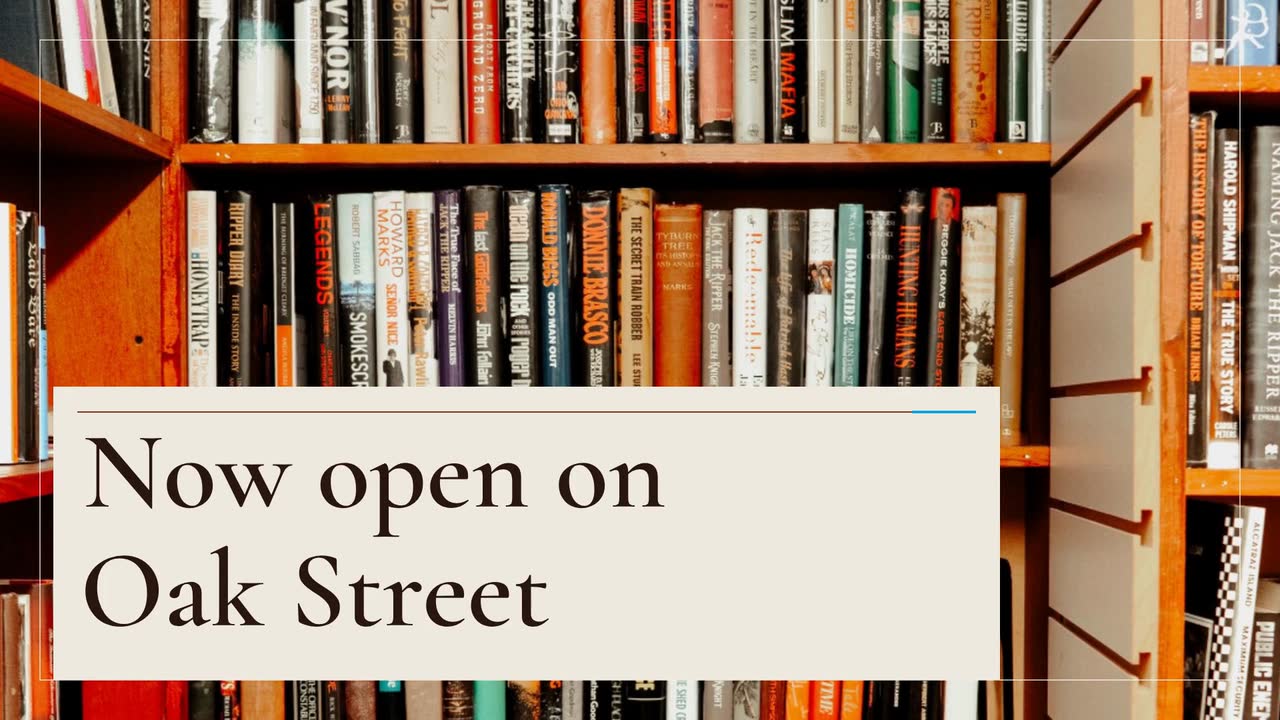
Opening an independent bookstore, used-book shop or bookshop café? This walkthrough gives you a bookstore grand opening video brief, a six-week posting plan and follow-up ideas for your first month. The invented Paper Lantern Books shows how to turn shelves, staff recommendations and a reading group into useful posts without promising an event or service you cannot deliver.
Paper Lantern Books, its owner Mara and the town of Brook Hollow are invented. For this planning example, the shop opens at 18 Oak Street on Saturday, November 14, 2026, from 10 a.m. to 6 p.m. It sells new and used books and has a window-seat reading nook. Its first Thursday book club is scheduled for November 19 at 7 p.m.
Mara’s practical goal is to answer the questions a first visitor will ask: Is this the right shop? Which door do I use? What will I find? Can I join the book club without knowing anyone? She writes the visit details on one reference sheet and uses it to check every caption and sign.
Her plan combines an illustrated opening announcement with separate phone recordings of the actual shop. A drawn storefront introduces the name; an entrance clip shows the real doorway. The six-week schedule below is a suggested working plan, not a proven best posting interval. If the opening date is uncertain, show progress without asking readers to visit yet.
The Now open template (Friendly neighbour version) is an example of a brief and storyboard. Adapt “now open” to the future date for this invented shop.
Create a 20 s, 16:9 opening announcement for Paper Lantern Books. Use a cartoon storefront and comic lettering, clearly an illustration. Opening November 14, 2026, at 18 Oak Street, Brook Hollow. Show these short facts separately: “New + used books”, “A reading nook”, “Thursday book club”. No narration; include music and sound effects. Colours: #9a3412, #0ea5e9 and #fff7ed. Close with “Paper Lantern Books · Visit Nov 14 · 10 a.m.–6 p.m.” Keep the date and address readable; do not add other offers.
| When | On screen | Why |
|---|---|---|
| 0–4 s | A drawn storefront with “Paper Lantern Books” and “Opening Nov 14, 2026”. | Establish the shop and the future date; do not suggest it is already open. |
| 4–7 s | “18 Oak Street · Brook Hollow” on a plain cream background. | A street number and town make the location usable beyond the immediate neighbourhood. |
| 7–16 s | Three short lines, each held for three seconds: “New + used books”, “A reading nook”, “Thursday book club”, with simple drawn icons. | Give each reason to visit its own reading time. Put book-club joining details in the accompanying post. |
| 16–20 s | “Paper Lantern Books · Visit Nov 14 · 10 a.m.–6 p.m.” beside the drawn doorway. | End on the business’s invitation and visiting hours. Use this frame to check the caption against the video. |
| Outro | The ProcVideos outro closes the video. | |
The brief is text only: no shop photos, logo or recordings. Post entrance footage separately. Each generation differs; review the name, date, address and reading time, then request another take with feedback if needed. This example has no narration. Videos Creator is coming soon to Attain OS. At launch pricing, a 20 s video is about 20 credits, about $2.
Try a brief like this one
Videos Creator is coming to Attain OS. You can create your Attain OS account today.
Assign one useful question to each post. These phone-video ideas sit alongside the illustrated announcement; none requires putting recordings into a product brief.
Film from the street corner to the entrance, ending on the street number. Say “opening November 14” rather than “now open”. Set a future opening date in Google Business Profile before verification, following Google’s instructions. Check the map pin against the entrance.
Record a box of used mysteries being unpacked. Hold up one copy, explain how you describe its condition and say whether that copy will be available on opening day. Ask which genre readers want you to stock; do not imply a special order is already on the shelf.
Use the opening announcement with a caption listing the full address and hours. Ask someone unfamiliar with the shop to watch without sound and repeat the date and location. Put the same visit details on your website so there is one page to share.
Film a bookseller explaining who a recommendation suits, such as a reader who wants a mystery without graphic violence. Use an actual copy and avoid plot spoilers. End with where to find that shelf, not a vague “something for everyone”.
Show the first meeting’s title and date, whether readers need to finish the book, how to join and whether copies can be reserved. For a children’s story session, state the intended age group and whether an accompanying adult is expected. Announce only confirmed sessions.
Film the finished reading nook and explain how visitors can use it. If you are a bookshop café, show the confirmed opening-day menu separately rather than promising food service before it is ready. Repeat the dated invitation; remove any obsolete countdown.
Film a bookseller welcoming viewers at the entrance. Ask before featuring customers; you can keep the camera on staff and shelves instead. After closing, thank visitors and post the next confirmed event. A quiet opening still gives you an honest welcome clip.
Keep one set of visit details, but plan separate 9:16 and 16:9 versions. A new generation is another take, so check both rather than expecting identical scenes.
| Placement | Suggested version | Check before posting |
|---|---|---|
| Instagram and Facebook reels | 9:16; use Now open (Bold opening version) as a brief/storyboard example. | Preview on your phone. Keep the name, date and address away from overlaid controls, and repeat them in the caption. |
| YouTube and the shop website | 16:9; the Friendly neighbour example. | Place written visit details alongside the player. Do not make readers watch to discover the address. |
| Google Business Profile | The opening video in an event post. | Add event dates and times; confirm the post is public after review (Google). |
| Shop screen and local newsletter | 16:9 for the screen; a still image linking to the video for the newsletter. | Test the screen with sound off. Give the newsletter editor a still, the visit details and a working link. |
For the first reading-group post, Mara would explain whether newcomers can join mid-month and where to reserve a copy. For a staff pick, she would hold up the actual edition and give one spoiler-free reason to read it. For a used-book arrival, she would show the specific copies and update the caption when they sell, rather than imply that a single copy is always available.
If you endorse a gifted review copy, the FTC’s US guidance treats gifts as possible material connections. Include “The publisher gave me this book” in the video; saying and showing it helps (FTC). Check current rules for your circumstances and country; this is not legal advice.
For an author visit, confirm the guest, signing arrangements and reservation route before making an invitation; the event promo guide helps you build that post. For questions about timing and what to leave out of the announcement, use how to write a video brief. Track the questions visitors actually ask about the shop, then make the next post answer one of them.
Update the website, door sign and captions first. Stop sharing the dated announcement and replace it with a correction that names the new date. Do not rely on “this Saturday” in an old video. If the new date is uncertain, invite readers to follow progress rather than visit.
Use broad shelf categories in the announcement and real copies in separate recommendation clips. If you name a title, confirm the edition and opening-day stock. A book-club invitation needs the chosen title and a way to ask about availability; it does not need a list of everything you sell.
Make the gift explicit and noticeable within the recommendation, not only in its caption ([FTC](source:2)). Check current rules; this is not legal advice.
Lead with “new address” and the move date. Show the route to the new entrance in a real phone clip. Check the website, map listing and event invitations for the old address. Tell regulars which services continue and whether there is any gap between closing and reopening.
Google allows video in updates and event posts ([Google](source:4)). For the opening event, enter the actual date and hours, link to the visit details and check its review status. Do not assume a submitted post is already public.
Example templates
An example template is a sample brief and storyboard for one kind of video, in one style, format and length.
Rules and platform features change. Check the source before you rely on it.
Retail and products
Turn product listings and customer questions into twelve useful clips: fit, compatibility, accessories, care and bundle prices.
Retail and products
Plan the reveal, buying details and launch-day close, with a sample headphone brief and checks for pre-orders and creator samples.
Retail and products
Turn one linen shirt into a useful lookbook: a short storyboard, real fit evidence, six posting ideas and checks for fabric claims.
Retail and products
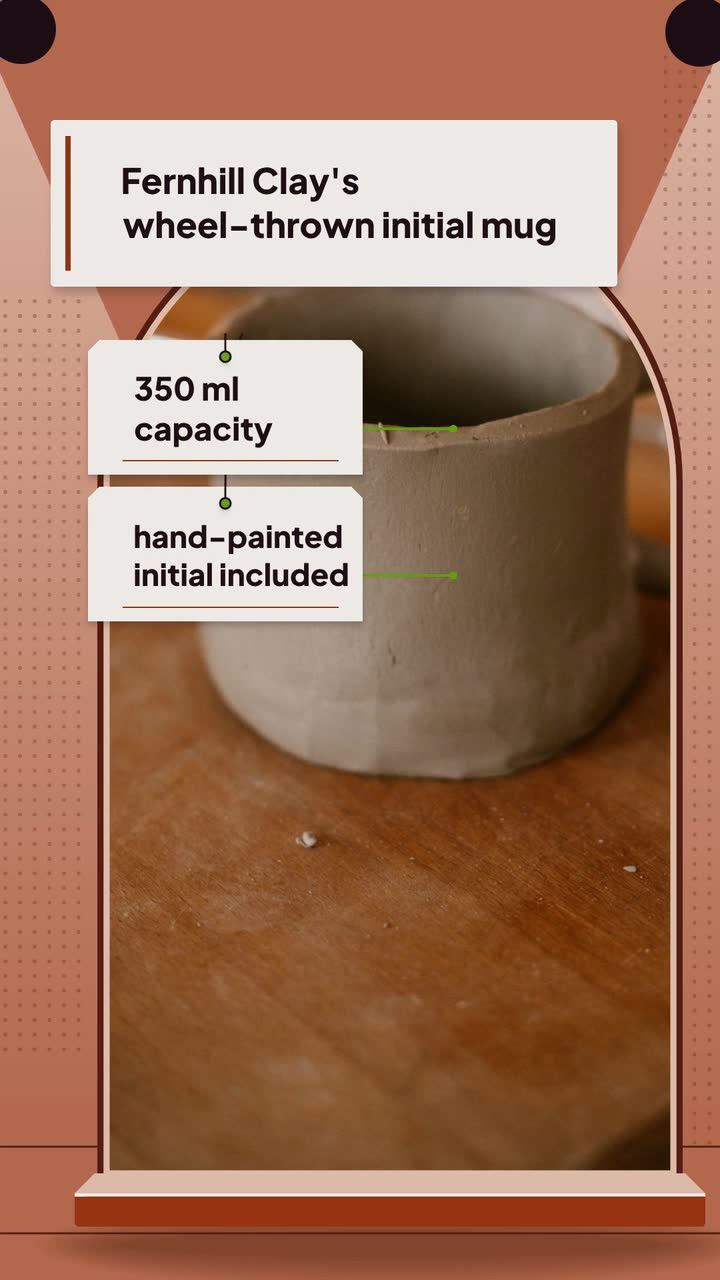
Turn one handmade piece into seven useful posts: show the process, explain size and care, and separate custom-order deadlines from shipping dates.
Tell the Attain OS team what you want to make.
Videos Creator is coming to Attain OS. You can create your Attain OS account today.