Construction and trades
Contractor video marketing: show how you run a job
Show how you estimate, manage permits and handle changes. A practical video plan for general contractors, custom builders and fit-out firms.
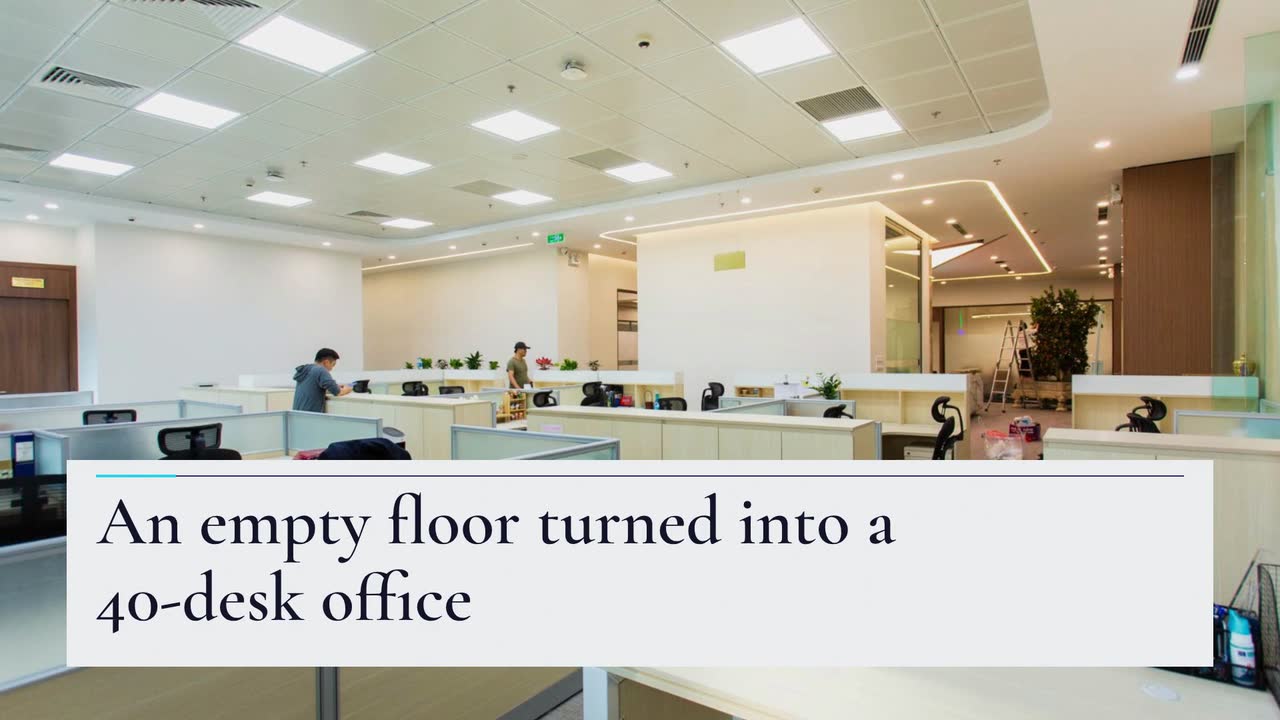
For small office-fit-out firms and their content creators, this commercial interior project video walkthrough turns a handover into a documented story. Follow the invented Grid Interiors: choose a buyer question, verify records, request approval and write a short brief. You get five office-specific story angles and a publishing checklist to help a facilities manager understand what your firm delivered.
Grid Interiors and its client are invented. Here, Grid has handed over 40 desks and four meeting rooms. Its case study explains the scope; the video introduces one question: how was on-site work phased? The counts and three-weekend schedule are fictional, not a typical fit-out programme.
Before drafting, put the completed layout, site diary and handover record together. Does “three weekends” describe the installation period, or the entire project? Were surveys, approvals and procurement completed beforehand? Were defects corrected later? Write the boundary beside the schedule claim. Weekend work alone does not prove that the client experienced no disruption.
Grid chooses a phased-work story. Its case study explains preparation and exclusions. Abstract blocks introduce the phases; approved photographs on the separate case-study page show the actual work. For residential projects, adapt the home-builder guide’s evidence checklist.
Grid is invented. The Project showcase template (3D reveal version) is an example brief and storyboard. This 20 s, 16:9 video has music and sound effects, no narration. The brief is text only; its blocks illustrate phases, not the actual floor.
Create a 20 s, 16:9 video for Grid Interiors about an office fit-out: an empty floor became an office with 40 desks and four meeting rooms. Use abstract 3D blocks, not a model of the actual office, and keep “Illustration” visible. Show the phases in order: layout; walls and power; furniture and lighting. The on-site work took place over three weekends; do not imply that design and procurement were included or that there was no disruption. Use short on-screen labels: “Office fit-out”, “40 desks · 4 meeting rooms”, the phase names, and “On-site work: three weekends”. Use #312e81, #22d3ee and #eef2ff. Music and sound effects, no narration. End with “Talk to us about your space” and the business name Grid Interiors.
| When | On screen | Why |
|---|---|---|
| 0–3 s | An abstract grid in indigo; “Office fit-out” appears. “Illustration” remains visible throughout. | Name the project type immediately. |
| 3–6 s | “40 desks · 4 meeting rooms” over an abstract floor outline. | State the scope with short, readable labels. |
| 6–15 s | Abstract 3D blocks stack into place for each phase: layout, walls and power, furniture and lighting. | Three phases illustrate sequencing, not the real floor. |
| 15–18 s | “On-site work: three weekends” beside the completed abstract blocks. | Define the installation period; do not imply no disruption. |
| 18–20 s | “Talk to us about your space” with “Grid Interiors” beneath. | End with Grid’s invitation to talk. |
| Outro | The ProcVideos outro closes the video. | |
Review the finished video against the brief and records; each generation differs, so regenerate with feedback if a label or phase is wrong. Real photographs stay on the separate case-study page. Videos Creator is coming soon to Attain OS; see launch pricing.
Try a brief like this one
Videos Creator is coming to Attain OS. You can create your Attain OS account today.
Send the client the proposed wording, abstract storyboard and any photographs you plan to publish separately. Ask who can approve the company name, project scope and schedule. Agree whether approval covers an organic post, paid advertising and an agent’s reuse. For confidentiality or image-rights questions, check the current local rules and your contract with a qualified adviser; this is an editorial checklist, not legal advice.
Record the desk and room counts, your scope, the installation dates and anything completed later. A phone booth is not automatically a meeting room. Avoid “no disruption” unless you have evidence for that specific claim. Leave energy, acoustic or productivity benefits out unless appropriate evidence supports the wording.
LinkedIn’s ad specifications list 16:9 and 9:16 (LinkedIn Marketing Solutions). Grid chooses 16:9 for its case-study page. If you also request 9:16, check the resulting composition separately: a narrow frame needs shorter labels. Procedural Videos offers those two formats; other ratios in LinkedIn’s specifications are not product options.
LinkedIn recommends 15–30-second ads for eligibility across Feed and Audience Network placements (LinkedIn Help). That does not promise distribution. Grid’s example is 20 s; the product’s length choices are 10, 15, 20 or 30 s. Check current requirements before paying to promote a video.
Pause on every label. Confirm the counts, phase order, spelling and illustration label; watch on a phone with sound off. If a claim changes during approval, correct the brief and review the new output. Save the approved wording beside the final file so an agent does not reintroduce an old claim.
Try: “40 desks, four meeting rooms. On-site work across three weekends, after design and procurement. Our scope and approved project photographs are in the case study.” Add only supported details, the link and a useful question such as “What access windows does your building allow?” Keep security arrangements out of public copy.
With reuse approved, send the agent the MP4, poster, description and case-study link. Specify cleared names and images. Record enquiries about phasing or office size; those questions can guide the next story.
| Buyer’s question | Video angle | Evidence for the case study |
|---|---|---|
| Facilities manager: when was work allowed? | Phased installation | Site diary and approved working windows; note exceptions |
| Finance director: what was included? | Scope boundary | Agreed scope and approved changes; counts do not prove cost certainty |
| Office manager: which rooms were delivered? | Layout and room uses | Completed drawings and approved photos; no assumed productivity benefit |
| Tenant’s agent: can I refer this firm? | Relevant project and delivery role | Named responsibilities and approved description; name the client only with permission |
| Director: can the space change later? | Delivered provisions for future changes | Documented spare capacity or provisions, not a speculative expansion promise |
Choose an angle your records support. These publishing moments are a suggested editorial sequence, not optimal posting times. Real images go in a separate, approved post or case study; the procedural brief contains text only.
After handover, explain how installation fitted around the building’s agreed access windows. Show a labelled phase timeline and state what happened before site work. Do not turn out-of-hours work into a claim of uninterrupted operations.
Try this: Open with “What had to be ready before weekend installation?” Name one documented dependency.
Project showcase · Build timeline buildWhen the approved case study goes up, distinguish meeting rooms, enclosed phone booths and open collaboration areas. Use simple labelled shapes. Give the actual delivered counts; room names alone do not establish acoustic performance.
Try this: Show “Four meeting rooms” and explain in the post whether phone booths are counted separately.
For a follow-up post, explain one coordination decision, such as locating power before desks were installed. Name the sequence and your role without revealing wiring routes or claiming technical compliance.
Try this: Use “Power first, desks next” only if your site records confirm that sequence.
When an enquiry asks whether you handled the whole office, answer with your actual scope: partitions, electrical work, furniture or a defined package. State what the client or other contractors supplied. This is useful context for an agent forwarding the project.
Try this: Pair “Our scope” with “By others” in short labels; put the detailed responsibilities in the case study.
After the client approves publication, explain one handover item: operating instructions, a finishes schedule or the process for reporting defects. Describe what was delivered, not a promise that nothing will go wrong.
Try this: Close the post with “What do you need in your handover pack?” and name the item this project included.
Choose one buyer question, the phases that answer it and facts supported by completed records. An abstract video can introduce the story; put approved photographs and scope detail in the separate case study. Do not imply that drawn blocks are footage or a survey model of the office.
Not by itself. Signs, distinctive interiors, views and post text may still identify it. Request approval for the actual material and intended uses. If permission is unclear, pause publication and check the contract and current local rules with a qualified adviser; this is not legal advice.
Start where your existing contacts can use the story. Grid prepares the case-study page first, then sends approved material to its referral agents and publishes a LinkedIn post. That sequence is a suggested workflow, not evidence that LinkedIn reaches most office buyers.
It falls within the recommended 15–30-second range for Feed and Audience Network eligibility ([LinkedIn Help](source:2)). Length alone does not establish that the file or campaign meets all requirements. Check the current specifications, including any extra outro, before advertising.
It can explain phases or scope, but it cannot prove a physical project was completed. Label the abstract illustration. Keep real project evidence on an approved case-study page; photographs and floor plans are not inputs to the text-only procedural brief.
Example templates
An example template is a sample brief and storyboard for one kind of video, in one style, format and length.
Rules and platform features change. Check the source before you rely on it.
Construction and trades
Show how you estimate, manage permits and handle changes. A practical video plan for general contractors, custom builders and fit-out firms.
Construction and trades
For local roofers: storm-response posts, estimate explainers and replacement updates that show the work without promising insurance coverage.
Construction and trades
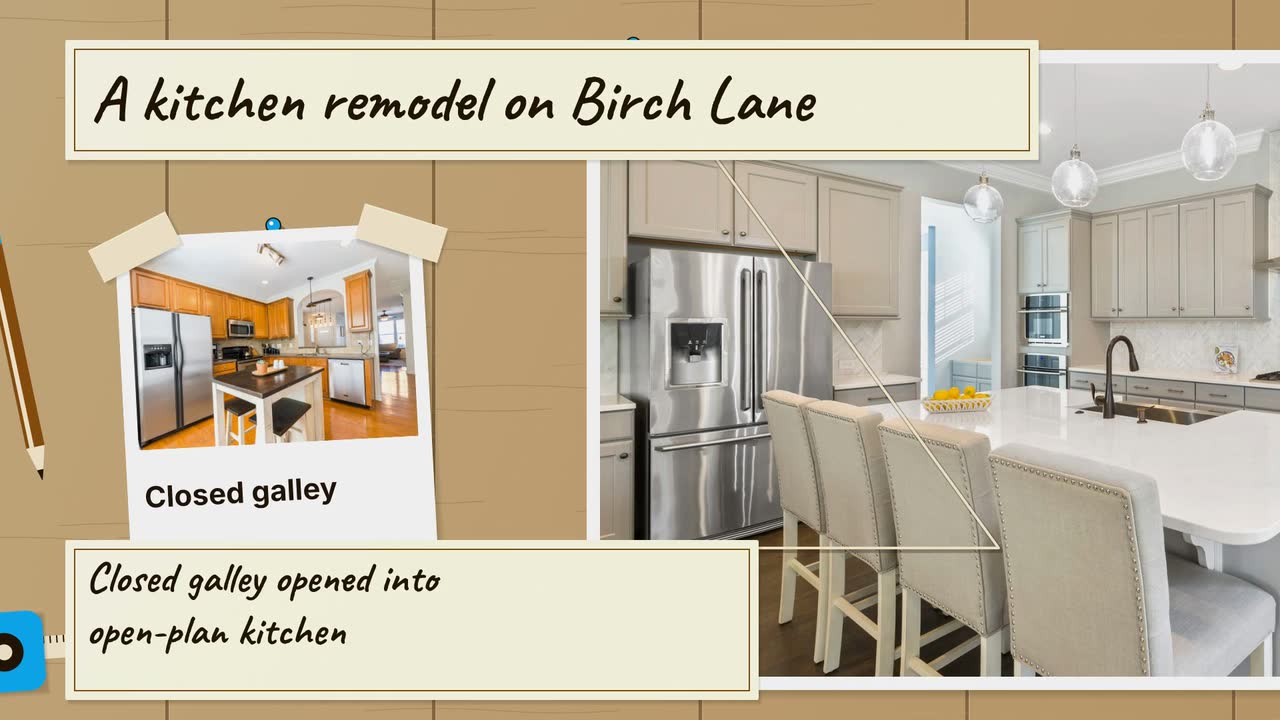
Turn a kitchen job into a clear process story: six video angles, a sample brief, and checks that keep drawings separate from real project evidence.

Construction and trades
Turn job phases, planting questions and cleanup quotes into useful clips, with a local posting plan and an illustrated backyard brief.
Tell the Attain OS team what you want to make.
Videos Creator is coming to Attain OS. You can create your Attain OS account today.