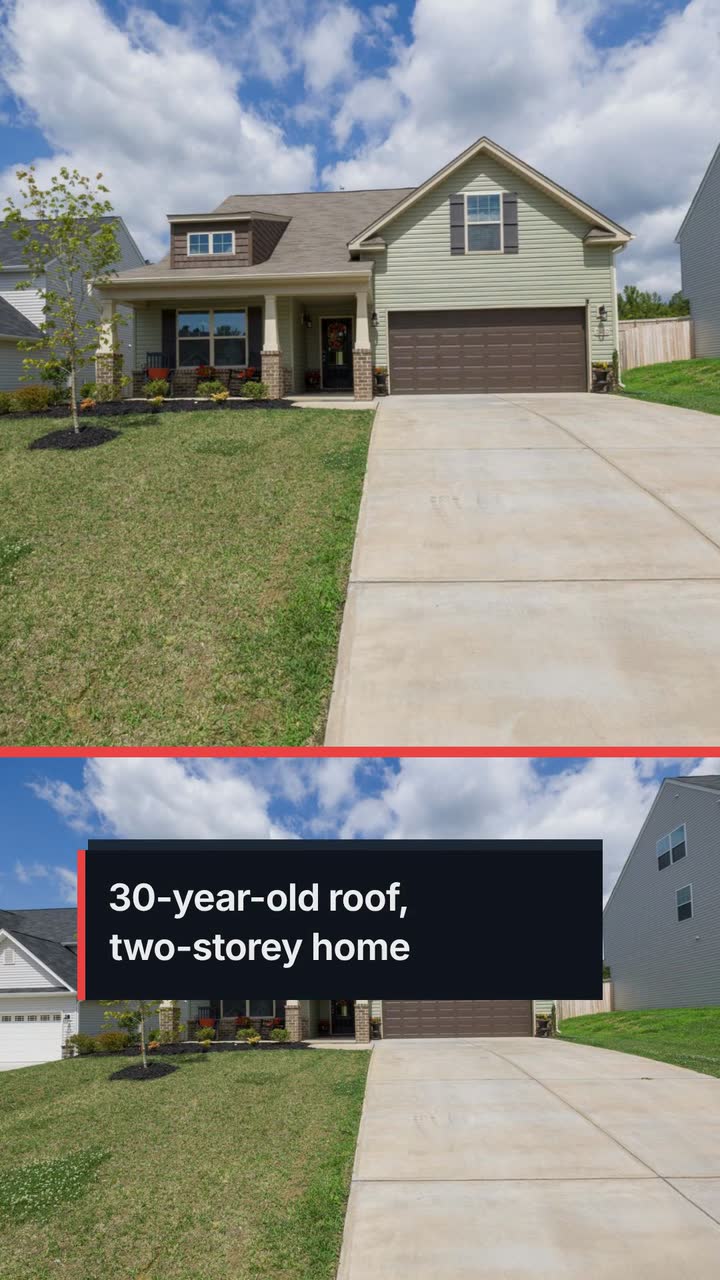
Construction and trades
Roofing company video ideas: storm questions, replacement progress and cleanup
For local roofers: storm-response posts, estimate explainers and replacement updates that show the work without promising insurance coverage.
For general contractors, custom home builders and office fit-out firms, this contractor video marketing playbook offers five videos to make, a job-stage posting plan, filming checks and a worked brief. Document your work with site footage and explain the process with labelled illustrations. Legal sources concern the United States: check current rules where you work and seek qualified advice on your obligations. This is not legal advice.
The FTC tells U.S. homeowners to verify credentials, compare written estimates and scrutinize contracts; it flags requests to obtain permits and full advance payment as warnings (home-improvement guidance). Use those questions to audit your posts. Can someone tell what you build, where you work and what happens after an enquiry without scrolling through a string of finished kitchens?
Keep a question log beside your estimating notes: the question, your answer and what you could show without exposing client information. “What if we have not picked the tile?” becomes a sample allowance line. “Can we stay during construction?” becomes an explanation of access and the sequence of rooms. Choose a question you can answer with an example.
Choose timing from your enquiry history. Before your local wet or cold period, answer outdoor-work planning questions. For commercial prospects asking about occupied offices, explain access discussions at the survey. Do not assume January is planning season for every location or trade.
Start with one question per post. Record yourself explaining it or use text panels. Keep client records out of frame, put the next step in the caption, and revisit posts when your process changes.
Show your business name, licensing authority and number where applicable. Describe your current insurance without displaying private policy details. Put verification information on your enquiry page and link there from the post. Use this introduction before inviting estimate requests; check current local credential and advertising rules.
Highlight included work, exclusions and provisional allowances in a made-up estimate. Show a tile allowance beside a blank selection field; explain whether labour is included. Post before a design consultation. Close with “Tell us which finishes you have chosen so we can discuss the scope.” Avoid presenting an allowance as a fixed final price.
Draw a sequence: confirm requirements, submit the application, book the relevant inspection. Explain who handles each task and what happens before the next stage. Use this after a permit question at a site visit. Check the current local process; describe your responsibilities rather than promising every project follows the same path.
Show a fictional milestone schedule with the trigger beside each payment: deposit, an agreed inspection or a completed installation. Explain what evidence the client receives. Post it before sending a contract. The FTC notes that some U.S. states limit deposits (deposit guidance); check current rules locally before choosing amounts. Keep real bank details out of the video.
Show a sample doorway-change request with spaces for scope, price and schedule impact. Explain how you agree to changes before carrying them out. Post while design decisions remain open and send it with your estimate. End with “Ask us about changes before work starts.” Present your procedure, not a universal legal requirement.
These are suggested placements, not claims about reach. The Project showcase template versions below are examples of briefs and storyboards. Use the post caption to name your service area and explain how to enquire.
| Job stage | What to explain | Example brief | Where to use it |
|---|---|---|---|
| Bidding and design | Survey → scope → estimate → agreed start; state that availability needs confirmation. | Project showcase template (Build timeline version) | Website enquiry page or a reply to an estimate request |
| Under construction | Work completed, current stage and next planned task; date the update. | Project showcase template (Progress poster version) | Instagram or Facebook, after client approval |
| Handover | Completed phases and documented scope; label the drawing as an illustrated summary. | Project showcase template (Build timeline version) | Website project page beside approved real photos |
| Commercial portfolio | Abstract blocks to explain the sequence of an office fit-out, not a building model. | Project showcase template (3D reveal version) | LinkedIn; a proposal only if its submission rules allow video links |
Agree with the client on areas you may film, people who may appear and the posting date. Before recording, check for house numbers, reflected street signs, keys, alarm screens and delivery labels. Use a neutral project name. Do not announce that occupants are away. Ask separately before tagging a client or sharing a location; approval to record should not be treated as approval for every publication.
Ask the site lead where you can stand without interrupting work. Capture an overall view, one completed detail and a short explanation of the next step. For a progress comparison, return to the same safe viewpoint. Do not stage tool use or cross a barrier for a better shot. If you see an unsafe practice, stop and address it with the responsible person rather than treating it as an editing problem.
For U.S. paid renovation disturbing paint in pre-1978 housing or child-occupied facilities, EPA's RRP requirements generally include firm certification and lead-safe practices. Exemptions exist; covered work cannot be advertised without firm certification (EPA contractor guidance). Check current EPA or authorized local program rules before promoting such work. A clean-looking clip does not establish compliance; get qualified guidance on the job itself.
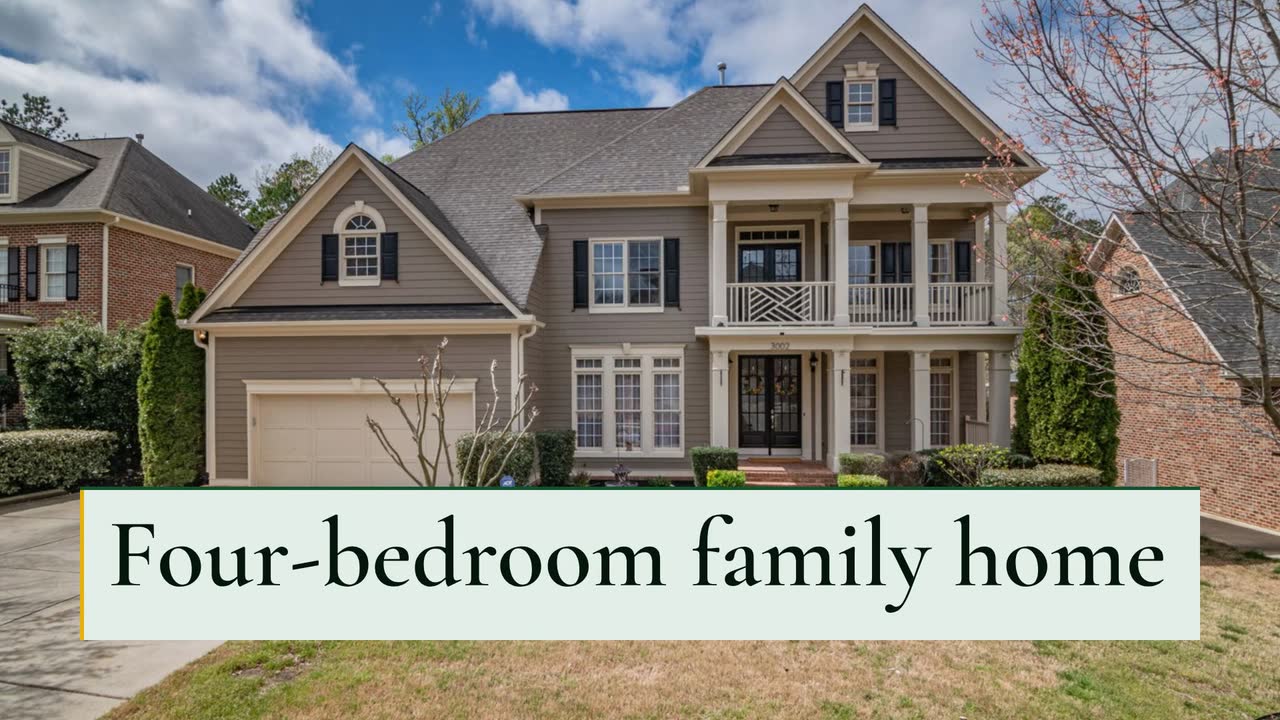
Northfield Homes and this project are invented. The builder wants a website summary beside real photos on a future project page. The Project showcase template (Build timeline version) is an example brief and storyboard. A stock photo stands in for the house and the timeline explains the phases; it is not a picture of the project or proof that work occurred.
Make a 30 s, 16:9 project summary for Northfield Homes in the build style. A completed two-storey, four-bedroom family home; 2,600 sq ft. Use a stock photo of a two-storey family house, and a timeline: foundation, framing, roof and windows, interiors. Keep “Example project summary” visible. Use #14532d, #eab308 and #f0fdf4. Narration in English, with short sentences about the phases. Close with “Discuss your custom home · Northfield Homes”.
| When | On screen | Why |
|---|---|---|
| 0–4 s | “Northfield Homes · Four-bedroom handover” on a pale green grid; “Example project summary” stays visible. | Identify the business and distinguish the stock photo from site footage. |
| 4–9 s | The stock photo of a two-storey house with “Four-bedroom family home”. | Give the scope without suggesting this is a scale plan. |
| 9–22 s | Foundation → framing → roof and windows → interiors; a yellow marker moves along the timeline. | Keep narration to the phase sequence so the labels have reading time. |
| 22–27 s | “2,600 sq ft · Four bedrooms” beside the house photo. | These are hypothetical project details; replace them only with checked job data. |
| 27–30 s | “Discuss your custom home · Northfield Homes”. | The business closes with an invitation to discuss scope, not a completion promise. |
| Outro | The ProcVideos outro closes the video. | |
The brief is text only. Review the finished video for labels, figures and narration; each generation differs, and you can regenerate with feedback. Narrated videos include an SRT file in the narration's language. Videos Creator is coming soon to Attain OS.
Try a brief like this one
Videos Creator is coming to Attain OS. You can create your Attain OS account today.
Treat this as a suggested monthly cycle. If no job reaches handover, answer another estimating question instead of implying something is finished.
Answer an estimating question with a fictional document or explain your process through a labelled illustration. Do not include identifying details or claim the drawing depicts that client's home. If the client also declines an anonymous written summary, use a hypothetical example.
If you publish a range drawn from your own jobs, explain the scope, date and exclusions alongside it. Separate a materials allowance from an installed price. If you cannot give a meaningful range without surveying the property, show what information you need to estimate instead of advertising a misleading starting figure.
Explain the decision or inspection behind the next stage using a text panel and a dated status. Distinguish submitted, booked and completed. Avoid filming concealed work as if the video certifies it; direct the client to the actual project records. A quiet week can still answer a practical question.
For one dated update, the Progress poster example uses 15 s in vertical 9:16. For completed phases, the Build timeline example uses 30 s in 16:9. Those are brief examples, not performance claims. Put detailed scope and qualifications in the surrounding post or project page rather than crowding the final frame.
Check the submission instructions first. If links are allowed, include a short scope summary and a video that adds useful information about sequencing or occupied areas. Keep the required written evidence in the submission and confirm permission to name the client. A video is a supplement, not a substitute for requested documents.
Example templates
An example template is a sample brief and storyboard for one kind of video, in one style, format and length.
Rules and platform features change. Check the source before you rely on it.
Construction and trades
For local roofers: storm-response posts, estimate explainers and replacement updates that show the work without promising insurance coverage.
Construction and trades
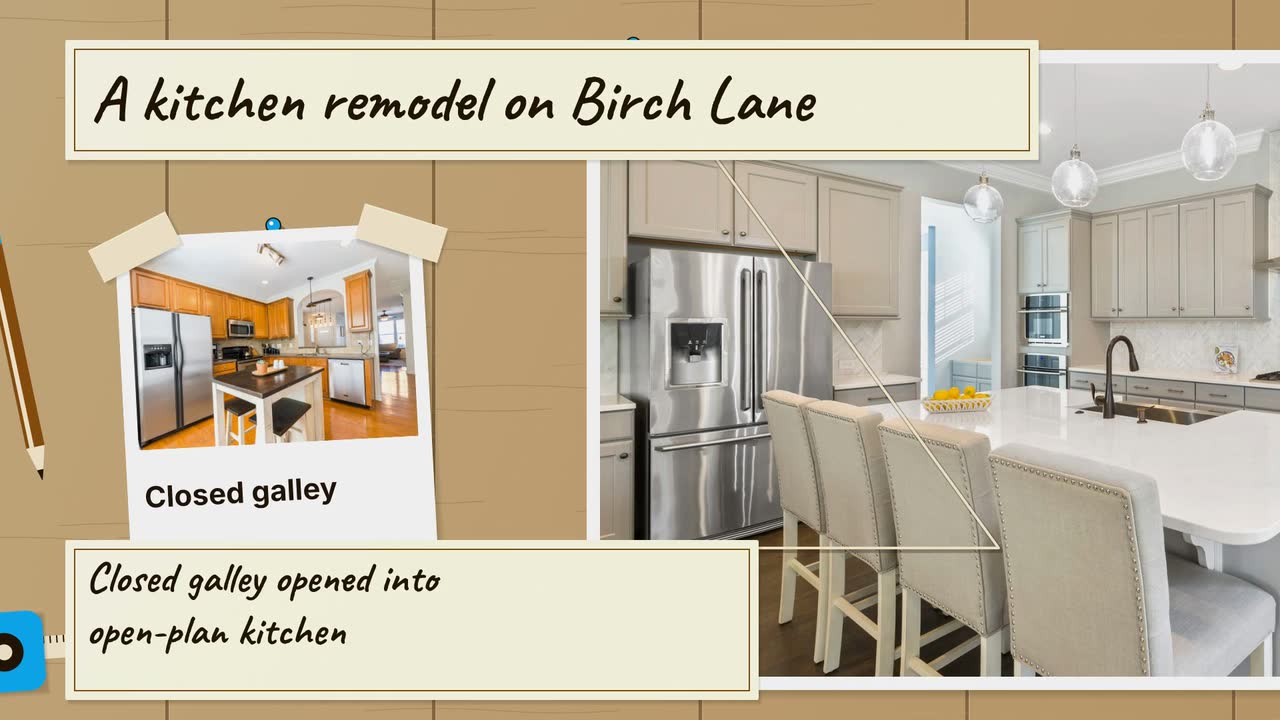
Turn a kitchen job into a clear process story: six video angles, a sample brief, and checks that keep drawings separate from real project evidence.
Construction and trades
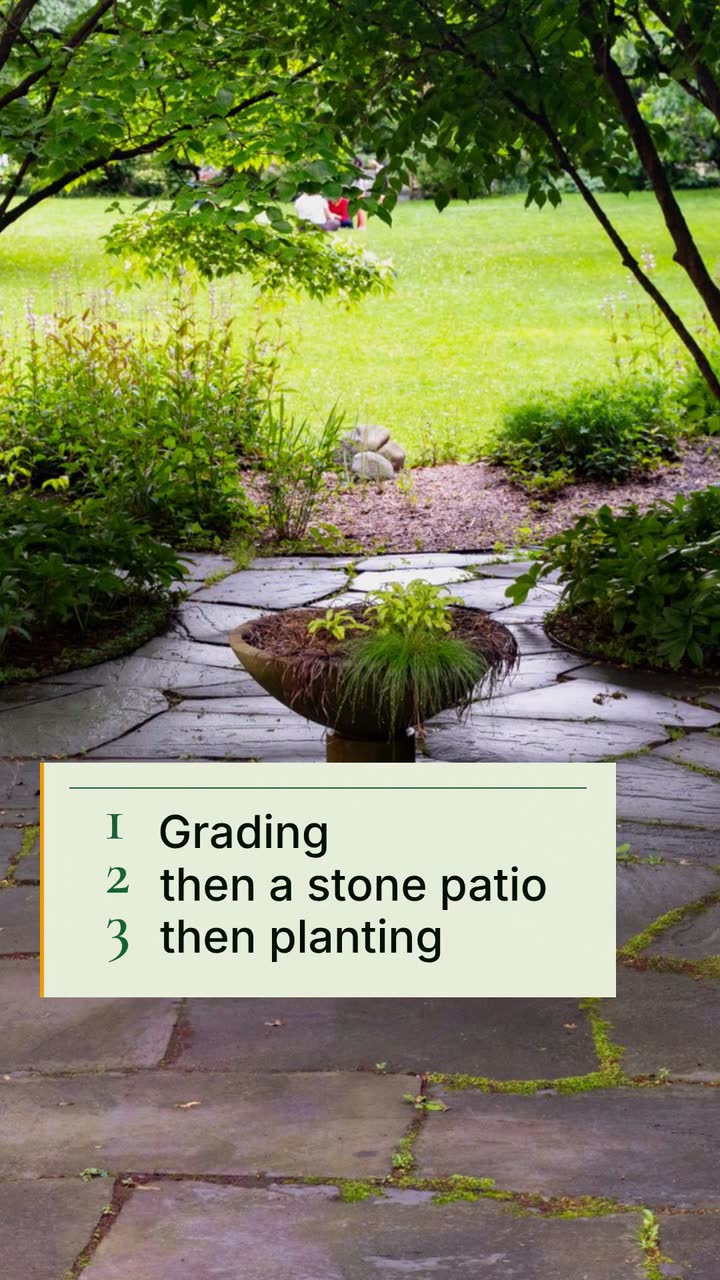
Turn job phases, planting questions and cleanup quotes into useful clips, with a local posting plan and an illustrated backyard brief.
Construction and trades
Turn deck design questions and real build milestones into a seasonal posting plan, without inventing prices, inspection results or finished projects.
Tell the Attain OS team what you want to make.
Videos Creator is coming to Attain OS. You can create your Attain OS account today.