Construction and trades
Contractor video marketing: show how you run a job
Show how you estimate, manage permits and handle changes. A practical video plan for general contractors, custom builders and fit-out firms.
This guide is for small deck-building businesses that need useful posts between site visits and construction days. You get a seasonal calendar, eight homeowner questions to answer, a capture plan for one build and a sample brief. Treat the calendar as a starting point: use your own enquiry history, weather and confirmed availability to choose when to post. Here, a deck means an outdoor platform built with decking boards; the plan is not for every kind of paved patio.
These are suggested posting slots for a northern-hemisphere business with cold winters, not evidence of buyer demand. Rearrange them around local weather and booking records. Southern-hemisphere seasons differ; adapt topics to your business rather than shifting the whole calendar.
Open the design diary: explain whether you are taking enquiries for spring work.
Use confirmed availability. Ask viewers for their area, intended use and preferred completion window; do not promise a start date.
Walk through a design visit using an empty yard or a paper sketch.
Show how you discuss the door, dining furniture and route to the garden. Tell clients what to prepare and whether the visit has a fee.
Explain who handles the permit paperwork on your jobs.
Name the authority and date any rule you mention. Separate submitting an application from receiving approval; check current local rules.
Show the footing stage from a safe filming position.
Explain the stage using the approved project documents. Keep dimensions and inspection status specific to this job rather than giving a DIY recipe.
Start a named series: frame, decking, railings, handover.
Keep the same camera position where practical. Caption each stage with its date and the next task, not just “another busy day”.
Reveal a finished deck with a clear route from the house to the garden.
Show the actual seating area. Identify whether furniture belongs to the owner or was supplied in your contract.
Show what a deck quote includes beyond the boards.
Use one job to distinguish stairs, railing, lighting and removal. State which items were included and which were separately priced.
Publish your next genuinely available design appointments.
Replace expired booking posts. If construction dates are provisional, say what still needs confirmation rather than inventing scarcity.
Read a care instruction with the material sample beside it.
Use the instructions for that specific decking and finish. Offer a care sheet; avoid a universal cleaning or recoating interval.
Explain how you assess an existing frame before quoting replacement boards.
Show your assessment process, not an assurance of safety based on a clip. Invite an on-site assessment instead of a diagnosis from comments.
Revisit a completed job, with the owner’s permission.
Ask what they use the space for. Label when it was built and filmed; do not present aged boards as a new installation.
Answer the question that appeared most often in your own enquiries.
Count actual questions in your notes, choose one and prepare the next design post. Review booking enquiries from videos, not views alone.
Answer one question per post. These are suggested prompts, not a researched ranking of searches. Put detailed caveats in the caption instead of compressing a technical lesson into a short clip.
Show samples beside quotes for the same layout, framing, stairs and railings. Name the exact material specified in each quote and consult its care instructions. Avoid saying one whole category is always cheaper or needs no maintenance.
Try this: Invite the viewer to compare like-for-like scopes, not just board prices.
Film a new sample and an older installation you can identify, in similar lighting without colour filters. Label the material, finish and installation date. A drawn colour card explains an option; it cannot prove grain, texture or weathering.
Try this: Ask clients to view physical samples before choosing.
Explain your contract’s division of responsibilities: who checks requirements, submits plans and follows up. Show a redacted workflow rather than a customer’s application. Check current rules with the local authority; this is a marketing outline, not legal advice.
Try this: Close with the documents you ask the homeowner to bring.
Explain what you record before the concrete goes in. Fairfax County’s details require inspection of bearing conditions before concrete placement (local example, p. 13). Check current local rules; do not export that procedure to every town.
Try this: Show a stage label and actual inspection status, with private details hidden.
Show these as separately specified features, not automatic extras. Fairfax’s standard deck details exclude built-in seating and planters (design limits, p. 3). Check current local requirements before describing approvals.
Try this: Ask which features the customer wants included in the design and quote.
Draw your own sequence: design decision, approvals, site preparation, structure, surface and handover. Mark what is confirmed and what is pending. Use a separate date for each project milestone rather than promising a universal build duration.
Try this: Refer to documenting contractor projects for a fuller series.
Project showcase · Build timeline buildRecord the questions you assess before you answer: what is accessible, what the replacement scope includes and whether further investigation is needed. Do not turn an attractive new surface into evidence that the hidden frame is suitable.
Try this: Explain when you can give a quote and which findings could change it.
Put the scopes side by side: demolition, disposal, site access, structure, surface, stairs, railings and finishing. If you publish a price, use a documented job or current quote, state inclusions and exclusions, and date it.
Try this: Replace stale prices when your quotes change; do not invent a local market range.
Agree filming boundaries with the owner before work starts. Keep a project folder with dates, material names and permission notes. Capture from safe positions without interrupting work; never ask someone to repeat a risky task for the camera.
| Stage | Record on your phone | Add an explanation |
|---|---|---|
| Footings | Holes before concrete, from a safe position; no private permit details. | State the stage and whether inspection is pending or complete. |
| Open frame | A wide view and the house connection where safely accessible. | Explain what will be covered; a clip does not certify compliance. |
| Boards and railing | The actual product label and a close view of the installation. | Name what was supplied and whether finishing remains. |
| Handover | The finished space from the earlier angle, without identifying the address. | Separate supplied features from the owner’s furniture; give a booking route. |
Cedar & Stone is an invented builder, adapted from the cedar-deck showcase. The Project showcase template (Progress poster version) is an example brief and storyboard. Its poster style explains phases; it does not reproduce a house.
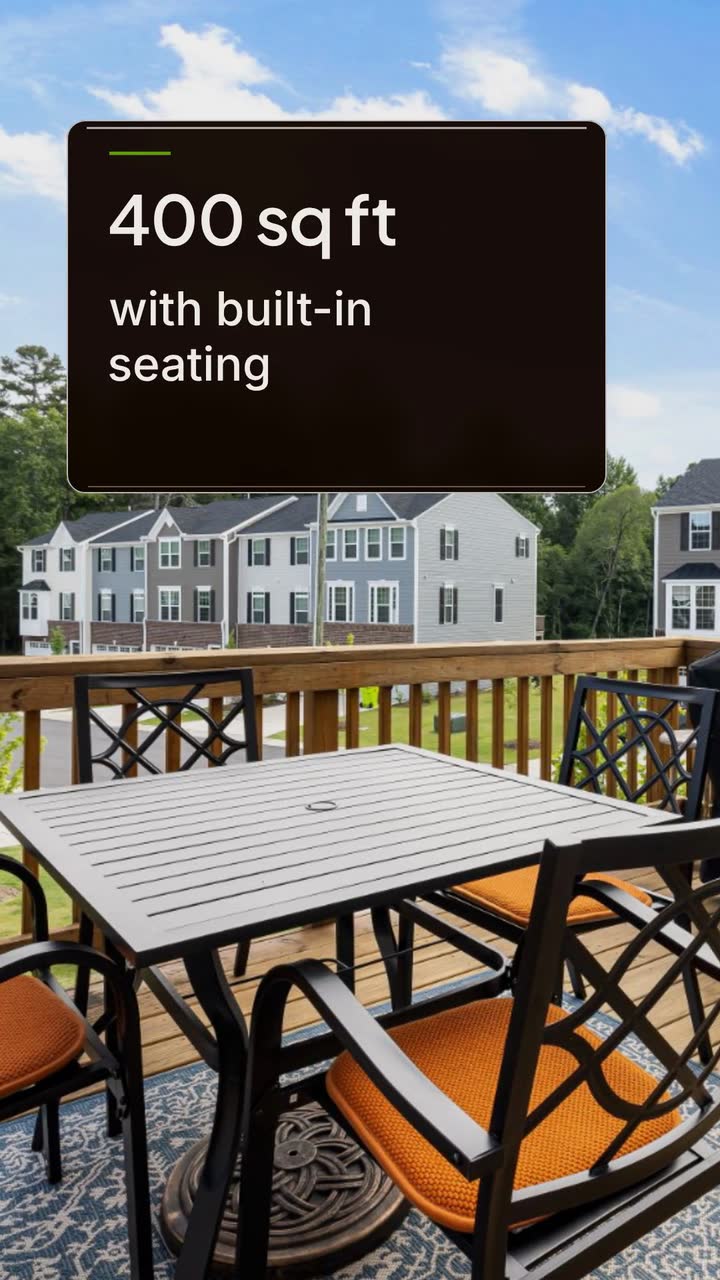
Create a 15 s, 9:16 vertical video for Cedar & Stone about a completed cedar deck: 400 sq ft with built-in seating. Use the poster style, simple shapes and these short on-screen lines: “Cedar deck”; “400 sq ft”; “Footings → framing → boards & rails”; “Western red cedar”; “Benches & planters”; then “Book a design visit” with “Cedar & Stone”. Colours: #9a3412, #65a30d and #fff7ed. No narration.
| When | On screen | Why |
|---|---|---|
| 0–2 s | “Cedar deck” on a cream poster panel. | Name the project without implying that this is a filmed job. |
| 2–4 s | “400 sq ft” beside a simple outline labelled “Illustration”. | Keep the area separate from the seating detail so the line stays short. |
| 4–10 s | A simple sequence: “Footings → framing → boards & rails”. | Summarise phases; this is not an installation tutorial. |
| 10–13 s | Two short cards: “Western red cedar” and “Benches & planters”. | Name the material and features without adding warranty claims. |
| 13–15 s | “Book a design visit” with “Cedar & Stone”. | Finish with the business’s own next step; booking details go in the post caption. |
| Outro | The ProcVideos outro closes the video. | |
The dimensions belong to this invented project, not a building standard. Pair the illustration with your footage outside the product. AI plans and writes the video as code, then renders it; each generation differs. Check wording and request another take with feedback if needed. Videos Creator is coming soon to Attain OS.
Try a brief like this one
Videos Creator is coming to Attain OS. You can create your Attain OS account today.
For legal or code questions, check current local rules with the relevant authority; this guide does not provide legal advice.
Work back from your own design and construction diary. Post when you can take enquiries and explain the next available step. Review past enquiry dates before choosing a seasonal campaign; the month labels above are suggestions, not a demand forecast.
Film a sample comparison, explain what a design visit includes or answer a quote question. Use an older job only with permission and its original date. An illustration can explain scope, but label it instead of pretending it documents a new build.
Only if you can explain its scope. A documented example with area, date, included work and exclusions is more useful than an unsupported regional range. Tell viewers whether stairs, removal and finishing are included before asking them to compare quotes.
Agree the permitted views and intended use before filming. Avoid house numbers, street signs, neighbouring properties and private documents. Check the entire frame and audio before posting; if you cannot remove identifying details, choose another shot.
Ask their service-area location, intended use, whether they want a new deck or replacement, and their preferred completion window. Collect private project details through your normal contact route, not public comments. Use those answers to prepare a design visit rather than pricing an unseen job.
Example templates
An example template is a sample brief and storyboard for one kind of video, in one style, format and length.
Rules and platform features change. Check the source before you rely on it.
Construction and trades
Show how you estimate, manage permits and handle changes. A practical video plan for general contractors, custom builders and fit-out firms.
Construction and trades
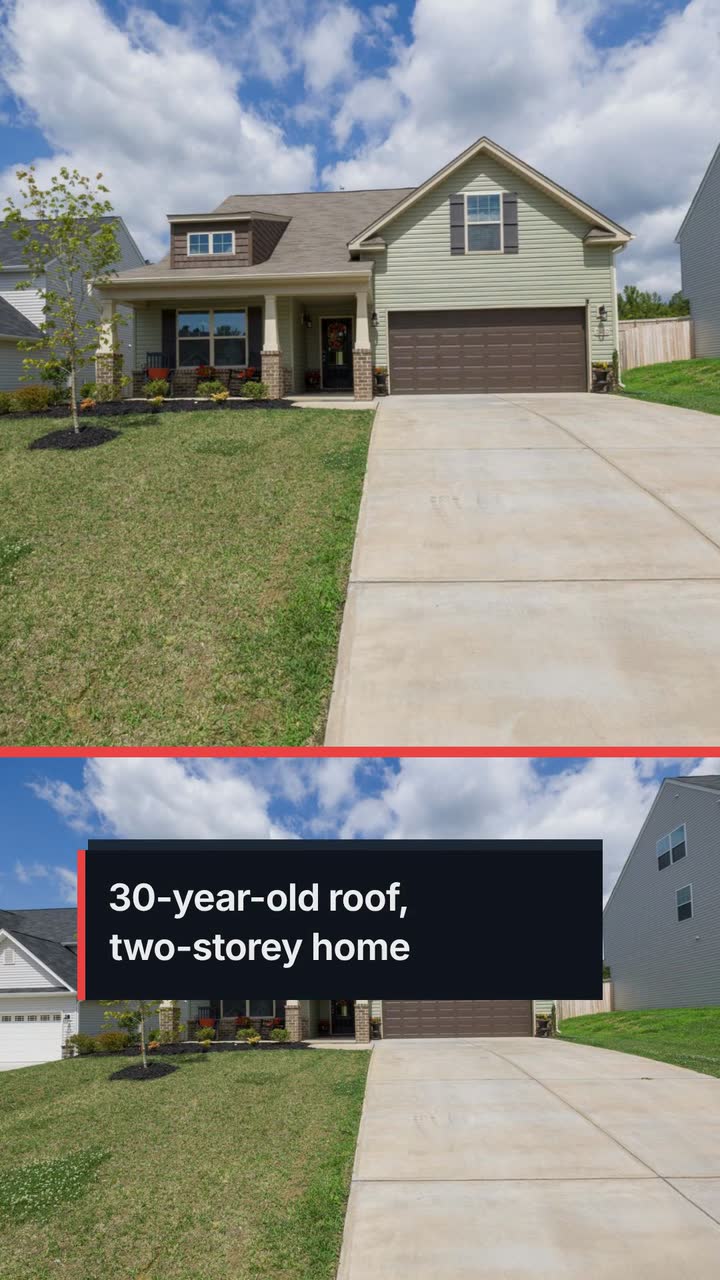
For local roofers: storm-response posts, estimate explainers and replacement updates that show the work without promising insurance coverage.
Construction and trades
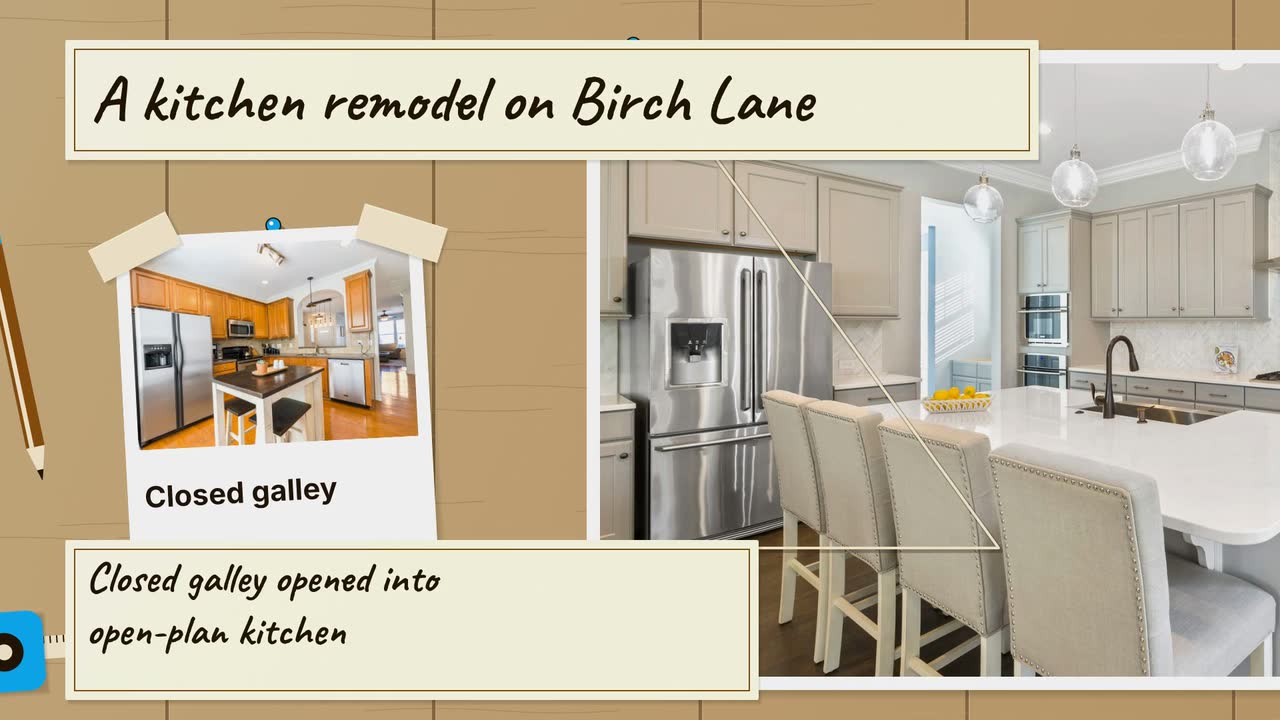
Turn a kitchen job into a clear process story: six video angles, a sample brief, and checks that keep drawings separate from real project evidence.
Construction and trades
Turn job phases, planting questions and cleanup quotes into useful clips, with a local posting plan and an illustrated backyard brief.
Tell the Attain OS team what you want to make.
Videos Creator is coming to Attain OS. You can create your Attain OS account today.