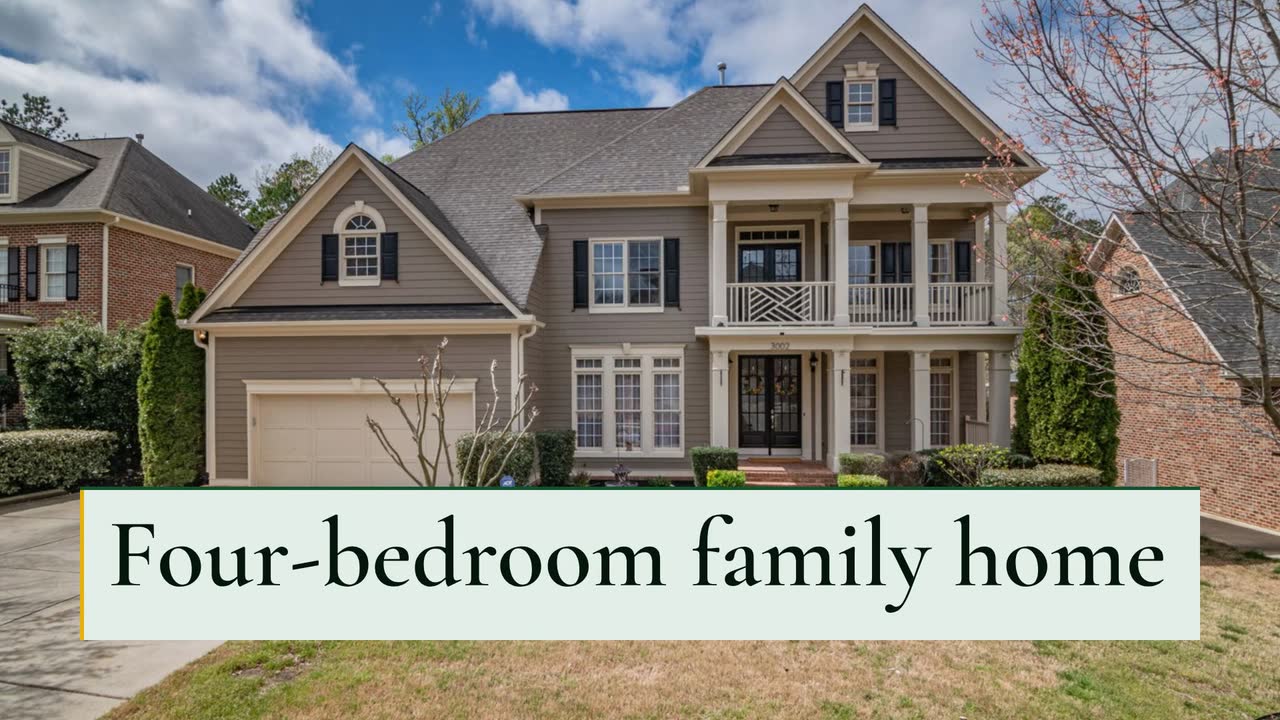
Construction and trades
Contractor video marketing: show how you run a job
Show how you estimate, manage permits and handle changes. A practical video plan for general contractors, custom builders and fit-out firms.
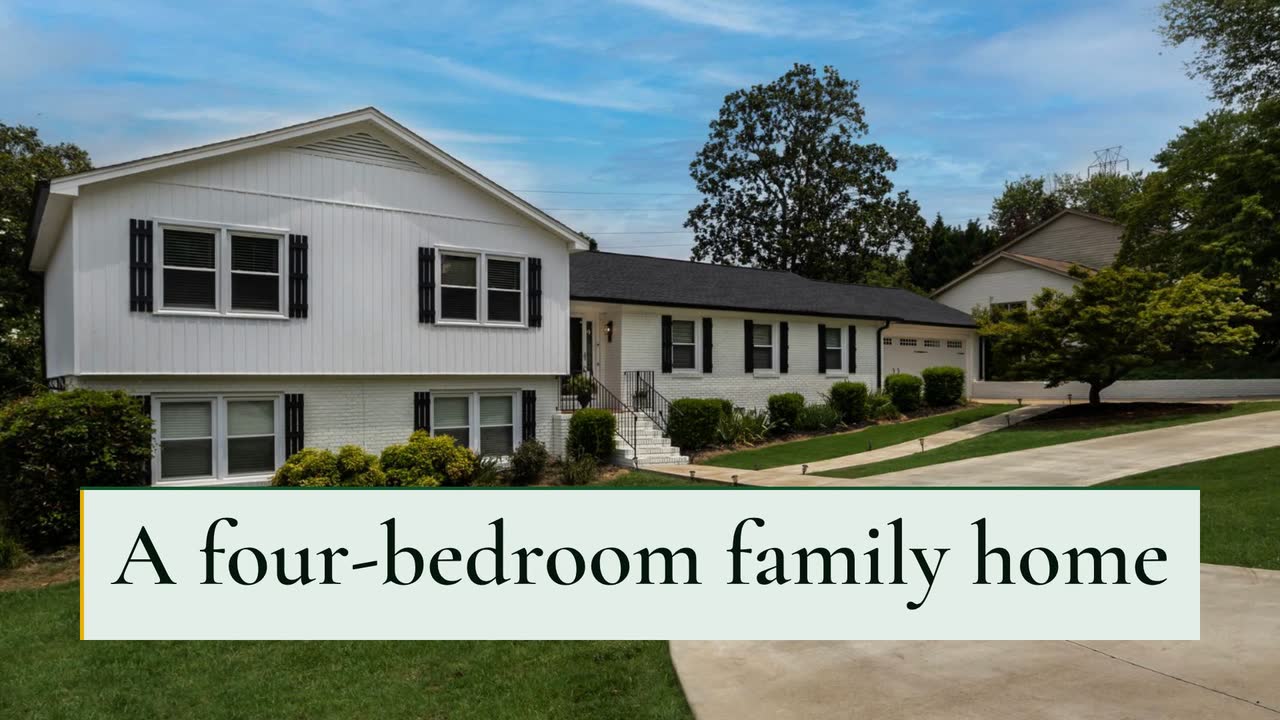
For custom, semi-custom and small production home builders, this playbook turns buyer questions into videos: lot announcements, model home clips and construction explainers. Use the filming plan, publication checklist and text-only brief for an invented builder to decide what to show before and after signing.
List the questions sales answered again this week: can this plan fit the lot, what does the kitchen price include, when do finish selections close? Choose one question per video. Keep the current plan revision, specification sheet or selection schedule beside you while writing.
Make separate lists for prospects and contracted buyers. A public phase explainer can show what framing means; a buyer’s actual progress belongs in their agreed update channel. Do not let a public post become their first notice of a changed schedule. Ask the site manager what can be filmed safely and what is ready to explain, rather than posting an unfinished area without context.
Give each post one next step: request the inclusion sheet, book the model home or send a question before a selection meeting. Record which plan viewers ask about and which posts lead to booked visits, rather than assuming a view means buying intent. For a completed home now being marketed, the property listing video guide helps organise the tour.
Post when the sales team has confirmed availability. Show the lot reference and compatible plan names, with a date on the availability card. Have the team verify the fit before publishing; a diagram alone does not establish it. Invite viewers to request the current lot sheet, and update or retire the post when those lots are reserved.
For a plan-comparison post, choose one practical route: garage to pantry, entry to guest bathroom or bedroom to laundry. Film it in a model home built to that plan, naming any layout option shown. Put the plan name and revision in the caption so the buyer can ask for the matching drawing.
Before a tour weekend, film the island, worktop and cabinets separately. Check each against the inclusion sheet; label it “included in this specification” or “optional upgrade”. Give the appointment link and verified opening hours. Use your own phone footage as evidence of the actual finishes.
Before the selection appointment, show a sample board and name the choices your process requires then. Explain where the buyer gets the written list and who answers questions. Use the buyer’s own schedule privately; do not present one project’s change deadline as a rule for every build.
With the site manager’s approval, film a safe viewpoint showing service routes before they are covered. Explain the work visible in that clip and label the project phase and filming date. Publish only approved material; keep buyer-specific updates private. An illustrative timeline can explain the sequence, but cannot prove an inspection passed.
Prepare a clip showing how to find the handover pack and submit a service query. Film sample documents with personal details removed, and send viewers to the actual written warranty for coverage. Post when the handover information is ready; avoid inventing a standard warranty period or promising a completion date.
Film your own room clips during a visitor-free appointment. Bring the exact model’s inclusion sheet and ask sales to check the labels. Capture patio light separately. This is a suggested posting order, not a claim about the best days to publish.
| Suggested post | Shot and buyer question | Check before the caption goes out |
|---|---|---|
| Monday | Kitchen island to pantry: what is included? | Name the included finish package and label any optional worktop. |
| Tuesday | Bedroom to bathroom: which layout is this? | Identify the plan revision and any optional bathroom arrangement. |
| Wednesday | Flex room doorway: what can this space hold? | Give verified dimensions; state whether furniture and staging are excluded. |
| Thursday | Garage entry and storage: where does the door lead? | Identify an optional bay or storage area; do not imply it is on every plan. |
| Friday | Patio in actual light: what does this orientation look like? | Name the model’s orientation and filming time; do not imply every lot matches. |
| Saturday | Tour invitation: which model can visitors see? | Check appointment hours, model address and current specification link. |
Treat these as editing checks. Have your sales team confirm the offer and your adviser check current disclosure rules before an ad is published.
Northfield Homes and its Ridge Road project are invented. The Project showcase template (Build timeline version) is an example brief and storyboard, not a promised template-selection feature. The conceptual outline explains phases; it is not an architectural plan or a record of completed work.
Create a 30 s, 16:9 video for Northfield Homes about our illustrative Ridge Road custom-home project: four bedrooms, 2,600 sq ft, built to the owners’ plan. Use the build style, English narration and colours #14532d, #eab308 and #f0fdf4. Start with the project name, then show a simple house outline labelled “Illustration — not to scale”. Name four phases: foundation, framing, roof and windows, interiors. End with “Start your plan with us — Northfield Homes”. Use text and abstract shapes; do not imply this is the actual floor plan or show a completion date.
| When | On screen | Why |
|---|---|---|
| 0–4 s | “Ridge Road custom home” on a pale green grid, labelled “Illustration — not to scale”. | Establish the subject and the drawing’s status before any house outline appears. |
| 4–9 s | A conceptual house outline beside “Four bedrooms · 2,600 sq ft”. | Show the invented project facts as text, without inventing room positions. |
| 9–23 s | Four timeline labels appear in order: foundation, framing, roof and windows, interiors. Abstract shapes build alongside them. | Allow the narration to name each phase; omit calendar dates and inspection claims. |
| 23–26 s | “Built to the owners’ plan” with the illustration label still visible. | This is a fact supplied for the fictional example, not a claim that the drawing matches a real plan. |
| 26–30 s | “Start your plan with us” and “Northfield Homes”, with the outline held behind the text. | Finish with the builder’s own invitation. |
| Outro | The ProcVideos outro closes the video. | |
The brief is text only; photos, footage, logos and plan files cannot be supplied to Videos Creator. Review the generated video’s labels and facts, then regenerate with feedback if needed; each generation differs. Narration includes an SRT caption file. A 30 s video costs about 30 credits, about $3 at launch pricing (pricing). Videos Creator is coming soon to Attain OS.
Try a brief like this one
Videos Creator is coming to Attain OS. You can create your Attain OS account today.
Start with a question sales had to answer during a recent model home visit. A kitchen inclusion clip is useful if buyers confuse the display finish with the base package. Check the specification, film that feature and give viewers a way to request the inclusion sheet. Choose the next subject from the questions it produces.
Avoid choosing an ideal resident; describe the bedrooms or outdoor space instead. The U.S. regulation bars preferences based on protected characteristics ([24 CFR 100.75](source:1)). Check current local rules and the particular wording with counsel. This is an editing recommendation, not legal advice.
Use one only when sales can explain what a buyer actually gets at that figure. Check whether land and displayed options cost extra. Put the date and important exclusions alongside the offer and link to current details. A note that prices may change does not explain an omitted lot cost.
Use the worked brief for a conceptual phase explainer, not a measured plan. Videos Creator accepts text only. For room positions, dimensions or the actual facade, show your approved drawings or your own footage separately. Check the generated text and keep the illustration label visible.
Not automatically: lot boards, street numbers, documents or recognisable houses may identify a buyer. Check the entire frame and get permission for the content you intend to publish. Send individual progress updates privately through the agreed channel rather than relying on a public community post.
Example templates
An example template is a sample brief and storyboard for one kind of video, in one style, format and length.
Rules and platform features change. Check the source before you rely on it.
Construction and trades
Show how you estimate, manage permits and handle changes. A practical video plan for general contractors, custom builders and fit-out firms.
Construction and trades
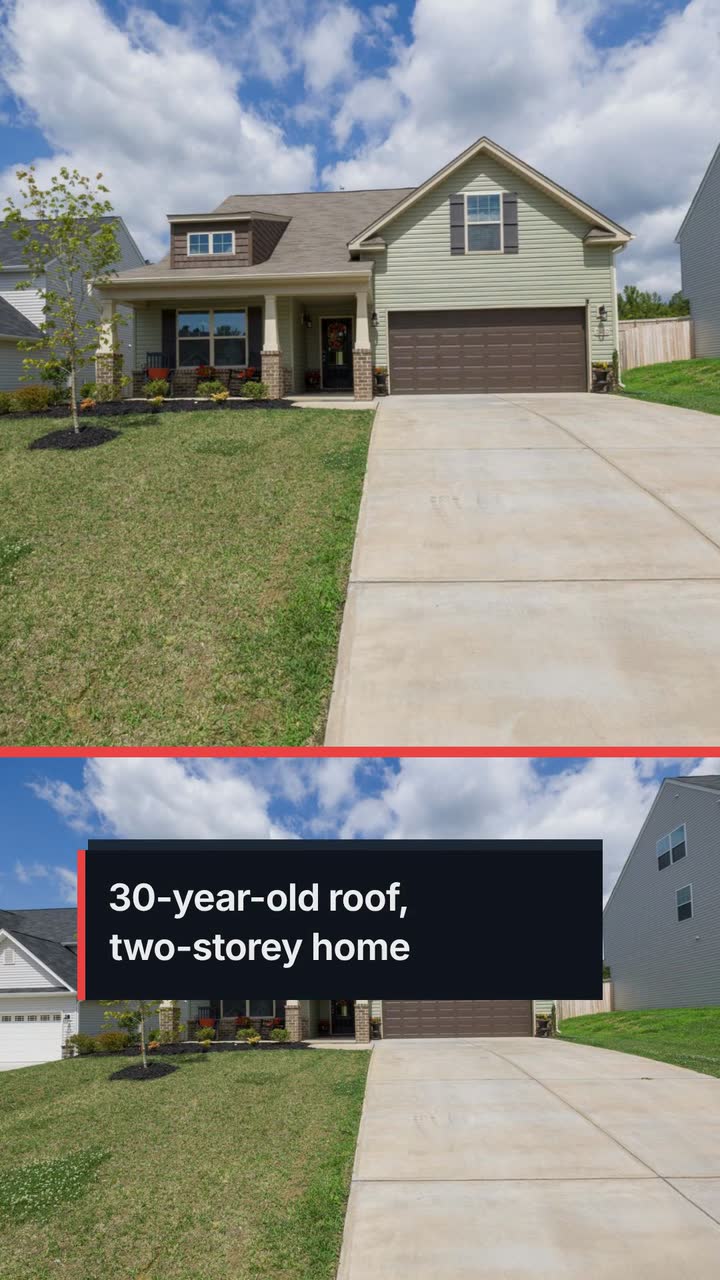
For local roofers: storm-response posts, estimate explainers and replacement updates that show the work without promising insurance coverage.
Construction and trades
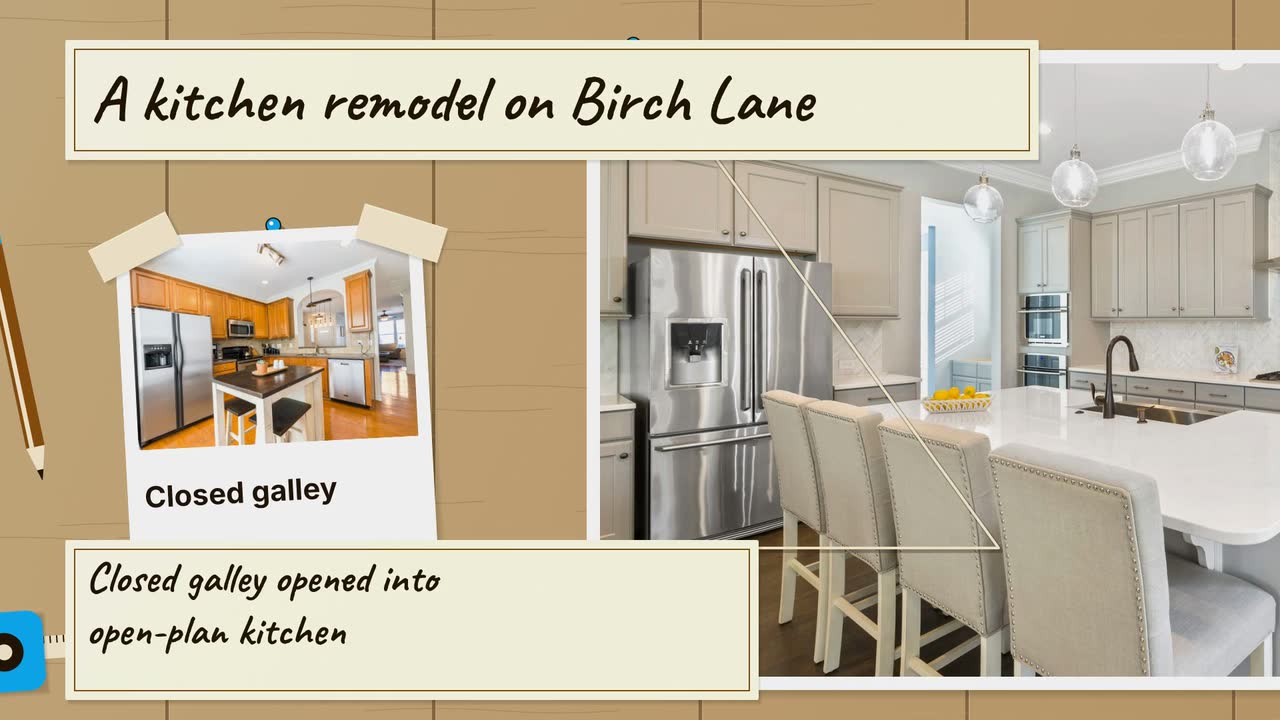
Turn a kitchen job into a clear process story: six video angles, a sample brief, and checks that keep drawings separate from real project evidence.
Construction and trades
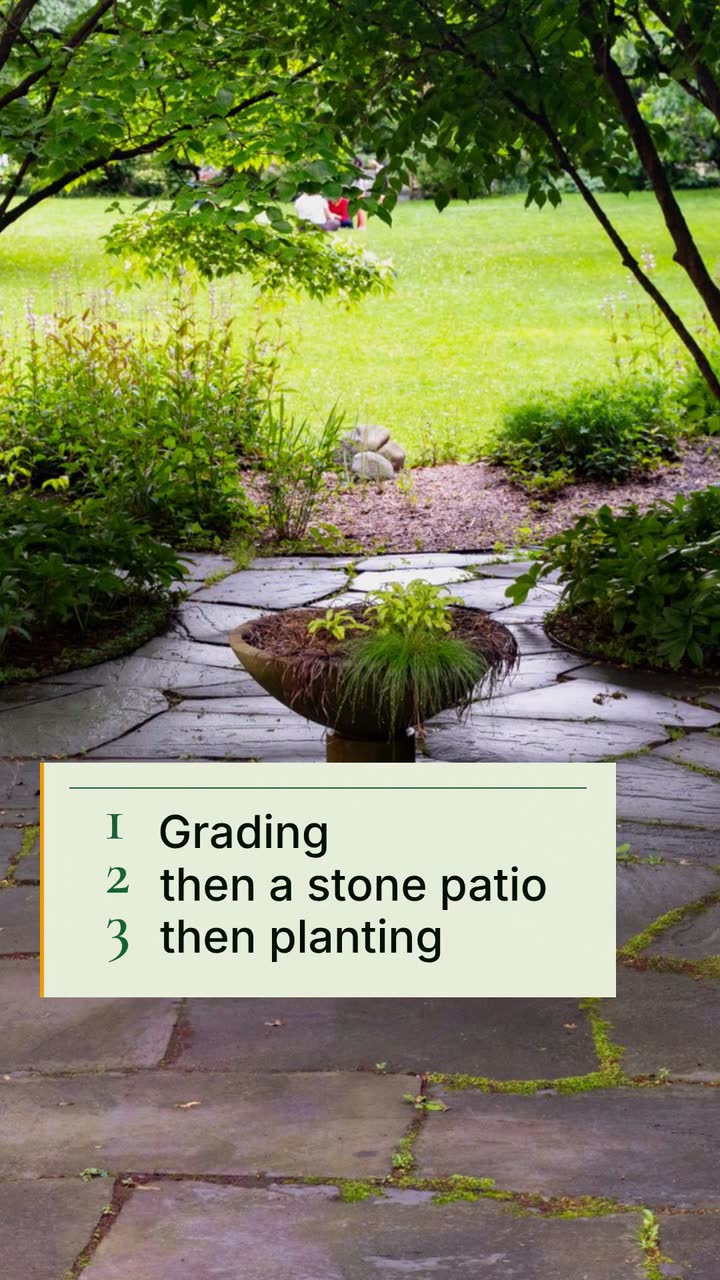
Turn job phases, planting questions and cleanup quotes into useful clips, with a local posting plan and an illustrated backyard brief.
Tell the Attain OS team what you want to make.
Videos Creator is coming to Attain OS. You can create your Attain OS account today.