Creators and influencers
Instagram Reels ideas for influencers: four weeks of useful recommendations
Twelve Reels to film around your niche: useful comparisons, repeatable series and clearly disclosed offers, with a vintage-shop example.
For local shop and service-business owners whose TikTok account has gone quiet, here are twelve posts drawn from ordinary work, a trial plan that fits around customers and checks before publishing. The worked example announces a repair series for an invented shoe shop. You can use the phone-filming ideas without buying a video tool.
Choose ideas that match what you sell. Amounts and schedules are planning examples, not market prices or platform benchmarks. Use your own details and ask permission before filming customers or their belongings.
Start a shoe-repair clip with “Can this heel be repaired?” and show the wear. Name the series after the question is clear. A separate announcement can introduce its subjects; it need not precede every repair clip.
Try this: Try “Fix-it Friday: heels, soles and zippers” as a standalone announcement.
Channel intro · TikTok intro typeFilm the actual portion and state its price, included items and availability. Specify the sandwich size or side dish rather than leaving customers guessing. Choose the posting time around your lunch orders.
Try this: Say “Today’s soup and sandwich: $12, takeout until 2 p.m.” only if those are your terms.
Menu item · Daily special buildShow the returned item and list the sizes or colors that are available. Distinguish stock on the shelf from stock still on order. State whether people can reserve it or must visit.
Try this: Use “Navy aprons are back; ask at the counter.” Add a quantity only after checking it.
Product hero · Product drop rushRead an actual question such as “Do I need an appointment for a key copy?” and answer it in a filmed post. Give the next step, not just yes or no. Omit the customer’s name unless they agree to be identified.
Try this: Explain what to bring and which jobs need inspection before you can quote.
Assemble an actual basket or service package and identify what its price includes. For a car wash, distinguish exterior cleaning from interior work. Avoid a headline price that quietly depends on add-ons.
Try this: Use a hypothetical $20 deli basket as a planning prompt, then replace it with your current items and total.
Film the worn heel, the replacement part and the finished repair from the same angle. Explain why that part was replaced. Show the result near the start as well as at the end; do not make viewers wait just to understand the job.
Try this: Ask the customer first; keep a visible repair ticket or personal detail outside the frame.
A repair shop can show the item, the damaged area and the information it needs before quoting. Explain which parts you must inspect in person. This answers a practical question without diagnosing a problem from a comment.
Try this: Say “Bring both shoes so we can check the wear,” if that is your actual procedure.
Put the affected day, the change and the next opening time together. Name the location if you have more than one. A notice saying only “closed today” becomes confusing when someone finds it later.
Try this: Write “Tuesday, October 6: closed for repairs; reopening Wednesday at 9 a.m.” as an example, then use your real dates.
With the customer’s permission, film the order and explain a useful customization: sauce on the side, bread sliced or a repair preference. The detail is more useful than a claim that everyone loves the shop.
Try this: Leave out names, faces and order history if the customer prefers privacy.
Show the item, its protective packaging and how the customer should carry it. A bakery can explain which way to keep the cake box level. Use a demonstration order if filming a real one would expose personal details.
Try this: Turn shipping labels, receipts and personalized gift notes away from the camera.
Film the route from a recognizable nearby landmark to your actual door. Show the entrance, not just the street facade. Include the business address in the caption; a landmark alone is ambiguous to a new visitor.
Try this: Before a nearby event, check the organizer’s schedule and film the route people will actually use.
Show an example you can repair beside one you would decline, with a reason based on your own assessment. A zipper shop could explain when it replaces a slider and when it needs the full zipper.
Try this: Say “We inspect it before quoting”; avoid turning one example into a rule for every item.
| What customers ask | Post to make | Detail to include |
|---|---|---|
| “Why does it cost that much?” | Show the contents of a budget | The items, labor or extras included, plus anything charged separately. |
| “Can you fix this?” | The repair decision or a service limit | An actual example and what needs an in-person inspection. |
| “Where is the entrance?” | The entrance people walk past | The route, door and written address. |
| “Is it back in my size?” | The restock post | Current sizes, colors and how to reserve or buy. |
| “Are you open on Tuesday?” | A dated closure update | The affected date, branch and reopening time. |
Separate TikTok’s platform policies from your local legal obligations. Check current rules for advertising, music rights and customer privacy in your country; this guide is not legal advice.
This is a suggested workflow, not a required posting frequency. Fit it to your staffing and stop filming whenever customers need you. For a broader schedule, use the small-business video calendar.
List questions from the counter or booking messages. Choose one to answer, a process to show and a timely update. Define the customer’s next step: bring an item, ask for a quote or visit during stated hours.
Prepare the item, clear personal details from the background and film only what answers the question. Record a closing line with your location or next step. Skip any shot that interferes with the work.
Post an offer before customers would need to order it, and a closure notice before they set off. Before each post, check the price, stock, caption, music and disclosure. When availability changes, publish a dated correction.
Note the topic and related questions, bookings or visits customers mention. Ask how they heard about you without assuming TikTok. Repeat useful subjects with another example; a quiet post alone does not settle whether a format works.
Heel & Key is an invented shoe-repair and key-copying shop announcing a series in a standalone post. The Channel intro template (TikTok intro version) supplies an example brief and storyboard, not a long opening for every phone clip.
Create a 10 s, 9:16 vertical announcement for Heel & Key, a shoe-repair and key-copying shop. Series: Fix-it Friday. Show the shop name, then “Heels & soles” and “Key copies”. Close with “Bring your repair question”. Use bold text and simple shapes, with navy #1e3a8a, coral #fb7185 and cream #fff7ed. Keep words clear of the app interface. No narration.
| When | On screen | Why |
|---|---|---|
| 0–2 s | “HEEL & KEY” appears in bold navy text on cream. | Identify the shop with its name in type. |
| 2–5 s | “Heels & soles” and “Key copies” appear as short text cards. | Name the services without promising a price or completion time. |
| 5–7 s | “Fix-it Friday” becomes the main heading. | Connect the services to the recurring series. |
| 7–10 s | “Bring your repair question” holds below “Heel & Key”. | End with the shop’s own invitation; no phone footage is part of this brief. |
| Outro | The ProcVideos outro closes the video. | |
The business and series are invented. Review the generated wording and phone preview before posting; regenerate with feedback if a line is crowded. Each generation differs. This is a standalone announcement, not evidence of an actual repair. Videos Creator is coming soon to Attain OS.
Try a brief like this one
Videos Creator is coming to Attain OS. You can create your Attain OS account today.
Choose a schedule that fits an ordinary week. Prepare a counter-question post and a process post during a quiet period; add dated updates when things change. This is a trial plan, not an algorithm rule. Reduce it if recording or replying delays customer work.
Film the item, your hands and the result; explain the decision with your voice or on-screen text. Hide identifying details on receipts and repair tickets. Show the entrance when directions matter. A customer need not appear for you to answer their question.
If it promotes your business, TikTok requires the disclosure setting and uses the “Promotional content” label ([TikTok Support](source:2)). Check current platform rules and local advertising requirements; payment for an ad is not the only reason to disclose.
With the customer’s permission, show the damage and finished result, name the repair and explain what to bring for an assessment. Close with your location or booking step. Do not promise that every similar shoe can be repaired.
Keep a clean master file and preview it separately in each app. Adjust any text covered by the interface, replace expired offers and write a caption with the relevant location. Check each platform’s disclosure rules and the music permissions for that use. TikTok’s music guidance does not establish clearance on another platform ([music guidance](source:5)).
Example templates
An example template is a sample brief and storyboard for one kind of video, in one style, format and length.
Rules and platform features change. Check the source before you rely on it.
Creators and influencers
Twelve Reels to film around your niche: useful comparisons, repeatable series and clearly disclosed offers, with a vintage-shop example.
Creators and influencers
Build a sponsor segment around a real audience question. Check disclosures, product claims and platform labels before you publish.
Basics for everyone
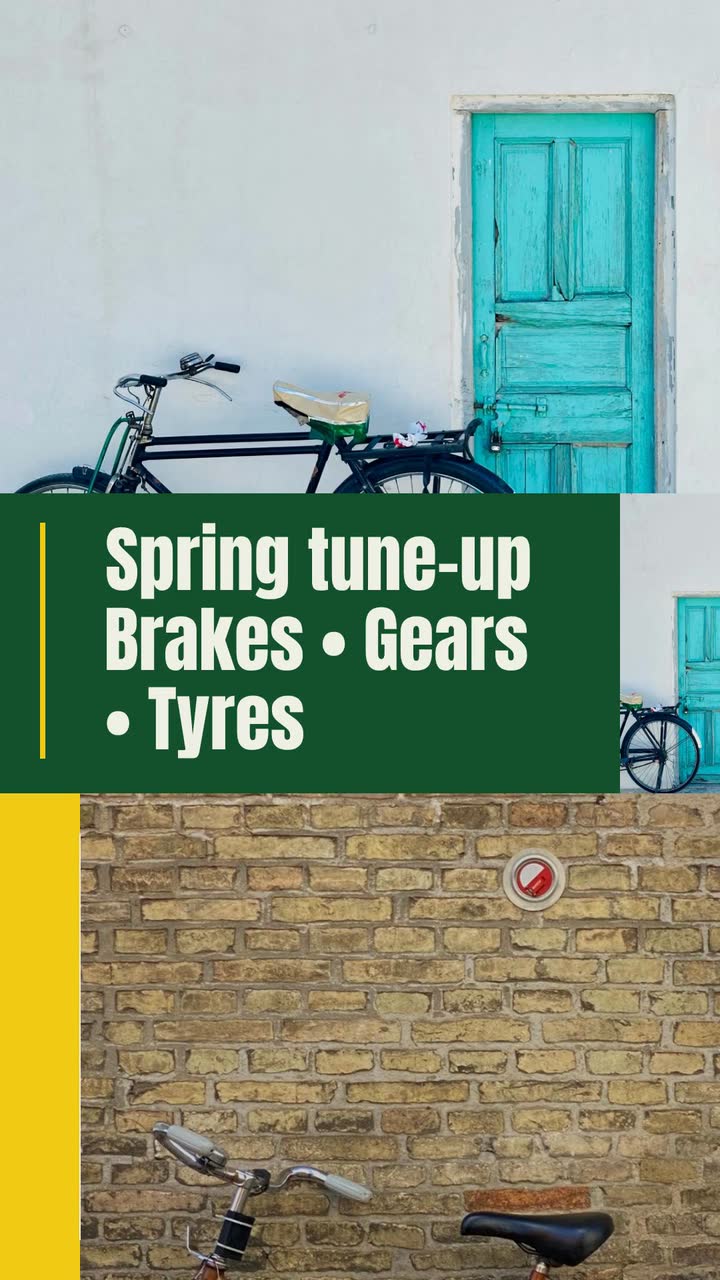
Turn a vague request into a usable video brief: follow a bike shop, plan the screen text and adapt eight examples to your business.

Creators and influencers
Open on a repaired bike, a finished dish or a review question. Choose a name card, series opener or text label, then test it against your current edit.
Tell the Attain OS team what you want to make.
Videos Creator is coming to Attain OS. You can create your Attain OS account today.