Real estate and rentals
Real estate listing video ideas: from first announcement to closing
Plan a launch, open-house reminder or price update with verified property facts, a clear next step and a checklist for retiring outdated clips.
For leasing agents, property managers and small landlords, this guide turns a vacant apartment into a video with a clear price and next step. Start with the listing and fee sheet, use the checklist, then choose from five videos for recurring renter questions. The fictional brief shows a move-in special with readable conditions. Keep real photos and a verified floor plan on the listing.
Compare the video with the current listing, fee sheet and tour schedule. These are editorial checks, not a legal compliance certificate; use the current rules discussed below.
Write the unit number on your working sheet. If you advertise a floor-plan type, confirm which available units share its rent and features. Do not combine a balcony from one unit with the price of another.
Read leasing emails and tour notes. Choose one question about laundry, parking, costs or availability, and ask the responsible staff member to confirm the answer. Save other questions for separate clips.
Separate recurring payments, required charges, deposits and optional services. Specify whether a concession changes one payment or spreads a credit across the lease. Have current local advertising requirements reviewed; a clear card does not establish compliance.
Choose vertical 9:16 for a social post or horizontal 16:9 beside the listing. Procedural Videos offers 10, 15, 20 or 30 s. Choose a longer tier if the terms need reading time; keep them consistent across versions.
Read the exported clip on your phone without pausing. Revise conditions that disappear too quickly. Record the post location, unit and deadline. Recheck availability before sharing and withdraw outdated clips rather than correcting only their descriptions.
Choose the question you can answer with verified information today. The suggested timing below is a working plan, not a claim about market demand.
Build a cost card from the fee sheet: base rent, mandatory recurring charges and the total. Put optional parking on a separate line. This prevents a headline concession from obscuring the regular payment.
Try this: Post when a price changes; use the same figures in the listing and reply to cost inquiries with that listing.
Contrast “washer and dryer in unit” with “shared laundry room” using plain text and a simple icon. Name the specific apartment; do not let footage of a different unit imply the appliances are included.
Try this: Post when this question recurs in tour notes; keep real appliance photos in the listing.
Show a payment sequence: discounted first month, then regular monthly rent. Keep the eligible unit, lease term and signing deadline beside the offer. Include other required costs rather than implying the discount covers the whole move-in bill.
Try this: Share only while those terms apply; ask a colleague to explain the offer after watching without sound.
Make a text sequence for the verified meeting point, parking instructions and booking route. Avoid showing entry codes or occupied-unit interiors. Distinguish the leasing office from the apartment entrance if they are in different buildings.
Try this: Send after a booking, and reuse publicly only if the instructions contain no private access information.
Explain how to request a live remote viewing with your team, if you offer one. List what that visit will show: the actual unit, window outlook and entry route. An animated summary does not replace that viewing.
Try this: Use for remote inquiries; link to current unit details and confirm which apartment the staff member will show.
For US ads, 42 U.S.C. § 3604(c) prohibits rental advertising indicating preferences or discrimination based on race, color, religion, sex, disability, familial status or national origin. This is not legal advice. Check current federal, state and local rules with a qualified adviser; elsewhere, check the property’s jurisdiction.
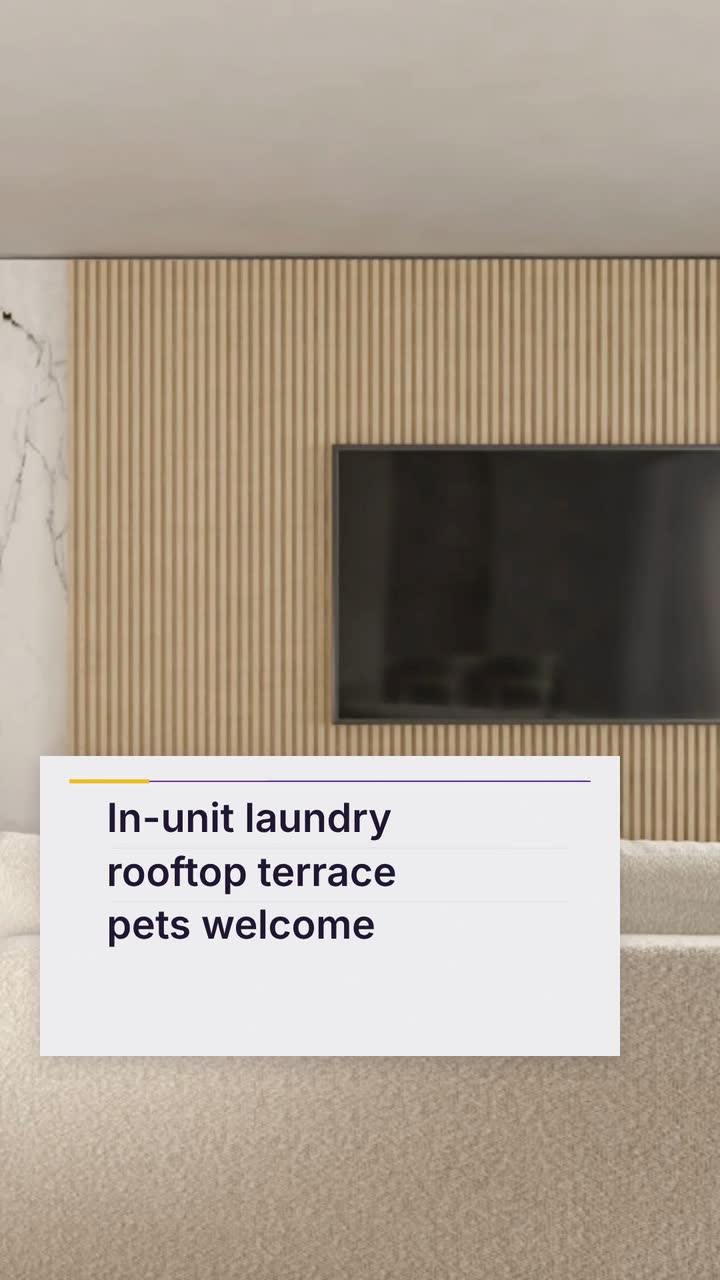
Parkline Apartments and its figures are invented. Adapt the Spotlight listing template (Weekend deal version), an example brief and storyboard, to 30 s for readable conditions. This text poster does not reconstruct the apartment.
Create a 30 s, 9:16 video in the poster style for fictional Parkline Apartments, unit 204, one bedroom. Use text and abstract shapes. Colors: #6d28d9, #fbbf24, #f5f3ff. Regular rent: $1,650 per month; no other mandatory monthly charges. Features: in-unit laundry and shared rooftop terrace. Offer for unit 204 only: first month rent $825, then $1,650 per month; 12-month lease signed by October 31, 2026. Refundable security deposit: $1,000, paid separately. Hold the offer and conditions together. No narration. Finish with “Parkline Apartments · Book a tour · parkline.example”.
| When | On screen | Why |
|---|---|---|
| 0–4 s | “Parkline Apartments · Unit 204 · One bedroom” on an abstract poster. | Identify the offered apartment without inventing its layout or view. |
| 4–9 s | “$1,650/month” with “No other mandatory monthly charges”. | The regular recurring payment stays distinct from the concession. |
| 9–13 s | “In-unit laundry · Shared rooftop terrace”, with simple icons. | Distinguish a feature inside the unit from a communal amenity. |
| 13–24 s | “First month $825; then $1,650/month” with “Unit 204 only · 12-month lease · Sign by Oct 31, 2026”, all held together. | The price sequence, eligibility and deadline share a sustained card. |
| 24–27 s | “Refundable security deposit $1,000 · Paid separately”. | Do not imply the reduced rent is the entire move-in payment. |
| 27–30 s | “Parkline Apartments · Book a tour · parkline.example”. | The business name and its fictional booking address form its own close. |
| Outro | The ProcVideos outro closes the video. | |
The business, offer, costs and address are fictional. Check the rendered terms for legibility. The brief is text only; review each AI-planned take and regenerate with feedback if needed. Videos Creator is coming soon to Attain OS; see how it works.
Try a brief like this one
Videos Creator is coming to Attain OS. You can create your Attain OS account today.
| Situation | What the clip should explain | Example template |
|---|---|---|
| A specific unit becomes available | Unit identifier, regular rent, confirmed features and the current tour route | Spotlight listing (Weekend deal) |
| An inquiry comes from another city | How to book a staff-led remote viewing of the actual unit; an animated clip only summarizes it | Spotlight listing (Walkthrough) |
| Several vacancies remain after your usual leasing period | A documented offer, its eligible units and payment sequence; do not assume a universal slow season | Spotlight listing (Weekend deal) |
| A resident asks about renewal | Their confirmed deadline and how to contact the team; send individual financial terms privately | Spotlight listing (Walkthrough) |
| A shared terrace opens | Verified access hours, booking arrangements if any, and whether use carries a charge | Spotlight listing (Weekend deal) |
Identify the unit, regular monthly payment, required charges, relevant verified features and one way to arrange a tour. If there is a concession, keep its eligibility and timing with the offer. Leave the actual photographs and verified floor plan on the listing.
As an editorial choice, describe the distance to campus and the apartment’s features instead. Student status is not itself one of the categories listed in the cited federal provision; context and local rules matter. Check current requirements with a qualified adviser rather than treating this phrase as automatically lawful or unlawful ([US statute](source:1)).
Use your own unit-ready dates, lease expirations and inquiry records. Post only after staff confirm the availability and offer. Set the next review for the offer deadline or an availability change, rather than relying on a general summer or winter rule.
Show what the renter will actually pay each month. If you also use a discounted average across a lease, label it separately and explain the payment sequence. Confirm current local price-disclosure rules before posting; this is an editorial recommendation, not legal advice.
Use it to explain prices, verified features and the booking process. It does not establish the room dimensions, condition or window view. Provide current real photographs separately and arrange an in-person or staff-led remote viewing when available.
Example templates
An example template is a sample brief and storyboard for one kind of video, in one style, format and length.
Rules and platform features change. Check the source before you rely on it.
Real estate and rentals
Plan a launch, open-house reminder or price update with verified property facts, a clear next step and a checklist for retiring outdated clips.
Real estate and rentals
Plan twelve months of agent videos: explain local numbers, prepare open-house visitors and answer buyer questions without inventing a listing.
Automotive
Plan arrival, trim, trade-in and service clips around verified stock and prices, with a weekly routine and a worked dealership brief.
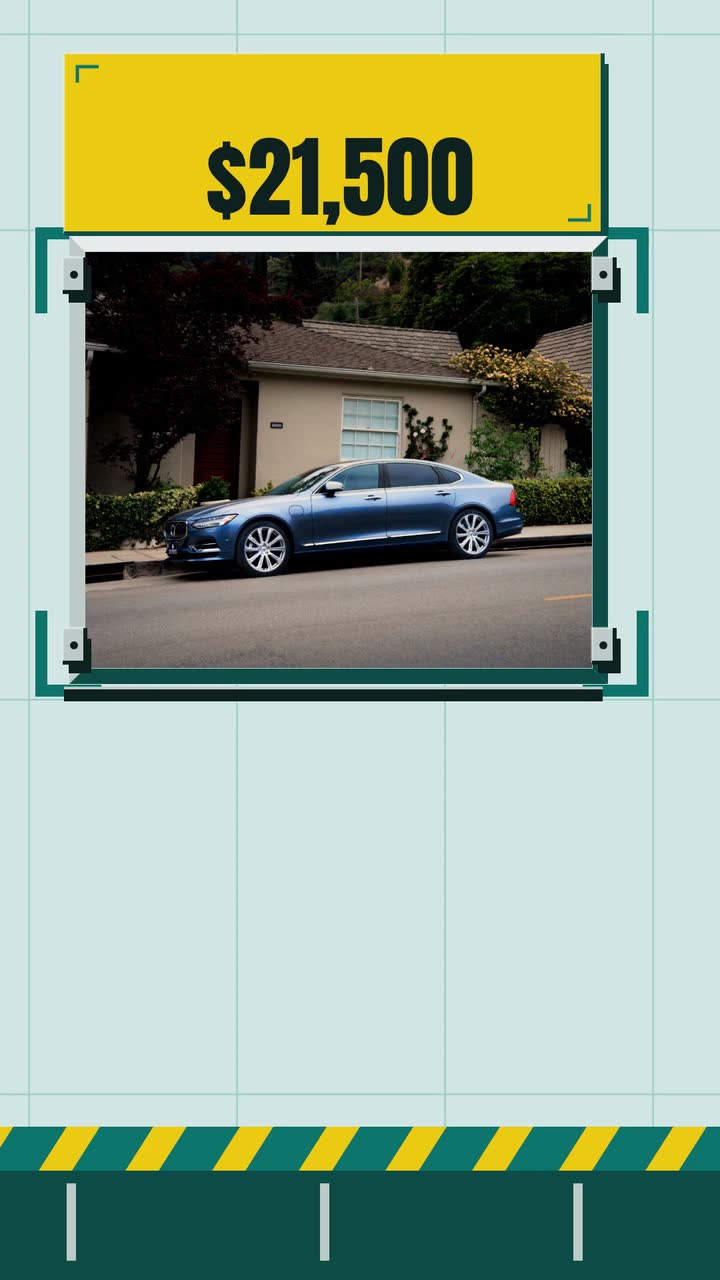
Automotive
One invented dealer, one sedan: build a 15-second listing clip, pair it with honest photos and keep the price and paperwork aligned.
Tell the Attain OS team what you want to make.
Videos Creator is coming to Attain OS. You can create your Attain OS account today.