Creators and influencers
YouTube intro ideas: open with the reason to watch
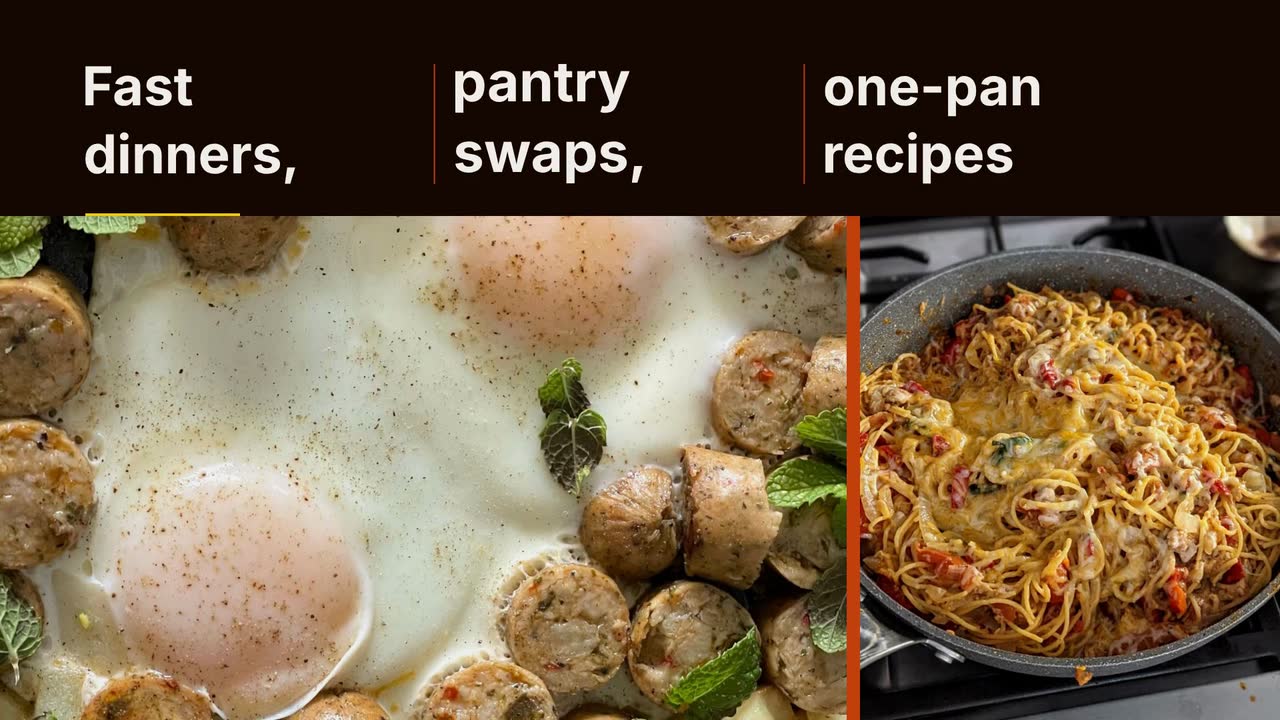
Open on a repaired bike, a finished dish or a review question. Choose a name card, series opener or text label, then test it against your current edit.
If you host or produce an independent podcast, your promo must answer: why listen to this episode? Here are seven podcast promo video ideas, a flexible release-week plan and a worked brief for a show card. Learn to preserve a guest quote’s meaning, prepare something useful for guests to share, and send viewers to the right episode.
Start with the episode, not the microphone. Write down the listener’s problem, the guest’s relevant experience and the point where the conversation delivers something useful. “An interview with a career coach” is a category; “How do you explain a career change on your résumé?” is a reason to listen. Build the promo around the latter, provided the episode actually answers it.
Make the card understandable without its post caption. Highlight the question or quote, credit the guest and keep the show name in a consistent secondary position. Preserve qualifications: a guest’s personal experience should not become a universal promise outside the interview.
Choose the destination before writing the close. Before publication, invite people to follow and give the confirmed release day. After publication, name the episode and explain where to find it. Open that destination before posting; a general homepage leaves the listener another search to do.
Choose from these examples rather than making every card for every release. Replace the invented lines with material your episode contains.
| Promo to make | What to put on screen | When and what to ask |
|---|---|---|
| The listener’s question | “How do you explain a career change on your résumé?” Add the episode title and guest’s relevant role, not just “new episode.” | On release day. Invite viewers to listen to the named episode. |
| A quote with its boundary intact | Choose a short, verbatim line from the recording. Keep words such as “for me” if they limit the claim; add the speaker’s name. | After release, once the guest has checked it. Send a clean copy and the episode destination for sharing. |
| Why this guest belongs on the show | Name the guest and a verified connection to the topic: “A former teacher on retraining while working.” Avoid unsupported “leading expert” labels. | Before release, after the interview and date are confirmed. Ask viewers which part of that transition they want to hear about. |
| The host’s question and a partial answer | Put the question before the excerpt so a stranger can follow it. Use authentic recorded audio in a clip you edit separately; leave the answer’s essential caveat in. | As a follow-up. Point to the full episode without teasing an answer that the episode never provides. |
| A practical decision from the conversation | Set two options as text: “Retrain now or save first?” State that the episode explores the trade-off rather than presenting one option as right for everyone. | Later in the release week. Invite people facing that decision to hear the discussion. |
| A listener question answered on air | Use the question and the episode segment it belongs to. Ask permission before identifying the listener; otherwise describe the question without personal details. | When a recurring question returns. Send people to the relevant episode or timestamp. |
| A season’s listening promise | Name the theme, confirmed release date and a concrete topic: “Career changes: money, training and the first application.” | Before a season begins. Invite people to follow; keep this social promo separate from the podcast feed’s trailer. |
Mark the passage’s start and end in your recording. Listen to the sentence before and after it. “That only worked because…” may depend on a condition the card cannot omit. Choose another line if the context would overwhelm the screen; never join separate answers into a sentence the guest never said.
For a text card, keep the quoted words together long enough to read as a sentence. Put the guest’s name alongside them and the episode title in the close. If you prefer a summary, remove the quotation marks and identify it as the episode’s topic. Send the guest the finished wording and attribution, not just a request to approve “some promo.”
Use the actual recording for an audio excerpt you edit separately; a text brief does not import interviews into Procedural Videos. Never use synthetic narration to impersonate the guest. Keep a narrated introduction outside quotation marks. Meta may require an AI label for realistic-sounding synthetic audio; check current platform rules before posting.
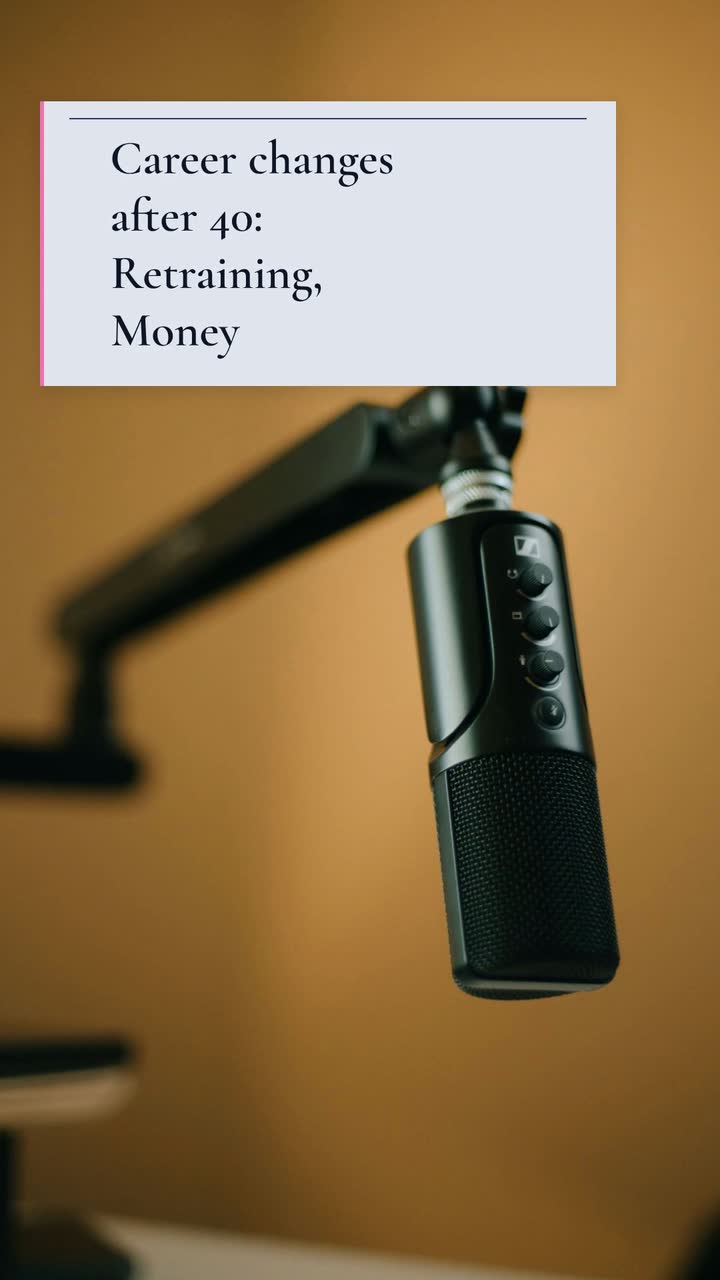
Second Act Radio is an invented interview podcast about career changes after 40. This standalone show card adapts the Channel intro template (Instagram Reels intro version), an example brief and storyboard; it is not a bumper before a guest excerpt.
Make a 10 s, 9:16 vertical introduction card for Second Act Radio, an interview podcast about career changes after 40. Use the poster style: a stock photo of a podcast microphone, with text on simple geometric panels. Show the name first, then “Career changes after 40”, then two topic labels: “Retraining” and “Money”. Close with “Follow Second Act Radio” and “New episodes Tuesdays”. Use indigo #312e81, pink #f472b6 and pale lavender #eef2ff. Music and sound effects, no narration. Keep the words central and readable.
| When | On screen | Why |
|---|---|---|
| 0–2 s | “Second Act Radio” appears in indigo type on pale lavender. | Identify the show without waiting through an unrelated opening. |
| 2–5 s | “Career changes after 40” stays on screen beneath the show name. | Tell the intended listener what the interviews are about. |
| 5–7 s | Two pink topic labels appear together: “Retraining” and “Money”. | Keep the topics readable rather than flashing through a list. |
| 7–10 s | “Follow Second Act Radio” with “New episodes Tuesdays” underneath. | Finish with the show’s own invitation and schedule. |
| Outro | The ProcVideos outro closes the video. | |
The business and schedule are invented. The brief is text only. Preview the finished card on a phone and read its closing lines aloud; simplify the wording if they feel crowded.
Try a brief like this one
Videos Creator is coming to Attain OS. You can create your Attain OS account today.
This suggested schedule is not a platform rule. If you can make only two posts, choose release day and the follow-up. Keep the hook and destination in your episode notes for next week.
| Relative to release | Post to prepare | Check before publishing |
|---|---|---|
| Before release, if useful | Introduce the confirmed guest and topic. Give the guest the card and planned release date. | The interview is recorded, the date is settled and the announcement does not promise an unrecorded answer. |
| Release day | Lead with the listener’s question and name the available episode. | The episode destination works, the title matches and “out now” is true. |
| After release | Share the quote or audio excerpt that adds a new angle. | Attribution and context survive the cut; guest review is complete. |
| Later, only if there is another useful angle | Answer a listener question or highlight the practical decision discussed. | It adds information instead of repeating “new episode.” Use the same episode destination. |
Keep full episodes separate from promotional clips. YouTube defines a podcast as a playlist and its episodes as videos; its setup guidance says that playlist should contain full episodes, not clips. Introduce the episode question and show identity rather than automatically adding a bumper. The YouTube intro guide helps you choose that opening.
For the podcast feed, Apple offers full, bonus and trailer episode types. Its trailer advice recommends a show trailer of two minutes or less, with a listening invitation and release schedule. That recommendation does not dictate the length of every social promo. Give the feed trailer and the social card separate briefs.
Give each version one purpose: the trailer introduces the show; the episode card highlights a conversation; the excerpt presents the real exchange. Check the destination before judging the hook by views alone. Note which question you used so the next test changes something identifiable.
Try the question or guest’s useful line first, with the show name beside it. Compare that with a branded opener using similar excerpts, not different topics. Keep an intro only if it clarifies the clip; the standalone show card above has a different job.
Choose an authentic audio passage for a clip you edit yourself, or make a text card with a verified quote and speaker credit. Do not invent a filmed conversation. A question card can also work without quoting anyone: name the problem the episode discusses and give a clear listening destination.
Keep the episode hook and destination consistent; adjust the text layout for each shape. Preview them in the intended posting interface to check button overlap and legibility. Procedural Videos offers 9:16 and 16:9, with fixed lengths of 10, 15, 20 or 30 s. It does not make square output.
Use the release-day card and one distinct follow-up in the suggested plan as a starting point. If the interview has no quote that stands on its own, use a question card instead. Add another promo only when it offers a new reason to listen, not to meet a quota.
State whom the show is for, the recurring topic and the confirmed start date. Invite people to follow rather than claiming an episode is available. Apple’s [trailer guidance](source:1) describes a coming-soon trailer for this purpose; update or replace the invitation when the launch happens.
Example templates
An example template is a sample brief and storyboard for one kind of video, in one style, format and length.
Rules and platform features change. Check the source before you rely on it.
Creators and influencers
Open on a repaired bike, a finished dish or a review question. Choose a name card, series opener or text label, then test it against your current edit.
Creators and influencers
Turn repairs, restocks and counter questions into twelve TikTok posts, with a weekly trial plan and checks for disclosure, music and readable text.
Creators and influencers
Twelve Reels to film around your niche: useful comparisons, repeatable series and clearly disclosed offers, with a vintage-shop example.
Creators and influencers
Build a sponsor segment around a real audience question. Check disclosures, product claims and platform labels before you publish.
Tell the Attain OS team what you want to make.
Videos Creator is coming to Attain OS. You can create your Attain OS account today.