Home services
Lawn care marketing video ideas, from route booking to leaf pickup
Fill a route, explain a rain delay or book leaf pickup: a seasonal video plan for lawn crews, with a worked cleanup brief.
For local pest control owners and independent technicians, this guide turns questions from homeowners and renters into videos about the first visit, the quote and the next step. Use the pest-specific prompts to plan posts from your own service records, then work through an ant-service brief and a publishing checklist. The regulatory examples are from the United States; check the current rules where you operate.
Use questions from your booking notes, without names or addresses: “Is the inspection separate from treatment?”, “What rooms do you need access to?” and “Is follow-up included?” Pick a question your office has actually answered and write the answer a technician would give. Avoid identifying a pest or choosing a treatment from a social comment alone; make inspection the next step when you need evidence.
EPA tells U.S. customers to ask about applicator credentials, references and product labels (consumer checklist). Turn that into a credentials post: state the current credential you hold, its issuing authority and how a customer can check it. Check current local requirements before using license wording. Offer references only with permission, and keep customer details out of the video.
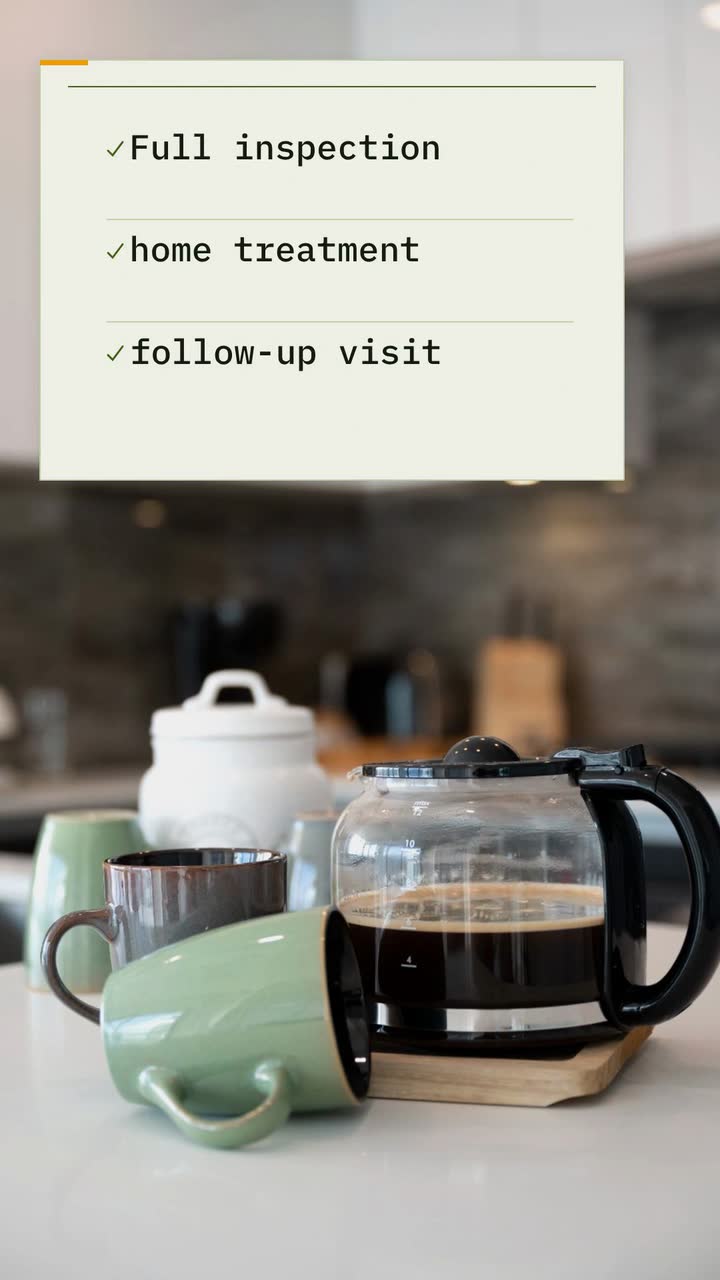
For a quote video, draw an estimate with headings such as inspection, treatment and follow-up. Explain whether those are separate charges in your business. If the price depends on the findings, say that; do not advertise a starting price that your actual booking process cannot explain. Put the service area and booking route in the post text.
Use these as editorial triggers, not a biological calendar. Review recent service requests by pest and neighbourhood, with personal details removed. Choose a prompt that matches the work you offer. Check seasonal advice with a local university or extension service; a calendar from another climate or hemisphere is not yours.
| When to use it | Pest or concern | What to show and say |
|---|---|---|
| When local swarm questions arrive | Termites | Show “Winged insects indoors?” beside “Request an inspection”. Do not diagnose from the graphic. Penn State gives February–June for eastern subterranean termite swarms in Pennsylvania (regional example); verify your own species and area. |
| When kitchen-ant calls recur | Ants | Draw a kitchen counter and label the inspection, treatment decision and follow-up. Close with “Ask what your visit includes”. Distinguish the first treatment from an ongoing plan. |
| When you receive nest enquiries | Wasps and hornets | Show a simple roofline with a marker, not a removal demonstration. Explain what your office needs to quote the visit: location and access. Advertise appointment availability only after checking the schedule. |
| Before promoting a yard service | Mosquitoes | Draw a yard plan and highlight the areas your inspection covers. Explain what the visit includes and what the homeowner handles; avoid suggesting the service prevents disease. |
| When you can offer an entry-point inspection | Mice and rats | Mark a door gap and a pipe opening on a diagram. Separate inspection, monitoring and exclusion work in the message; say whether sealing is included or quoted separately. |
| When someone asks about recurring visits | Recurring household pests | Show “Inspection / Findings / Next steps” as a decision path. Explain how you agree on follow-up after the assessment, rather than suggesting every house needs routine spraying. |
| When you receive a discreet-service question | Bed bugs | Make a booking explainer: who receives the appointment details and how preparation instructions are sent. Mention an unmarked vehicle only if you actually provide one. Never use a customer’s bedroom as the example. |
These are U.S. examples, not legal advice. Check the current federal, state and local rules with the relevant regulator before publishing. EPA distinguishes pesticide sales from application-only services; misleading service ads may fall under FTC authority (EPA explanation). Do not treat a pesticide-label provision as a universal ban on every service advertisement.
Make the property a neutral diagram: a counter, door or floor plan without clues to a real address. Label it “Illustration”. Use small marks for the pest and devote the message to what you will inspect. A drawing explains the process; it is not evidence that a particular house is infested or that treatment succeeded.
For a kitchen-prevention post, EPA recommends storing food in sealed containers and fixing leaks (prevention guidance). Show a food container closing and a leak being marked for repair. End with a practical reminder, not “a clean kitchen can never have ants”. Keep pesticide choice and application instructions out of the generic clip.
If you film real work separately, obtain permission and check the frame for mail, house numbers and identifying details. Do not present an unrelated pest image as a finding from that property. Skip staged before-and-after claims; an empty drawn counter cannot establish that you removed an infestation.
Shield Pest Control is invented, as are this offer and its price; they are not a market-rate estimate. Adapt the Service offer template (Checklist version), an example brief and storyboard, to a 20 s ant-service message. Confirm your own scope and terms before replacing the example.
Shield Pest Control: a 20 s, 9:16 video about our kitchen-ant service. Show a drawn counter and small dots labeled “Illustration”. Use the type style and colours #3f6212, #f59e0b and #f7fee7. On-screen sequence: “Ants in the kitchen?”; “Inspection · Treatment · Follow-up”; “$79 first treatment”; “Book an inspection · Shield Pest Control”. This invented offer includes the inspection, treatment and a follow-up visit. Do not promise a result or make a pesticide safety claim. English narration: “Ants in the kitchen? Shield Pest Control offers inspection, treatment and follow-up. First treatment: seventy-nine dollars. Book an inspection.”
| When | On screen | Why |
|---|---|---|
| 0–4 s | A drawn counter with small dots and “Ants in the kitchen?”. “Illustration” remains visible. | Identify the topic without depicting a real infestation. |
| 4–9 s | “Inspection · Treatment · Follow-up” appears as a short checklist. | State the example package inclusions, without predicting a treatment outcome. |
| 9–15 s | “$79 first treatment” stays beside the inclusions. | Give the fictional price room to be read; actual offer conditions must be clear in the post. |
| 15–20 s | “Book an inspection · Shield Pest Control”. | The business closes with its own booking action. |
| Outro | The ProcVideos outro closes the video. | |
This is a text-only brief; real job images stay outside it. The narrated video includes an SRT file in the narration’s language. Review the wording and timing and regenerate with feedback if needed: each generation differs. Videos Creator is coming soon to Attain OS.
Try a brief like this one
Videos Creator is coming to Attain OS. You can create your Attain OS account today.
Start with the channel your recent customers mention when booking. If you use Google Business Profile, an Update can include a video and a button linking to your booking page; Google also documents scheduling and recurring posts (posting help). Send the viewer to the matching service, not an unrelated home page. Check the post’s review status before assuming it is visible.
Choose a publishing pace you can maintain and review for accuracy; there is no useful universal weekly quota here. Keep a simple record of the pest topic, booking questions it prompted and whether those enquiries were inside your service area. Lots of distant enquiries may mean the caption needs a clearer service area, rather than another dramatic pest clip. Update or retire posts when their prices, scope or availability change.
Ask the technician to mark what the advertised visit covers: inspection only, treatment, exclusion work or a package. Match the video’s promise to the booking form and written quote. If follow-up is included, explain its conditions instead of leaving viewers to guess.
Review preparation wording against the actual label and job instructions. Remove blanket safety assurances, unsupported pest identification and fixed outcome claims. For licensing or advertising wording, check current local rules; use qualified advice for your situation.
Read the pest question, inclusions and close on a phone. Check that the price, if shown, belongs to the advertised service and that narration does not add a promise missing from the text. Confirm “Illustration” is visible on explanatory drawings.
Open the destination as a customer and confirm the service area, fees and available next step. Give the post an owner who can correct it when the offer changes. If you also advertise yard treatments, use the lawn care planning guide for that separate audience.
Avoid a blanket assurance. EPA distinguishes pesticide-label claims from application-only service ads ([EPA explanation](source:1)). Check current local rules; this is not legal advice. Explain the particular service’s preparation and re-entry instructions.
Use a current, verifiable credential, its issuing authority and a verification route. Check current local licensing and advertising requirements. Avoid wording or seals that suggest government endorsement.
Penn State reports February–June for eastern subterranean termites in Pennsylvania ([regional source](source:4)). Ask a local extension service about your species and area before scheduling the inspection explainer.
Use a pest image only when it helps the explanation and you can describe it honestly. A labeled drawing can explain booking; it cannot prove an infestation or treatment result.
Use your written terms: covered pest, eligibility, time window and included work. Distinguish inspection from treatment. Check current local advertising requirements; this is general information, not legal advice.
Example templates
An example template is a sample brief and storyboard for one kind of video, in one style, format and length.
Rules and platform features change. Check the source before you rely on it.
Home services
Fill a route, explain a rain delay or book leaf pickup: a seasonal video plan for lawn crews, with a worked cleanup brief.
Home services
Build a first-clean video for an invented company, then plan posts about recurring visits, deep cleans, move-outs and rental turnovers.

Home services
Turn questions about call-out fees, drain visits and water heater quotes into useful videos, with a cold-weather series for areas that freeze.
Home services
Build an HVAC posting calendar around available maintenance slots, clear service inclusions and the questions customers ask before a repair.
Tell the Attain OS team what you want to make.
Videos Creator is coming to Attain OS. You can create your Attain OS account today.