Video type
A cartoon video from one sentence
The toon style draws your idea as a hand-drawn cartoon: wobbly ink lines, flat colour, squash and stretch, and comic lettering. AI plans it and writes it as code; the engine draws every frame.
Cartoon videos
A cartoon made from a brief
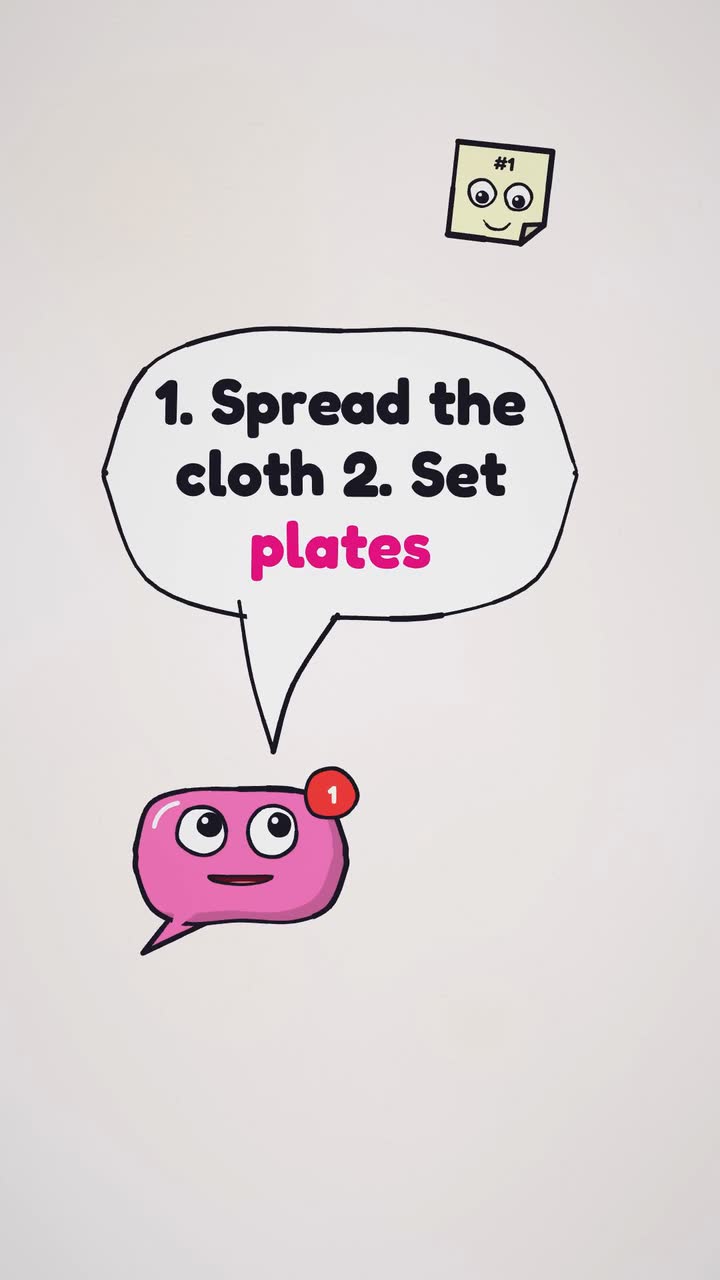
Real output: how this video was made
- Title
- Set a picnic table in three steps
- Brief
A 10 s video Pin: set a picnic table in three steps, in #F472B6 and #FEF3C7
- Style
- Toon
- Format
- Vertical 9:16
- Length
- 10 s
- Narration
- None (music and sound effects)
- Music mood
- Playful
- Plan
- Written by an AI planner
- Scene
- Template scene
- Made by
- Procedural Videos, from this brief (the preview is a plain cut of its output)
The product form also asks for a short title and one of eight music moods. The AI planner wrote the on-screen lines and the call to action.
01Brief
A 10 s video Pin: set a picnic table in three steps, in #F472B6 and #FEF3C7
02PlanAI planner
- format
- 9:16
- length
- 10 s
- narration
- None
03Drawn by code
- style
- Toon
- colours
#F472B6#FEF3C7#FFF1F2
04Frames1 tick = 1 s ≈ 1 credit
playhead 02.1 / 10 s
- credits
- 10
05MP4
10 s
1080p · 30 fps MP4
- credits
- 10 ≈ $1.00
What you can make
Step-by-step explainers
Show how something works in a few drawn steps, with narration in English or Spanish and captions if you want them.
Playful social videos
Vertical 9:16 cartoons for Shorts, Reels and TikTok, at 10, 15, 20 or 30 seconds.
In your brand's colours
Put hex values in the brief and the cartoon uses them for its fills and lettering.
How it works
Write a brief
One sentence: what the video is for, your brand colours as hex values, the format and the length.
AI plans it, code draws it
AI plans the scenes and writes the video as code; the engine renders every frame, with music and sound effects.
Download the MP4
Sharp at 1080p and 30 fps, with a poster image. Regenerate with feedback for another take.
Good to know
Motion graphics, not talking characters
It draws shapes, objects and lettering in a cartoon hand. It does not make talking characters or avatars.
A brief is text only
Drawings, logos and photos are not part of a brief: the cartoon is drawn from your words.
Formats and output
- Vertical 9:16
- Horizontal 16:9
- 10, 15, 20 or 30 s
- 1080p MP4 at 30 fps
- Music and sound effects
- Optional narration in English or Spanish
Questions about cartoon videos
Can I make a cartoon video for YouTube?
Yes. Pick 16:9 for YouTube or 9:16 for Shorts, at 10, 15, 20 or 30 seconds.
Can the cartoon have a voice-over?
Yes: optional narration in English or Spanish, read word for word from the script the AI writes, with captions timed to it. Music and sound effects are in every video.
Will two cartoons from one brief look alike?
No. The AI plans each generation afresh, so each one differs. Regenerate with feedback for another take.
Have a video in mind?
Tell the Attain OS team what you want to make.
Videos Creator is coming to Attain OS. You can create your Attain OS account today.