Video type
Animated diagrams and infographic videos
Describe the process, the cycle or the comparison. AI plans the diagram and writes it as code; the engine draws each labelled step in turn, legible at 1080p.
Animated diagrams
A diagram made from a brief
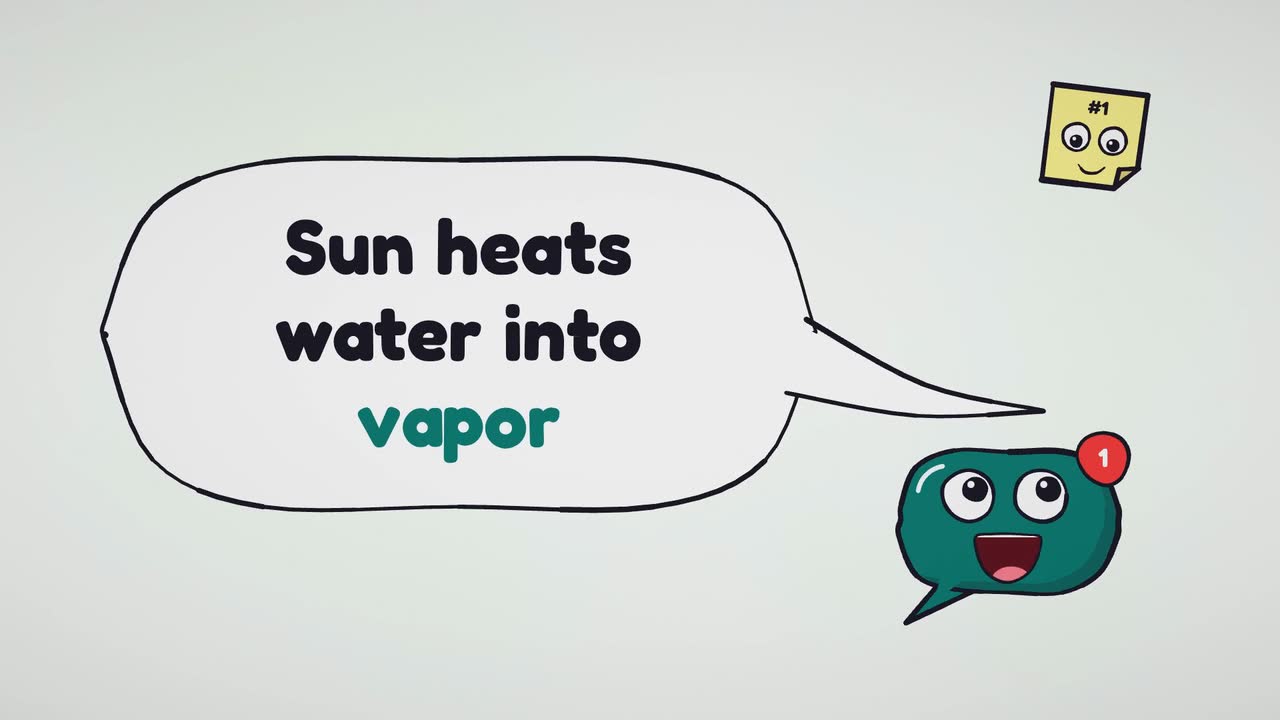
Real output: how this video was made
- Title
- How rain forms
- Brief
A 20 s explainer: how rain forms, step by step
- Style
- Toon
- Format
- YouTube 16:9
- Length
- 20 s
- Narration
- English, Chloe voice
- Music mood
- Playful
- Plan
- Written by an AI planner
- Scene
- Template scene
- Made by
- Procedural Videos, from this brief (the preview is a plain cut of its output)
The product form also asks for a short title and one of eight music moods. The AI planner wrote the on-screen lines and the call to action.
01Brief
A 20 s explainer: how rain forms, step by step
02PlanAI planner
- format
- 16:9
- length
- 20 s
- narration
- Yes
03Drawn by code
- style
- Toon
- colours
#0F766E#FDE68A#F0FDF4
04Frames1 tick = 1 s ≈ 1 credit
playhead 04.1 / 20 s
- credits
- 20
05MP4
20 s
1080p · 30 fps MP4
- credits
- 20 ≈ $2.00
What you can make
Processes and cycles
How something forms, flows or repeats, one labelled step at a time.
This versus that
Two options side by side, with the difference drawn out.
Key figures
The numbers you write in the brief, set large and legible.
How it works
Write a brief
One sentence: what the video is for, your brand colours as hex values, the format and the length.
AI plans it, code draws it
AI plans the scenes and writes the video as code; the engine renders every frame, with music and sound effects.
Download the MP4
Sharp at 1080p and 30 fps, with a poster image. Regenerate with feedback for another take.
Good to know
Your figures, as you write them
It draws the figures in your brief; it does not read spreadsheets or check data.
One idea per video
10, 15, 20 or 30 seconds: a diagram, not a full report.
Formats and output
- Horizontal 16:9
- Vertical 9:16
- 10, 15, 20 or 30 s
- 1080p MP4 at 30 fps
- Music and sound effects
- Optional narration in English or Spanish
Questions about animated diagrams
Can it make an infographic video from my data?
Write the key figures in the brief. A brief is text only, so there are no file uploads.
Can a diagram have narration?
Yes, optional narration in English or Spanish with captions timed to it, so each step is read as it is drawn.
Which style suits a diagram?
Toon for hand-drawn diagrams, build for tactile pieces, type when the labels carry it.
Have a video in mind?
Tell the Attain OS team what you want to make.
Leave your email. We’ll let you know when private beta opens. ProcVideos is part of Attain OS. No account, card or organization needed.